Reading view
MacVoices #26157: NAB – Saramonic’s Latest Is A Tiny Wireless Mic and A Team Communications Intercom Solution
Disk Not Ejected Properly
The USB device drivers report that they are destroying the “Rocket XTRM Q” device due to a “link change interrupt”
APFS filesystem drivers report a “dangling mount”, failures to finish transactions before unmount, and dozens of “media is not present” errors.[…]
storagekit collects a report of the “disappeared” devices and notices that one of them was mounted. This is ultimately what leads to the “Disk Not Ejected Properly” notification.
Unfortunately, nothing in here explains what caused the “link change interrupt”; all we know is that the USB device drivers detected an interruption.
Not discussed here, perhaps because there’s little we can do about it, is the role of changes to macOS. I’ve documented problems in the past of hard drives, which used to work perfectly, suddenly start spontaneously unmounting with every backup after updating to a new OS version. The Sierra to Big Sur period was particularly bad, as I recall. (There are also some hard drive enclosures, and cheap SSDs, that seem to be problematic to matter the OS version, but I don’t continue to use those.) Sometime around Monterey or Ventura, the spontaneous unmounts almost completely disappeared for me, though Ventura introduced other mounting/unmounting problems. Last week, I finally updated to Tahoe, and I’m sad to say that spontaneous unmounts are back. Almost every night, one of my Samsung SSDs—connected to a Thunderbolt dock—gets reported as improperly ejected. Sometimes it remounts by itself; other times I have to unplug and replug it.
Previously:
- Upgrading My Mac’s External SSD
- Remaining Issues in Big Sur
- OWC Dual Drive Dock USB 3.1
- Some Known Bugs in macOS 10.12.6
- RocketStor Drive Dock: More Expensive But Reliable
- Highpoint RocketStor 5212 Thunderbolt Dual Drive Dock
- Ejecting External Disks With macOS 13
- Ventura Issues
Update (2026-07-09): Rosyna Keller:
I keep getting these errors too. It only started when I connected the external SSD to a OWC Thunderbolt dock. It never happened with direct connect.
My Thunderbolt dock is from Anker.
Update (2026-07-10): Matt:
I also just stared getting these a bunch. Mine is connected to a CalDigit Thunderbolt dock.
I have to wonder if something changed in a recent update (15.7/26.4?)

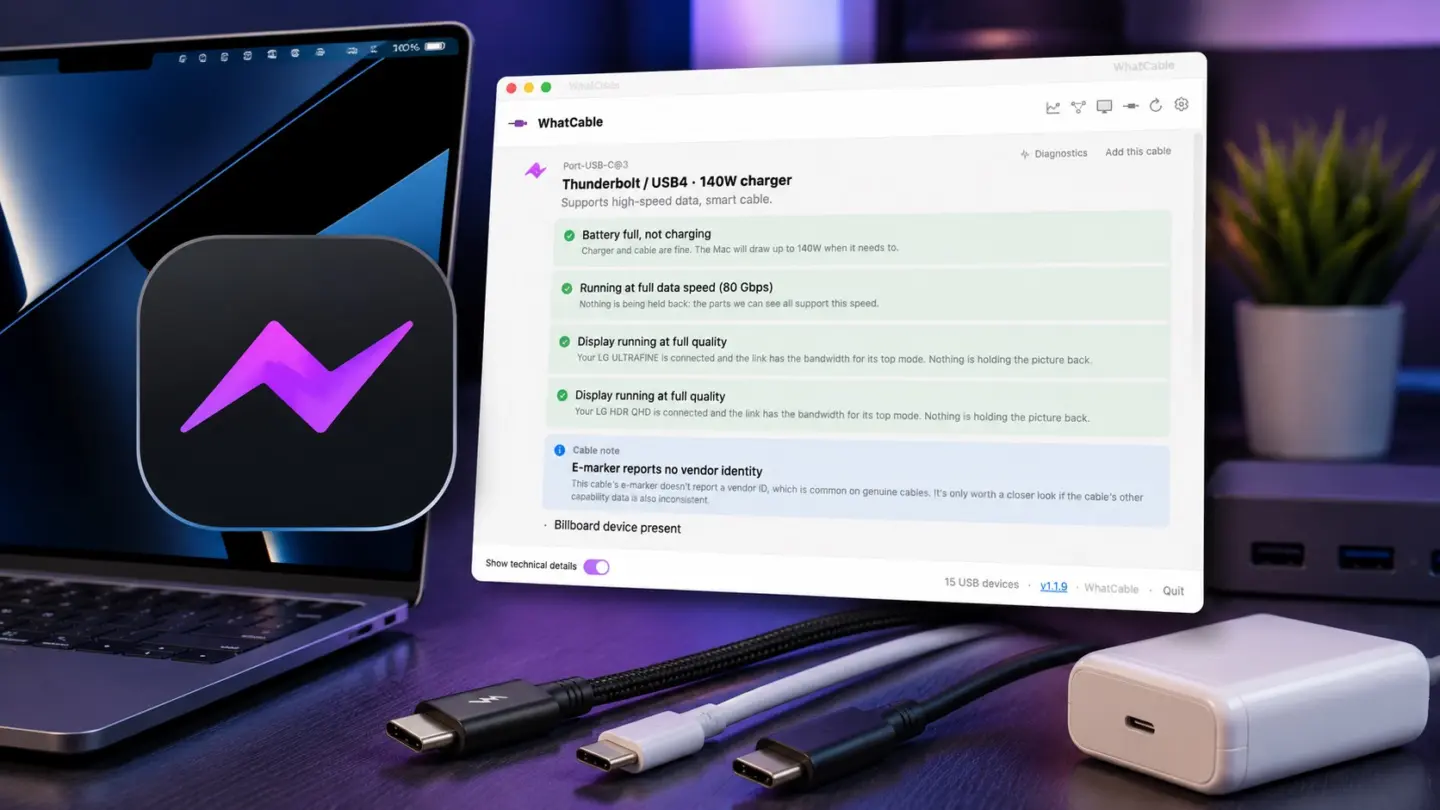
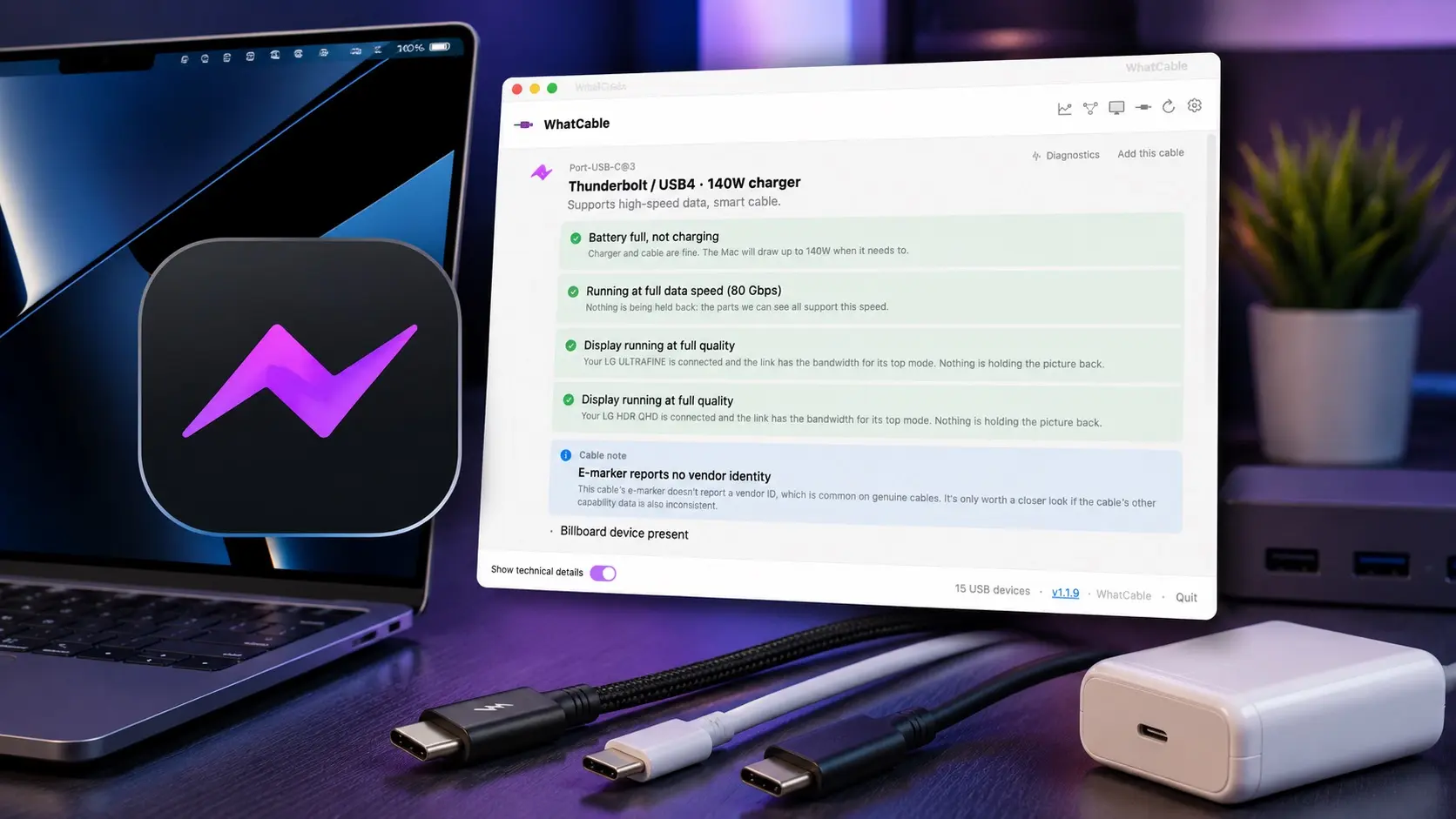
WhatCable 1.1.7
WhatCable explains cable speed, charging limits, e-marker data, and connected devices in plain English. Name a cable and it tracks how the cable actually performs over time, so you can spot the one that has started misbehaving. No more guessing why a cable charges slow or refuses to drive your display.
Via Norbert M. Doerner:
It is open source, free, and definitely a tool to look into, if you have external drives on your Mac!
Previously:
Update (2026-07-10): Dan Moren:
For example, after looking at it, I realized that my backup drive was only connected via a USB2 cable. Fine in general for overnight backups, but when it reminded to me when I was troubleshooting some backup issues that maybe I should switch to a high speed cable that supports USB-3.
[…]
For a £9.99 one-time purchase, you can unlock WhatCable Pro, which works on up to two Macs, lets you assign names to cables so you can remember which one it is when you plug it in later, provides more in-depth diagnostics, offers live power metering to see how much juice is being delivered right now, and even more.
I tried the viral Mac app that reveals what your USB-C cables can really do [Review]

If you’ve ever wondered which of your USB-C cables can actually charge your MacBook at full speed, this clever Mac app has the answer.
(via Cult of Mac - Your source for the latest Apple news, rumors, analysis, reviews, how-tos and deals.)

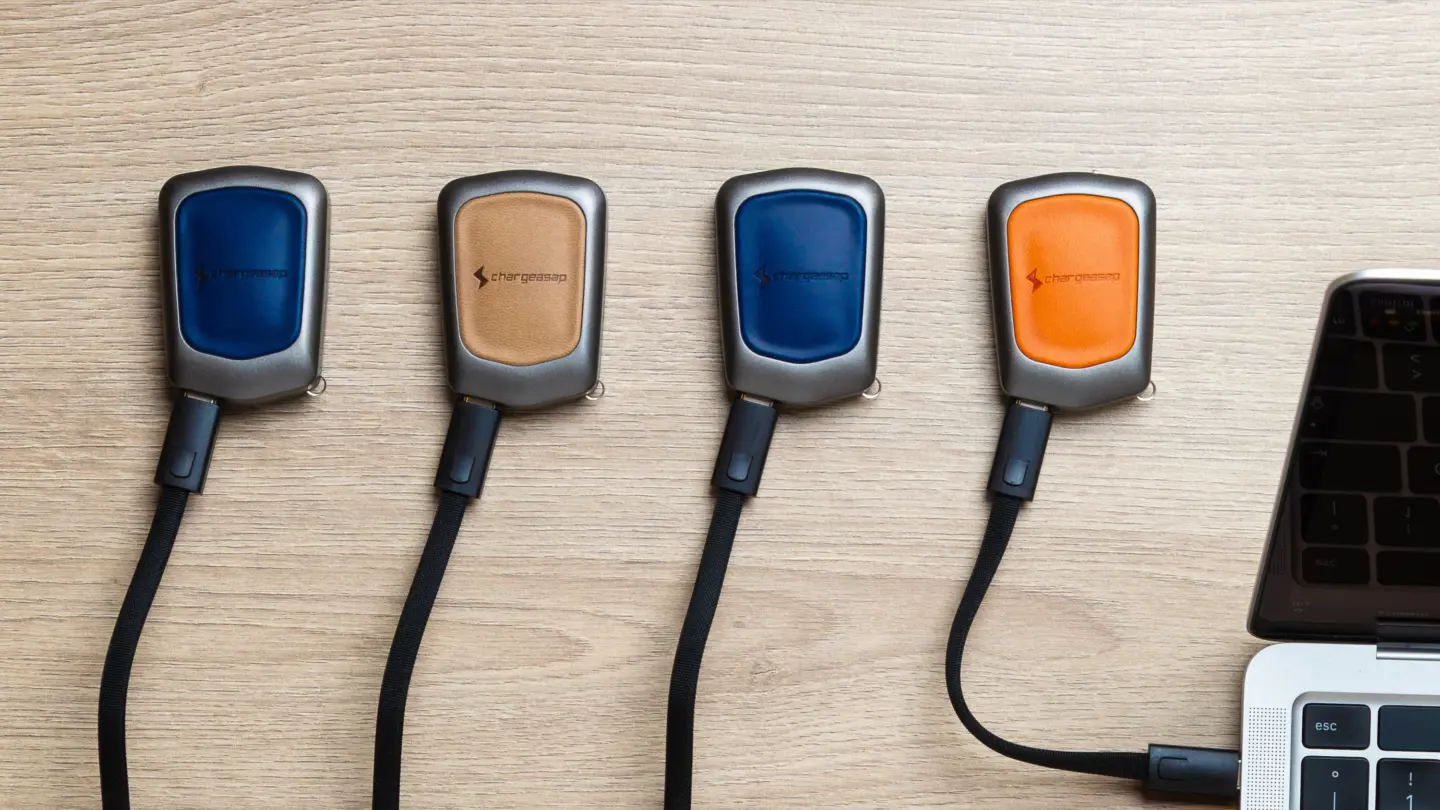
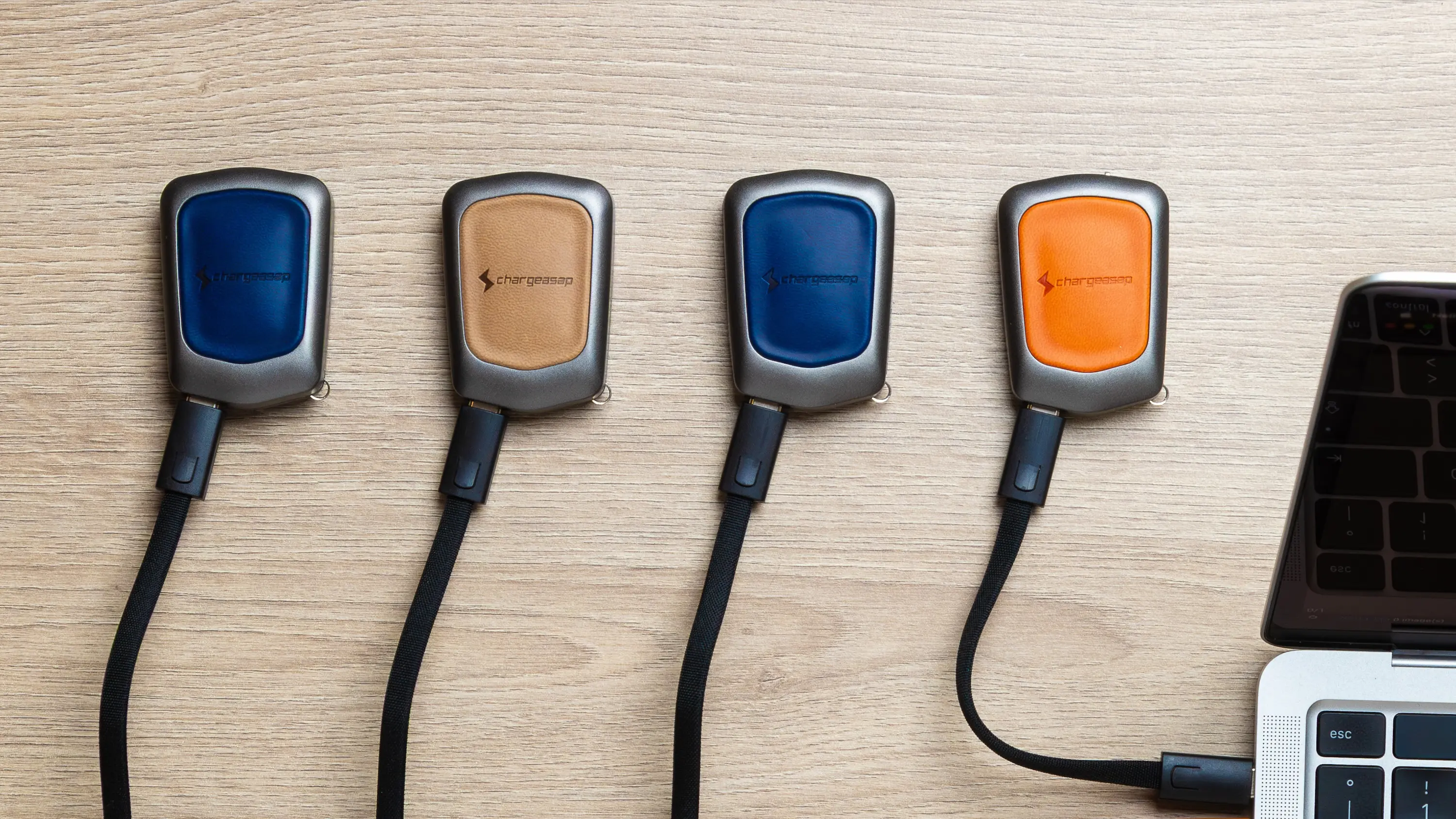
Chargeasap crams a 30W USB-C charger into a keyring-size package

Chargeasap’s keyring-size Miko puts a 30W USB-C charger and cable within easy reach whenever your iPhone runs low on power.
(via Cult of Mac - Your source for the latest Apple news, rumors, analysis, reviews, how-tos and deals.)

USB4 ou Thunderbolt 4: qual cabo vale mais a pena para você?
Descubra se escolher um cabo USB4 em vez de Thunderbolt 4 pode economizar dinheiro sem perder desempenho.
O post USB4 ou Thunderbolt 4: qual cabo vale mais a pena para você? apareceu primeiro em Blog do Edivaldo - Informações e Notícias sobre Linux.