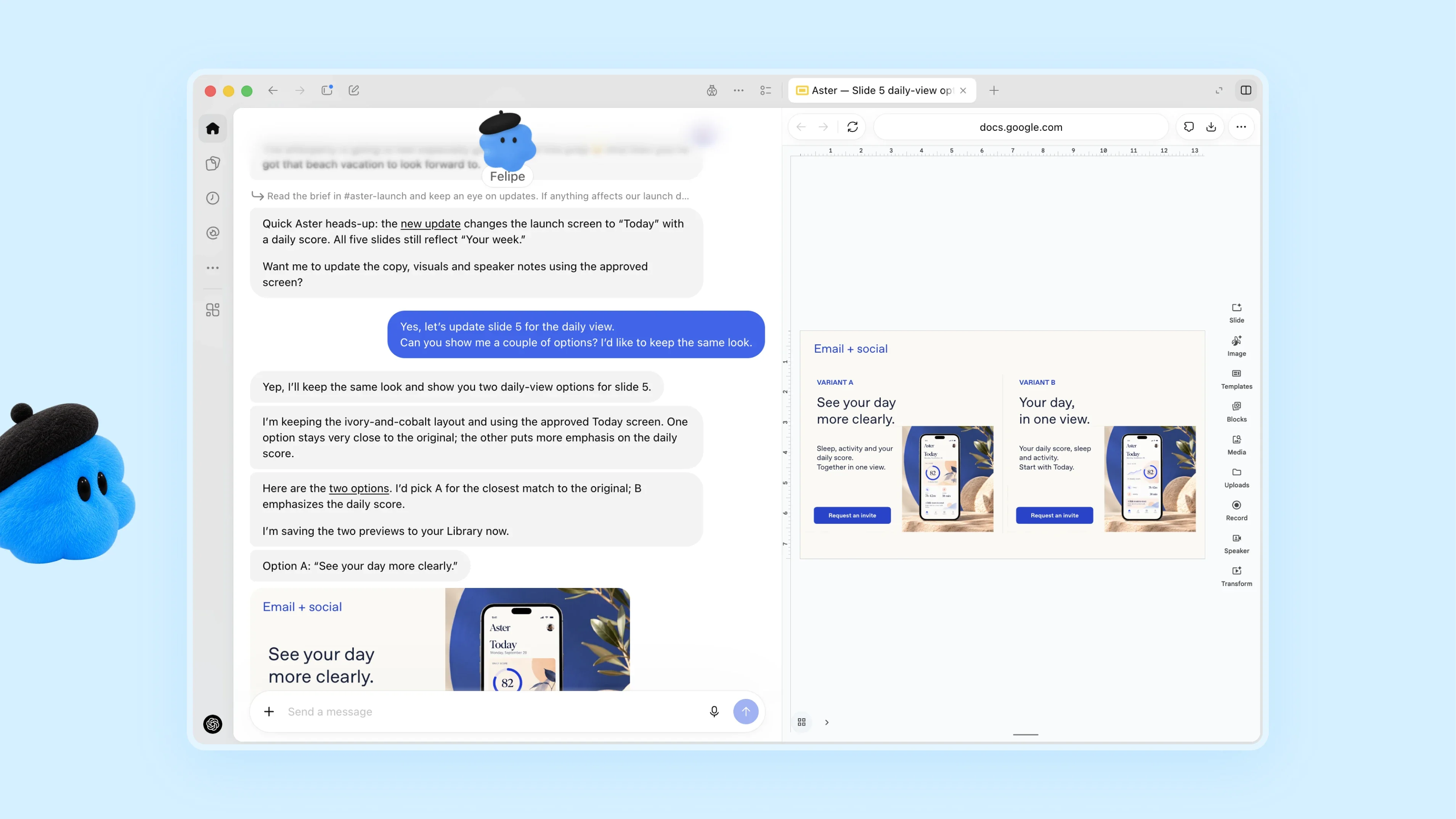
Source: OpenAI.
Earlier this week, I was at OpenAI’s annual DevDay conference where it launched Dots, a personal agent that lives inside the ChatGPT app. I set up my Dot and named it Puck after the mischievous sprite in Shakespeare’s A Midsummer Night’s Dream. In the days since then, I’ve found myself using Puck more and more. There are still rough edges, but I thought I’d share what’s working and what’s not, and how Dots are different from what’s already available in ChatGPT and Codex.
Dots are persistent, cloud-based agents that use the plugins and other tools you’ve connected to ChatGPT, after you allow them to do so. Your Dot has its own virtual Linux computer to assist you with your work. And at first, your Dot, which is depicted by a colorful character you can customize, doesn’t have access to anything else. However, as you give your Dot tasks that need access to other tools, it will ask for your permission to access other tools. The pacing of this initial interaction with your Dot is really well done. The requests felt natural and allowed me to get comfortable with expanding what I let Puck do without feeling like annoying interruptions.
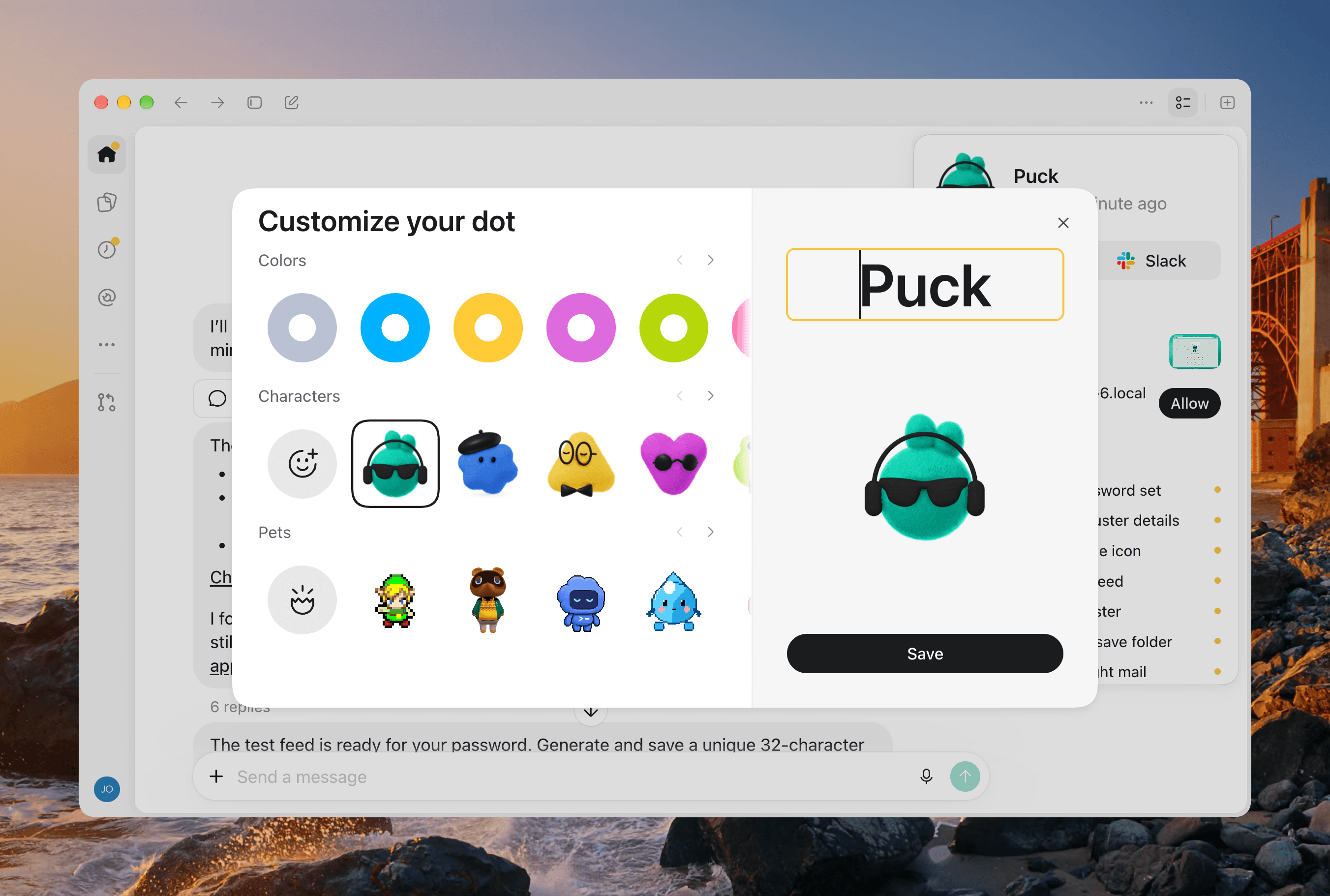
Customizing my Dot.
Dots are available on mobile and desktop devices, and because they are cloud-based, your Dot’s chat is always synced between devices. But being a cloud-based agent has its downsides, too. Out of the box, your Dot can’t access your computer’s files and apps. That’s easily fixed by clicking or tapping on your Dot and granting it access to your Mac, so it can use the Mac alongside its own VM. As with Codex’s Remote feature, using a remote Mac with your Dot requires the ChatGPT app to be open on that Mac, too.
One big limitation here is that you can only connect to one Mac at a time. I work on a Mac Studio that sits on my desk, but have two Mac minis that run a variety of scripts and other workflows. However, to connect to either of those minis, I first have to grant the Dot permission to use that Mac from that Mac mini, which is far from ideal when you’re working remotely. Sure, it’s easy enough to grant my Dot permission to use my laptop as I type on it in a coffee shop, but the moment I want it to update a script on my Mac mini server, I first have to connect to the mini remotely, authorize the Dot to access it, and then switch back to my laptop. If I’m on a bad Wi-Fi connection, that’s not necessarily possible. I’d love to see Dots become their own Tailscale entities the way Meta’s Muses can, which would solve this limitation.
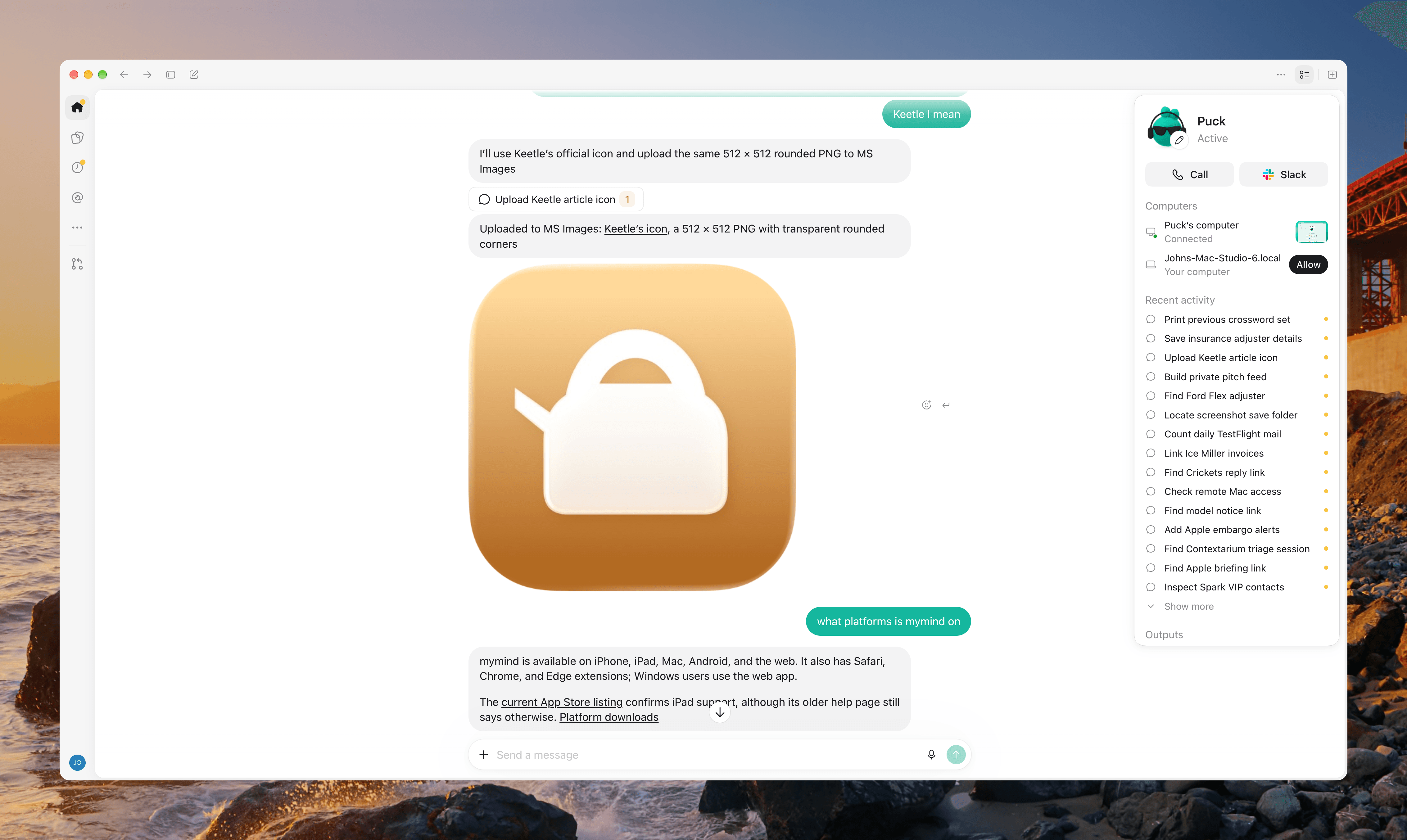
As my Recent Activity shows, it’s been a busy day for my Dot.
A second limitation of Dots is that you can only have one. If you work with it all day long, your conversation is going to get long, and you’ll find yourself scrolling back through your history looking for something you got from your Dot earlier in the day. Search doesn’t work with your Dot’s thread. Also, OpenAI would tell you that you only need a single Dot anyway, because it’s based on Astra, which is a strong generalist model that obviates the need for specialized agents. However, that only addresses one aspect of why you’d want multiple Dots. You might want your Dot to run multiple large projects in parallel with the ability to monitor their progress without the back and forth with your Dot interleaving multiple topics. Or, you might just want the orderliness of separating personal and work tasks or one project from another.
The good news is that OpenAI is well aware of the popularity of Grok Bot’s multi-agent approach and said that a multi-Dot future is planned for the future. However, because OpenAI has so many users and Dots aren’t being charged as usage against your subscription for the time being, I walked away with the impression that the limitation has more to do with OpenAI taking a conservative approach to avoid running out of server capacity than a philosophical opposition to teams of Dots.
The best strategies I’ve found to deal with the one Dot problem is to spin tasks off into Codex threads when an idea becomes a full-blown project, leaving your Dot to manage it. I’ve done this a couple of times, and it’s been a reliable way to cut down on the traffic in my main Dot thread. A second approach is to take some written product from your Dot and dump it into a Space, which is a lot like a rudimentary Notion document where you can continue asking ChatGPT questions related to the document and collaborate with colleagues. The only downside is that Spaces is currently a bit buggy in my experience.
What I’d like to see instead is for Dots to replace Projects. Instead of a folders of threads system, let a Dot take over a project and associate repos, documents, Spaces, and other assets with it, allowing your head Dot to coordinate work among multiple Dots in parallel. That orchestrating Dot should also be able to act as a messenger between Dot clusters, allowing one team of Dots to share their work on a project with another team facing a similar issue.
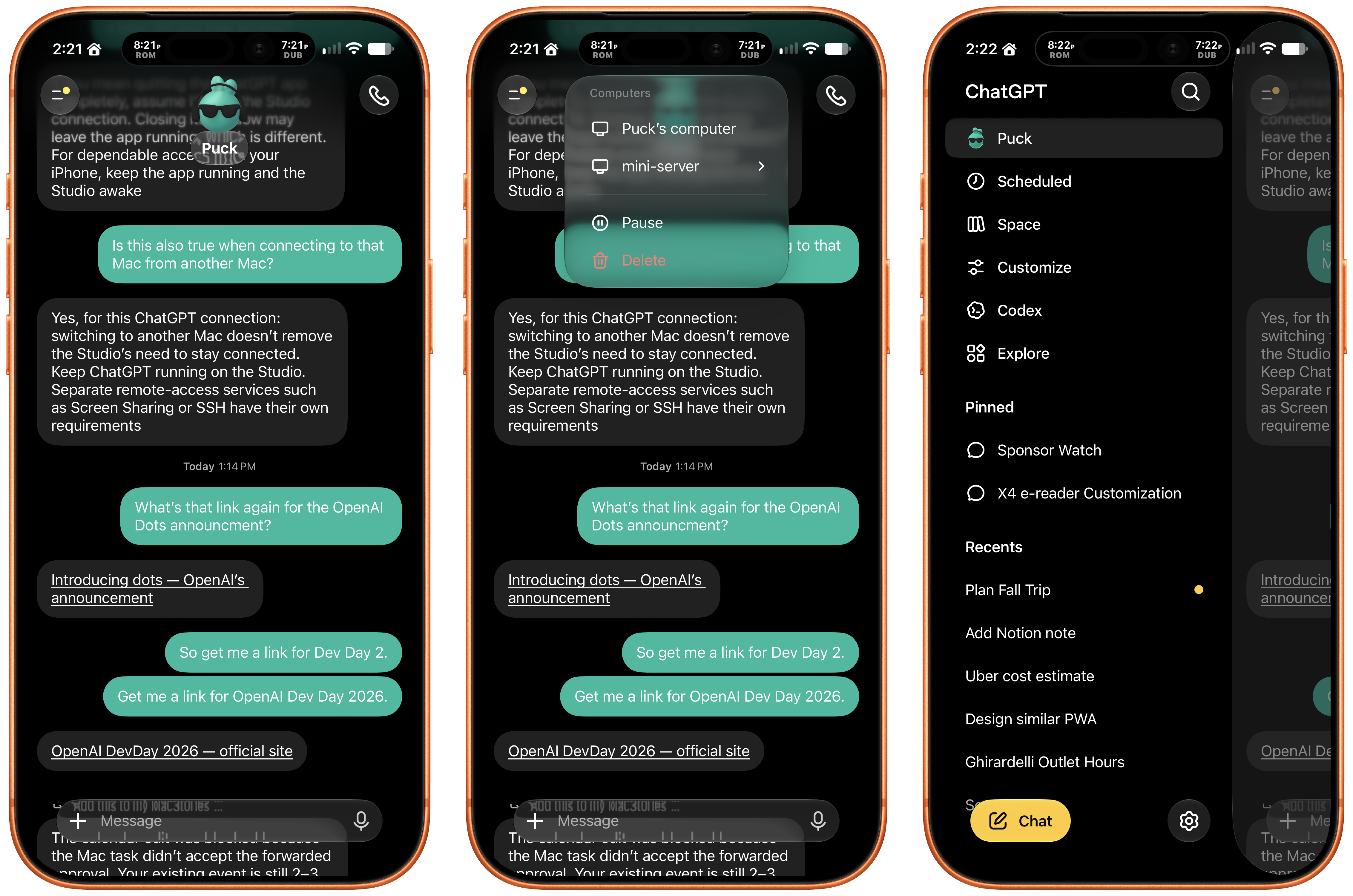
Accessing my Dot conversation from my iPhone is easier than using Codex Remote.
For now though, your Dot stands alone, burdened with all your requests, big and small. There’s no model to pick, effort level to specify, or speed to tweak, just ask your bot to do something and it gets to work. It’s a simple, compelling way to tackle everyday tasks, but it’s not ideal for big projects.
As I mentioned before, I’ve already begun spinning bigger projects out from my Dot’s thread. This was already how I was working before Dots were launched. I have a series of big projects with their own folders, resources, and threads. However, I got into the habit of starting a daily thread in an “operations” project that I created for everyday work tasks. The “operations” project has memories of how I do things and access to Notion databases with schedules, tracking, and other reference materials.
If that sounds a lot like what my Dot can do, it’s because it is. However the differences are meaningful. When I create a new thread in my “operations” project in Codex, the new thread has no idea what was in the last thread unless I tell it or point it at that thread or a tool that can provide the context it needs. Also, while Codex’s Remote feature is vastly better today than even a few months ago, I still find myself pinning the latest operations thread because it can still get lost in the sea of threads in Codex’s Remote view.
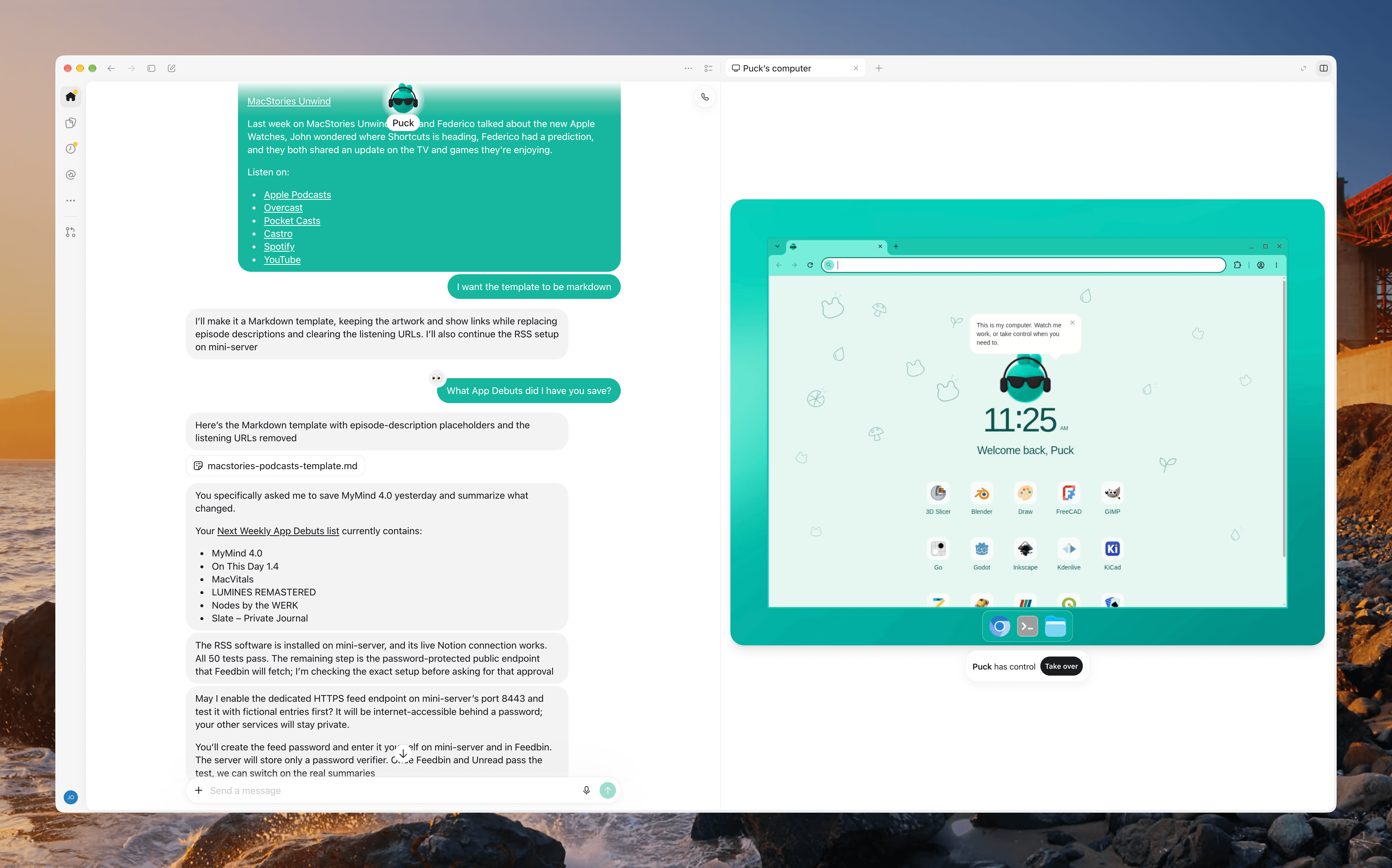
My Dot has its own Linux VM.
In contrast, Puck sits in the cloud with one thread that’s always synced and has access to all my tools. That means it carries useful context about my preferences and ongoing work from one day to the next, and because it sits just under “New Chat” in the sidebar, it’s easy to find. I also appreciate the fact that I don’t have to think about what model to use or the reasoning level. That’s just mental overhead that leaves you kicking yourself when you realize you accidentally asked Astra to add some numbers together with Max effort.
So, on balance, my experience with Dots has been good but with caveats. I want to allow my Dot to not just orchestrate Codex projects, but also work across Macs without my intervention, allowing me to develop a script on my Mac Studio and deploy it to my server seamlessly. I also want to create specialist Dots with specific sets of tools, permissions, and areas of expertise and abilities that can be sent to work on multiple projects in parallel with my main Dot orchestrating it all.
Imagine setting up a team of Dots the way you’d create a party of heroes in an RPG, balancing their abilities to fit with the work you do. For now, though, I’m content with asking my Dot to set up tasks, check my email, coordinate my Codex projects, do light research, and perform other small tasks, especially since doing so doesn’t currently count against my OpenAI subscription (unless your Dot starts a Codex or Work session), freeing up my token allotment for bigger projects.

 Login
Login