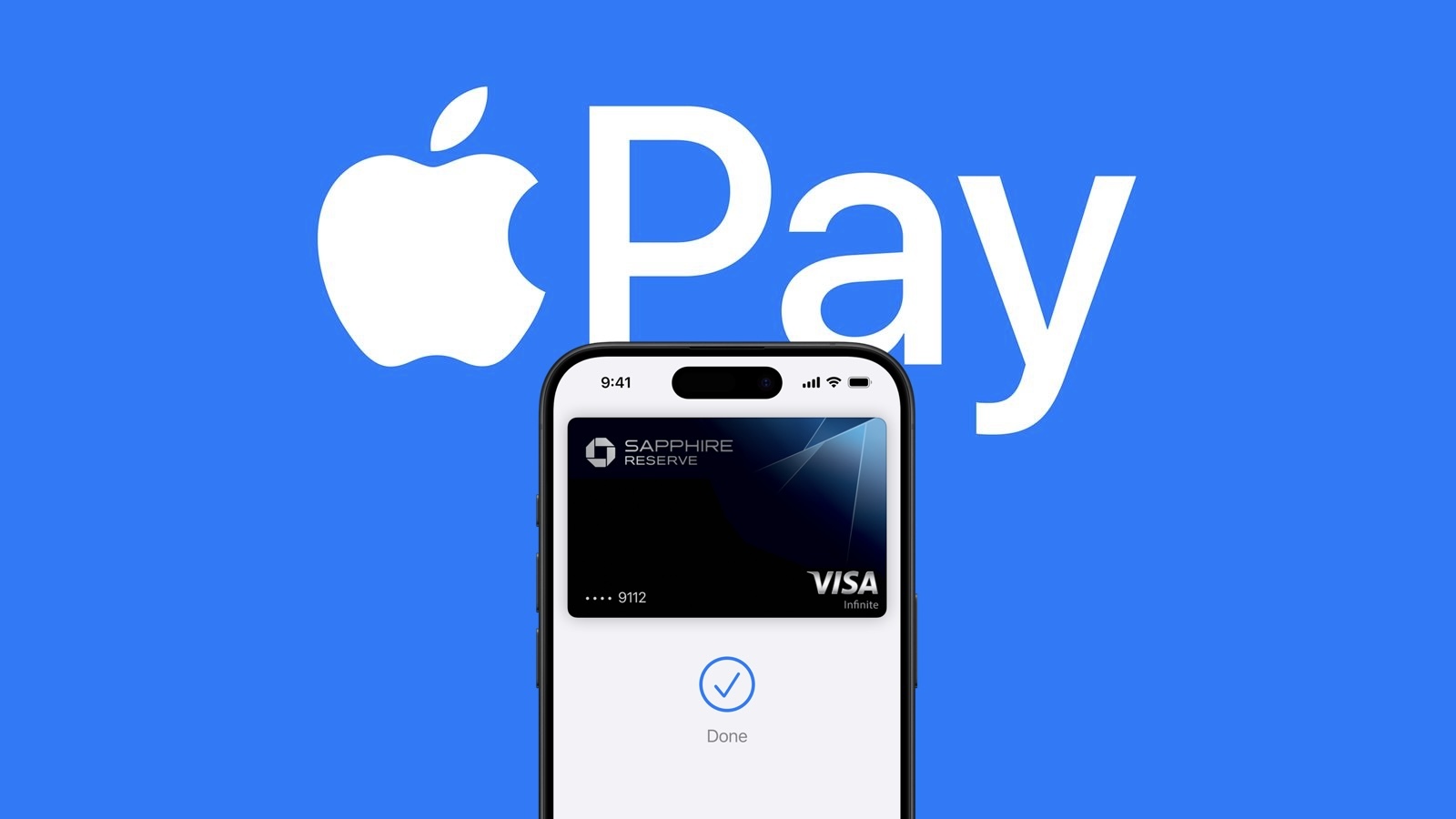
The United Kingdom has stepped in to criticize how a major tech brand handles digital wallets. The Competition and Markets Authority claims that Apple is still making it too difficult for third party developers to create viable payment alternatives. Despite some recent changes giving outside apps more access to the NFC chip inside iPhones, the […]
The UK's competition regulator has proposed changes to make it easier and cheaper for companies to offer alternatives to Apple Pay on the iPhone (via Reuters).
The Competition and Markets Authority (CMA) says Apple's fees and restrictions make it too difficult for rivals to launch contactless payment apps. Its proposals would give developers more ways to access the iPhone's NFC technology, which allows users to pay by holding their device near a payment terminal.
Apple opened up NFC access to developers in the UK in 2024, but companies must sign an agreement with Apple and pay fees. They also have to use the iPhone's Secure Element, which is a chip that stores sensitive information such as payment credentials.
The CMA wants Apple to also support host card emulation (HCE), an alternative that lets payment apps work without using the Secure Element. It also proposes rules that it expects would substantially lower Apple's access fees, although it would still allow the company to charge something.
Apple already offers HCE access for free in the European Union under commitments agreed in 2024. The CMA highlights that rival payment apps have since launched in the EU, while no competing wallet-type product has launched in the UK under Apple's current terms.
Apple told Reuters that developers can already offer contactless services using its technology:
We do not believe the CMA should require Apple to adopt an approach with lower privacy and security protections. We will continue to engage constructively to reach an outcome that is in the best interest of our users.
The CMA said the evidence it reviewed did not suggest either approach was inherently insecure. The proposals are open for consultation until November 17, 2026. The CMA will make a final decision after reviewing responses.
After years of holding out, Walmart today announced that it will finally begin accepting tap-to-pay options like Apple Pay in some of its Walmart and Sam’s Club stores in the U.S. starting Monday, August 24. The retailer plans to roll out tap-to-pay support to all of its U.S. stores by the end of 2026 and to its gas stations by mid-2027.
Apple Pay will launch in India by this October, reports Business Standard, citing people familiar with the matter. Apple Pay will support major credit card networks like Visa and Mastercard, but it won't support transactions via the country's Unified Payments Interface (UPI) at launch.
Apple would need clearance from the National Payments Corporation of India (NPCI) for that to happen, plus it would need to partner with a sponsor bank for routing the transactions. Negotiations are said to be ongoing.
Bloomberg reported in February that Apple has been in talks with major Indian banks in a bid to get Apple Pay up and running in the country this year.
A Washington, D.C., resident recently received a startling text message that claimed Apple Pay had already charged him $8,250, with a second identical charge set to go through automatically in only 35 minutes, Fox News’ CyberGuy Kurt Knutsson reports. The message, which appeared to come from “Apple Pay Account Services,” instructed him to call a toll-free number immediately, reference a case ID, and “verbally kill” the pending transaction—or risk losing the money forever.
The recipient, identified as Paul C., wisely paused instead of dialing. He forwarded the message for review rather than engaging. The text is a classic example of a high-pressure callback scam designed to create panic and push people into contacting criminals posing as support agents.
Key Red Flags in the Message
Several details immediately signal fraud:
• The text arrived from a +44 number (United Kingdom country code), yet directed a U.S. recipient to an unrelated 855 callback line.
• Dramatic, unprofessional language such as the account having “hemorrhaged” money, a “catastrophic fraud event,” a contactless limit “crushed” to $0, and the need to “verbally kill” a charge. Legitimate financial alerts use clear, straightforward wording.
• Vague and nonsensical merchant descriptions, including an “agricultural processing surplus in Stockton, CA” and a “payday lending chain in Modesto.”
• Internal contradictions: the message claimed the contactless limit was already blocked at $0 while simultaneously warning that another large contactless charge would auto-approve shortly.
• Every instruction funneled the recipient toward calling the provided number. It never suggested checking the Wallet app, the bank’s official app, or the phone number printed on the physical card.
The 35-minute countdown is intentional. It creates just enough urgency to discourage careful verification while still giving the target time to place the call.
How the Scam Typically Unfolds
The text is only the bait. Once someone calls, the person on the other end may claim to see the account activity, request personal details, card numbers, Apple Account information, or one-time verification codes. In some cases, scammers push victims to install remote-access software so they can view the screen or guide transactions. Other variations involve claims of an oversized refund that must be “returned,” or instructions to move money into a supposedly safe account.
Similar Apple Pay-themed texts have previously put victims at risk of losses in the five-figure range.
How to Verify a Suspicious Charge Safely
Never call a number that appears in an unexpected text. Instead:
Open the Wallet app on your iPhone, select the relevant card, and review the Transactions tab.
Check the full history in your bank or card issuer’s official app.
If anything looks wrong, call the customer-service number printed on the back of your physical card.
Apple has noted that Wallet does not always show complete transaction history for every card, so the bank remains the most reliable source.
Reporting and Next Steps
If you receive a similar message:
• Take a screenshot that includes the sender details.
• Report it as spam/junk in the Messages app, then block and delete the conversation.
If you already called the number or shared information, hang up immediately. Contact your bank or card issuer through official channels to secure the account. Change any passwords that may have been compromised, enable or confirm two-factor authentication, and remove any remote-access software that was installed. Place credit freezes if sensitive personal data was shared.
Simple Habits That Reduce Risk
Slow down when any message imposes a tight deadline. Verify activity only through channels you already trust. Never read verification codes aloud or grant remote access to someone who contacts you first. Keep security software updated, limit the personal data available on people-search sites, and consider identity-monitoring tools if you have been targeted repeatedly.
MacDailyNews Take: This particular scam relies on fear and urgency rather than sophisticated technology. The best defense remains the same: pause, ignore the callback number, and check your accounts yourself through official apps or the number on your card.
Please help support MacDailyNews — and enjoy subscriber-only articles, comments, chat, and more — by subscribing to our Substack: macdailynews.substack.com. Thank you!
I know there are options out there like Paddle, FastSpring, and Lemon Squeezy that have worked for many apps like mine over the years. But I also wanted something simple for my users. Not to mention Apple Pay was a must-have.
I believe all the services he mentions do support Apple Pay.
RevenueCat serves as the source of truth for whether or not a customer is licensed.
I create RevenueCat customer IDs from local iCloud identifiers (more specifically, calling userRecordID() on my CKContainer in CloudKit).
When the user makes a purchase, they earn an entitlement that I look for in Arborist to grant them a license.
He doesn’t need to run his own server, and the purchases are automatically tied to the user’s iCloud account, so there are no e-mails or serial numbers to deal with. On the other hand, well, it’s all dependent on the Apple Account.
The app, which helps manage Git worktrees, is shipping now.

 Login
Login