 Login
Login
A 1,200-Year-Old Hairless Dog Mummy Was So Well Preserved That Archaeologists Thought It Was Recent
 A startling date reveals the strange, complicated lives of dogs in an empire before the Incas.
  A startling date reveals the strange, complicated lives of dogs in an empire before the Incas.
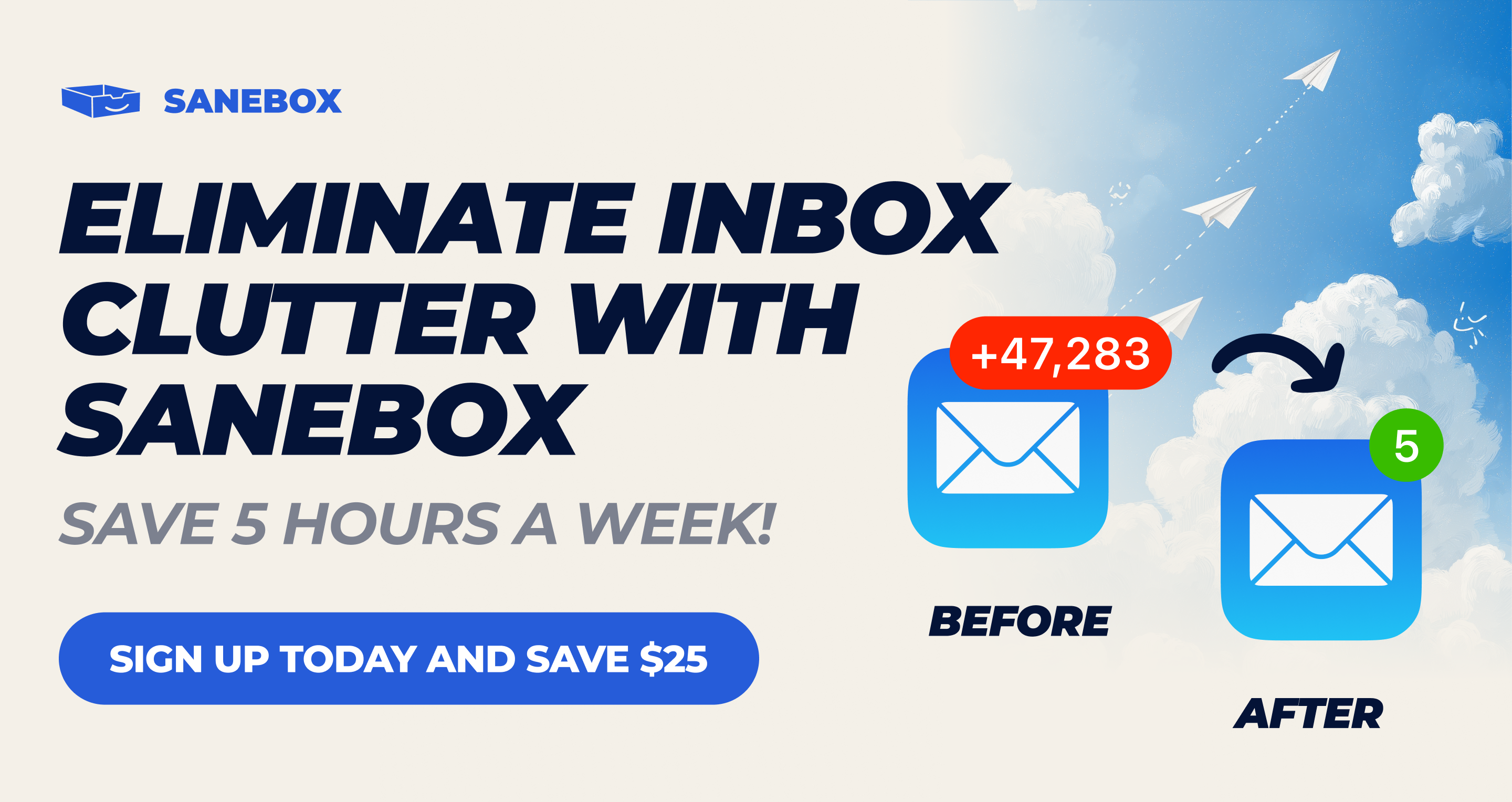
You’ve set up Focus modes for work and weekends, built Shortcuts for repetitive tasks, and rearranged your Home Screen until everything is perfect. But then your phone buzzes with another notification for a newsletter, shipping update, or sale. Meanwhile, the important email you need to follow up on is buried under everything else. You’ve put thought into how your devices work for you, but are you in charge of your email or is it in charge of you?
SaneBox brings that same attention to detail to your email. Its AI filtering sorts your messages with nothing to install, and since 2010, it has helped people separate the messages that need attention from the ones that can wait.
SaneBox’s SaneLater folder keeps messages that can wait in a dedicated folder, so you can focus on more important things. SaneNews collects newsletters in one place, ready for when you can take a break. And if the same unwanted sender keeps interrupting your day, move one of their messages to SaneBlackHole to keep their future messages out of your inbox.
There are tools for staying on top of ongoing conversations, too. SaneNoReplies collects conversations where you haven’t received a response, so you can follow up. When you need an answer before a deadline, SaneReminders can remind you to check back. You can snooze messages, too, putting something aside until you have time.
SaneBox works with the account and apps you already use. It sorts messages on your mail server, so its folders are available in Apple Mail, Outlook, or whatever other email app you use on your Mac, iPhone, and iPad.
SaneBox also learns from your email habits, and you can teach it your preferences. If a message belongs somewhere else, move it and SaneBox will use that folder going forward. Plus, the Daily Digest brings together unread messages in your SaneBox folders, so you can review everything when you’re ready to wrap up your day.
Privacy matters, too. SaneBox sorts using message headers, not the contents of your emails, and it doesn’t store full messages or attachments. Its security is reviewed every year as part of Google’s verification process, audited independently by Leviathan Security Group, and tested through HackerOne.
All of that adds up to less time managing email and more time for everything else, which is why more than 100,000 people rely on SaneBox and have given it a 4.9 rating across more than 1,000 reviews.
Best of all, SaneBox fits elegantly into the email system you already know and use. Start a seven-day free trial with no credit card required, and get a $25 credit toward a SaneBox subscription, the equivalent of three months of use.
Our thanks to SaneBox for sponsoring MacStories this week.
Nearly 100 years after the dirigible Graf Zeppelin made the first nonstop airship journey across the Pacific Ocean, another airship has successfully completed a round-trip flight from New Mexico to Japan and back. But the significance of this modern feat was less about the journey's length and more about its purpose: demonstrating how a lighter-than-air platform can act as a cell phone tower in the sky.
The trans-Pacific flight that took place over a month between August and September 2026 was the most notable milestone yet for Sceye, a US aerospace company based near Albuquerque, New Mexico. Sceye has developed an uncrewed platform filled with helium for buoyancy and equipped with an electric-powered propeller for active propulsion, allowing it to resist most strong winds and keep hovering over the same location for long periods. The platform also uses top-mounted solar panels and onboard batteries to stay powered for stratospheric operations around the clock.
“We can stay over an area of operation, and we do that in the stratosphere right around 60,000 feet, so we're twice as high as air traffic and we're above the jet stream, and yet 30 times closer than low-Earth orbit satellites,” Mikkel Frandsen, founder and CEO of Sceye, told Ars. “We can fly through day and night until the sun comes up the next morning and recharges the batteries, at which point we're still at the same altitude and still over the same area of operation.”


© Sceye
Russian drones are suspected of sinking a cargo ship and leaving chemical tankers ablaze near the Black Sea coasts of Bulgaria and Romania, respectively. The latest attacks mean that at least seven ships have been attacked in the exclusive economic zones of NATO member countries—and even within Romania's territorial waters if Russian involvement is confirmed in the case of the chemical tankers.
Such attacks have spurred requests for NATO to redeploy counter-drone systems to provide more protection. In a social media post on October 15, NATO Secretary General Mark Rutte stated that NATO had increased "counter-drone capabilities" along the alliance's eastern flank after meeting with the leaders of Bulgaria and Romania.
The latest attacks this week occurred within 24 hours between October 14 and October 15, when the two chemical tankers were set afire after Russian drones were detected in Romanian airspace, according to Deutsche Welle. Both ships were sitting at anchor near the mouth of the Sulina canal that connects the Black Sea to the Danube River, which has become a crucial shipping export route for Ukraine, Reuters reported.


© Hristo Rusev/Getty Images
Despite the expansion of Starlink and other communications satellite services, most of the world’s Internet traffic still travels through subsea cables crisscrossing the ocean floors. Those fiber-optic cables coexist with a network of oil and gas pipelines and submarine power cables—and all these crucial links connecting countries and continents now face growing sabotage risks as gray-zone warfare and open conflicts have become widespread.
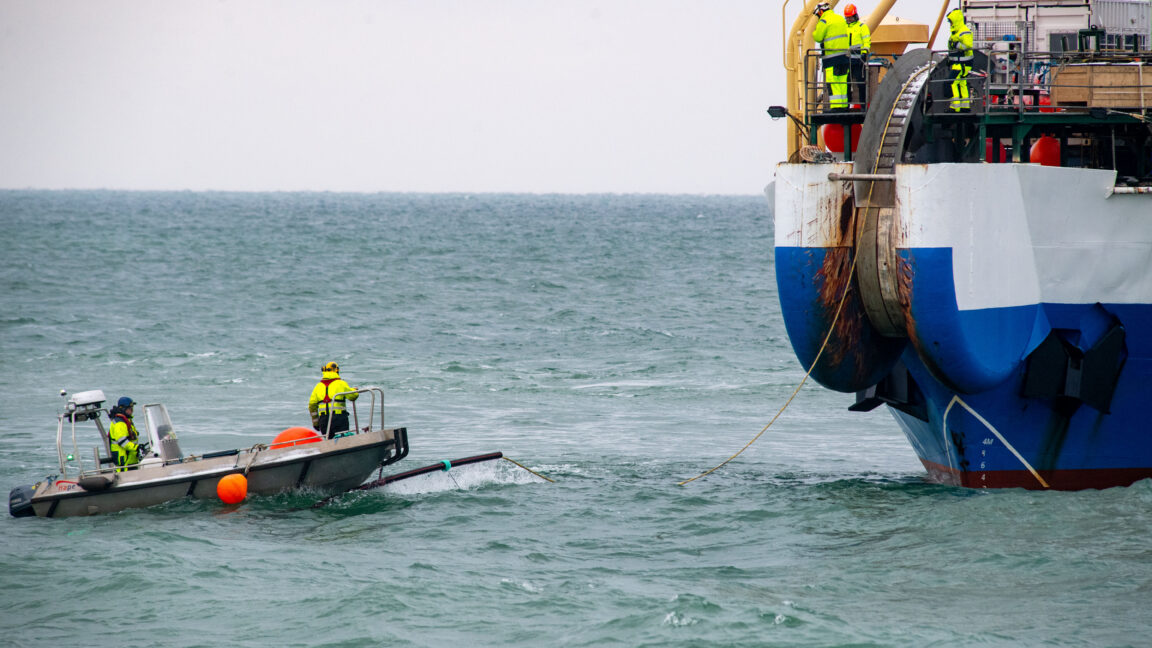
The rising risks to the world’s invisible infrastructure beneath the waves are the main subject of a new book by Elisabeth Braw, a senior fellow at the Atlantic Council who leads the Threats to the Global Maritime Order Initiative. Her book, titled Undersea War, explores the modern rise in suspicious incidents in which ships dragging their anchors for unusually long periods have cut or damaged undersea cables and pipelines, from the Baltic Sea to the Pacific Ocean.
Braw acknowledges that about 60 percent of undersea cable damage is primarily due to human error during fishing and shipping activities, when weighted nets or anchors drag across the seabed. Natural hazards like storms and undersea landslides also account for a smaller proportion of such incidents. In total, between 150 and 200 cables are damaged each year and usually repaired quickly.
© Stefan Sauer/picture alliance via Getty Images
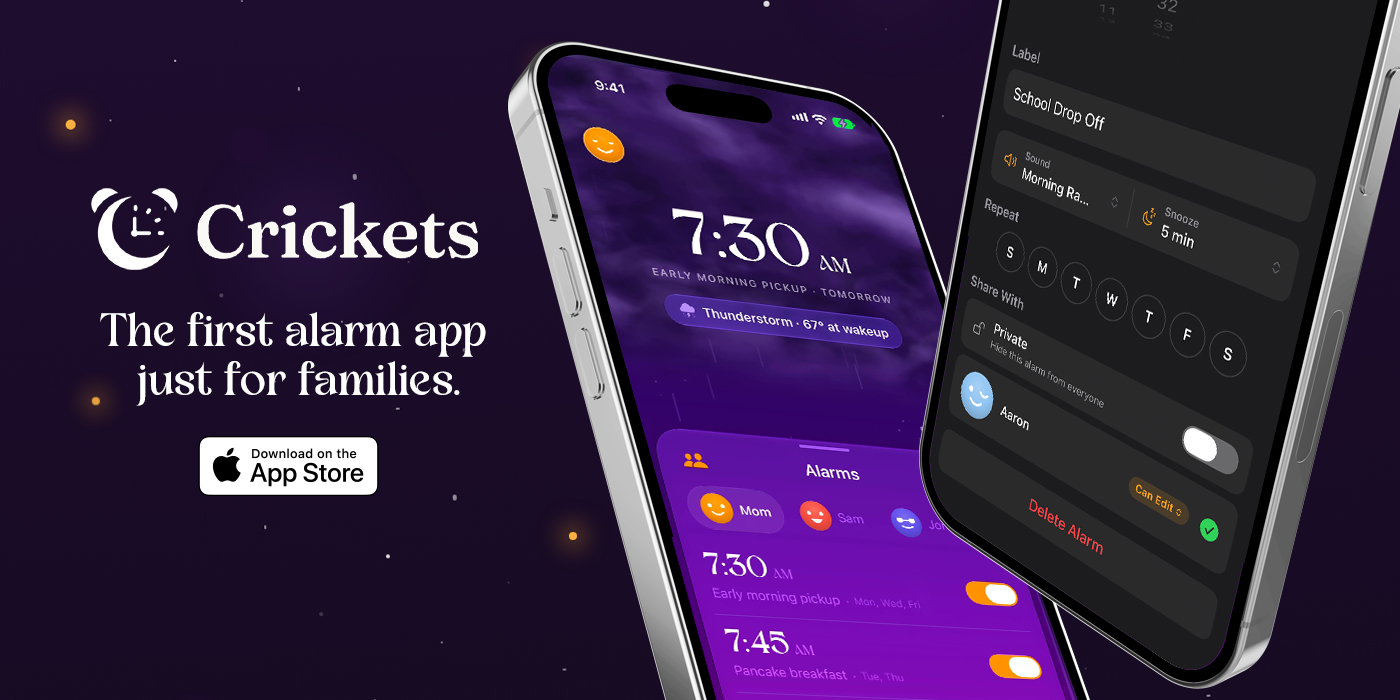
Getting your whole family up and pointed in the right direction every morning isn’t simple. Everyone’s on a different schedule, and schedules change day to day. It’s a mess that’s solvable with the help of Crickets, the first alarm built for the realities of everyday family life.
Crickets lets everyone in your family see the alarms others choose to share and, with permission, change them. So instead of asking everyone when they need to be up the next day, you already know. If you’re the first one up, that’s a superpower. Whether it’s a flight that got delayed in the dead of night or a 5:00 AM message from your kids’ school about a schedule change, you can adjust alarms without waking a soul. And it works both ways: when a practice is canceled or a trip departs later, anyone you’ve granted edit access can push your alarm back while you sleep in.
Crickets even gives you tomorrow’s weather as you head off to bed. That way, you’ll know things like whether you should get up a little early to deal with the snow that’s forecast overnight.
Everyone in your circle is right there on your Home Screen and Lock Screen, too. Plus, with widget and Live Activities support, you can keep track of who’s already awake and who’s been hitting the snooze button. You’ll see your morning coming together without even opening the app.
Each person in your circle stays in control. They decide which alarms to share and which to keep private, and they can grant or revoke editing access whenever they want. People can belong to more than one circle without those circles merging, too. That way, parents can be in a circle with their kids, but their kids’ friends circle remains theirs alone.
A single subscription covers every member of your Apple Family Sharing group, allowing you to coordinate everyone’s alarms at once, while keeping each person’s sharing choices their own.
For a closer look at Crickets and a more coordinated start to the day, visit cricketsalarm.app. And, for a limited time, MacStories readers and AppStories listeners can get 50% off for six months with code MACSTORIES2026. Select Redeem on the paywall and enter the code.
Our thanks to Crickets for their support of MacStories this week.
It happens to all of us. You come across an article you want to read, but you’re in the middle of something and don’t have the time. GoodLinks gives those articles a home on your iPhone, iPad, and Mac, with a clean, customizable reading experience when you’re ready to return to them.
Recently updated for iOS, iPadOS, and macOS 27, GoodLinks lets you organize the articles you save for later with tags and stars before sitting down to read with its highly customizable reader. Article Sync, which is part of GoodLinks Premium, can sync complete articles along with their images through iCloud, so they’re available on every device.
GoodLinks also lets you highlight your favorite passages of articles, export your highlights as Markdown, and add notes to your highlights. Plus, GoodLinks has extensive Shortcuts support, allowing you to use what you save with your other apps and workflows, and a local API on the Mac to script your links, tags, and highlights.
The app can summarize articles using Apple Intelligence on compatible devices or external AI providers when you provide your own API keys. That allows you to use the model that suits your needs best, or you can turn off summarization entirely.
A single universal purchase covers iPhone, iPad, and Mac and includes all current features plus one year of feature upgrades. Everything you unlock is yours to keep. After that, an optional GoodLinks Premium subscription unlocks new features, which you keep even if you cancel.
Whether you’re catching up on your latest saved stories or building a complex reading workflow to handle hundreds of articles, visit GoodLinks to learn more and download the app today.
Our thanks to GoodLinks for sponsoring MacStories this week.
