❌

Reading view

iPhone 18 Pro Max AT&T Cellular Issues

Chance Miller:

Apple has confirmed an issue causing a β€œsmall number” of iPhone 18 Pro Max devices on AT&T to lose cellular service.

Apple released software and carrier updates to prevent the issue from affecting additional users, but the company tells 9to5Mac that devices that have already lost service will require a hardware replacement.

John Gruber:

It’s only a problem for AT&T customers. No such problems on Verizon or T-Mobile.

[…]

It’s only the 18 Pro Max, not the regular 18 Pro. The salient fact here is that the only iPhone 18 Pro models that use Qualcomm cellular modems, rather than Apple’s own C2 modem, are 18 Pro Max devices in the U.S..

[…]

I’d love to understand how a software update can prevent existing devices from being affected, but a software update cannot restore service to existing devices that have already been affected.

Joe Rossignol:

Apple and AT&T have yet to disclose the underlying cause of the issue.

Eric Schwarz (Mastodon):

It could be as simple as a power calculation geared towards devices with Apple’s C2 modems.

[…]

The other weird variable seems to be AT&Tβ€”out of the three US carriers, AT&T is the only one with a lot of the 3.45GHz 5G band in use[…] Most AT&T MVNOs like Cricket, U.S. Mobile, Gigs-based services, and H2O still use 5G NSA on AT&T and it seems they haven’t gotten the new carrier bundles on 18 Pro Maxes.

[…]

Because of those things, my working theory is that an 18 Pro Max on AT&T was connecting to 5G SA and when it was on that unique 3.45GHz band (maybe trying to hold on to spotty service?), it would basically cook its modem and there’s no fix other than replacement.

Previously:

  •  

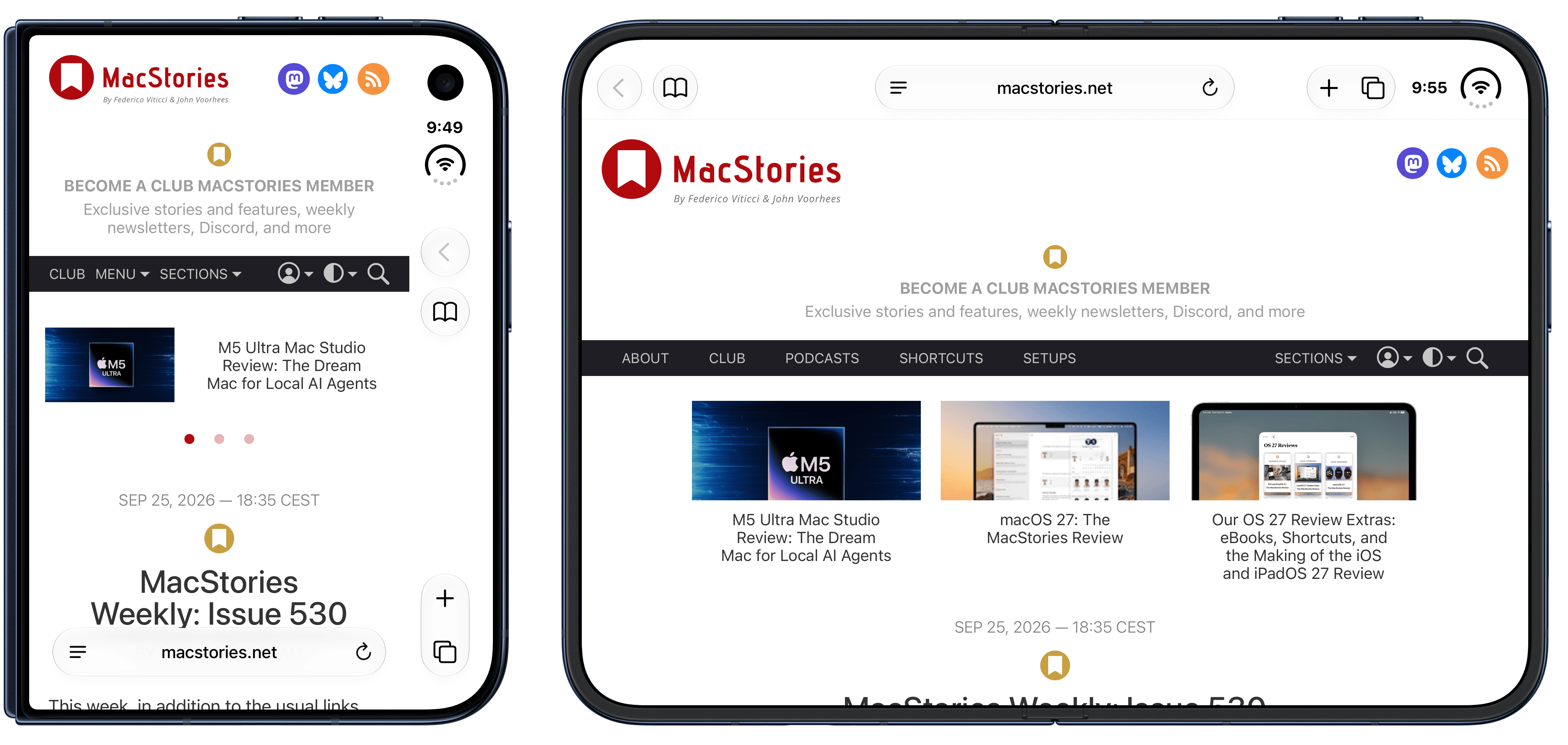
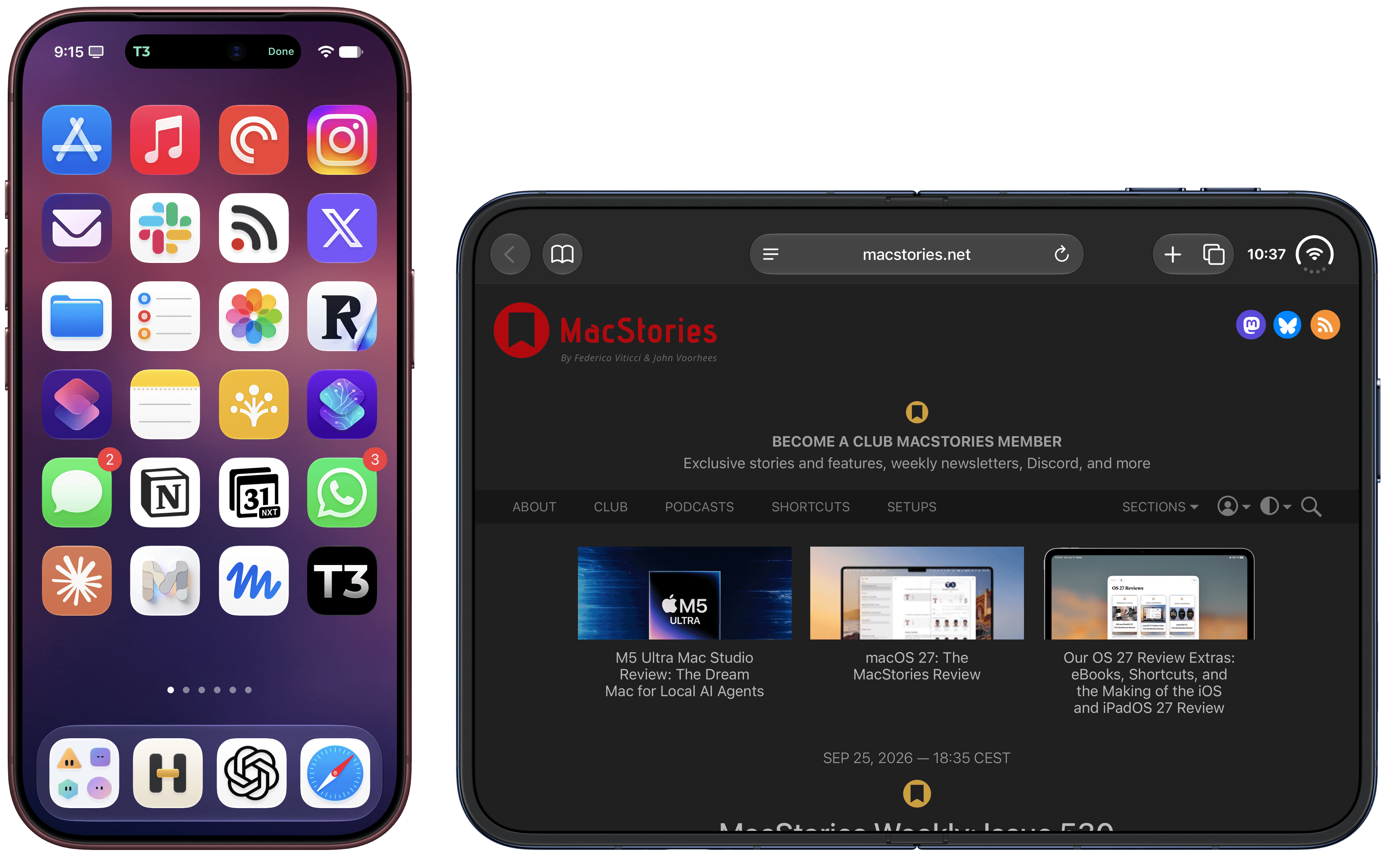
Frames CLI 1.5.0, Now with iPhone 18 Pro and (Experimental) iPhone Duo Support

The updated Frames CLI also supports proportional scaling for iPhone Duo.

The updated Frames CLI also supports proportional scaling for iPhone Duo.

The Frames CLI – the companion command line interface to my Apple Frames shortcut I released earlier this year – received a 1.5.0 update earlier today with two notable additions: iPhone 18 Pro frames, and experimental support for iPhone Duo screenshots in all poses.

As always, my shortcut and CLI are based on Apple’s official product bezels, which is why, as of today, there is no support for Apple Watch Series 12 and Ultra 4 yet (those frames haven’t been published by Apple). iPhone 18 Pro is the new default frame family for the two Pro and Pro Max screen sizes, and the CLI supports all the new device colors this year (Burgundy, Glacier, Silver, and Black).
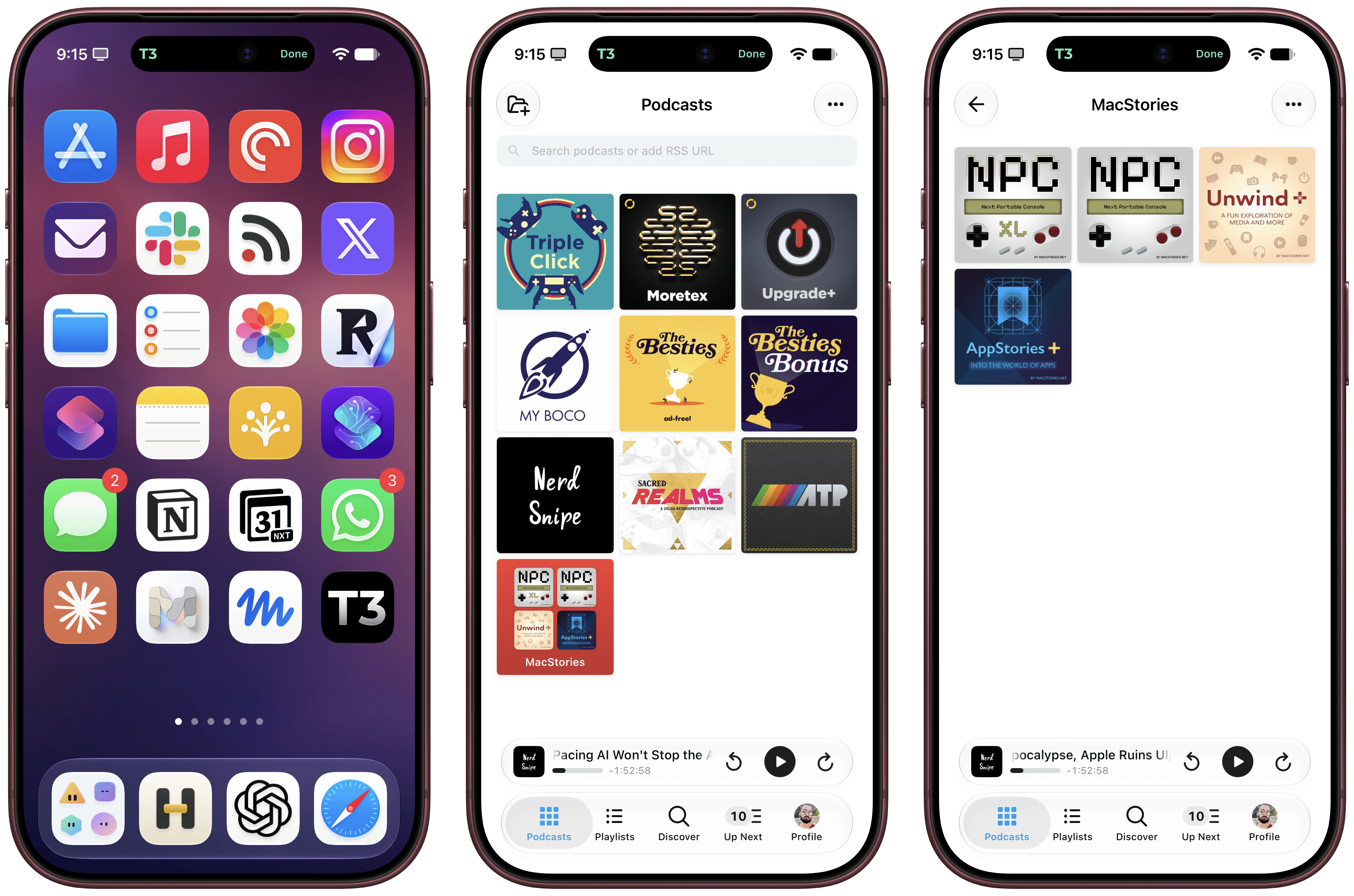
iPhone 18 Pro in Burgundy.

iPhone 18 Pro in Burgundy.

iPhone Duo support is experimental. I obviously don’t have an iPhone Duo yet, but thanks to Opus 5.5, I was able to grab screenshots from the Xcode 27.1 Device Hub, verify them against Apple’s official assets, and test everything in the Frames CLI. It should work! The CLI – and, thanks to its skill, your agent of choice – supports framing screenshots taken on the inner and outer display, different poses, different rotation settings, as well as screen recordings.

If you’re a developer working on iPhone Duo apps, I think the updated Frames CLI should come in handy to automate the process of framing multiple screenshots and screen recordings. As before, you can take advantage of CLI features such as proportional scaling, merge mode, and batch mode, which should help you with your upcoming App Store submissions for the iPhone Duo.

The Frames CLI is free and open source, works with any agent, and is highly customizable. I’ll release an updated version of the Apple Frames shortcut once I can get my hands on an actual iPhone Duo next month (hopefully). Fingers crossed.

  •  

β€œPrepare to Ship” Battery Drain and Limit

Juli Clover:

The iPhone 18 Pro Max has a battery capacity over 20 watt-hours, which means there are additional shipping requirements. If an iPhone 18 Pro Max needs to be shipped somewhere, its maximum battery capacity has to be limited through firmware.

[…]

Customers who need to ship the iPhone 18 Pro Max for repair, trade-in, or other purposes have to use a new Prepare to Ship feature. Prepare to Ship discharges the battery to below 20Wh and sets a charge limit so the iPhone stays below the threshold during the shipping process.

Laptops, of course, have larger batteries, but they aren’t affected because each cell is below the limit.

  •  
❌