❌

Reading view

Microsoft is streamlining Windows 11's sign-in experience, here's how

Microsoft is working on a small yet meaningful change to the lock screen and sign-in experience on Windows 11 that will streamline the authentication process that users must go through to log into their desktop.

The current Windows sign-in flow requires the user to manually select the method of authentication they wish to use to login. If you've set up a PIN, face unlock, and fingerprint unlock, the only method of authentication that is active is the one you manually click on to use on the lock screen.

This is a huge gripe of mine, and it's super frustrating when you want to login using your face, but Windows has selected PIN or fingerprint. It means your webcam isn't looking for you in that moment, and you have to manually switch to face unlock to force Windows into checking for your face and logging in.

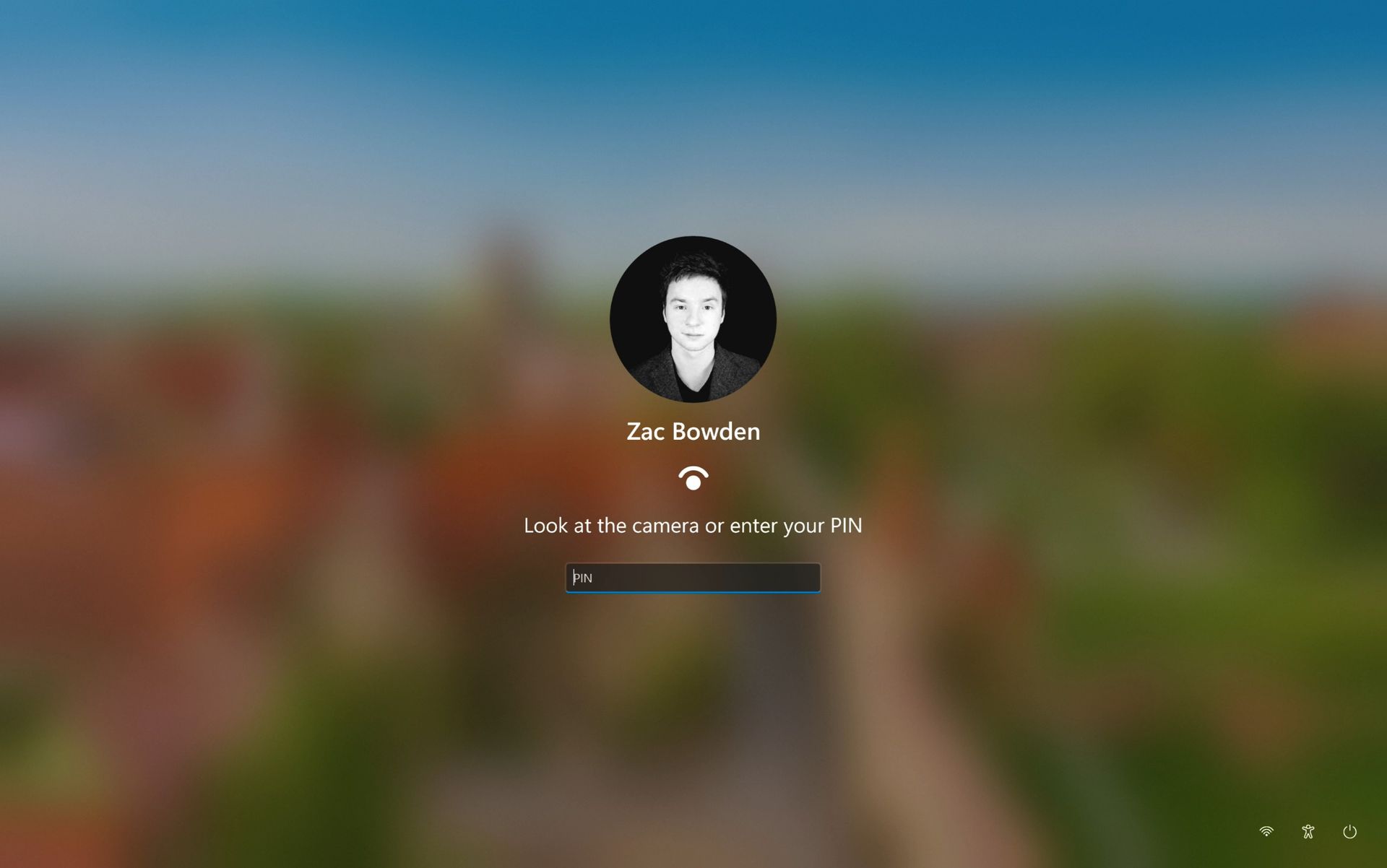
Well, it looks like this is finally changing. In the latest Windows 11 preview builds, a hidden feature ID enables a new experience that automates this. Now, by default, the PIN box is always on show, but face unlock and fingerprint unlock are also active and ready to authenticate at the same time.

The new sign-in flow on Windows 11

No longer does the user need to manually choose their login method. (Image credit: Zac Bowden / Windows Central)

This means users no longer need to manually select the login method of their choice. Windows will automatically capture whichever biometric authentication method is set up, even when the PIN box is on screen. This also means the lock screen looks cleaner as a result, as the options to choose which authentication method you want to use is no longer displays as it's not necessary. It's also faster for those with biometric authentication enabled.

I really like this change, as it encourages Windows to keep trying my face unlock even if it fails the first time. Of course, there's an eventual timeout if it fails too many times, but I find it is able to log me in before it ever reaches that point. Also, being able to just type my PIN without having to manually select the PIN option first is also great.

Microsoft is yet to announce this new sign-in flow, but I suspect it won't be long until it's officially put into testing as it's already very polished and has been in the works for a number of months now. What do you think? Is this a good change for the Windows lock screen? Let us know in the comments.

Click to join us on r/WindowsCentral

Join us on Reddit at r/WindowsCentral to share your insights and discuss our latest news, reviews, and more.

  •  

Windows 11's design boss admits it needs work, while AI fixes OS inconsistencies

In what may be one of the year's least surprising stories, Microsoft's VP of Product Design, Diego Baca, has explained how AI is being used to help designers after being asked whether it's possible to launch a "fleet of viable agents" to address issues in Windows 11.

On AI agents, 100% agree. I’m not the best person to speak to the engineering side, but AI has already helped our design team accelerate significantly. We’re even seeing designers contribute directly to code fixes that improve craft, consistency, and quality. That’s exciting progress, and we’re only getting started.

Diego Baca, Microsoft

Now, this all comes shortly after an Xbox Business Strategist spiraled on X over how everyone is using AI, expressing frustration with the pretense that people aren't. That said, I do appreciate Baca’s honesty here. I always find that kind of candor refreshing.

Windows 11 still has a consistency problem

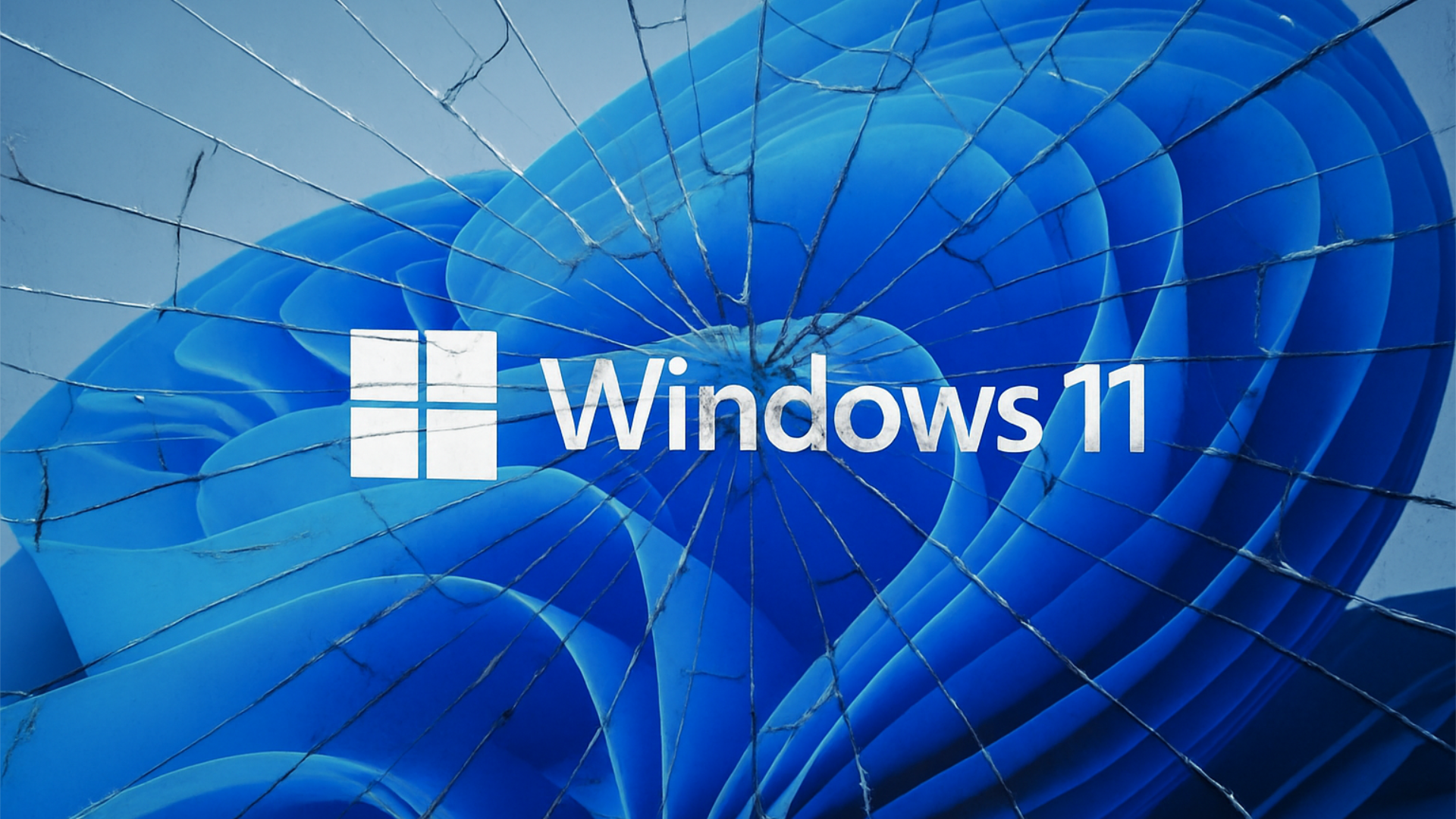
Windows 11 logo displayed over the default blue Windows wallpaper with a shattered glass effect across the image.

Microsoft acknowledges Windows 11's longstanding design inconsistencies as AI helps accelerate improvements across the operating system. (Image credit: Microsoft)

Interestingly, Baca's post on X (formerly Twitter) also acknowledged something Windows users have been complaining about for years in his reply to tech enthusiast Chris Pirillo, and that's consistency:

“Consistency across Windows is something we all want, and it’s an active workstream we’re continuing to accelerate,” he explained.

And to be fair, I have to agree. Windows 11 is now five years old (that's made me feel so old), yet parts of the operating system still feel like they're lacking the modern stylings, almost as though some of it still belongs in Windows 7, or even earlier, as Windows Latest points out in its own take.

Don't get me wrong, Microsoft has made progress, particularly with its efforts to modernize Windows Search, Run, and other legacy interfaces using WinUI 3. But I do wish these inconsistencies had been addressed before Windows 11 launched, though perhaps I’m wishing for too much.

Baca also acknowledged the criticism, admitting, “Finally, I completely recognize that people expect more from Windows. We expect more from ourselves, too.”

Finally, he added that Microsoft hopes to “earn back your enthusiasm for Windows through what we deliver, not just what we say.” It’s a refreshingly open response, and one I massively appreciate. How do you feel about Diego Baca's comments? Let me know in the comments and be sure to take part in our poll below:

Click to join us on r/WindowsCentral

Join us on Reddit at r/WindowsCentral to share your insights and discuss our latest news, reviews, and more.

  •  

Microsoft wants Edge to install security updates without restarting

Microsoft is testing a way to update Edge without forcing a restart, potentially letting you keep working while it switches to a more secure version.

Browser updates can interrupt your work, so you might put off restarting the browser. However, this can delay important security fixes. Microsoft's solution aims to solve both problems by updating Edge in the background while keeping compatible tabs open.

The project is still an early experiment, not a feature you can use today. Microsoft says the prototype isn't part of Edge's production code or the Chromium project.

Microsoft wants Edge updates to be seamless

Currently, browser updates require a restart to safely switch to a newer version. Although Microsoft Edge can restore your open tabs afterward, restarting can still interrupt your work. Microsoft's prototype aims to change that by downloading an update in the background and moving the browser and its supporting processes to the newer version while keeping your work available.

For example, imagine you're filling out a long online form when a security update becomes available. Instead of asking you to restart Edge and interrupt your work, the browser would update in the background while you continue working.

Microsoft demonstrated the prototype in a video, and when the company clicked the "Update" button, the browser switched to the new version while keeping compatible tabs open. Eventually, the goal is to apply updates automatically without requiring users to click anything.

One limitation is that existing tabs can stay open only if they're compatible with the new version. Other tabs will switch to the updated version when you navigate to them.

AI makes faster security updates more important

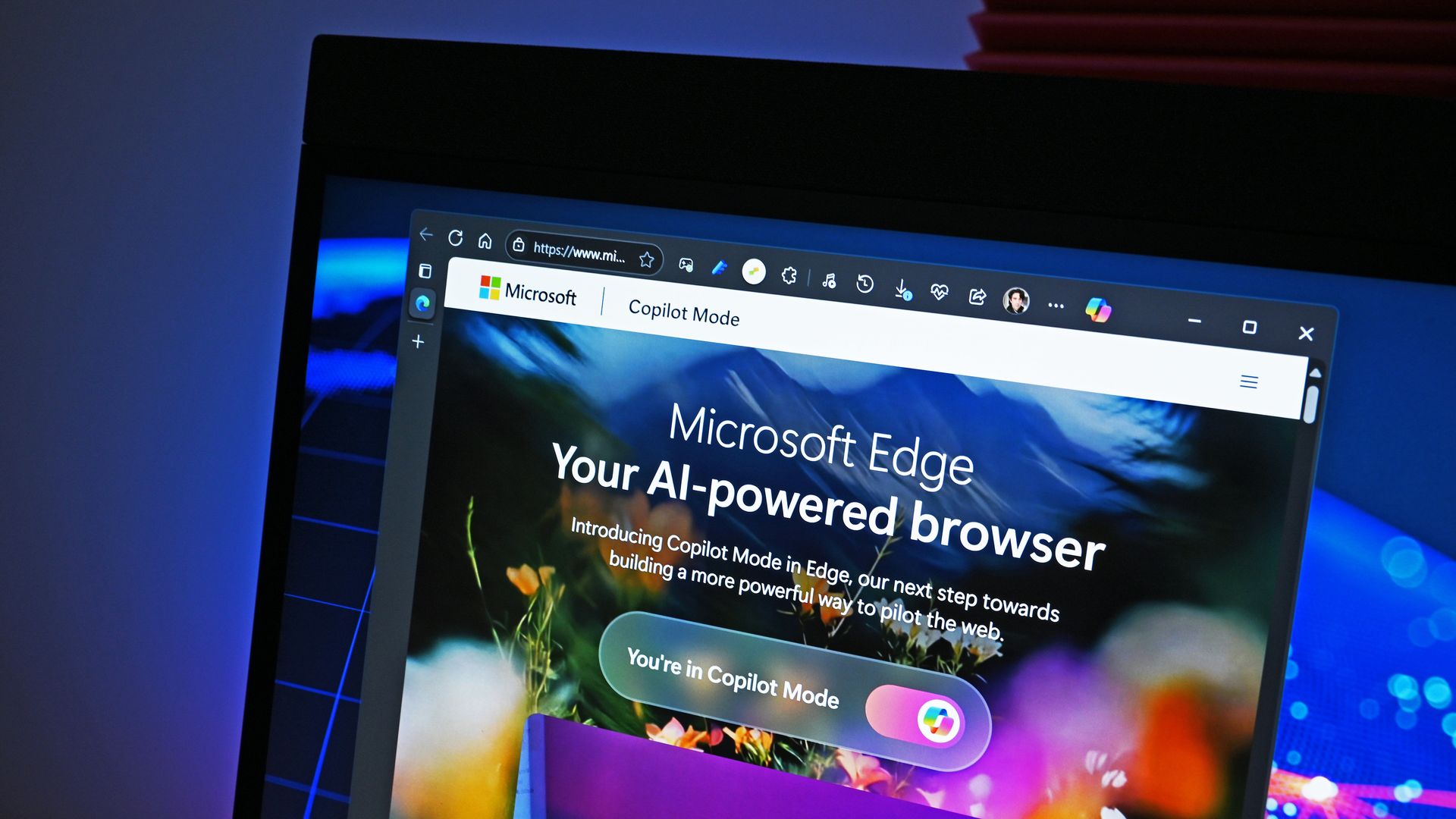
Image of Microsoft's new Copilot Mode option for its Edge web browser in July 2025.

(Image credit: Future | Daniel Rubino)

The project isn't only about convenience. Microsoft notes that AI is accelerating vulnerability discovery and changing the pace of attacks, increasing the need to roll out security fixes more quickly. The company describes the time between a security fix becoming available and an update being applied as the "patch gap." During this period, users who don't install the fix remain vulnerable.

A security update can only protect you after apply it. Restarts add friction to that gap: people may keep a browser open for days because they are in the middle of something important.

Microsoft

The requirement to restart the browser can also make the problem worse when people postpone updates because they don't want interruptions. As a result, applying security updates faster could reduce the time users remain exposed to known vulnerabilities.

So, when can we use it?

This isn't built into the current version of the browser, so don't go through the settings trying to find the option. Microsoft says that the prototype isn't part of the browser or the Chromium project. Instead, the company is sharing its work early and inviting developers and other organizations to collaborate on this project.

Edge already has an update option for idle devices

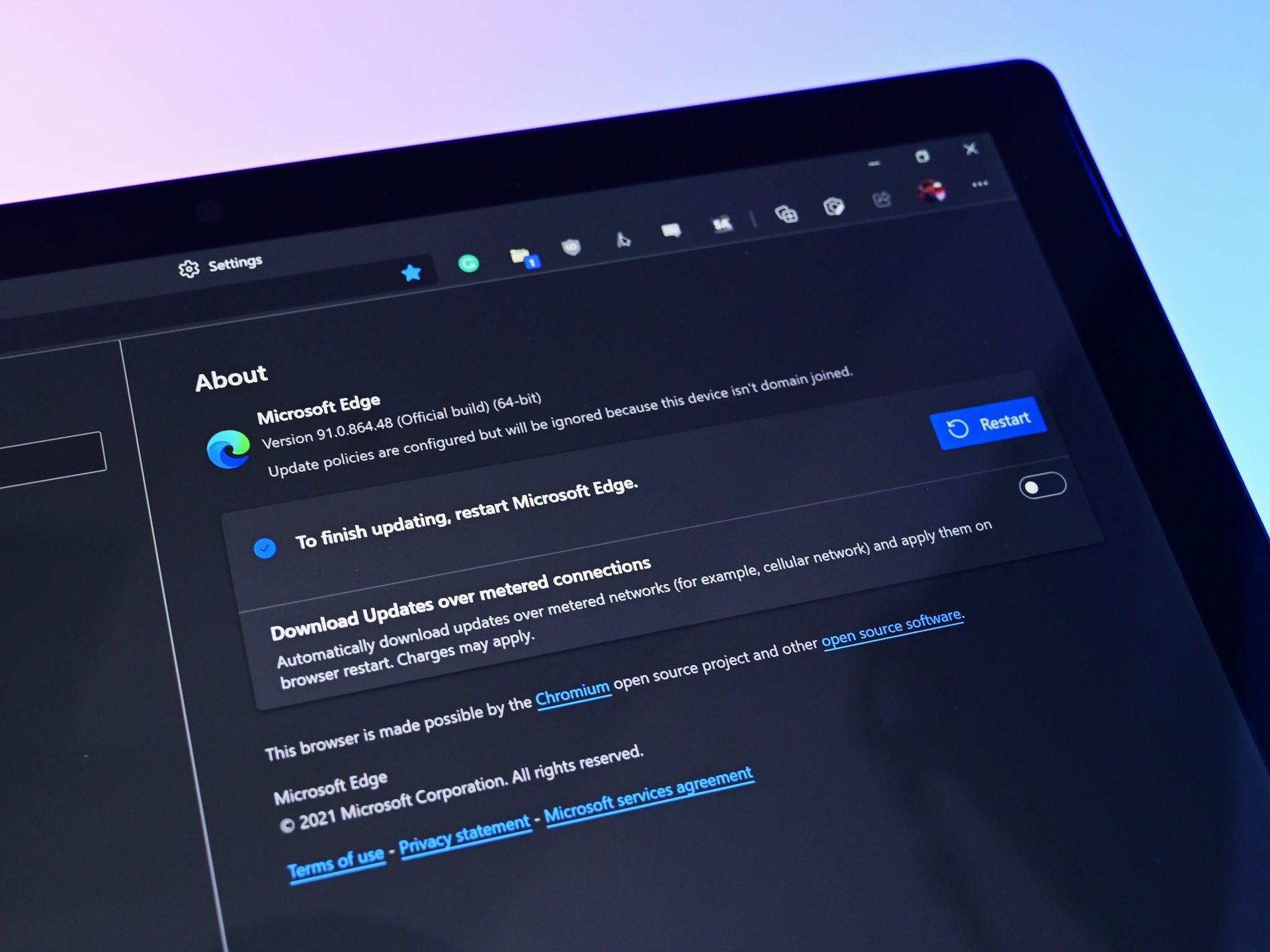
Microsoft Edge Update Restart

(Image credit: Daniel Rubino / Windows Central)

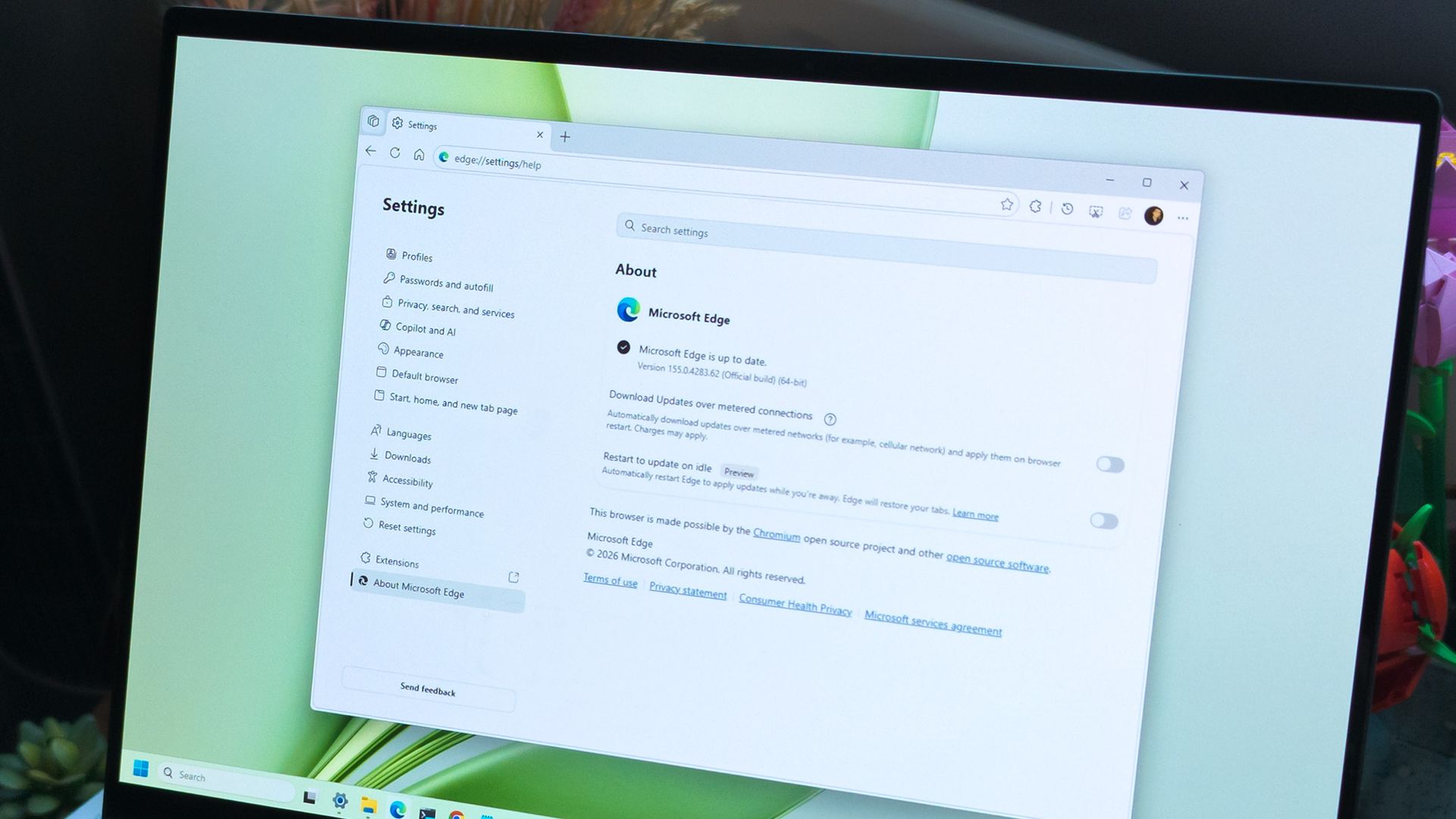
While the company continues developing its new update mechanism, Microsoft Edge already offers a feature called "Restart to update on idle," previously known as "Instant Updates."

The feature restarts Edge when your device is idle, installs the update, and reopens your tabs. It still requires a restart, but the interruption happens when you're not using the browser.

What's next?

For now, Microsoft Edge's existing update options help reduce delays, while the seamless-updates prototype offers a glimpse of what could come next. Microsoft hasn't announced when, or whether, this approach will become available. The company is sharing the prototype early to encourage collaboration with the community.

However, we'll have to wait and see whether the concept will make it into a future version of the browser. What are your thoughts on this new way to update the browser? Let me know in the comments.

More resources

Explore more in-depth how-to guides, troubleshooting advice, and essential tips to get the most out of Windows 11 and 10. Start browsing here:

Click to join us on r/WindowsCentral

Join us on Reddit at r/WindowsCentral to share your insights and discuss our latest news, reviews, and more.

  •  

Podcast: Surface Laptop Ultra and RTX Spark reviewed!

In this episode of the Windows Central Podcast, Daniel Rubino and Zac Bowden regroup following a week of extensive hands-on hardware testing and benchmarking. The central focus is the initial review wave for the Surface Laptop Ultra and the broader Nvidia RTX Spark mobile platform.

Zac details his full review of the Surface Laptop Ultra, highlighting its MacBook-inspired design improvements, haptic touchpad, outstanding audio, sleep battery efficiency, and magnetic USB-C connector—while contrasting its 2,000-nit Mini-LED display against competing Tandem OLED panels. Daniel shares first impressions of two rival RTX Spark flagships: the ultralight 3.9 lb ASUS ProArt P16 and the robust HP OmniBook Ultra 16.

The hosts dig into real-world local AI and agentic workflows (including tests with Hermes Agent and local LLMs), explain the critical architectural advantage of configurable unified memory allocations for GPUs, discuss gaming performance with DLSS/frame gen, and showcase the newly launched ASUS ROG Xbox Ally X20 handheld console bundle featuring XREAL AR glasses.

This episode of the Windows Central Podcast is sponsored by Surfshark VPN. Unlimited devices, access your content from anywhere, and auto-block malware on Windows, Edge, and other platforms from $2.50/mo, with 3 months extra FREE. Sign up today!

  • [01:44] – Introduction: Daniel and Zac kick off Episode 407, outlining their week spent benchmarking and testing retail RTX Spark laptops and handhelds.
  • [05:51] – Surface Laptop Ultra Design & Build: Zac breaks down the chassis aesthetics, MacBook Pro styling parallels, lack of a notch, seamless lid lip design, and weight (4.5 lbs).
  • [08:00] – The Mini-LED Display: Deep dive into Microsoft’s 2,000-nit Mini-LED panel, evaluating ghosting zones (1,344 dimming zones), glossy reflections, and comparisons to Tandem OLED screens.
  • [13:09] – Battery Life & Standby Sleep Performance: Real-world longevity on the 92 Wh battery (10–12 hours light use) and standout sleep endurance matching Apple Silicon.
  • [15:18] – Magnetic Breakaway USB-C: Testing the breakaway angle, data capabilities, and custom charging brick interoperability.
  • [18:04] – RTX Spark CPU & Gaming Benchmarks: Breakdown of 20-core multi-threaded CPU output versus single-core scores, plus gaming results with DLSS in titles like Cyberpunk 2077 (approaching RTX 4070/5060 laptop levels).
  • [25:59] – Local AI & Unified Memory Allocation: Why configurable system RAM sharing to the GPU CUDA cores enables large local LLM deployment that traditional gaming laptops cannot match.
  • [29:11] – Agentic AI Experiments: Practical workflows with Hermes Agent, desktop automation in Photoshop, automatic folder cleanup, and local data safety risks.
  • [46:00] – Speakers, Haptics & Missing Copilot+ Features: Praise for the class-leading haptic signals and audio alongside the notable delay of Windows Recall and semantic search on RTX Spark.
  • [53:56] – ASUS ProArt P16 Review Preview: Daniel highlights the 3.9 lb featherweight design, dual-fan thermals, 4K anti-reflective touch options, and port selection.
  • [58:50] – HP OmniBook Ultra 16 Breakdown: Frame build quality, rear tower exhaust design, Zero-Lattice Gen 2 keyboard, and compact 140W GaN charger.
  • [01:06:08] – PCIe SSD Speed Shootout: Massive speed discrepancies across devices—Surface’s 14,000 MB/s drive vs. HP's 10,000 MB/s and ASUS’s variable read speeds.
  • [01:14:55] – ASUS ROG Xbox Ally X20 Handheld Impressions: Translucent chassis, 7.4-inch 120Hz anti-reflective OLED panel, Z2 Extreme performance, and testing the bundle with XREAL AR glasses.
  • [01:24:02] – Live Audience Q&A: Viewer questions regarding boot/restart bugs, NVMe expansion, OneDrive Microsoft 365 storage allocation backlash, and future low-tier RTX Spark silicon.

Have a question you want us to answer on the podcast? Send it to us at podcast@windowscentral.com

Hosts:

Subscribe to the Windows Central Podcast

If you like the show, please let us know by give us a rating on your podcast platform of choice. It really helps us!

LIVE Video Podcast

You can watch the live, uncut version of the Windows Central Podcast on our YouTube channel!

Click to join us on r/WindowsCentral

Join us on Reddit at r/WindowsCentral to share your insights and discuss our latest news, reviews, and more.

  •  

Microsoft's Windows Insider wallpapers were made on a Mac

Microsoft just celebrated 12 years of the Windows Insider Program by sharing a collection of wallpapers. But the origin of those wallpapers has drawn a bit of criticism. It turns out that they were not made on a Surface Laptop Ultra or, in fact, any Windows 11 device. Instead, they were created using a Mac.

Rafael Rivera checked the properties of the wallpapers and noticed that they were created using the Mac version of Adobe Photoshop.

New Windows Insider email: "we created new backgrounds for all Insiders inspired by 12 years of the Windows Insider Program and the latest Surface design aesthetic"https://t.co/4gzu6wPcWOCreated on a Mac. https://t.co/0d8HgHlvh0October 15, 2026

Rivera noted in a follow-up post on X that the images were made by Microsoft's in-house design team. If accurate, that precludes the possibility of a contracted company happening to use Macs in their normal workflow and being commissioned to make the images.

Even if the images were made by a contracted company, Microsoft would have a little bit of egg on its face because that would indicate that even a creator that works with Microsoft prefers to use an Apple product.

Windows Central take

I don't think this is a big deal, but the situation has emerged at an awkward time. Microsoft is in the middle of refreshing Windows 11. The tech giant just shared a massive blog post positioning Windows 11 as a selling point to buy a new PC.

Having Windows Insider wallpapers created on a Mac opens the door to jokes like "even Microsoft staff prefer Mac."

It's perfectly reasonable for Microsoft to use tools created by another company. It's not as if Microsoft should force its design team to use the new Photos app instead of Photoshop. Creators, and any worker, need to use tools that can get the job done.

But considering Adobe Photoshop is available on Windows 11, it's a bit strange that Microsoft couldn't send a few Windows 11 PCs over to its design team.

Alternatively, Microsoft could call up ASUS and make a deal to get some ProArt P16 laptops to the design team. Our friends at Tom's Guide said "The ASUS ProArt P16 is an outstanding laptop for creativity."

The best news for whoever made the Windows Insider Program anniversary images is that Adobe Photoshop works on Windows on Arm, so it should run smoothly on any of the new RTX Spark laptops.

Click to join us on r/WindowsCentral

Join us on Reddit at r/WindowsCentral to share your insights and discuss our latest news, reviews, and more.

  •  

Windows 11's Hybrid Intelligence features will breathe new life into NPUs

Microsoft is finally giving Copilot+ PCs more capabilities on Windows 11. After the disastrous launch of Copilot+ PCs in 2024 which ultimately led to the company retiring the brand as a marketing asset this year, Microsoft has announced Hybrid intelligence, a new wave of AI features that will utilize on-device processing and the cloud.

If you thought the Copilot+ PC promise of NPU-powered local AI experiences was dead, I wouldn't blame you. Microsoft has been slow to build out NPU-based AI features on Windows 11, with Click To Do and Semantic Search being the last Copilot+ PC exclusive features to launch over a year ago.

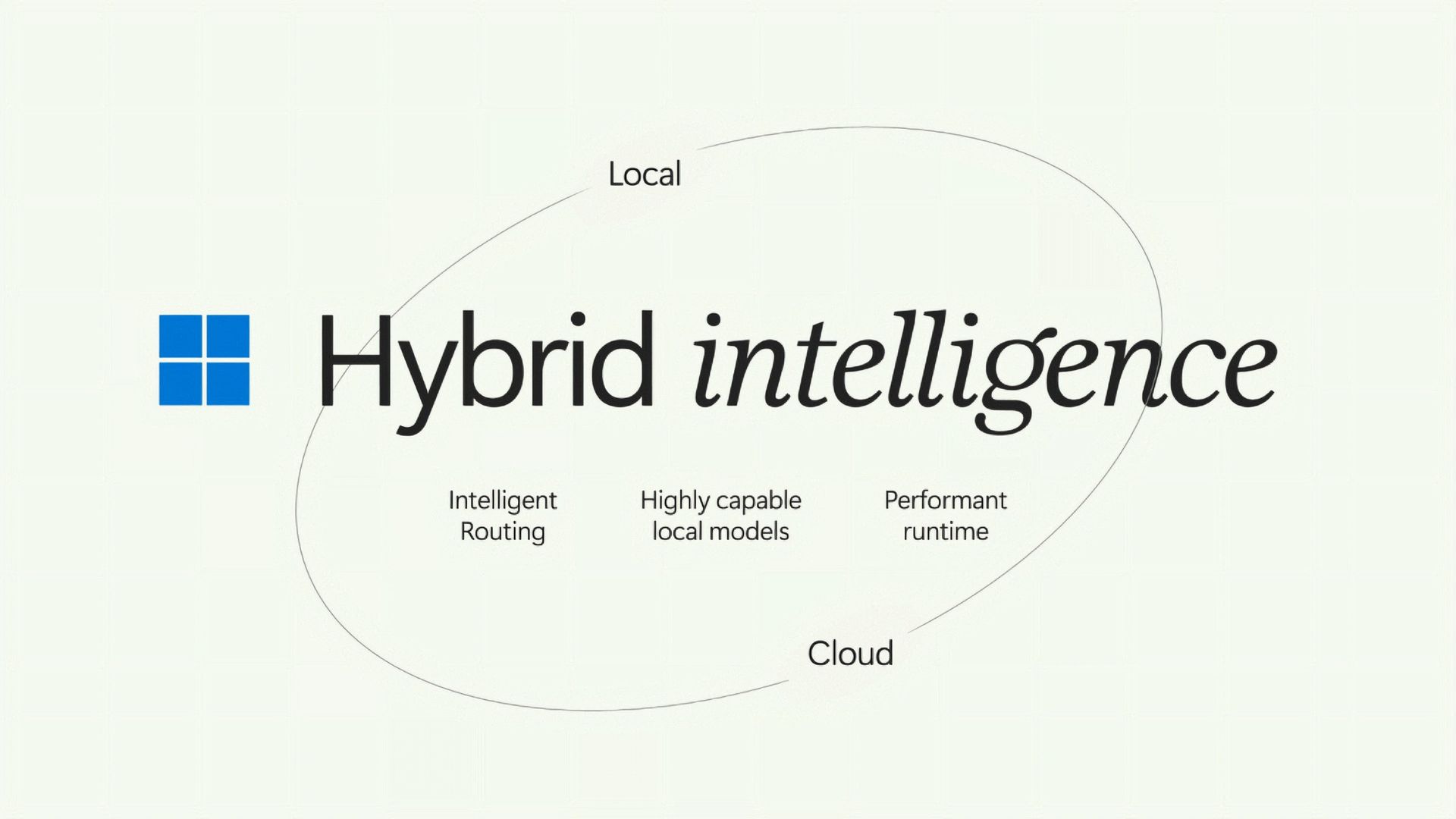
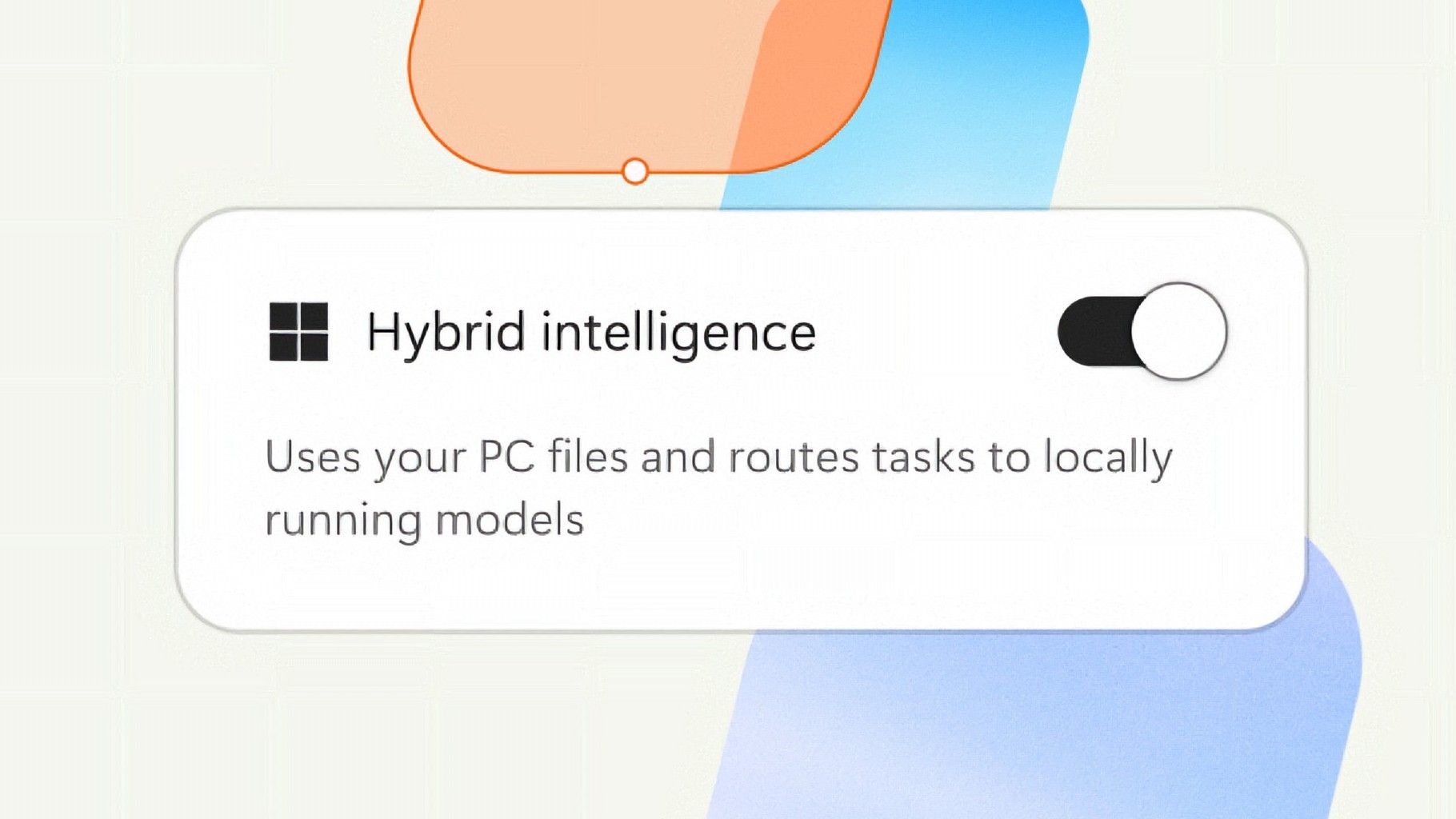
But that seems to be finally changing with "Hybrid intelligence," a part of which is being built directly into the Copilot app on Windows 11 and will intelligently route AI tasks and experiences between on-device processing and the cloud on Copilot+ PCs. Here's what's coming soon to Windows 11:

  • Local context: With your permission, Copilot can understand relevant content on your PC, including files and recent activity, bringing local context into the flow of work. 
  • Local actions: Copilot can take action on your behalf across Windows, helping complete tasks like organizing files, assessing device diagnostics, troubleshooting issues, coding, and carrying out workflows directly on your device. 
  • Local models: Copilot can tap into AI models running on your PC, using local compute for the right tasks while combining it with cloud intelligence when needed. 

Hybrid Intelligence looks to be a natural evolution of Copilot+ PCs. Microsoft is finally giving this AI hardware more to do, with the ability to reach out to the cloud when required for more complex workloads. These Hybrid Intelligence features enhance the new Copilot Home, Code, and Autopilot experiences that were recently announced.

"Copilot understands your PC, takes action with your permission, and uses local models when it makes sense, with you in control at every step," Microsoft says. "Copilot features powered by hybrid intelligence are expected to begin rolling out on Copilot+ PCs in the coming months."

Hybrid Intelligence logo

(Image credit: Microsoft)

Microsoft says Hybrid intelligence requires Copilot+ PC compatibility, which naturally implies that these new AI experiences will lean on the NPU for local processing, as that's one of the hardware requirements for meeting the Copilot+ PC feature bar.

Microsoft believes that a hybrid approach to AI will be the way forward for computing. It's important for PCs to have local AI compute power and capabilities to reduce pressure on data centers, and it's also important for privacy and security reasons too.

Agents on Windows are being heavily pushed as a local AI experience, though it requires PCs with powerful GPUs and lots of system memory to really take advantage of. The NPU is not powerful enough to handle most large language models at current, and so is reserved for less power intensive tasks and automations.

The company has also announced Aion Instruct, an on-device AI model that replaces Phi Silica and runs on not just the NPU, but GPU and even CPU in some cases. It's a small language model capable of handling text generation, instruction following, and web tasks.

Microsoft has confirmed that the Copilot+ PC brand is going away as a marketing asset, but it will continue to exist as a feature set. OEMs and Microsoft itself have stopped calling their new Surface PCs Copilot+ PCs, even though they are all Copilot+ PC compatible.

Now, the Copilot+ PC moniker is simply a checkbox on a spec sheet, and it looks like Hybrid intelligence PCs is the new marketing term that Microsoft wants to get in front of as many people as possible.

Click to join us on r/WindowsCentral

Join us on Reddit at r/WindowsCentral to share your insights and discuss our latest news, reviews, and more.

  •  

Microsoft celebrates 12 years of Windows Insiders with free wallpapers

Microsoft just celebrated 12 years of the Windows Insider Program by sharing special wallpapers with Insiders. The images are all reminiscent of the Windows Bloom wallpaper that ships with Windows 11 and that has been remixed several times by Microsoft and enthusiasts.

I'm partial toward the blue version, likely because I learned how to use a PC on Windows 95. There are also white, green, orange, and purple variants as well as several dark-theme wallpapers.

This direct download link should get you all of the wallpapers, but you should also see them in an email from Microsoft if you're a Windows Insider.

Microsoft shared the following message alongside the wallpapers:

"Thank you for 12 incredible years, Windows Insiders!

From exciting program changes to meetups that brought us together in the past year, you're at the heart of it all. As a thank-you, we created new backgrounds for all Insiders inspired by 12 years of the Windows Insider Program and the latest Surface design aesthetic."

The Windows Insider Program has been around for 12 years, but it has shifted in structure in that time. I've been an Insider since the beginning, as have many members of our team at Windows Central. In that time, we've seen everything from major Windows features not being tested with Windows Insiders to feedback directly shaping the future of Windows.

Microsoft refocused on the Windows Insider Program by refreshing it earlier this year. Since that refresh, we've seen more Insider builds per week and significant upgrades being tested in those builds.

Windows Insider meetups also returned this year, giving the community a chance to meet in person and interact with the Windows product team directly. The first Windows Insider meetup was in Seattle, Washington. Later, events took place in New York City (USA), Hyderabad (India), Taipei (Taiwan), San Francisco (USA), and London (UK).

I'm happy to see the Windows Insider Program on the right track. Microsoft is engaging with the community and shaping Windows 11 based on feedback.

Microsoft has shown the positive impact of listening to feedback through its recent changes to Xbox. Sometimes grabbing low-hanging fruit and addressing the top community concerns is exactly what's needed.

The wallpapers shared by Microsoft are a small gesture thanking Windows Insiders, but such gestures can go a long way. Ignored Insiders become Insiders who disengage from the Windows Insider Program, and that hurts all Windows users in the long run.

Click to join us on r/WindowsCentral

Join us on Reddit at r/WindowsCentral to share your insights and discuss our latest news, reviews, and more.

  •  

Microsoft’s Patch Tuesday updates: Keeping up with the latest fixes

Long before Taco Tuesday became part of the pop-culture vernacular, Tuesdays were synonymous with security — and for anyone in the tech world, they still are.  Patch Tuesday, as you most likely know, refers to the day each month when Microsoft releases security updates and patches for its software products — everything from Windows to Office to SQL Server, developer tools to browsers.

The practice, which happens on the second Tuesday of the month, was initiated to streamline the patch distribution process and make it easier for users and IT system administrators to manage updates. Like tacos, Patch Tuesday is here to stay.

Patch Tuesday coverage has long been a staple of Computerworld’s commitment to provide critical information to the IT industry. That’s why we’ve gathered together this collection of recent patches, a rolling list we’ll keep updated each month.

In case you missed a recent Patch Tuesday announcement, here are the latest six months of updates.

October Patch Tuesday: 1,408 CVEs, 1 exploited flaw and a SharePoint surprise

Microsoft just shipped 1,408 vulnerabilities in one month, and a SharePoint flaw it marked “not exploited” is actually under attack right now. Our expert recommends a Patch Now scheduling for Windows, Office, Exchange and the developer tooling, and a standard release schedule for SQL Server.

Get more info on the October 2026 Microsoft security updates.

September Patch Tuesday: 963 CVEs, 2 exploited flaws, 1 message

September’s Patch Tuesday is Microsoft’s biggest of 2026, with 963 CVEs, two exploited flaws and a clear message: prioritize Windows, Office and SQL Server.

Two vulnerabilities are already exploited: CVE-2026-81963 in the Windows Update Stack and CVE-2026-85880 in Advanced Local Procedure Call. Nothing in this release was publicly disclosed ahead of the patch. Readiness recommends a Patch Now scheduling for Windows, Office, SQL Server and the developer tooling, and standard patch release for Exchange.

Get more info on the September 2026 Microsoft security updates.

August’s Patch Tuesday is a monster: 751 fixes, with an exploited Windows flaw

Microsoft’s August 2026 Patch Tuesday closes at 751 CVE entries (across all product families), with 108 rated as critical. One flaw is already exploited, CVE-2026-68820, an elevation of privilege in the Windows WinSock driver (afd.sys). Two more were disclosed but not exploited.

This security-only release earns Patch Now for Windows, Office and Exchange; no SQL Server updates this month. Unfortunately, several critical issues affect server roles: Windows DNS Server carries a cluster of critical RCEs; Windows DHCP Server is the most-populated Microsoft product family at 14 entries. Testing should lead with printing and fonts and the Remote Desktop client, then a WinSock smoke test given the exploited afd.sys flaw.

Get more info on the August 2026 Microsoft security updates.

July’s Patch Tuesday sees an end-of-support collision amidst a massive, record-setting patch wave

Microsoft addressed 722 CVEs this month once the 427 Chromium upstream relays are set aside — roughly three times a normal cycle and one of the largest single months in recent memory. Two vulnerabilities arrive under active exploitation: an elevation of privilege in Active Directory Federation Services (CVE-2026-56155), and an elevation of privilege in SharePoint Server (CVE-2026-56164). A third, a BitLocker security feature bypass (CVE-2026-50661) is publicly disclosed but not yet exploited.

The July 2026 Patch Tuesday earns Patch Now recommendations for Windows, Office, Exchange, and SQL Server. SharePoint has two critical RCEs on top of its exploited zero-day, and Exchange Server returns with a critical on-premises spoofing flaw. Adding to our (dear) administrator’s efforts, SharePoint Server 2016/2019 and SQL Server 2016 all reach end of support today.

More info is available here on Microsoft Security updates for July 2026.

For June, Patch Tuesday means an IT scramble

Microsoft this month released 206 updates affecting Windows, Office, Exchange Server, and its developer tools — including three Windows vulnerabilities already publicly disclosed. That trio includes an elevation of privilege in the Collaborative Translation Framework (CVE-2026-45586), a denial of service in HTTP.sys (CVE-2026-49160), and a BitLocker security feature bypass (CVE-2026-50507). At the moment, none appear to be under active exploitation, but all three are rated “Exploitation More Likely.” 

Even without an exploited zero-day, the June 2026 Patch Tuesday release requires Patch Now recommendations for Windows, Office, and Exchange. The latter is back in the patch picture with a consolidated security update that Microsoft recommends installing “as soon as possible.”

More info is available here on Microsoft Security updates for June 2026.

For May, Patch Tuesday means 139 updates — but no zero-days

Microsoft this month released 139 updates affecting Windows, Office, .NET, and SQL Server (though there were no updates for Microsoft Exchange Server). Despite the absence of zero-days, the May Patch Tuesday update still requires Patch Now recommendations for Windows and Office. 

The combination of three unauthenticated network RCEs (Netlogon, DNS Client, and SSO Plugin for Jira and Confluence), four Word Preview Pane RCEs, the large TCP/IP vulnerability cluster, and the carry-over BitLocker recovery condition (still active on Windows 10 and Windows Server) warrants an accelerated deployment release schedule. 

More info is available here on Microsoft Security updates for May 2026.

  •  
❌