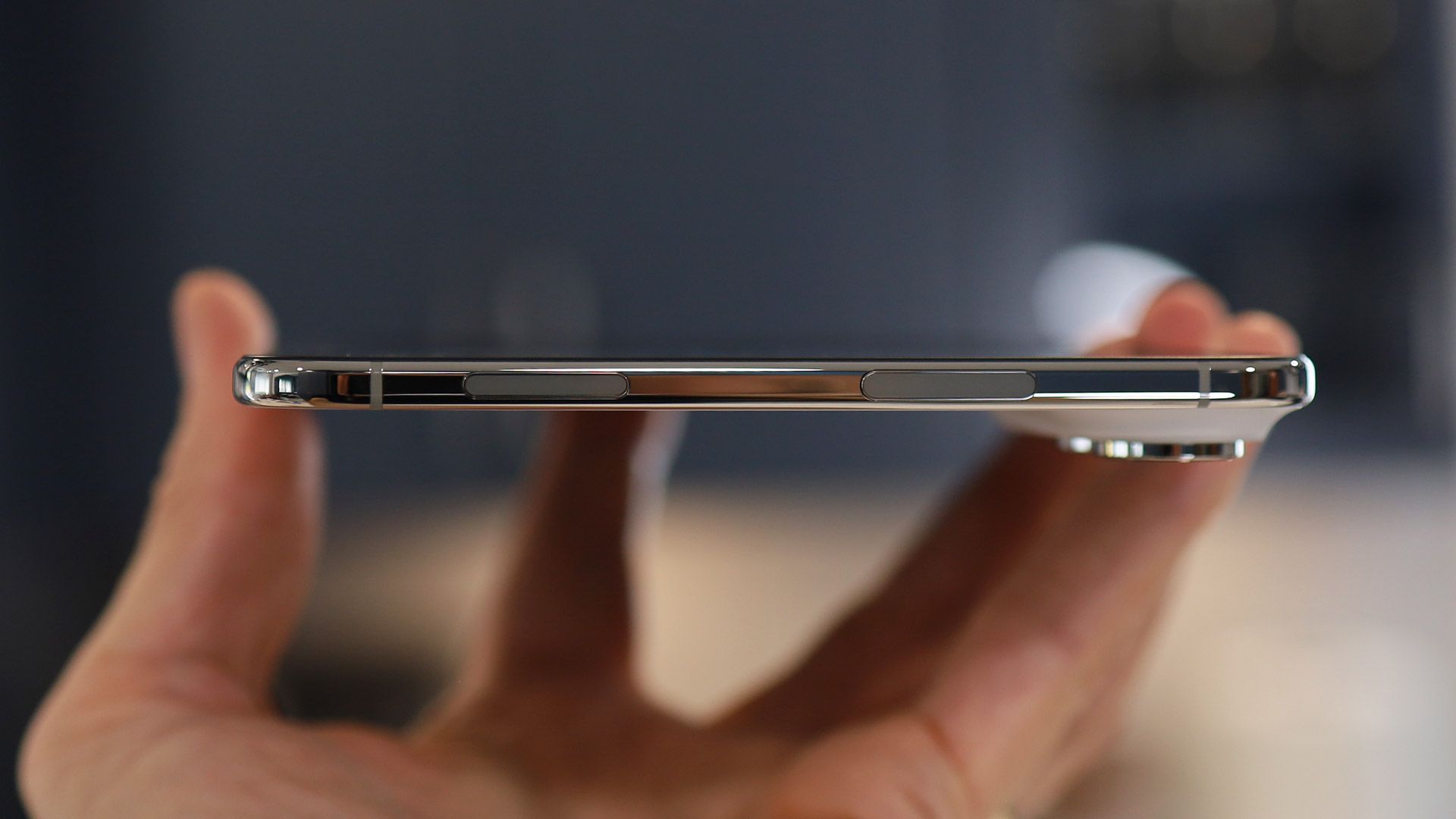
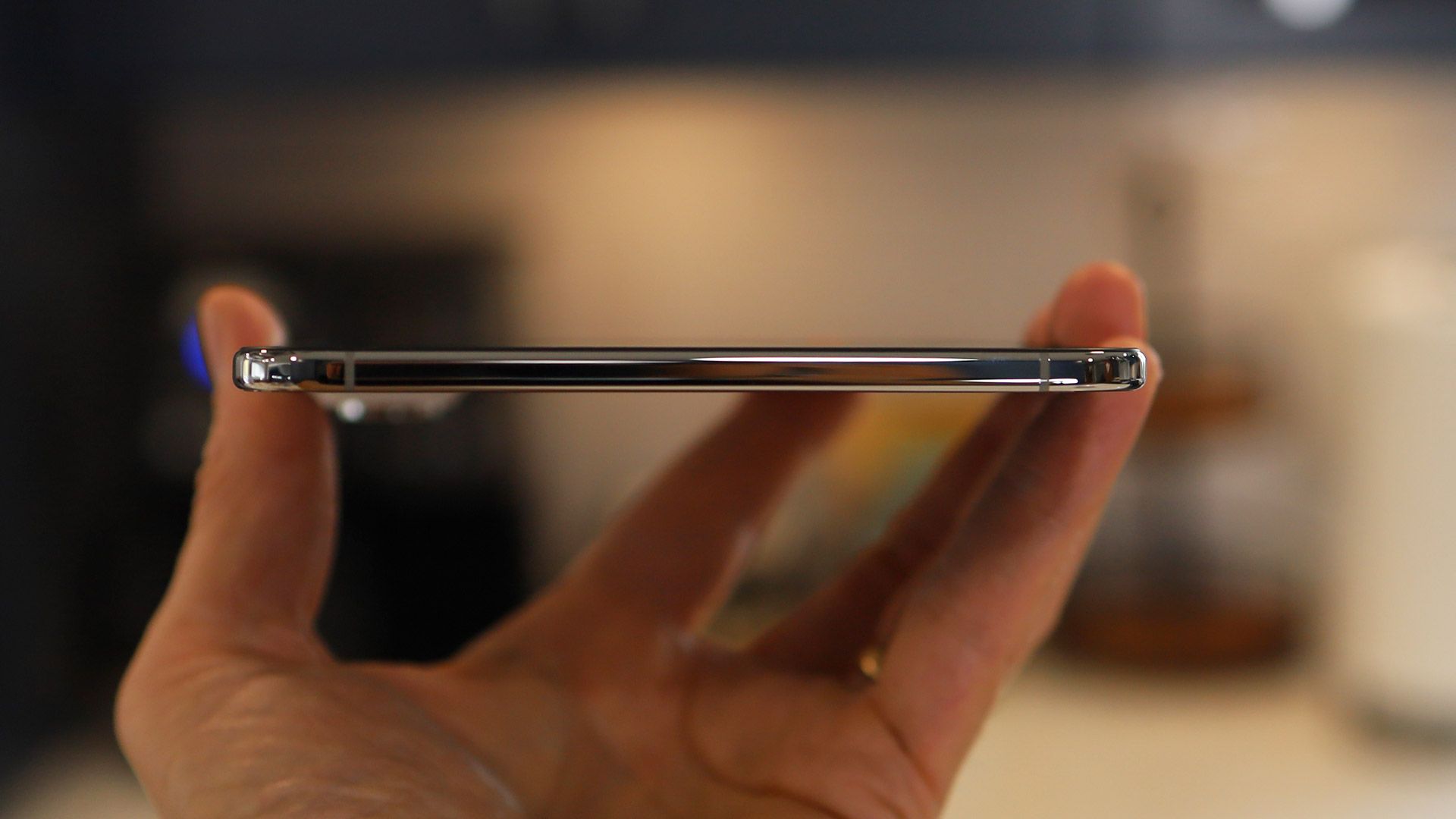
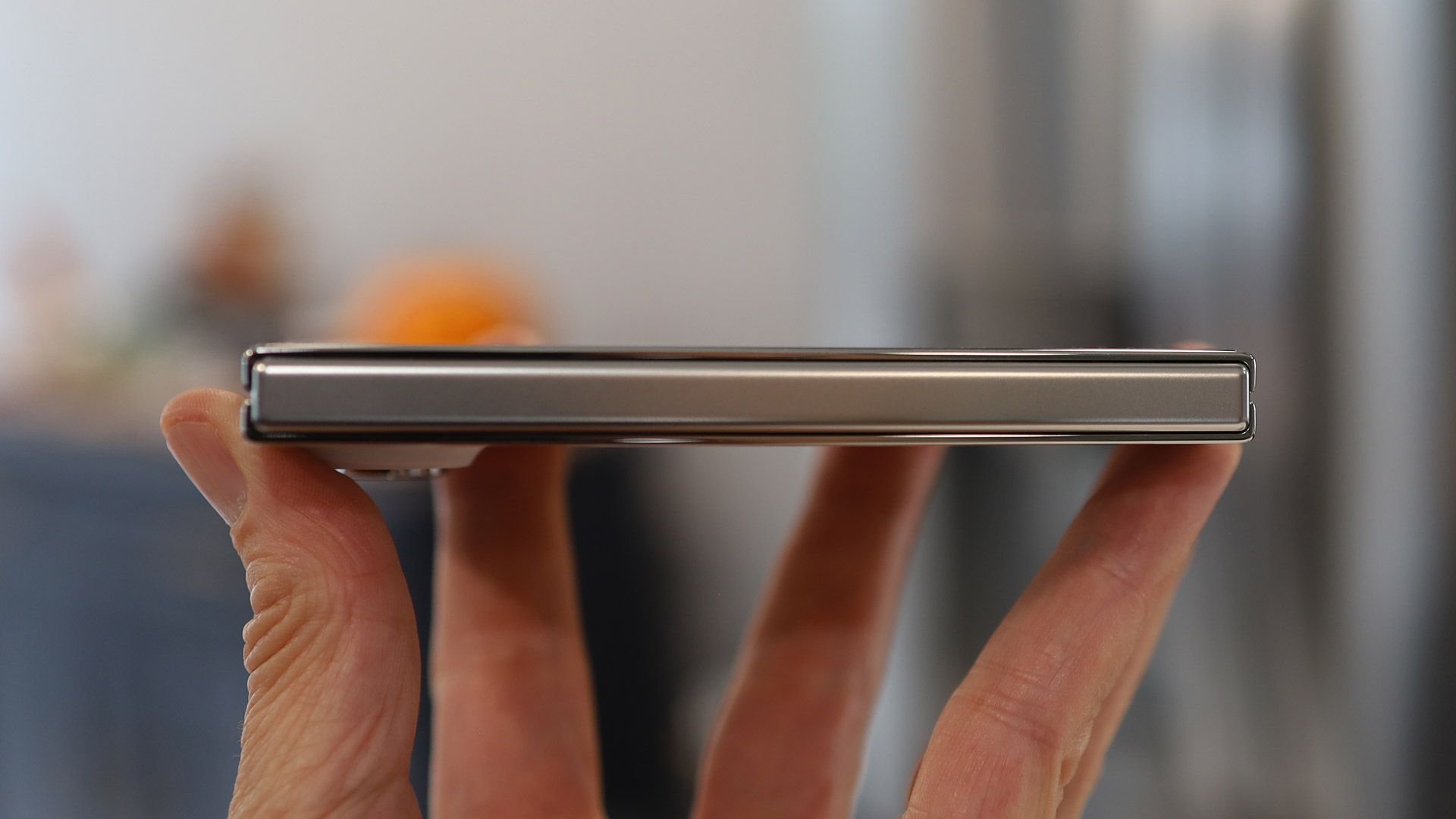
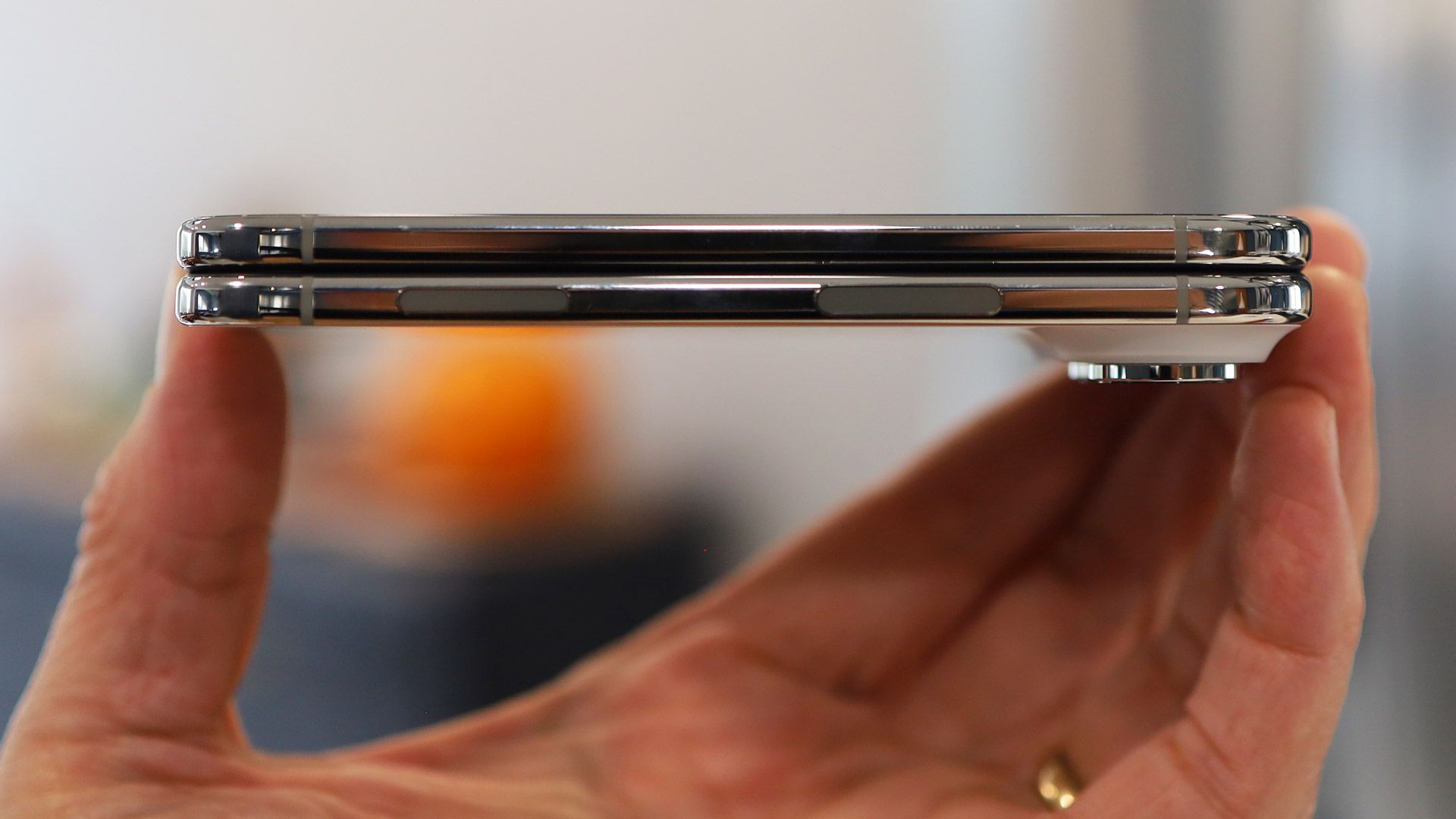
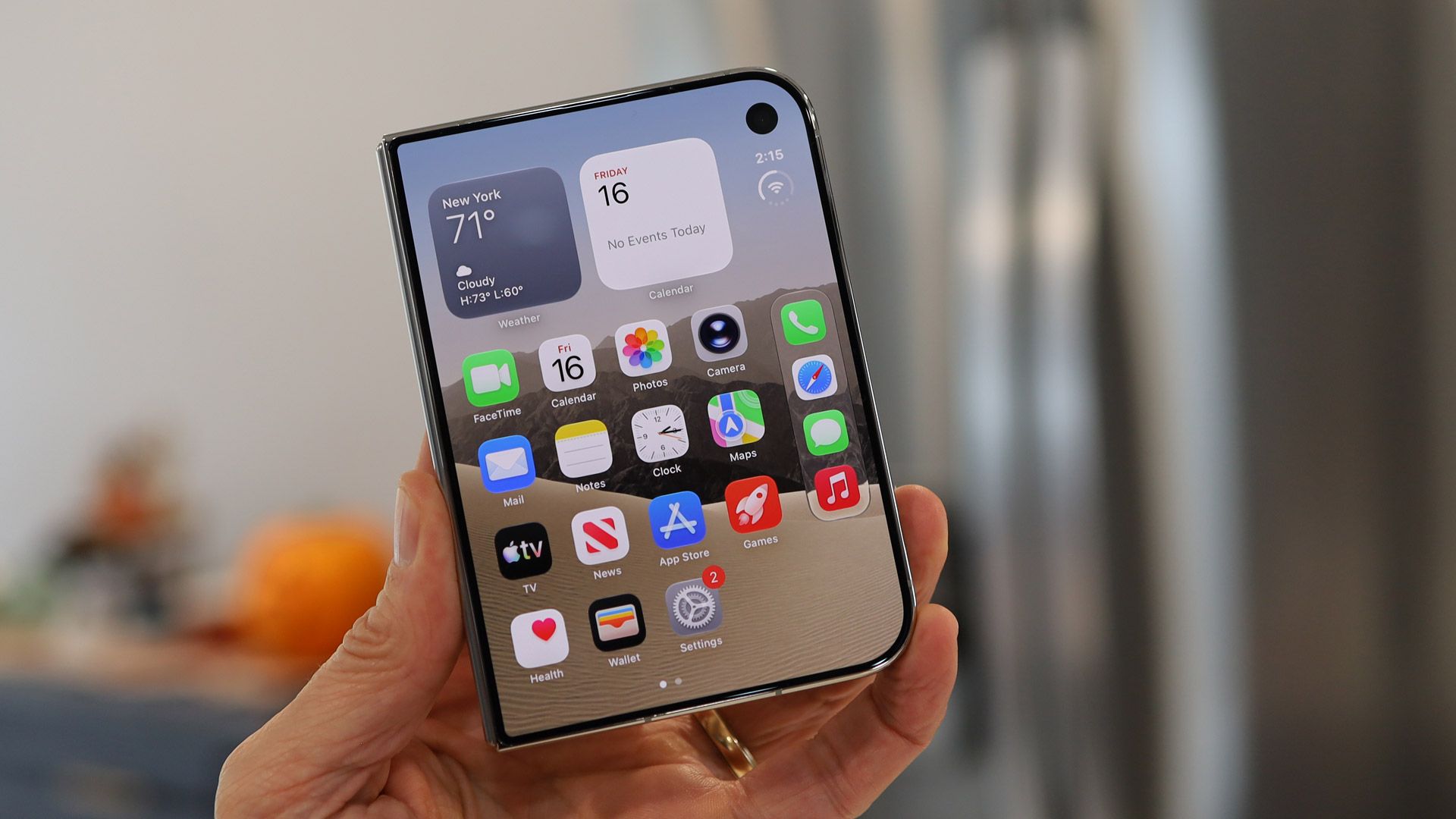
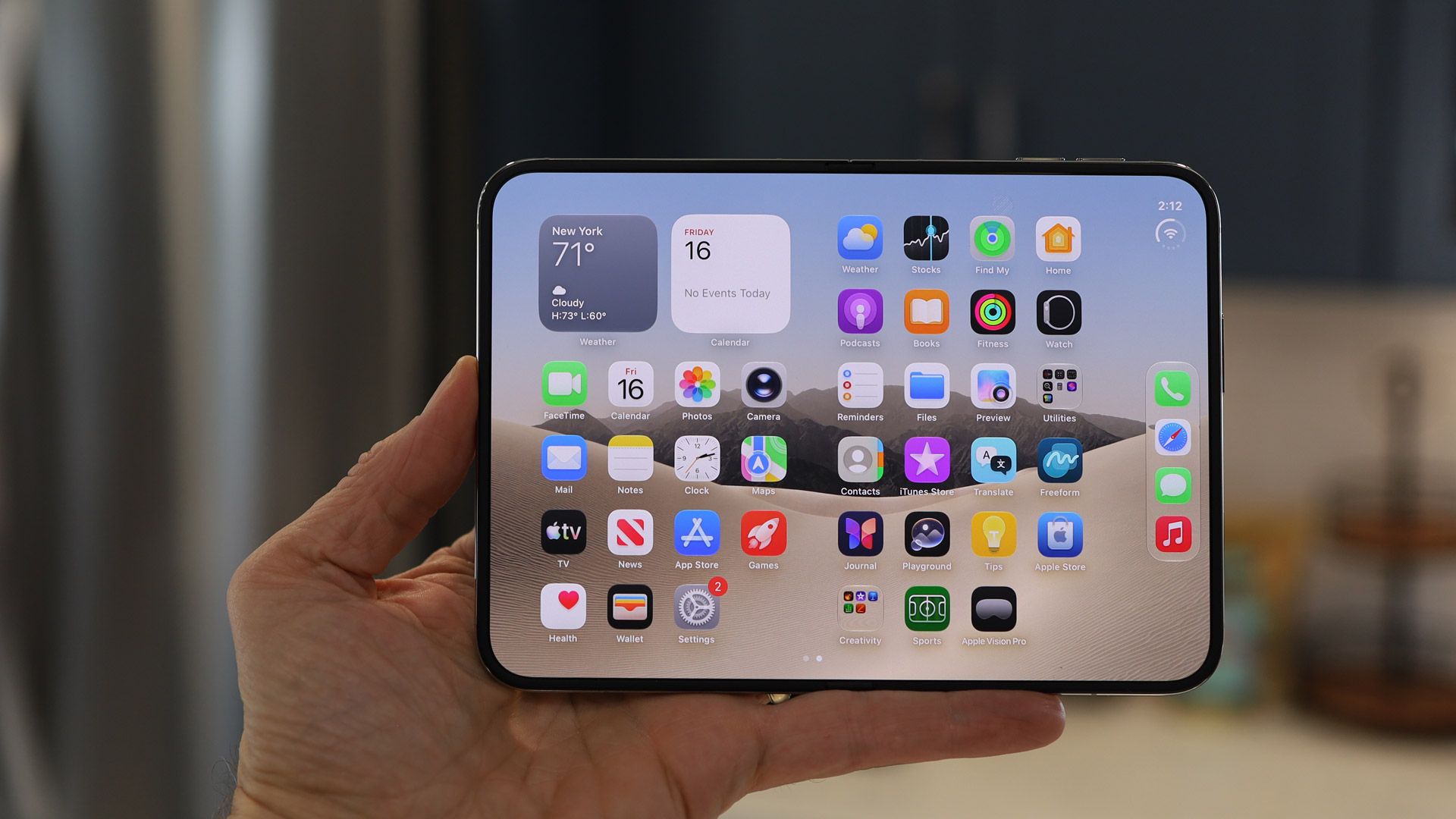
Apple’s upcoming “Pro and Tell” event sparks speculation about new MacBook Pro models, while iPhone Duo preorders raise questions about shipping delays and retail availability. The panel discusses Apple’s $5 trillion valuation, why HomeView won’t launch in the European Union, and the anticipated arrival of Affinity Studio on iPad, including how it could transform creative workflows and provide yet another powerful alternative to Adobe Creative Cloud.
Apple’s iPhone User Guide for iOS 27 explains how to record a phone call when you are talking to one other person, with the recording saved to the Notes app. Apple also lists where call recording is not available: Azerbaijan, Bahrain, Egypt, the European Union, Iran, Iraq, Jordan, Kuwait, Morocco, Nigeria, Oman, Pakistan, Qatar, Russia, […]
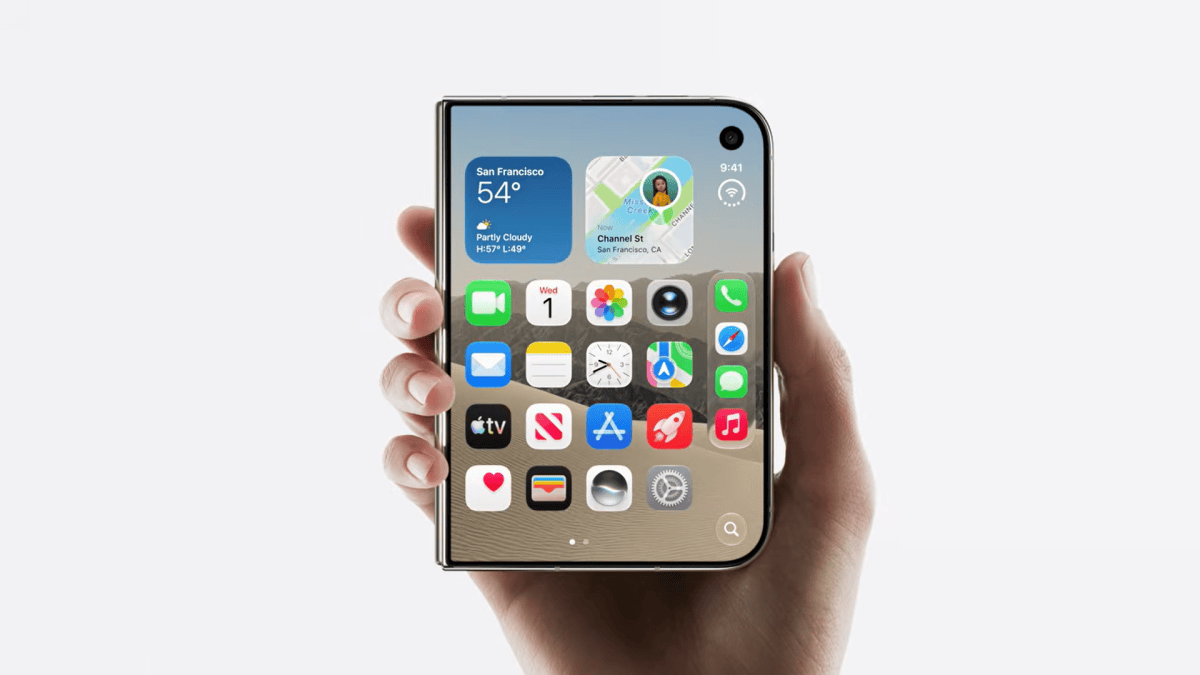
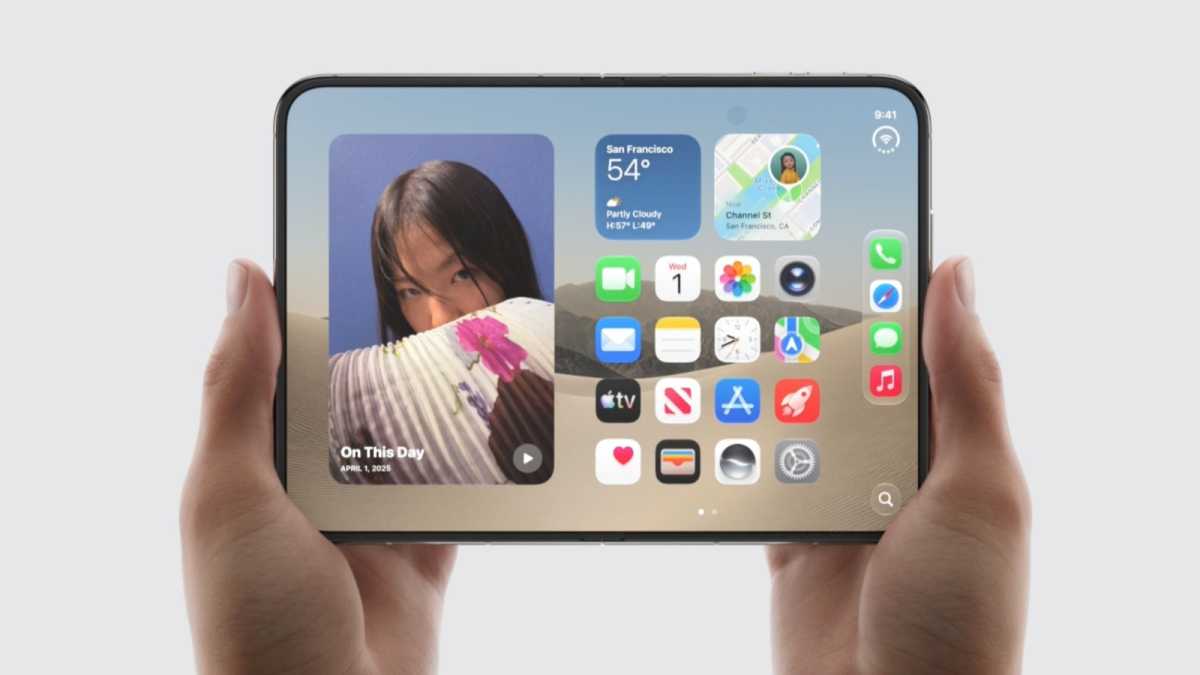
The first wave of iPhone Duo reviews has landed, and the overall response is very positive. Reviewers have uncovered numerous issues with Apple’s first-ever foldable, but have proved surprisingly forgiving. Let’s get into the details.
Late to the party
Apple, not for the first time, is arriving late to the party. “The iPhone Duo arrives seven years after Samsung’s first Galaxy Fold,” pointed out Wired. But this is classic Apple strategy, and there are good reasons why the company bided its time. “In Apple tradition,” the site continued, “its first entry into an existing category feels fully mature; the Duo has significantly less jank than the first few generations of its Android counterparts.”
“The iPhone Duo took its time getting here,” CNET agreed, “but it’s made quite an entrance.”
And Gizmodo was impressed by Apple’s ability to play catch-up. “I think we can all agree that the iPhone Duo has already achieved what competing foldables have not been able to in seven years: generate considerable buzz for foldable phones,” the site argues.
Design: Something new
Considering it’s Apple’s first foldable, the Duo appears to offer a more polished design than one might expect. “Apple’s first foldable phone doesn’t look or feel like a first attempt,” wrote Tom’s Guide, “because of the sheer attention to detail. The way the friction hinge holds nearly any angle. The seamless switching between the cover and main display with the same aspect ratio. And the nano-texture coating, which minimizes glare and the dreaded crease.”
PC Mag was impressed, too. “Apple knows hardware, designing high-end devices that look good, feel great to use, and work seamlessly,” the site observed. “And that’s largely true with the Duo… The matte white rear panel of my review unit looks and feels fantastic. I also like how Apple polishes its logo into the glass, making it reflective in contrast to the smooth matte finish surrounding it… The hinge feels utterly fantastic.”
“Despite its added thickness and weight, I’ve found the iPhone Duo surprisingly comfortable to carry in my pockets,” reported 9to5Mac. “Its shorter, wider footprint makes a bigger difference than I expected… it’s hard to overstate just how impressive the whole thing feels in practice.”
Gizmodo did raise one concern. “I was a little irked that the iPhone Duo caused my front pants pocket to sag. I’ve been so spoiled by the iPhone Air’s lightness that the only solution was to wear a belt again to cinch my pants tighter around my waist.” The site conceded, however, that the Duo “is a beautifully engineered device.”
Apple
How easy is it to use?
The problem with new things is that they are unfamiliar. Some reviewers were concerned that buyers would find the Duo difficult to use, particularly at first.
“I’ve been using iPhones since June 2007,” wrote PC Mag, ominously. “I know how to use an iPhone. And since Face ID arrived on the iPhone X back in 2017, I’ve gotten into a good rhythm for swiftly unlocking the phone. You can toss all that muscle memory out the window.”
Gizmodo agreed. “I’ve gotten so used to using Face ID since the iPhone X that going back to Touch ID required a little muscle memory retraining,” the site complained.
The Verge argued that it is “wild to have iPhone apps with controls in all kinds of different places; reaching for the back button in Apple’s Mail app and realizing it’s moved from the top left to the right is kind of disorienting. A lot of using the Duo is just figuring out how to use an iPhone again, which hasn’t happened in a long time.”
But not everyone found the user experience a trial. CNET reported that switching from the iPhone 18 Pro Max to the iPhone Duo “has been seamless, and not only because of the synchronization baked into Apple’s operating system. I haven’t experienced any hiccups while using iOS 27 on both Duo screens. Instead, the implementation feels intentional.”
Screen quality and the crease question
The great challenge when creating a foldable is to avoid the appearance of a crease in the screen. Reviewers felt that Apple did a good job in this department.
“The infamous crease—where the phone folds—is hardly visible thanks to Apple’s display stack and clever use of a matte-finish nanotexture screen,” Wired reported.
PC Mag was a little more conservative in its praise. “Apple has done well at minimizing the crease’s appearance,” the site noted, “but it’s still there. You can see it when the display is off, and you can feel it if you run your finger across the screen.”
In other respects the screens on the Duo were positively received. CNET said the 5.4-inch cover screen “doesn’t feel cramped. I can comfortably do just about anything I would on a bar-style phone, just on a smaller scale. The keyboard is roomy, taking up around half the cover screen, so typing feels seamless and easy. I haven’t grappled with any more typos than usual.” And The Verge was similarly complimentary about the 7.6-inch inner display. “Apple’s very proud of this inner matte display, and for good reason,” the site said. “It looks and feels incredibly solid, a big step up from foldables with glossy, seemingly soft screens with glaringly obvious creases.”
??????????
Apple
How well do third-party apps work?
Apple’s own apps have naturally been tweaked and redesigned to work perfectly on the Duo’s unfamiliar screen arrangement, but the big question is how much effort and skill will third-party developers be prepared to put into optimizing their apps? The answer is: it depends.
“I was intrigued to try third-party apps optimized for the iPhone Duo,” wrote Tom’s Guide, “and there are plenty of standouts so far. [But] non-optimized apps can range from looking a bit off to horrible. Keeping in mind that many top apps will be updated by the Duo’s release date, I noticed that certain apps had huge black bars on the left and right side of the display, like Disney Plus and The Weather Channel. Unoptimized games look pretty terrible, too, filling up only three quarters of the screen. I just hope developers update their wares. Quickly. And I expect they will out of fear of sheer embarrassment.”
Wired was also struck by the disparity between optimized and non-optimized apps, but was more sanguine about the prospects of developers falling into line. “Several apps I’ve tried to open on the sprawling 7.6-inch screen look awful,” the site wrote. “Thick, black bars on the sides, with a phone-sized app in the middle of this tablet-like display. But you likely won’t encounter this problem once the Duo is in your hands… Developers need to target the iOS 27.1 software development kit for full Duo compatibility. That will take some time. But it is a little maddening that some app developers, who for years have never seemed to care about optimizing their app for Android folding phones, are so quick to embrace Apple’s fold.”
Performance: Fast, but occasionally hot
The Duo is a powerful phone with excellent specs, but for the very best performance you may wish to look elsewhere.
“Despite sharing the same processor, memory, and storage options, the Duo’s speeds and performance don’t quite reach the same heights as the [iPhone] Pro models, but it outmatches the [Samsung Galaxy] Z Fold 8,” reported PC Mag. In real life, however, such distinctions are unlikely to make much difference. “In terms of using the phone naturally over the course of a week,” the site added, “I experienced no problems or hiccups. The Duo smoothly transitions from the front screen to the inner screen, apps open swiftly, and multitasking isn’t a challenge at all.”
CNET wrote that Geekbench 7 CPU benchmark tests “place the iPhone Duo well above the Galaxy Z Fold 8, Z Fold 8 Ultra and Pixel 11 Pro Fold. In a graphics test using 3DMark’s Wild Life Extreme, the iPhone Duo again exceeded the performance of the Z Fold 8 and Fold 8 Ultra, and far outpaced the Pixel 11 Pro Fold.”
Impressive. But there are slight concerns about overheating. “For most things it’s plenty fast,” wrote The Verge. “But the reality is that it’s also a thin phone driving two big displays, and it definitely gets warm, and sometimes hot.”
Apple
Cameras: Not pro, but plenty good
As was the case with the iPhone Air last year, the Duo packs slightly less impressive cameras than one might expect given the price. But this may or may not be a problem, depending on your photographic needs.
“I was nervous about whether the iPhone Duo’s cameras would pull their weight,” admitted CNET. “Thankfully, I’ve been pleasantly surprised… The photos I’ve taken in a variety of conditions have turned out sharp and vibrant–though you won’t find more advanced, pro-oriented formats like ProRAW capture and ProRes video.”
PC Mag was also happy with the device’s performance in photo tests. “The Duo takes superb photos in most scenes,” the site wrote. “Outdoor daytime shots look fantastic, with accurate color, sharp focus, and plenty of contrast.”
But Tom’s Guide felt it is “a big deal that the iPhone Duo doesn’t have a telephoto lens. You get just a 48MP main and 48MP Ultrawide, which take great shots. But if you’re zooming in, you’re going to miss the level of detail a dedicated optical can provide.” And The Verge complained that the Duo “relies on heavier sharpening to make up for its weaker [camera] hardware, so fine details look a little crunchier than they do on the 18 Pro. The Duo retains a bit less color detail in low light too, though Night Mode kind of evens out the playing field between them.”
Battery life: Mixed messages
Some sites were happy with the Duo’s battery performance, while others were frustrated.
On the positive side, CNET reported that “even with my excessively high screen time over the past few days, the battery has consistently held up well. One day, I started with a full battery at 8:15 a.m., and after a full day of scrolling through social media, working in Google Docs, sending emails, texting, taking pictures, watching YouTube videos, and placing a couple of phone calls and a video call, I ended the day with 29% at 11 p.m.”
And PC Mag wrote: “I ran our usual battery test overnight and came away impressed. I streamed a YouTube video via Wi-Fi on the inner display with the screen’s brightness set all the way up. It ran for 18 hours and 15 minutes. It bested the Motorola Razr Fold (18 hours), Galaxy Z Fold 8 (16 hours, 30 minutes), Z Fold 8 Ultra (16 hours, 29 minutes), and the Pixel 11 Pro Fold (14 hours, 21 minutes).”
But The Verge was less happy. “The Duo,” it wrote, “doesn’t seem ready to last a full day of heavy use.”
Price: High but justified
Perhaps the most surprising aspect of the early reviews was how comfortable the reviewers were with the iPhone Duo’s price tag.
“The iPhone Duo costs $1,999 for 256GB, rising to $3,199 for 2TB of storage,” noted CNET. “While that starting point is high, it’s in line with most foldable phones.” It added that these prices “sure didn’t stop [the Duo] from selling out almost instantly when preorders opened.”
“Do I think the iPhone Duo is worth two grand?” asked Tom’s Guide. “Yes, as it’s only $100 more than the Galaxy Z Fold 8. And you get a more durable design, faster performance, longer battery life, and smarter software.”
“[On price,] the Duo is surprisingly on par with its competitors (though still expensive),” concluded Wired.
Verdict: Flawed but fun
The iPhone Duo clearly isn’t perfect. But reviewers enjoyed themselves and had plenty of qualified praise for the device.
“It is expensive, it’s full of compromises, and it can be incredibly frustrating to use,” said The Verge. “But all of the risk and weirdness of the Duo is also fun, in the way the best early adopter devices are fun. It’s incomplete as a product, but complete enough as an idea that you can see where things are going.”
“Aside from some minor shortcomings, Apple appears to have stuck the landing with its long-awaited foldable,” said CNET. “Foldable phones offer a breath of fresh air in a stagnant industry, and the iPhone Duo is no exception.” The site did stress, however, that the Duo is not for everyone.
PC Mag was very complimentary in its summing up. “The iPhone Duo overcomes Apple’s late start by delivering the best hardware, performance, and battery life of any foldable phone on the market,” the site enthused. Tom’s Guide described the Duo as “the best designed foldable yet with the most polished, intuitive and fun software experience.” Gizmodo added that “phone hardware and software are genuinely exciting again, which is something to celebrate.”
We’ll end with a note of caution from Wired. “This is often the case with first-generation products,” the site wrote, “but it may be prudent to wait for the Duo 2.”
Apple’s iPhone User Guide explains how to share your screen, ask to see someone else’s screen, or remotely control it during a call in the Phone app. Apple says both you and the other participant need iOS 26 or later, and that remote control is not currently available in the European Union. The feature is […]
If you’re hoping to wait in line at an Apple Store on Friday in the hopes of scoring an iPhone Duo, you might want to reconsider. Some stores will have some units to sell to those who didn’t preorder, but not many, and they’re going to be gone in a flash.
In a statement to Reuters and other news outlets, Apple said:
On Friday morning, our teams look forward to welcoming customers at Apple Stores to experience iPhone Duo and the incredible iPhone line-up for themselves,” Apple said in a statement. “Apple Stores will have limited iPhone Duo available for walk-in customers, and we’re working hard to get this revolutionary new product into customers’ hands as quickly as possible.
Despite the eye-watering starting price of $1,999, preorders for the iPhone Duo at the Apple Store are now listing a date of January 25 for nearly every configuration, pushing delivery of the first folding iPhone far beyond the holiday season. Apple may send a small portion of new iPhone Duo shipments for walk-in purchases at Apple Stores, but between Apple preorders and carrier stores, it’s safe to say that it’s going to be really hard to get one if you haven’t already preordered.
In the past, stores have gotten daily shipments of small numbers of phones, so if you’re not lucky on Friday, you should be able to check back.
New iPhones are always a hot item and often slightly backordered in specific configurations or colors, but the folding iPhone is reportedly very difficult to manufacture, leading to smaller volumes and a lower production rate than something like the iPhone 18 Pro.
Loop Capital recently changed its rating on Apple from “Buy” to “Hold” because of weaker sales expectations. The investment firm cut its price target from $370 to $330. According to the firm, the tech giant will likely ship 13 million fewer smartphones in the second half of 2026 than previously planned. The firm also lowered […]
Apple’s iPhone User Guide for iOS 27 explains how to use Live Translation during a call in the Phone app, so you can hear and read a spoken and text translation in your preferred language. Apple says the feature is powered by Apple Intelligence and works on one-on-one calls in the languages Apple lists, on […]
Apple is recruiting a 6G cellular modem systems engineer, adding a next-generation research focus to its in-house modem development. The position, posted October 19 in Sunnyvale, California, describes responsibilities spanning cellular standards, hardware and software architecture, and power efficiency.
The Apple job listing establishes a concrete engineering focus. It does not identify a future iPhone, name a commercial modem, or provide a release date.
That makes the vacancy useful as a window into development priorities rather than a product announcement. The significant detail is how broadly Apple describes the work: connecting emerging standards with the decisions required to build a functioning cellular system.
The Role Connects Research With Product Engineering
The position covers feature definition, algorithm development, simulation, silicon testing, and preparation for production. Apple specifically identifies next-generation modem requirements with a focus on 6G evolution.
The listing also emphasizes translating engineering improvements into throughput, latency, battery life, and connection reliability. Candidates are expected to understand emerging 6G work alongside 5G and 4G standards.
Those responsibilities explain why modem development extends beyond designing a single chip. A cellular system must coordinate signal processing, software, and hardware while operating within a mobile device’s power constraints.
The practical challenge is balancing competing priorities. An approach that improves one performance measure may introduce costs elsewhere, such as greater processing demands. Evaluating those trade-offs is part of turning a technical possibility into something suitable for a portable product.
Image Credit: Apple Inc.
Apple’s 6G References Predate This Vacancy
The October posting is not the first public indication of this research. A separate Apple RF modeling position, dated June 24, includes modeling and simulation for 4G, 5G, and 6G modem systems.
The distinction matters when interpreting the latest recruitment. A newly published vacancy can reveal current responsibilities without establishing when a project began or how much its staffing has changed.
The two roles address different engineering tasks. The RF modeling position focuses on simulating radio-frequency behavior and investigating performance, while the newer systems role connects standards, algorithms, hardware, and software. Together, they illustrate why modem development requires work across several specialties.
The Standards Process Is Still Underway
The wider industry remains in the process of defining 6G. The International Telecommunication Union refers to the next generation as IMT-2030.
According to the ITU’s current development overview, its expert working party completed draft technical performance requirements in February 2026 and draft evaluation guidelines in June. Both documents have been submitted to ITU-R Study Group 5 for approval scheduled for December 2026.
The ITU has also invited proposals for candidate IMT-2030 radio technologies between February 2027 and February 2029. That window concerns submissions for evaluation, rather than consumer launches, and helps explain why companies are recruiting engineers while the technical framework is still taking shape.
These milestones concern how candidate technologies will be specified and assessed. They do not establish a date when a particular operator will offer service or when Apple will ship compatible hardware.
For readers, this is an important distinction between an industry framework and a usable connection. Standards work helps establish common expectations. Commercial availability requires additional decisions and implementation by device makers, network suppliers, operators, and regulators.
The Work Builds on Apple’s Existing Modem Effort
Apple already has experience bringing its own cellular modem to market. The company introduced C1 with iPhone 16e in February 2025, identifying it as its first internally designed cellular modem and a component supporting 5G connectivity.
That C1 announcement provides a commercial reference point for Apple’s modem work. The recruitment concerns a different stage: developing systems around emerging standards. Shipping a 5G modem and researching 6G are related activities, but progress in one does not establish a launch schedule for the other.
It does not establish that the new role belongs to a particular C-series successor. Assigning a name, manufacturing schedule, or specific iPhone generation would go beyond the information available.
What the Vacancy Means for iPhone Buyers
The immediate takeaway is about Apple’s development direction. The company is seeking engineers who can connect emerging wireless standards with practical requirements such as efficient operation and reliable connectivity.
For someone choosing a phone today, the vacancy provides no basis for predicting when 6G will become a useful purchasing consideration. Published device capabilities, local network coverage, and current service plans remain the information buyers can assess.
The more meaningful future milestones will be finalized specifications, announced compatible hardware, and documented operator deployments. Until those arrive, Apple’s recruitment offers evidence of preparation—and a clearer view of the engineering involved—without establishing the features or timing of a future iPhone.
When Apple launched the iPhone 12 in 2020, one of the headline upgrades across the range was support for 5G. This then-new networking standard enabled the devices to access claimed mobile speeds roughly 50-100 percent higher than 4G LTE… provided coverage was available in the user’s area. This caveat meant improvements were difficult to notice in the short term, but it was an important upgrade for the long term. (Some skeptics disputed its value, admittedly.)
Six years on, Apple is making plans for the next version of the technology, unimaginatively called 6G, and the quality-of-life improvements this will deliver to iPhone owners.
In a new job listing, spotted by MacRumors, the company this week set out to find a “6G Cellular Modem Systems Engineer,” based in either San Diego or Sunnyvale, California. The role carries a brief to “Define & architect system-level features and requirements for next-generation cellular modems, with a focus on 6G evolution and advanced PHY/L1 capabilities.” Base pay is in the range $175,000-$308,500, so get your applications in soon.
Apple is well aware that its job listings are scrutinised eagerly for evidence of upcoming product development, so this posting is significant in what it tells us about the company’s progress and how willing it is for this to be publicised. But it’s been planning for the launch of 6G for some time. A similar, albeit slightly more subtle, listing was spotted way back in 2021, only a year after the iPhone gained support for 5G. That post sought “wireless system research engineers for current and next-generation networks” and then mentioned lower down that the next-generation networks in question were, obviously, 6G.
The progression from research engineers to a systems engineer (the new listing mentions the word research only once, in the context of past experience) may reflect the 6G project’s changing priorities and increasing focus on practical applications. But 6G remains a long way from launch; 6G networks are currently expected to appear in the early 2030s. In other words, the first Apple device to support 6G is likely to be at least the iPhone 22 Pro… or maybe the iPhone Duo 5.
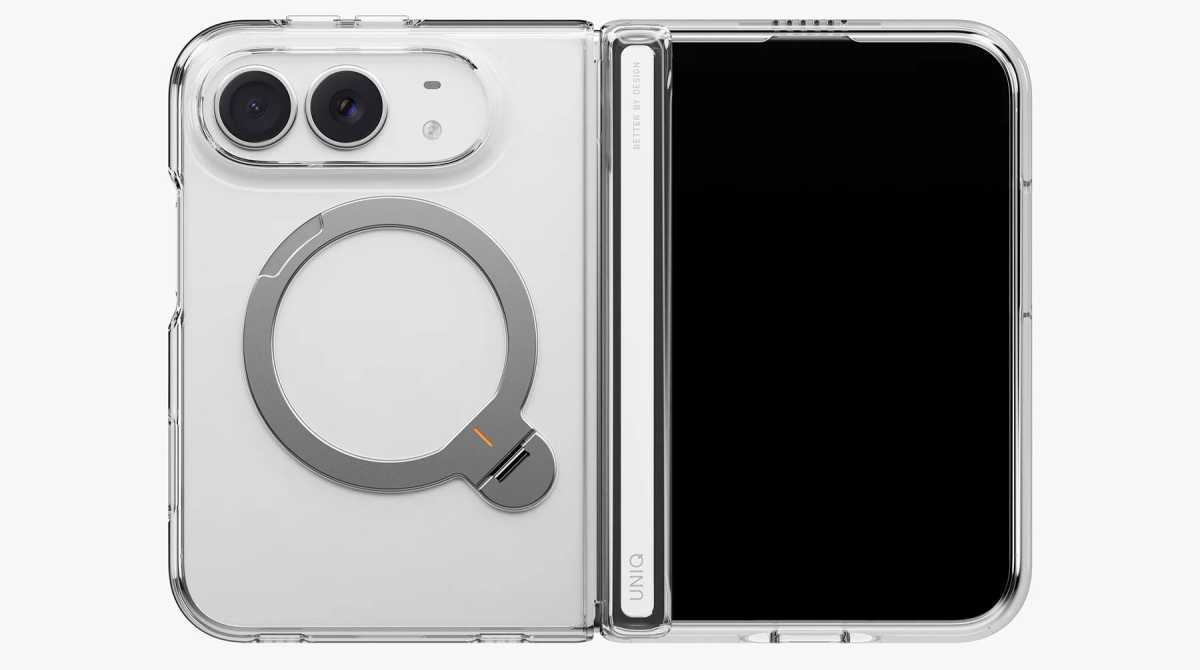
Apple’s new iPhone Duo is both big and small, and it’s more susceptible to knocks and drops than a standard iPhone with its folding function maybe taking a while to get used to. It’s the first iPhone that needs a case built around moving parts—namely the hinge. A case for a foldable can be made from one or two shells, with the additional question of covering the hinge or leaving it bare. The phone goes on sale October 23, and cases are already arriving.
We’ve assessed these cases using a dummy iPhone Duo, comparing their design, materials, fit, and features. This gives us an initial impression, but we haven’t yet verified their performance on a working phone, including wireless charging, Touch ID access, and how they accommodate the hinge during everyday use. We’ll update our recommendations after testing with the iPhone Duo itself.
iPhone Duo test criteria
Until we get our hands on the actual iPhone Duo to test each case with, we’ve used an incredibly accurate test-surrogate iPhone Duo to fit in the cases we’ve tested ourselves. We look for eight key criteria in each case.
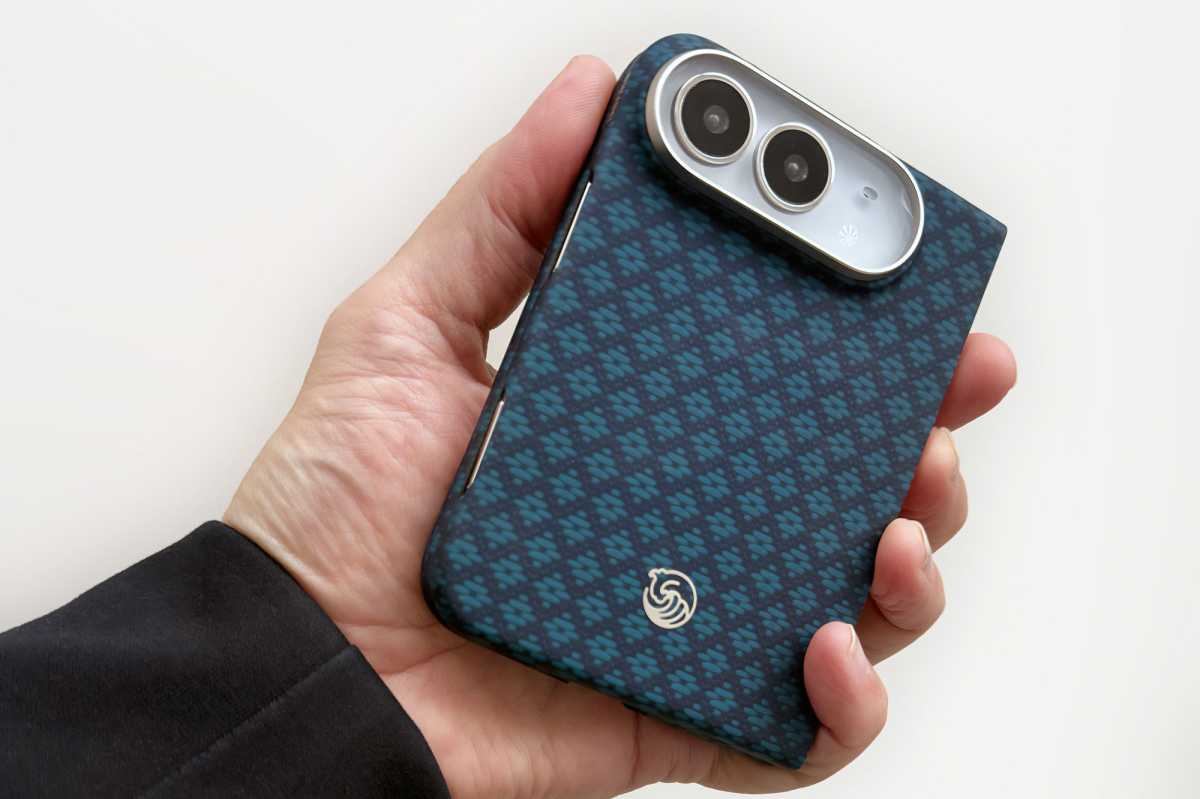
Our test surrogate Duo in the Benks ArmorGrid Air (Beyond Blue)
Simon Jary
Protection: We checked corner reinforcement, camera and screen-edge protection, hinge coverage, and how much of the handset each shell covers. We did not run our own drop tests, so protection assessments are based on construction and coverage, and we note manufacturer claims as claims. Some case makers specify the exact measurements of their raised screen and camera edges, other do not.
Materials and grip: We assess surface texture, grip, finish, and visible fingerprint marks during handling. Common case materials include TPU (thermoplastic polyurethane, a flexible, durable plastic) and aramid fiber (a lightweight, high-strength synthetic fiber, best known through the Kevlar brand). The material alone does not establish how well a case protects the phone; construction and coverage also matter. Long-term wear, discoloration, and adhesive durability cannot be established during these initial checks.
Hinge protection and operation: Cases take different approaches to the Duo’s hinge: some include a protective cover, while others leave it exposed. We opened and closed each case on the dummy handset, checking for stiffness, rattling, gaps, and smooth movement of any hinge cover. We also checked whether both shells stayed firmly attached during opening and closing. These checks provide an initial assessment of the case’s construction and movement. We will assess the effect on the actual phone’s hinge movement or opening angle will require further testing with a working iPhone Duo.
Fit and installation: We used the dummy iPhone Duo to assess how securely each section fits the handset, the alignment of cutouts, and the ease of installation. We also checked the positioning and accessibility of button covers and port openings. Final fit and tolerances, button response, Touch ID operation, and cable fit will need confirmation with a retail iPhone Duo.
Slimness: The Duo’s thin profile is part of its appeal but this must be weighed against the backplate’s coverage and reinforcement. We penalize cases that add bulk without a clear benefit, but not where the protective benefits are worthwhile.
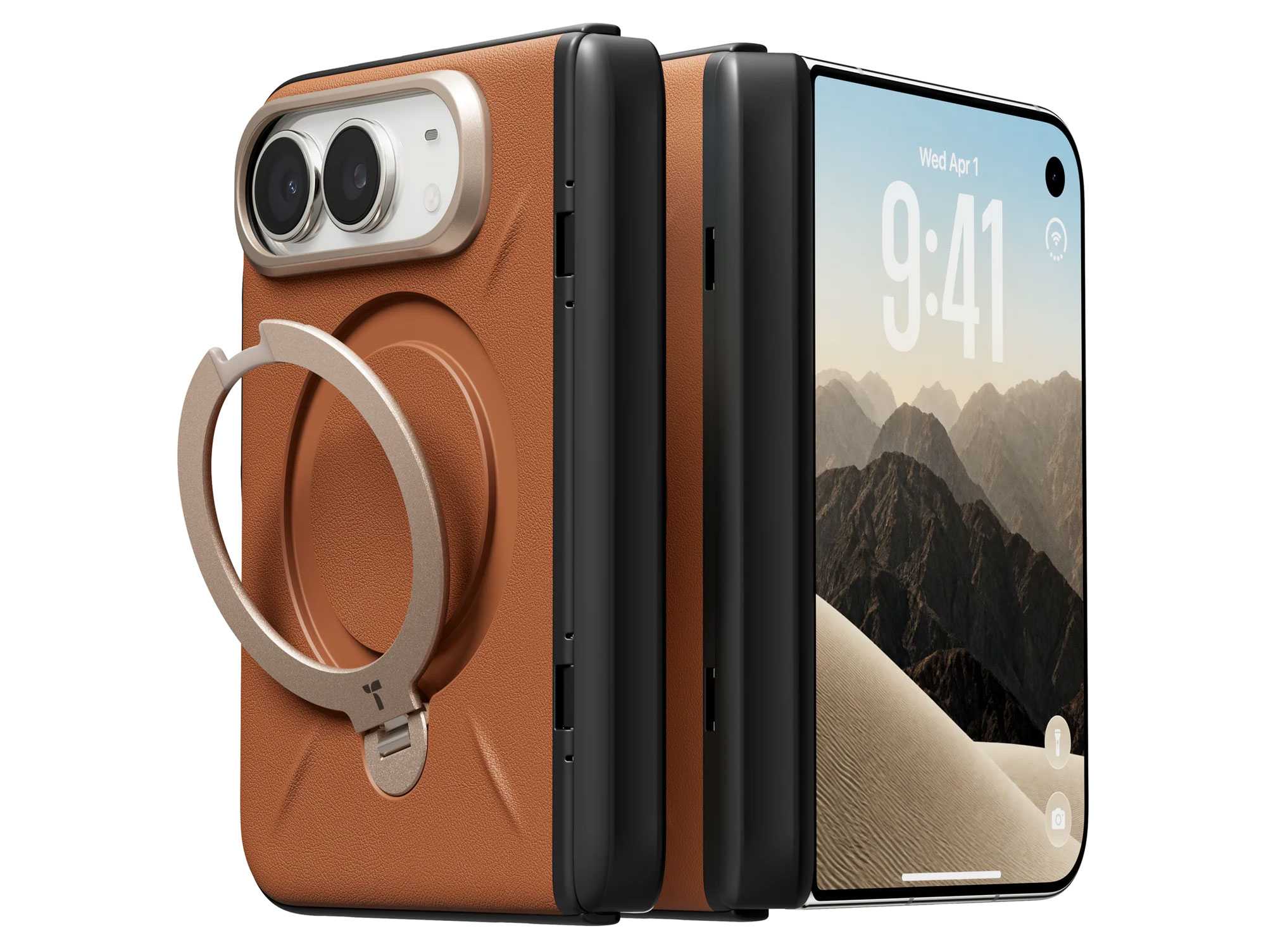
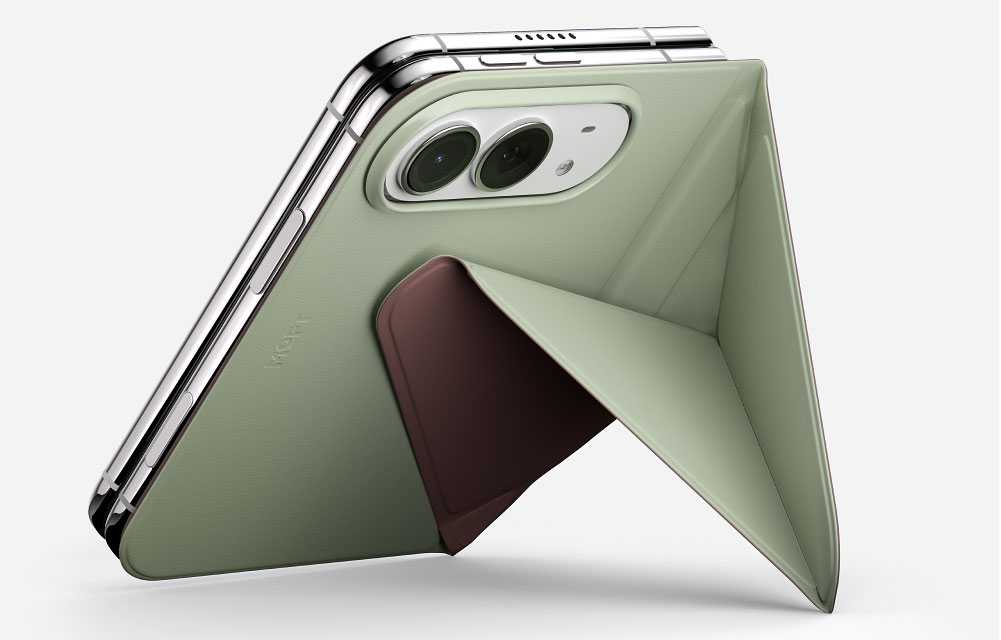
Extra functions: Some iPhone Duo cases include a kickstand for easier viewing. We assessed adjustability and how much bulk the stand adds. ESR’s Flex Stand, for example, rotates 180° and forms a protective guard around the camera bar when not in use. Other stands, such as those on the Torras Ostand and UAG Mouve XTE, rotate 360° and fold flat against the case backplate. The Moft Dynamic Folio uses an origami-like folding stand. Stability with a working iPhone Duo, both folded and unfolded, will require further testing because its weight and balance may differ from those of the dummy handset.
Colors and style: We assessed the range of colors and the quality of the finishes provided. Most of the color and pattern will be seen on the case’s backplate, but it should also be noticed on the front frame and hinge protector where present.
Magnetic accessory compatibility: We checked how securely magnetic chargers, power banks, wallets, and other accessories attached, and whether the case’s camera surround, hinge protection, or kickstand obstructed their fit. Because we used a dummy handset for our initial testing, these checks assess attachment and clearance only. We will test charging performance—including speed, heat, and reliability—once we have a working iPhone Duo.
Price comparison from over 24,000 stores worldwide
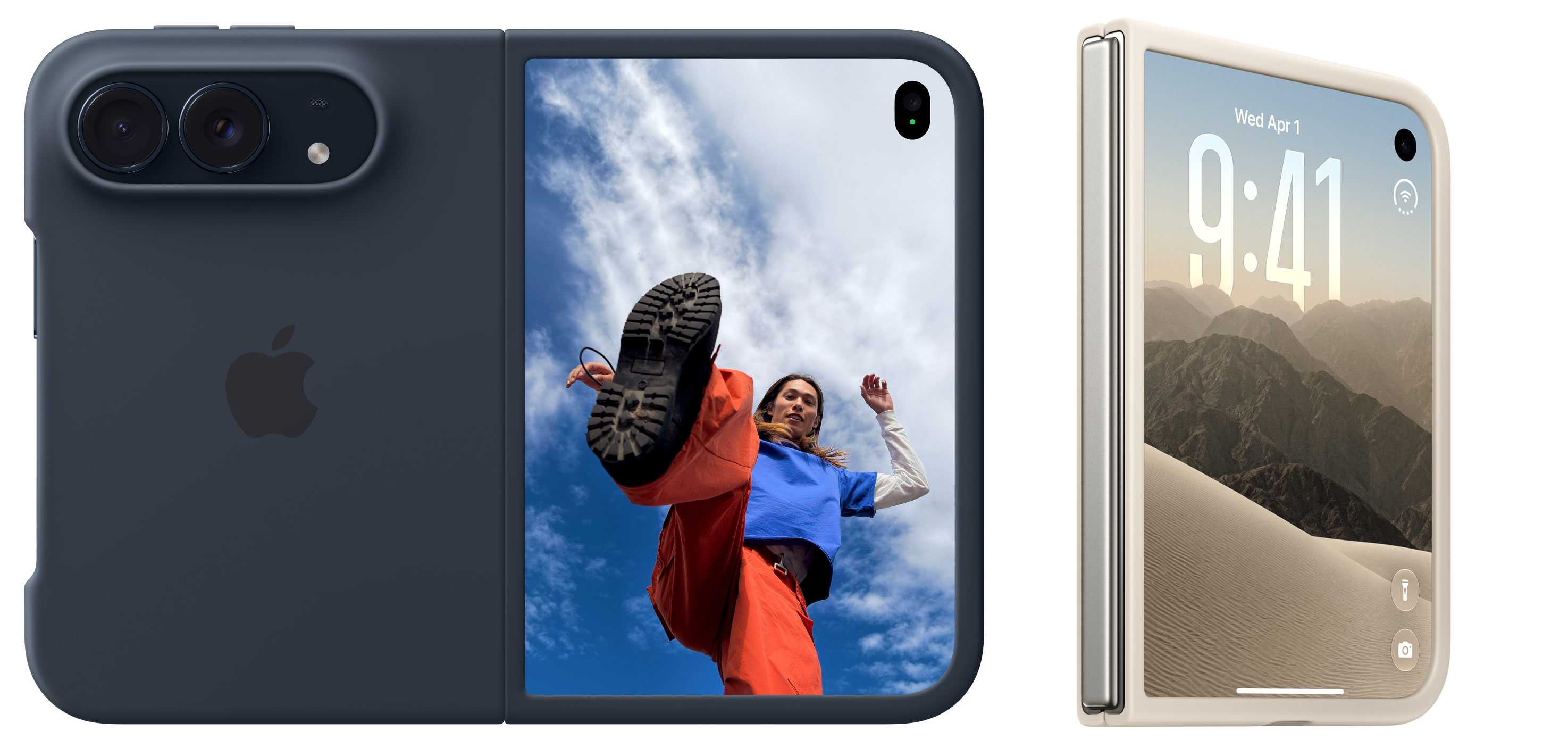
There are two Apple-branded cases for the iPhone Duo. The basic version is called simply the Apple iPhone Duo Case. If you want everything to have an Apple logo on it, this is a solid choice you can’t go wrong with.
It’s a two-part design, with each side having its own thin cover and a protective frame around the edges. This leaves the phone’s hinge area “unobstructed” (which the pessimistic among us could also describe as “exposed”) so the device can fold and close completely flat without interference. Like most two-part cases without a hinge cover, it requires adhesive strips to ensure a secure fit, and so is not as easy to remove and reattach as magnetic cases such as Apple’s own Duo Folio case.
Made from polycarbonate with a matte coating, the case is available in two colors—Navy Blue and Sand—that match the Duo’s own Night Sky and Star White colors.
MagSafe: Yes
Hinge protected: No
Apple iPhone Duo Folio with Kickstand: Magnetic folio with a built-in stand
Price comparison from over 24,000 stores worldwide
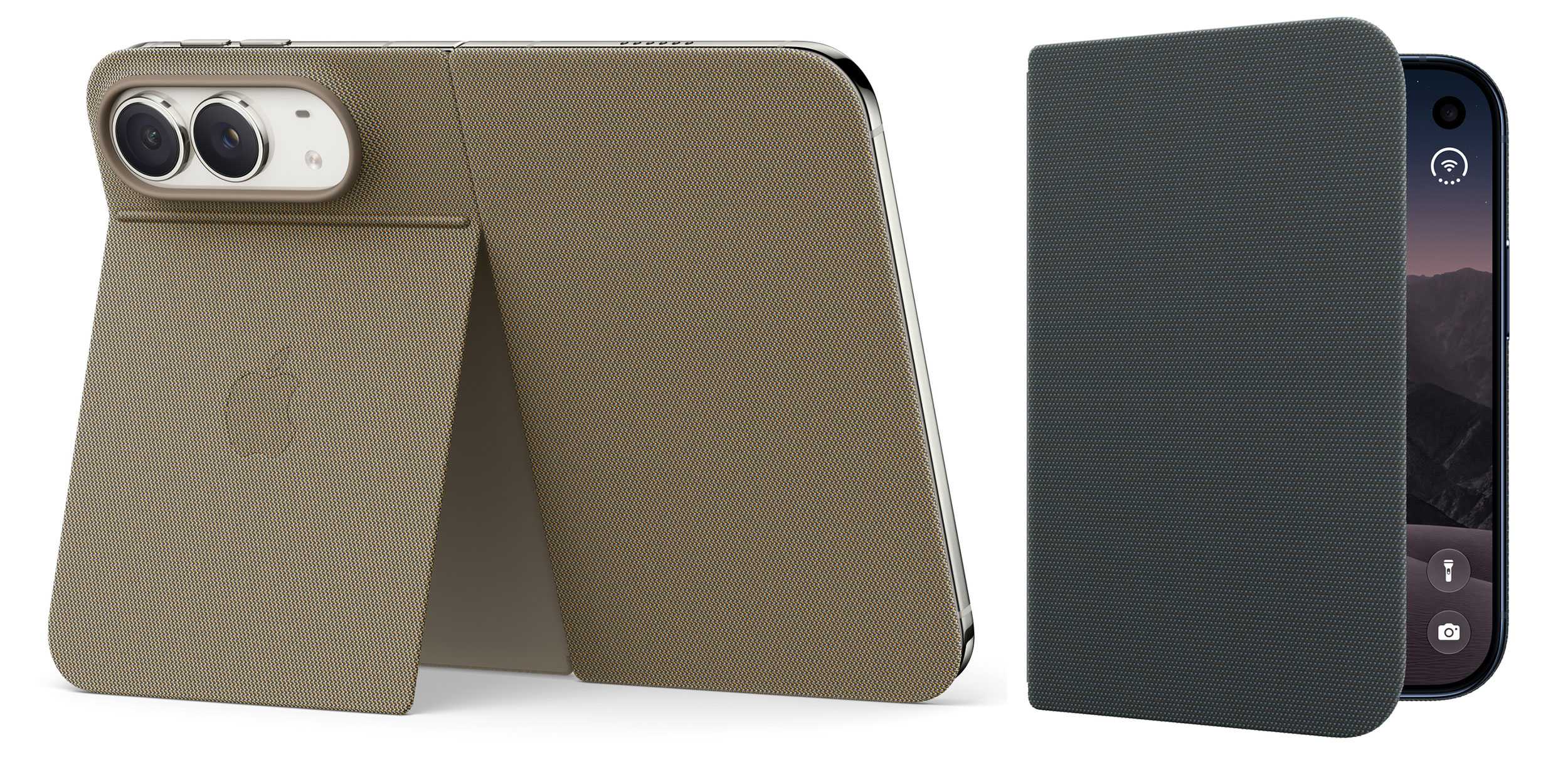
The second Apple-branded iPhone Duo case is the Folio with Kickstand, a thin one-piece multi-function case that attaches magnetically, and both protects and offers stable viewing through a sturdy kickstand at the back. While it does protect the exterior display and the hinge, unlike the basic Apple Duo Case it doesn’t feature a protective frame for the phone’s edges. Somewhat remarkably, the MagSafe connection remains even when the stand cover is closed and will also work when it’s open. The Duo can wirelessly charge at up to 25W.
Again, the Navy Blue and Taupe case colors are suited to each of the two Duo appearances. It’s made with Apple’s leather-alternative TechWoven fabric, found on its standard iPhone cases. Unlike the basic Apple iPhone Duo Case, the Folio has a fabric hinge cover so that’s better protected. This neatly retracts when the Duo is unfolded open so doesn’t affect the outer screen when the device is unfolded.
MagSafe: Yes
Hinge protected: Yes
Benks ArmorGrid Air Grand Combo: Best lightweight case
Price comparison from over 24,000 stores worldwide
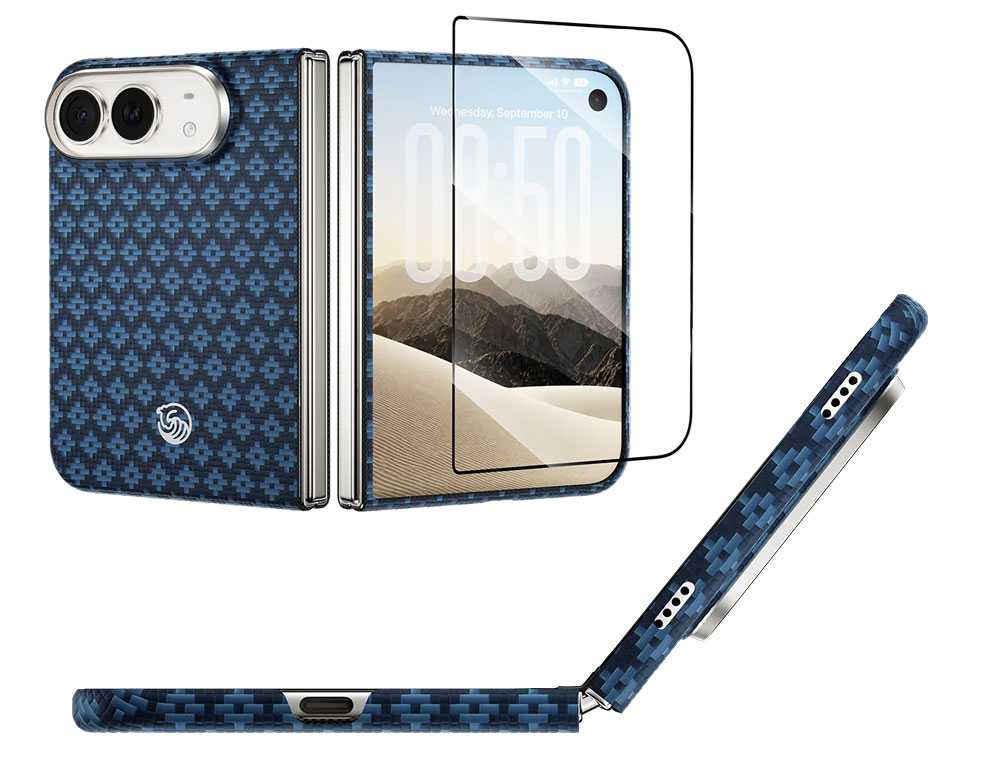
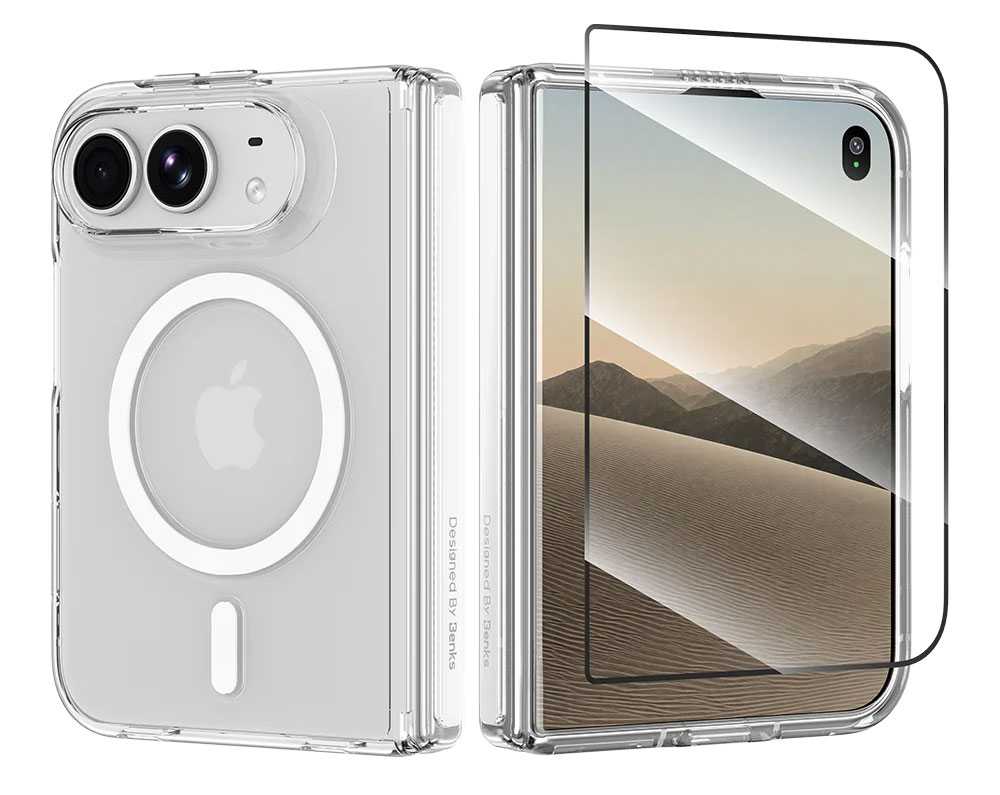
Benks makes some of our favorite standard iPhone cases, and its ArmorGrid Air Grand Combo for iPhone Duo matches the ArmorGrid case for iPhone 18 Pro and Pro Max. It’s a protection set that combines a front frame shielding the display perimeter and 1.3mm-thin back case made from super-tough Kevlar, and a screen protector for the front (not unfolded middle) screen. The whole package weighs a slight 23.5g.
There’s no hinge protection, which keeps the Duo’s folding mechanism unencumbered and reduces the possible points of failure but also leaves this area of the Duo bare.
The Kevlar back case features a diamond-pattern weave to create a structured, geometric texture that adds a little extra grip but nothing you really notice in hand. It’s available in either Beyond Blue or Obsidian Black. This can be paired with the $29 Benks ArmorPop Grip Stand for balanced, stability viewing angles.
MagSafe: Yes
Camera edge: 2mm
Screen edge: 1.5mm
Backplate: 1.3mm
Hinge protected: No
Drop protection: Yes, height not claimed
Weight: 23.5g
Benks
If you prefer to keep Apple’s original Duo coloring Benks also offers its clear Crystal Case for iPhone Duo with transparent polycarbonate front frame and back with corner airbag cushions, plus the front screen protector. Unlike the ArmorGrid Case, there is hinge protection that reduces the force of daily impacts and scratches. An anti-yellowing surface treatment helps resist discoloration from UV exposure.
MagSafe: Yes
Camera edge: 2mm
Screen edge: 1.5mm
Backplate: 1.3mm
Hinge protected: Yes
Drop protection: Yes, height not claimed
Weight: 23.5g
ESR Atelier Case with Flex Stand for iPhone Duo: Best soft-touch case
Price comparison from over 24,000 stores worldwide
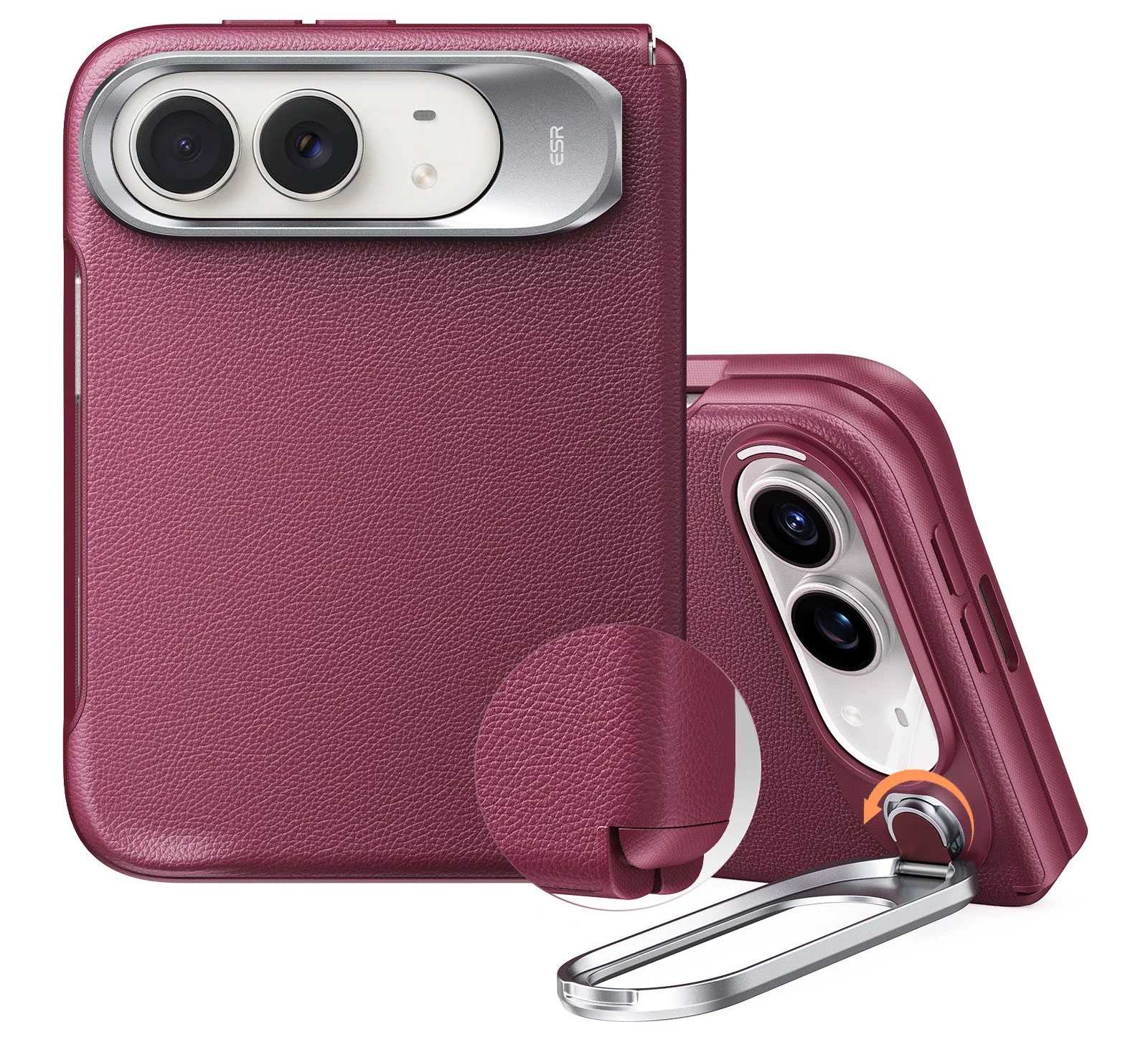
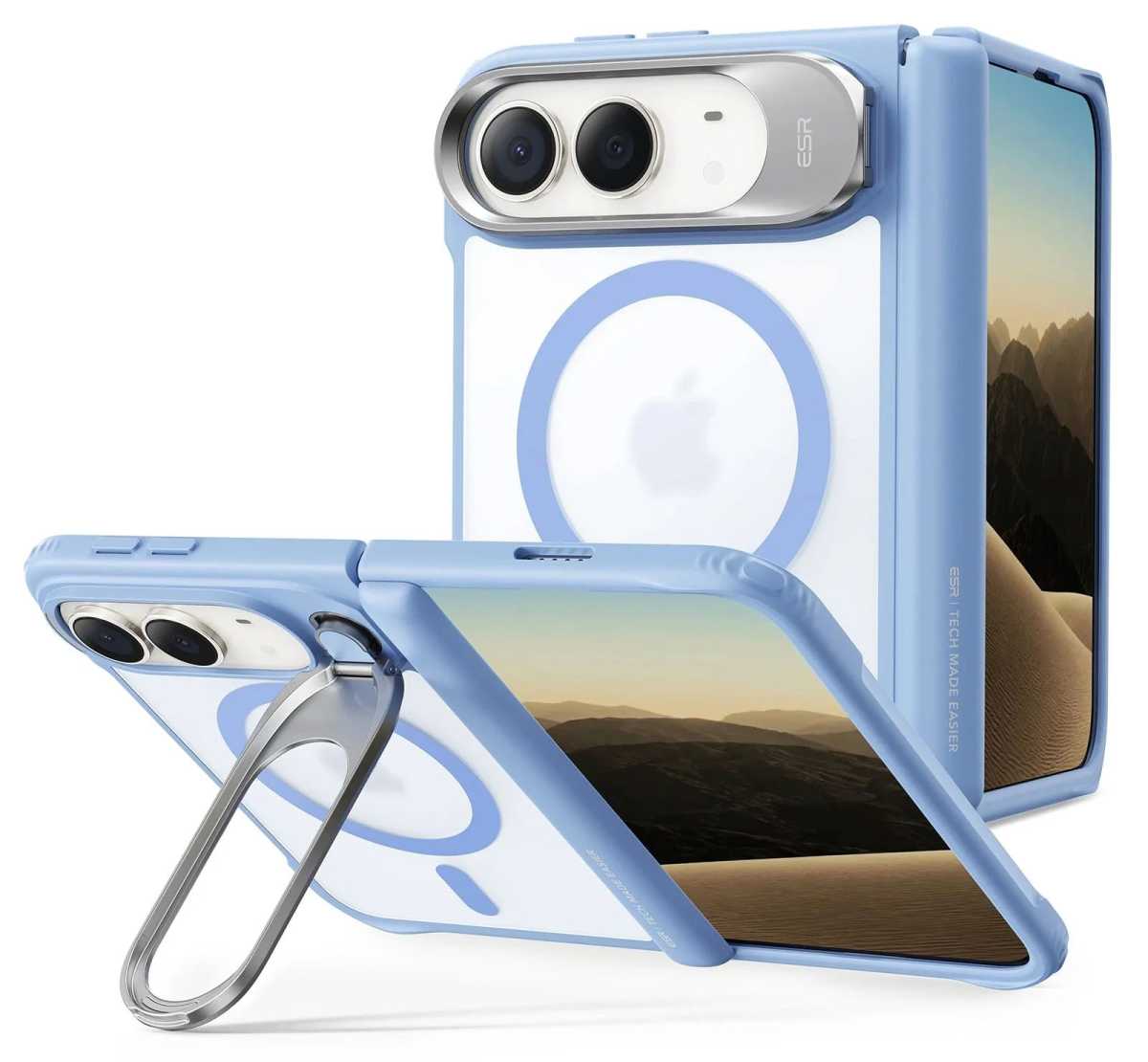
ESR’s Atelier Case ($59.99) is made from a soft, smooth silicone material that wraps around front and back including the iPhone Duo’s hinge. ESR claims it can withstand drops of up to 3.6 feet, with a strong TPU frame. Its metal 180° Flex stand doubles as a camera lens protector when not in use, and can be placed in a variety of portrait and landscape positions (adjustable viewing from 15°–69°), whether the Duo is folded or unfolded. The same handy stand is available on ESR’s other Duo cases reviewed below.
MagSafe: Yes
Camera edge: 1.6mm
Screen edge: 2.3mm
Backplate: 2.3mm
Hinge protected: Yes
Drop protection: 3.6 feet
Weight: 59g
ESR
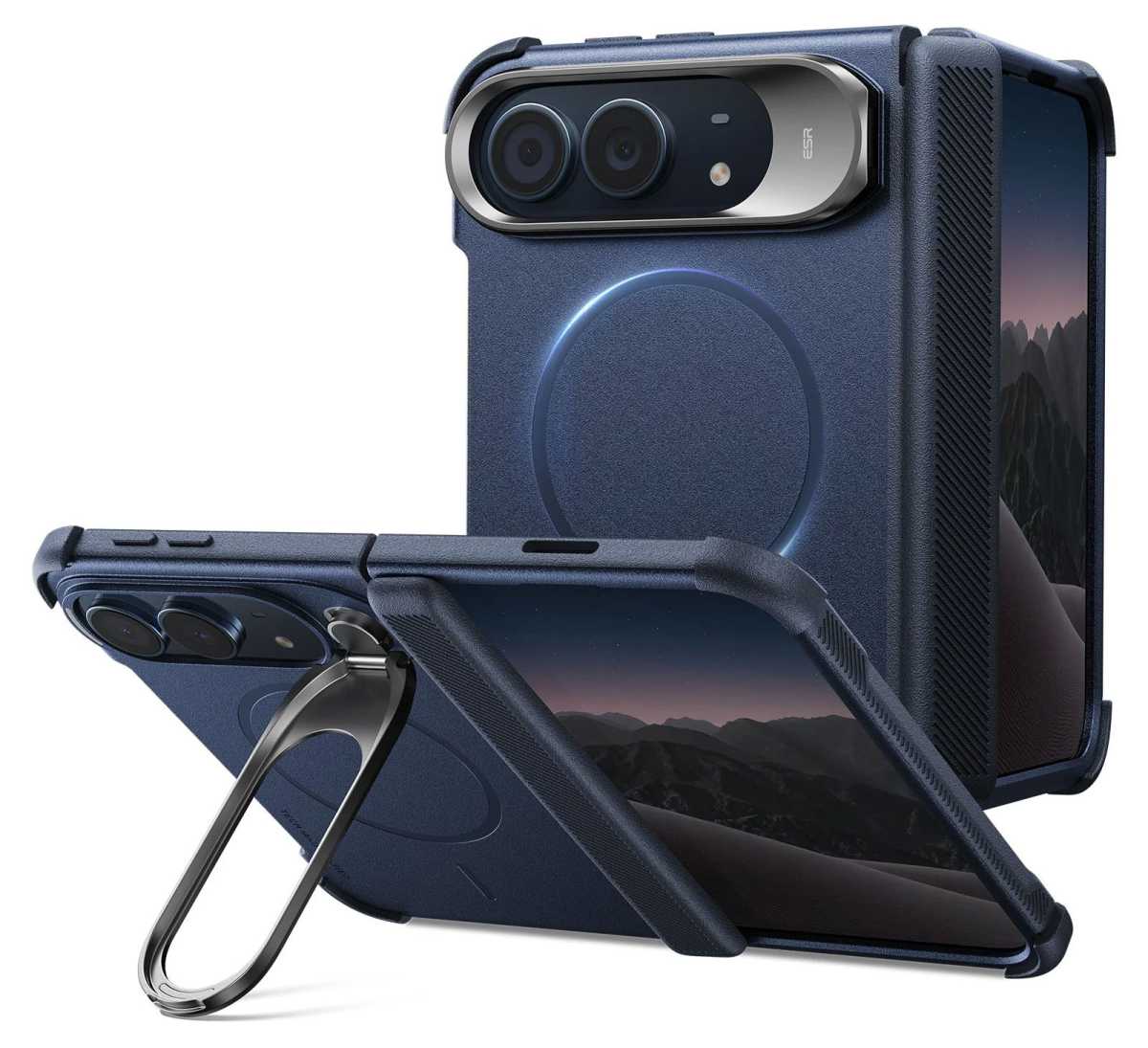
The Cyber Tough Case ($42.99) is ESR’s most protective case for iPhone Duo, offering what ESR claims is 16-foot drop, 4x military-grade protection. It features reinforced hinge coverage, zinc-alloy camera protection, and Air Guard corners. The textured sides add some grip to make dropping the Duo less likely in the first place. The Cyber Tough’s Flex Stand folds 180° and rotates 270° for stable hands-free. As with the Atelier Case, the Flex tucks back to form the camera lends protection when not in use as a stand. Also available on Amazon.
MagSafe: Yes
Camera edge: 1.8mm
Screen edge: 2.6mm
Backplate: 2.5mm
Hinge protected: Yes
Drop protection: 16 feet
Weight: 65g
ESR
Somewhere between the Atelier and Cyber Tough is ESR’s Classic Hybrid Case ($42.99), with a 1.5mm back and the same 180° Flex Stand and reinforced hinge protection. The Frosted cases show more of the original Duo colors. Also available on Amazon.
MagSafe: Yes
Camera edge: 0.8mm
Screen edge: 2.1mm
Backplate: 1.5mm
Hinge protected: Yes
Drop protection: 8 feet
Weight: 55g
Torras Ostand Q3 VegSkin Case for iPhone Duo: Best rotating stand case
Price comparison from over 24,000 stores worldwide
Made from a premium leather-like silicone material, the Ostand Q3 VegSkin Case offers a 3.35mm thick back protection that Torras claims 8-foot drop protection, plus 1.2mm bezels around the camera lenses and front screen.
The aluminum alloy Ostand can pivot 360° and folds flat back into the MagSafe back cover when not in use. It’s a great stand that we’ve previously enjoyed with the standard iPhone.
The VegSkin Case is available in three colors: Deep Blue, Amber Brown, and Pearl Grey. There’s a version without the leather-like appearance in Purple, Black, and Deep Blue.
MagSafe: Yes
Camera edge: 1.2mm
Screen edge: 1.2mm
Backplate: 3.35mm
Hinge protected: Yes
Drop protection: 8 feet
Weight: 46g
MOFT Dynamic Folio for iPhone Duo: Best case with a stand and grip
Price comparison from over 24,000 stores worldwide
MOFT stands out, quite literally, with its origami-inspired case/stand designs for iPhone and iPad. Its Dynamic Folio for iPhone Duo applies the same ingenious folding logic to protection, grip and viewing. The centrally positioned structure balances the Duo’s weight, supporting four portrait and landscape positions. As with most iPhone Duo cases the front frame has a removable adhesive to secure it, while the hinge and backplate are joined magnetically.
MagSafe: Yes
Camera edge: Yes, no size given
Screen edge: Yes, no size given
Backplate: 1.9mm
Hinge protected: Yes
Drop protection: Yes, height not claimed
Weight: 73g
Moft
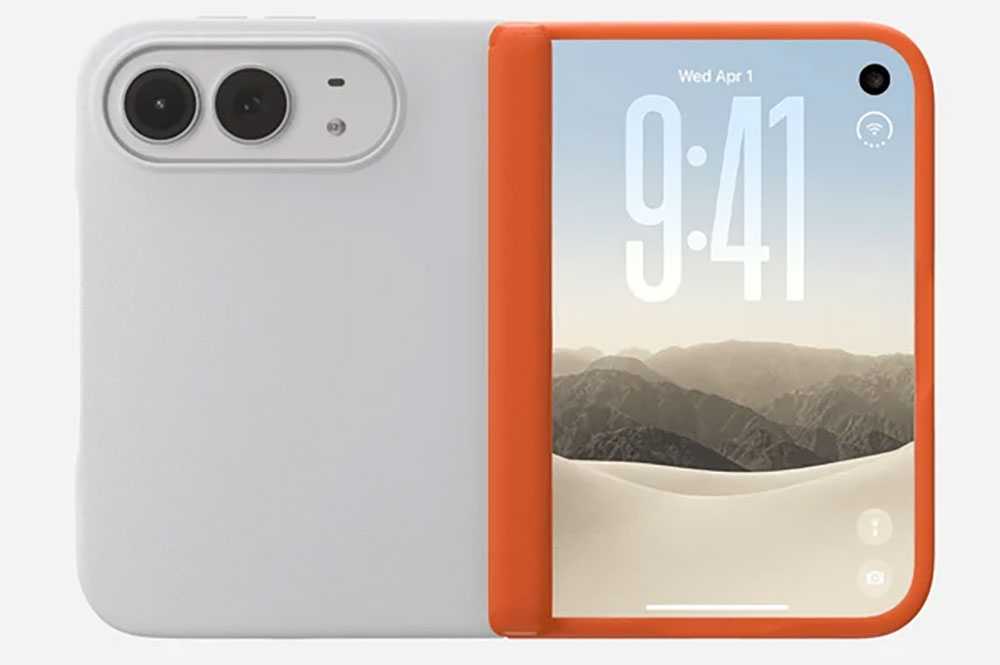
The MOFT MOVAS Modular Case for iPhone Duo is a more traditional case even though it comes in three parts: front frame, hinge, and backplate. It still has a wow-factor over other cases as you can mod your design with an extra hinge/frame in a different color at the point of purchase. Shown above is the Misty Cove backplate with a Terracotta hinge/frame, but you could choose the same backplate with a Khaki Green front, or Navy Blue with either.
Nomad Traditional Leather Folio for iPhone Duo: Best leather wallet case
Price comparison from over 24,000 stores worldwide
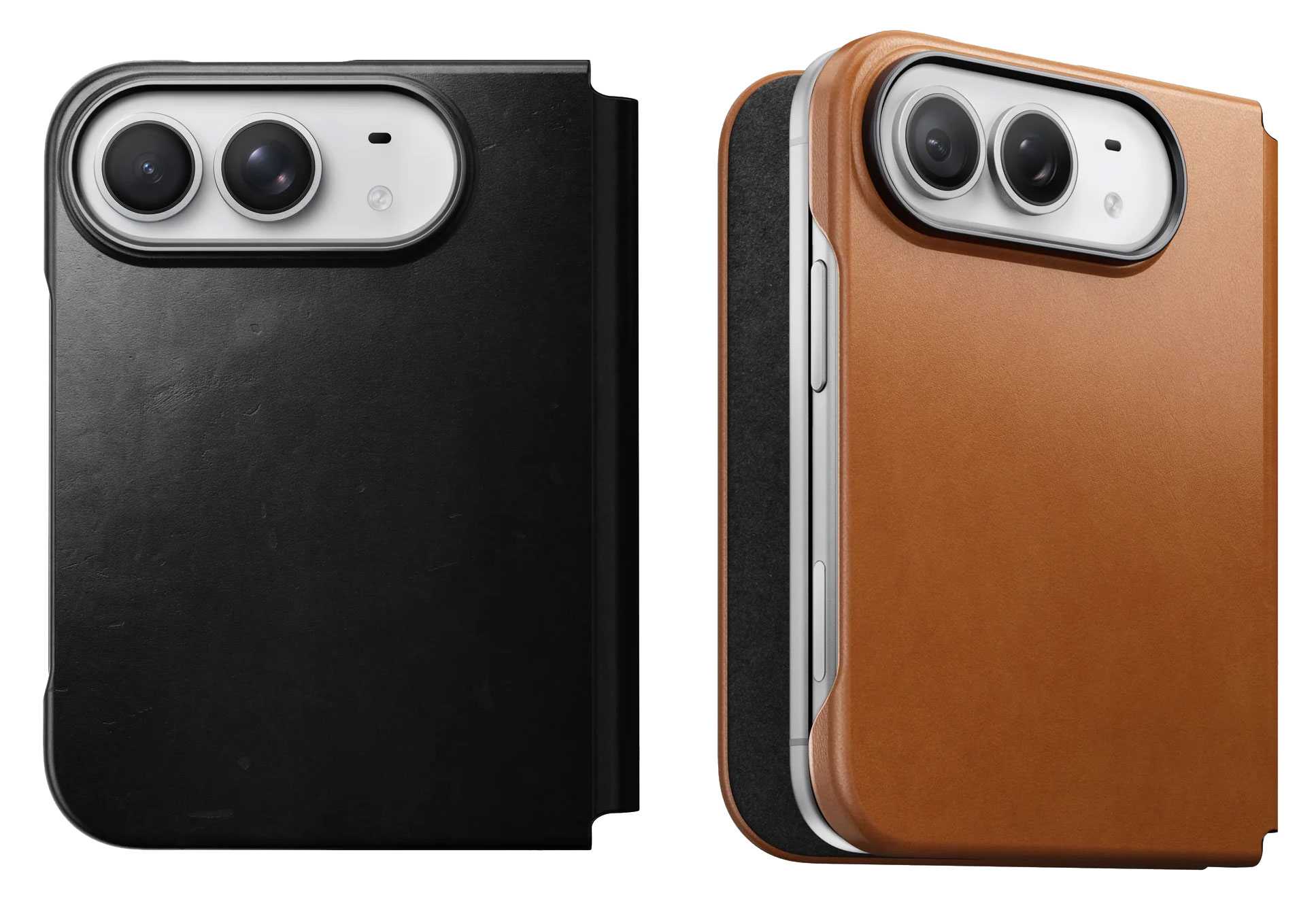
The Nomad Traditional Leather Folio wraps the Duo in full-grain, premium vegetable-tanned Horween leather that gains its own patina over time.
The backplate is 2.7mm thick with full Folio thickness of 3.8mm. The hinge is protected, and there’s a 1.15mm lip protecting the screens. You can fit a couple of cards inside the front section of the case.
MagSafe: Yes
Camera edge: 0.5mm
Screen edge: 1.15mm
Backplate: 2.7mm
Hinge protected: Yes
Drop protection:Yes, height not claimed
Weight: 64g
If you don’t need the full folio coverage and desire as thin a Duo as possible but with some back protection, Nomad offers just the magnetic Leather Back (2.2mm thick), also in Horween leather at $59, which features microsuction pads to double-up on the magnetic application.
MagSafe: Yes
Camera edge: 0.5mm
Screen edge: n/a
Backplate: 2.2mm
Hinge protected: No
Drop protection: Drop protection: No—back and camera protection against everyday
Weight: 64g
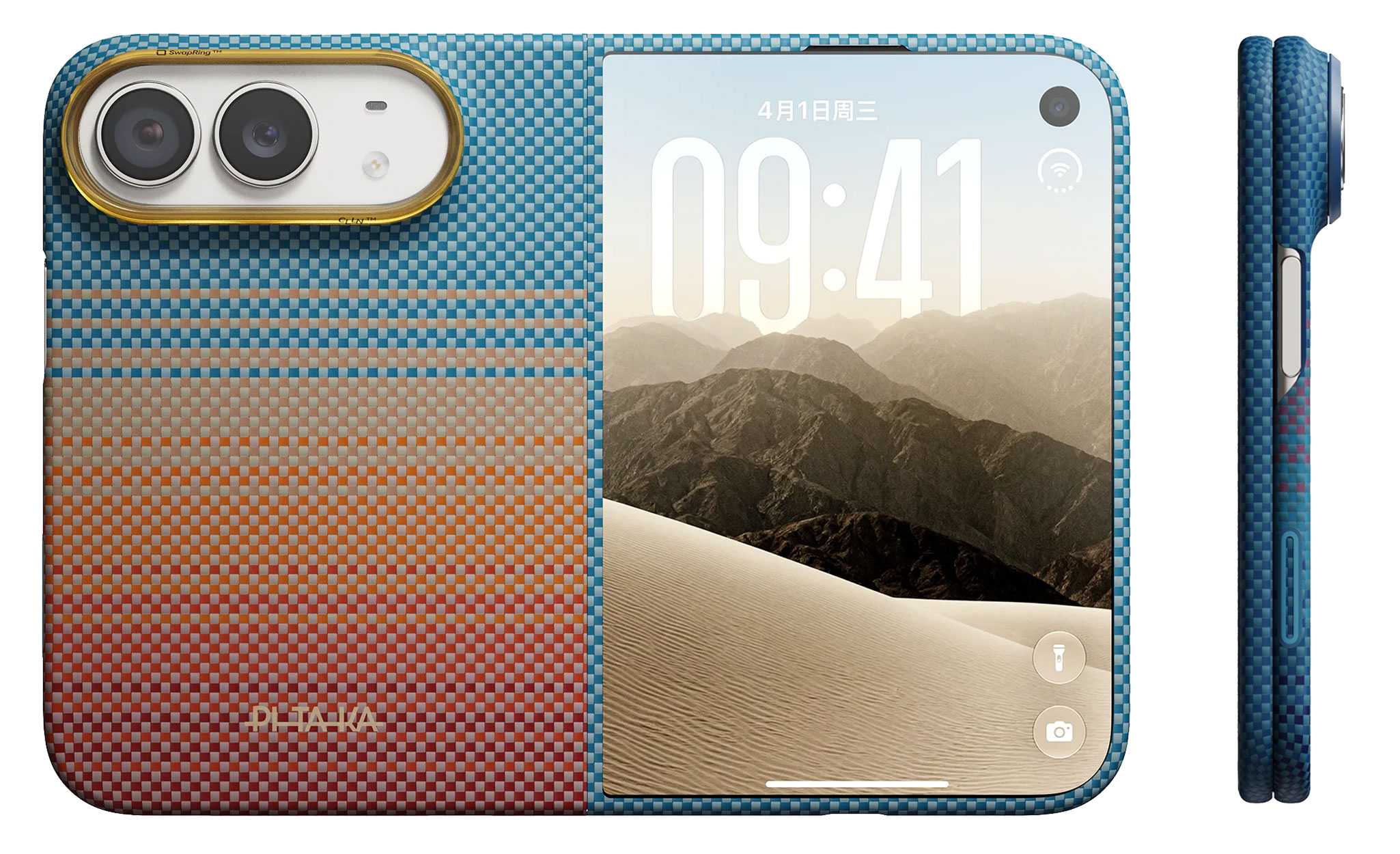
Pitaka iPhone Duo Edge Case: Slim patterned aramid case
Price comparison from over 24,000 stores worldwide
Available in Pitaka’s distinctive California Dream, Black/Grey Twill, Midnight, and Sunset patterns, the Duo Edge Case has no hinge protection keeping it slim but does boast a two-part aramid fiber front frame and 1.3mm back cover with pre-installed anti-slip adhesive strips. Pitaka claims its Mammoth Resin reinforces structural integrity to enhance impact resistance.
The front cover is fitted with HD anti-reflective tempered glass to minimize glare and fingerprint smudges.
MagSafe: Yes
Camera edge: 0.5mm
Screen edge: 0.5mm
Backplate: 1.3mm
Hinge protected: No
Drop protection: 8 feet
Weight: 36g
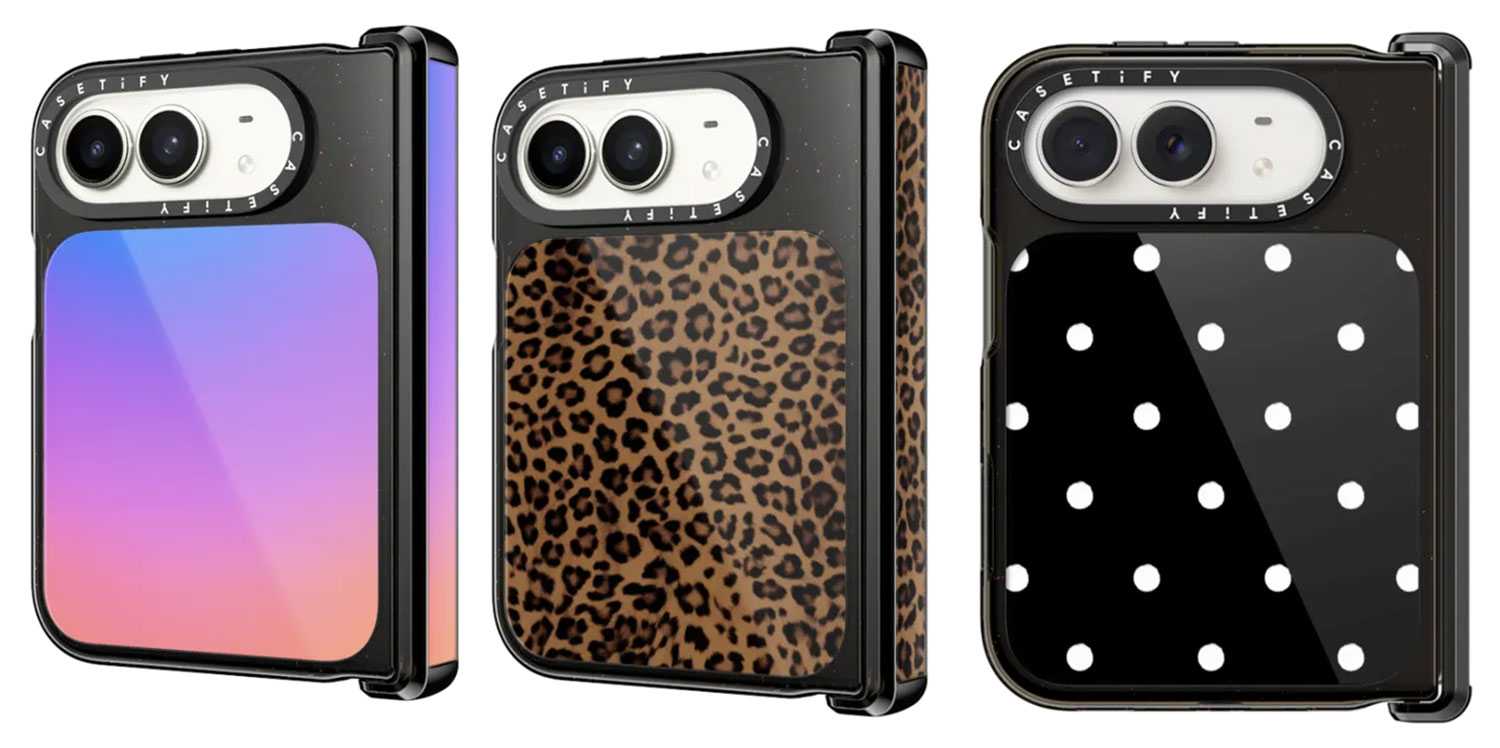
Casetify Impact Case for iPhone Duo: Best for colorful designs
Price comparison from over 24,000 stores worldwide
Casetify is a case maker that rejoices in its range of colors and pattern designs, and it has a bunch for the iPhone Duo, including Gradient, Leopard, and Dottie shown above, among others such as Dark Cherry Jelly, Black Kingsnake, Gingham, and Jelly Bears.
You can match it with the company’s many accessories such as the Snappy Grip Stand, Ring Holder and Loop Grip.
MagSafe: Yes
Hinge protected: Yes
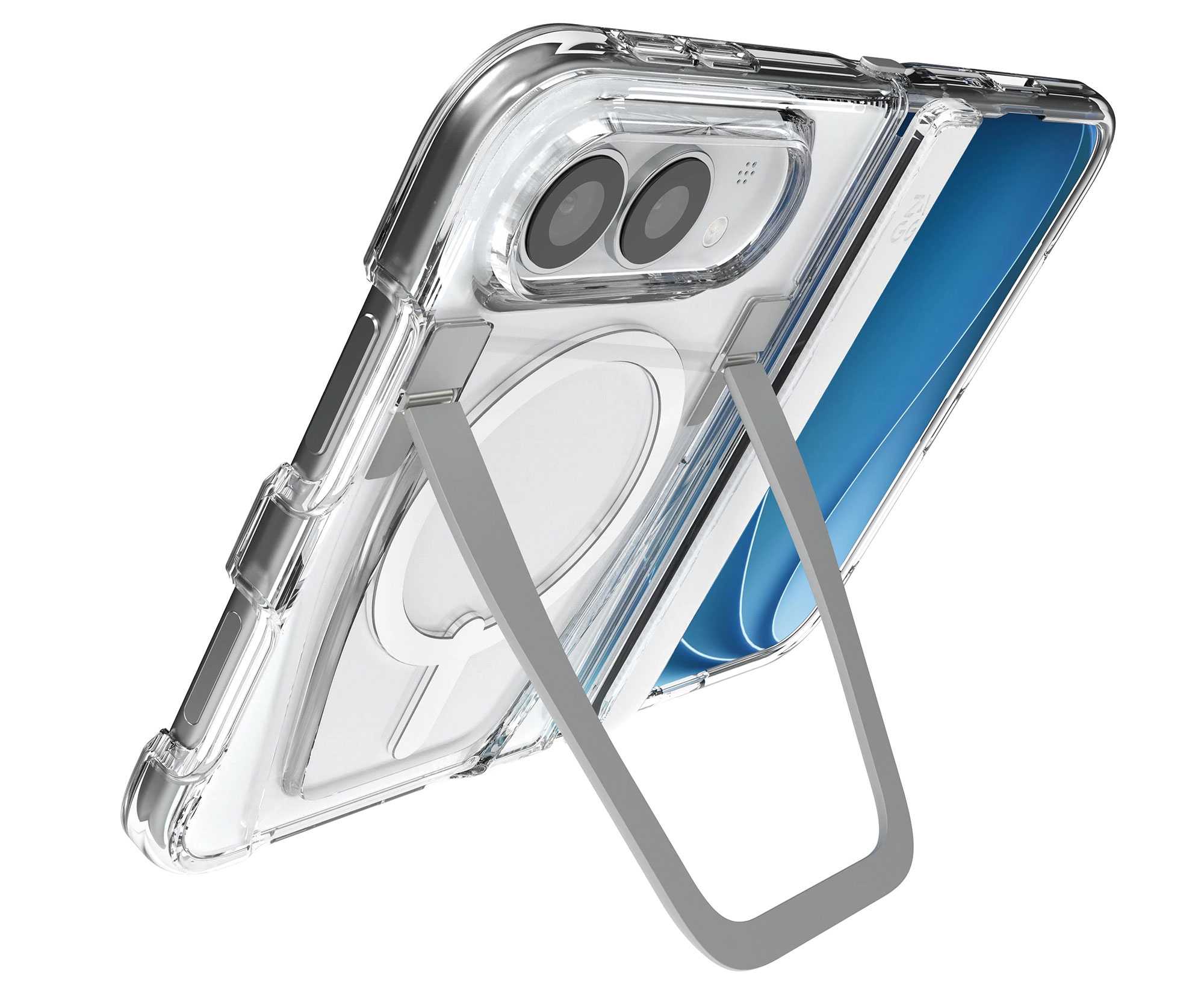
Zagg Crystal Palace Snap KS Case for iPhone Duo: Best clear case with a stand
Price comparison from over 24,000 stores worldwide
This sleek, clear iPhone Duo case features one of the most robust kickstands available, and it wisely keeps out of the way of magnetic wireless charging connection. It might look less protective because of its transparency, but Zagg claim the Crystal Palace offers 13 feet (4m) of drop protection for the case is reinforced with resilient Graphene without adding bulk. Textured edges provide a more secure grip to save the phone from jumping out as you pull it from your pocket.
MagSafe: Yes
Camera edge: 1.5mm
Screen edge: 2mm
Backplate: 3.5mm
Hinge protected: Yes
Drop protection: 13 feet
Weight: 69g
A Crystal Palace Snap Lite Case ($69.99) is thinner and lacks the kickstand, but still offers a claimed 10-foot (3m) drop protection.
MagSafe: Yes
Camera edge: 1.5mm
Screen edge: 2mm
Backplate: No size given
Drop protection: 10 feet
Weight: 33g
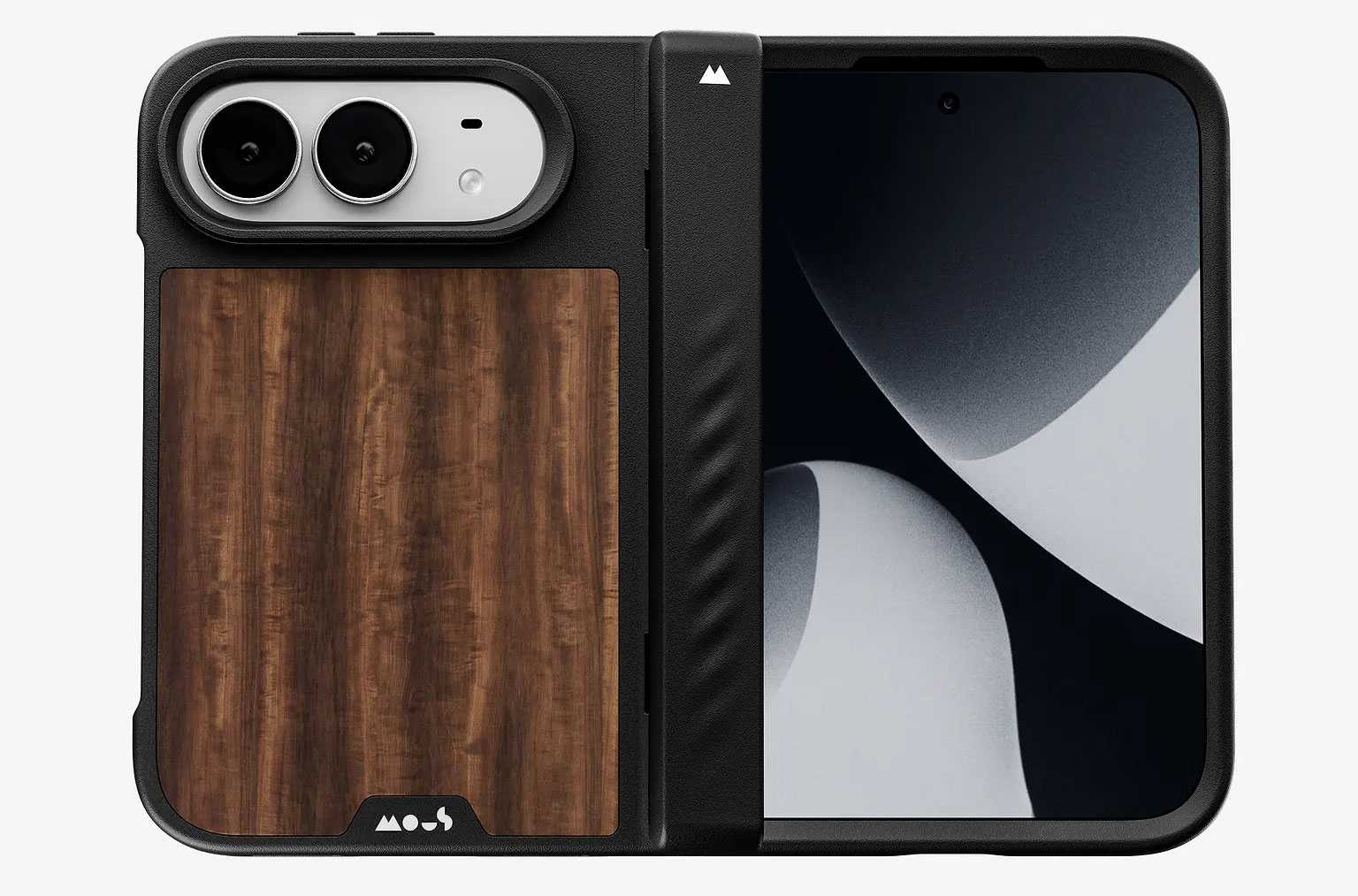
Mous Limitless Case for iPhone Duo: One-piece case with hinge coverage
Price comparison from over 24,000 stores worldwide
Mous’s tough one-piece Limitless case features an interlocking TPU and polycarbonate shell, impact-absorbing AiroShock TPE corners, and an aramid-fiber-reinforced front frame and backplate for extra rigidity. The one-part design aids the fit strength, with the TPU bridge flexing when open. One version of the case is locked across the hinge, offering all-round protection, while another is hinge-free.
It’s available in Mous’s signature Walnut plus Speckled designs as well as Black and a striped aramid fiber.
MagSafe: Yes
Camera edge: 0.5mm
Screen edge: 2mm
Backplate: 1.65mm
Hinge protected: Yes
Drop protection: Yes, height not claimed
Weight: 42g
OtterBox Defender Series Pro XT for iPhone Duo: Best for port coverage
Price comparison from over 24,000 stores worldwide
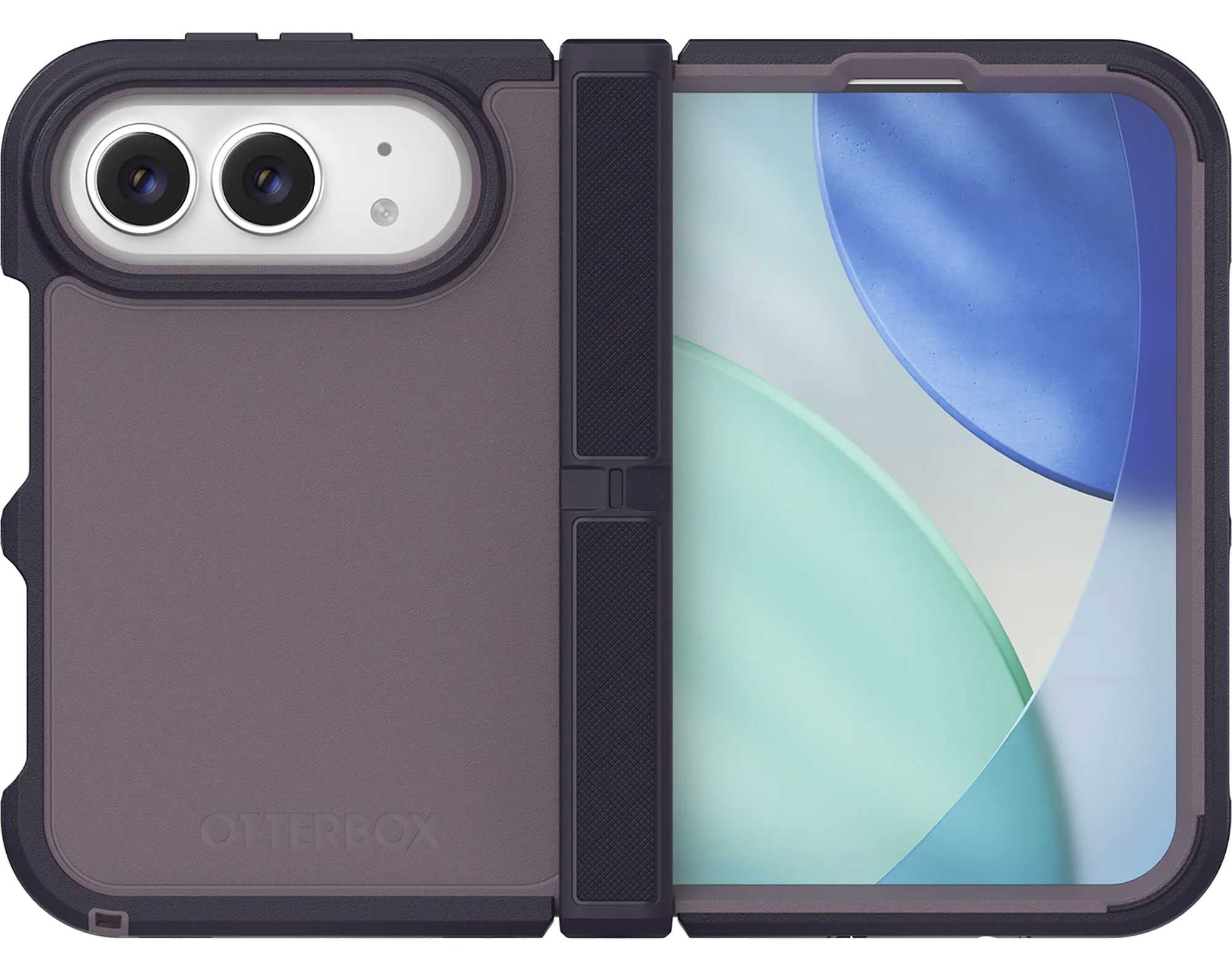
OtterBox is well known for its Defender Pro series of phone cases, and the iPhone Duo doesn’t miss out. Available in three colors—Black, Witherwill Blue, and Adomania Purple—it features grippy rubber edges to help you keep it in your hand, and a protected hinge. It’s the one iPhone Duo case we’ve seen with covers for the ports to help keep dust and other debris out.
MagSafe: Yes
Camera edge: Yes, no size given
Screen edge: Yes, no size given
Backplate: No size given
Hinge protected: Yes
Drop protection: Yes, height not claimed
Weight: 74.4g
OtterBox
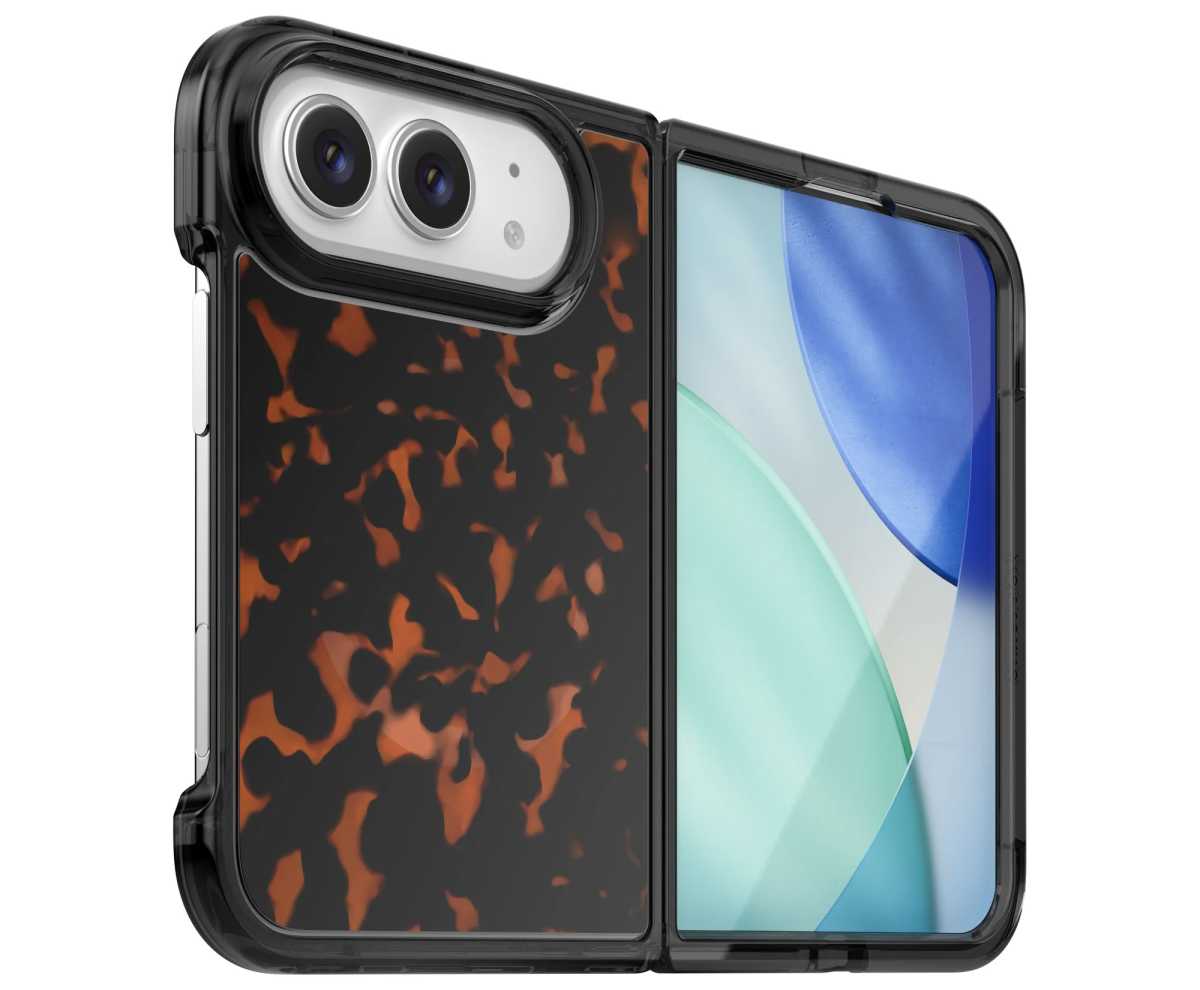
If you want a lower-profile case, the OtterBox Lumen still offers protection but not on the scale of the Defender Pro. The hinge is open, as are the ports, with cutouts for all buttons bar the Camera Control. You can indulge your Tortoise shell desires as well as buy the Lumen in Black Mist and also a Clear case.
MagSafe: Yes
Camera edge: Yes, no size given
Screen edge: Yes, no size given
Backplate: No size given
Hinge protected: No
Drop protection: Yes, height not claimed
Weight: 58.26g
UAG Mouve XTE Case for iPhone Duo: Translucent case with a rotating stand
Price comparison from over 24,000 stores worldwide
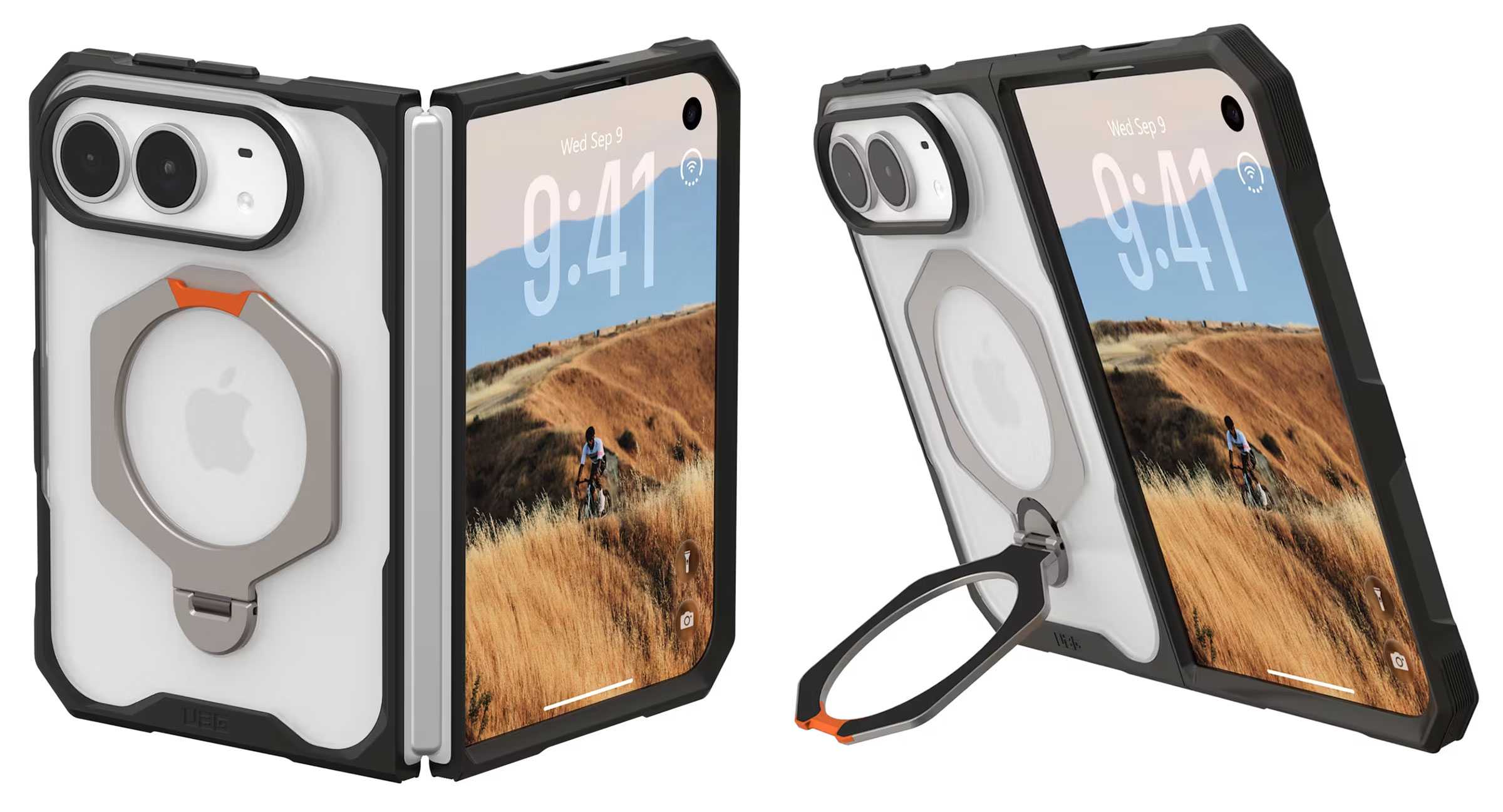
UAG is famous for its hexagonal patterned phone cases, and the Mouve cases for the iPhone Duo feature the shape on its smooth 360° rotatable metal kickstand.
There are two models, the Mouve XTE ($84.95) with kickstand and standard Mouve ($64.95) without it. Both are two-part designs that feature translucent shells in either opaque Ice or darker Ash colors. Air-soft corners help cushion impact, and the soft-touch TPU backplate adds further protection.
MagSafe: Yes
Camera edge: 0.9mm
Screen edge: 2.2mm, 2.75 (XTE)
Hinge protected: No
Drop protection: 4 feet
Weight: 34g, 46g (XTE)
UNIQ Elix Q-Fold 360 Leather Case: Soft-touch case with adjustable rotating stand
Price comparison from over 24,000 stores worldwide
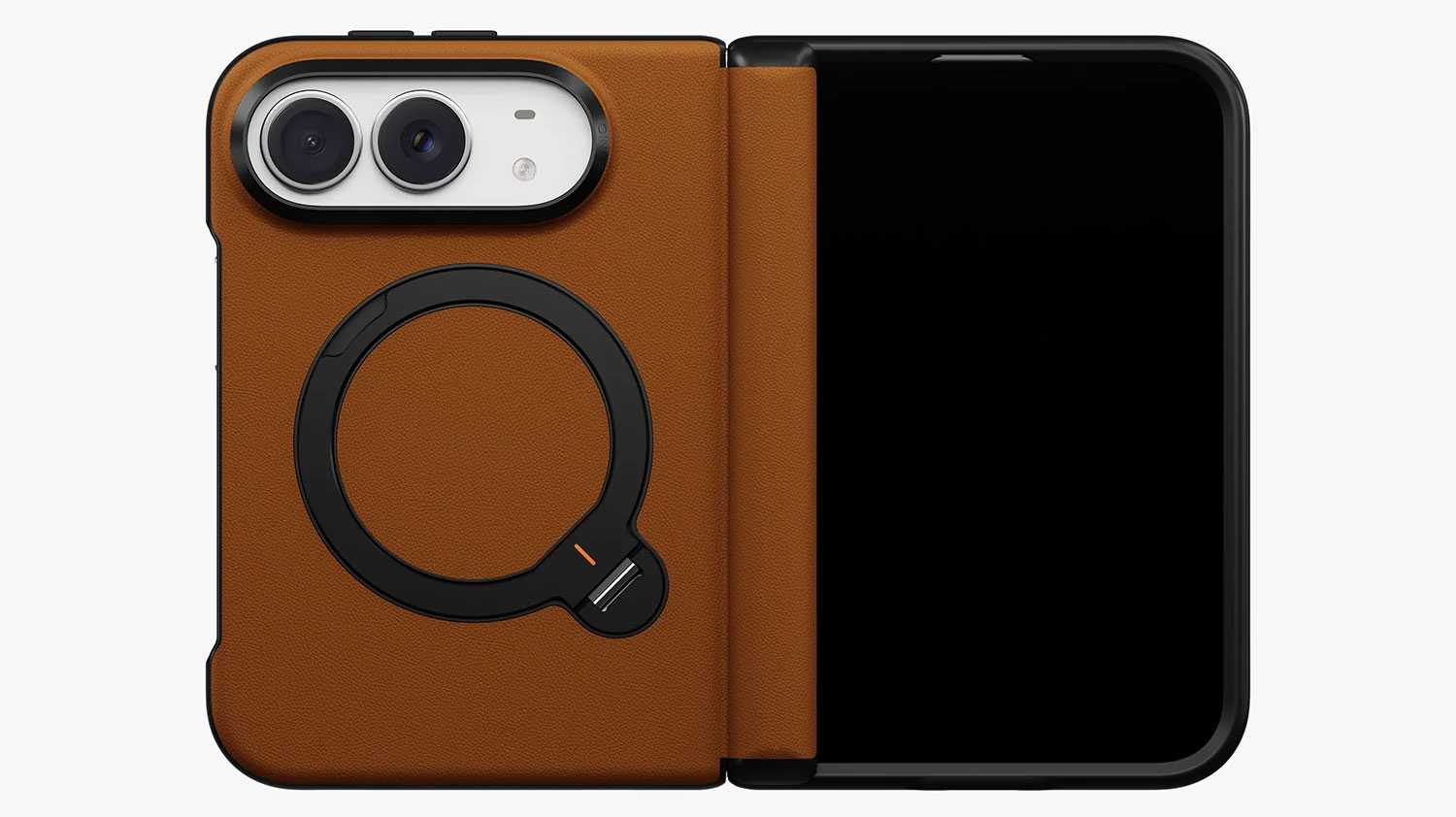
This case wraps the iPhone Duo in a soft silicone VeluxeSkin that will protect the Duo’s back. A dedicated magnetic hinge add further protection to the foldable section of the new iPhone. The Q-Fold Kickstand offers a smooth 360° rotation plus stable 180° multi-angle adjustment.
MagSafe: Yes
Hinge protected: Yes
UNIQ
The clear UNIQ Velix Q-Fold™ 360 Kickstand Case ($46.90) shows off the Duo’s original color but still offers protection via reinforced AirLite corners, and a dedicated magnetic cover protects the hinge. As with the UNIQ Elix silicone leather case the Q-Fold kickstand rotates and adjusts to your preferred viewing angle.
MagSafe: Yes
Hinge protected: Yes
UNIQ
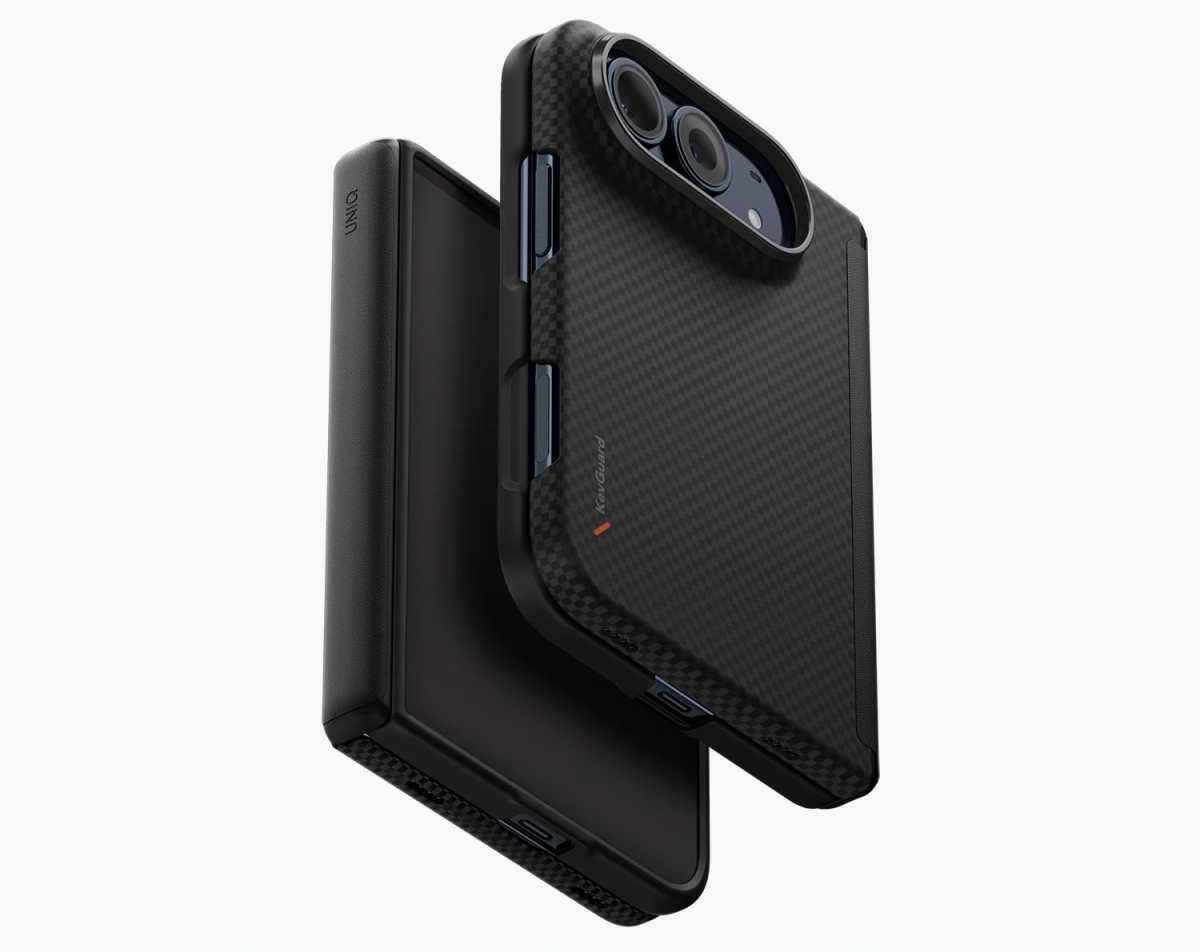
While its backplate is slim at just 1.5mm the UNIQ Keva Edge Slimline Aramid Case ($89.90) makes up for its slim design with a super-tough aramid fiber material with a textured grip panel, plus the dedicated magnetic hinge protection, but lacks the stand found on the other UNIQ iPhone Duo cases.
MagSafe: Yes
Hinge protected: Yes
FAQ
Does the iPhone Duo need a case?
No phone needs a protective case until you drop or knock it. A case isn’t essential for the iPhone Duo, but it’s a sensible investment for a $1,999 foldable. Apple’s Ceramic Shield glass helps protect the displays, but the titanium edges and hinge remain vulnerable to accidental drops, scratches and dents. Unlike conventional iPhone cases, Duo designs must accommodate two halves and a slim cover-screen frame, often using adhesive to stay securely attached.
What to consider when choosing an iPhone Duo case?
Prioritize a precise fit, shock-absorbing corners and the level of coverage you think you need. Raised lips help protect the exterior display and camera, while a dedicated hinge guard covers the folding spine. Check that the case allows easy access to Touch ID and Camera Control without obstructing the inner display or folding mechanism. Since the Duo already weighs 8.9oz (254g), consider whether extra bulk from a kickstand or hinge protector is worthwhile. Choose a slim two-piece case for everyday protection or a hinge-cover design for additional coverage.
Will a case interfere with the iPhone Duo’s hinge or folding action?
A properly fitted iPhone Duo case shouldn’t interfere with folding, but poorly designed hinge covers can add bulk or restrict movement. Some two-piece cases leave the hinge exposed; others include a separate hinge cover, while dedicated covers provide an additional barrier against knocks and grit. However, hinge coverage doesn’t necessarily mean dust protection. Debris can collect between the case and phone, so remove the case periodically and gently clean both surfaces according to Apple’s care guidance. For cases secured with adhesive strips, follow the manufacturer’s removal and cleaning instructions, and check whether replacement strips are required before refitting.
Can I remove and reuse an iPhone Duo case?
That depends on how the case attaches. Some iPhone Duo cases use adhesive strips to secure the front frame or other components. Don’t assume those strips will retain their grip after removal: check whether the manufacturer allows reuse, supplies spare strips, or sells replacements.
A removable component isn’t necessarily reusable with the same adhesive. Before taking off an adhesive-mounted case for cleaning or swapping cases, follow its removal instructions and check what you’ll need to refit it securely.
Is a kickstand case necessary for the iPhone Duo?
If you regularly watch videos, make FaceTime calls or use your iPhone Duo for work, a kickstand case is a useful upgrade. It props up the larger inner display for hands-free viewing, video calls, recipes, and reading. Paired with a Bluetooth keyboard, it can also support light productivity. Some stands double as finger grips for safer handling. The main drawback is added thickness and weight, so look for a stable, well-integrated design that folds flat to the backplate or doubles as a camera bar.
Will MagSafe chargers, wallets, and power banks fit with these cases?
MagSafe uses magnets to align and attach compatible wireless chargers, power banks, wallets, and other accessories. The cases listed here are described as MagSafe compatible, but that doesn’t guarantee every accessory will fit.
Because the iPhone Duo is shorter than a conventional iPhone, larger magnetic wireless power banks and wallets may extend beyond its edges or overlap the camera bar. A case’s kickstand or hinge cover may also prevent an accessory from sitting flat or interfere with unfolding the phone.
Before buying, check the accessory’s dimensions and the case maker’s compatibility guidance. With the accessory attached, make sure it clears the cameras and allows the Duo to open fully. Some wallets and power banks may need to be removed before unfolding.
Our initial case assessments used a dummy handset, allowing us to assess physical clearance and attachment, but not wireless charging performance. We’ll add charging results and recommendations for specific accessories after testing them on a working iPhone Duo.
Would I do better getting AppleCare+ instead of a case?
A combination of slim case and AppleCare+ can offer a good balance between preserving the Duo’s design and protecting against costly accidents. A case helps prevent everyday scratches and knocks, while AppleCare+ covers eligible damage under the plan’s terms, subject to service fees. Theft and loss protection may also be available with a suitable plan. Check Apple’s current pricing and conditions before buying. For maximum peace of mind, use both: prevention for everyday mishaps and coverage for expensive repairs.
Apple’s iPhone User Guide for iOS 27 explains how to export your passwords for websites and accounts to a CSV file, which you can then import into another password manager. The option sits in the Settings app under Apps, then Safari, and Apple warns that the exported file is not encrypted. That makes the export […]
Apple is already looking far beyond today’s cellular networks to lay the groundwork for next-generation mobile devices. Recent job openings show the tech giant wants engineers to help build communication chips for the upcoming 6G rollout. While people are still getting used to fast 5G speeds, the iPhone maker wants to be fully prepared before […]
The first unboxing video for the highly anticipated iPhone Duo has hit the internet just days before its official release. A video posted online by a lucky early recipient shows exactly what buyers can expect when they open the box this Friday. The early look gives the public their first glimpse of the final retail […]
The embargo for iPhone Duo reviews has broken, which means dozens of reviews have appeared all at once. It’s like sitting in an empty office with all the phones ringing at the same time. No one can answer all of them.
So, what are reviewers saying about Apple’s new $2,000 product? What’s hot? What’s not? And what’s next?
Let’s begin with the criticisms.
Almost every review I read is critical about the same things: the lack of a telephoto lens on the camera, the decision to use Touch ID, and lagging third-party software support for the device, with some criticism of the FaceTime camera.
To be fair, one of those criticisms will change as developers build iPhone Duo support for their applications, while others will change in future versions of the device.
A convincing case for foldables
Reviewers seem to agree that Apple has plucked all the best ideas introduced in foldables so far and wrapped them in a highly designed, well-executed, luxurious product they think sets the scene for the next generation of foldable smartphones. As the history of most Apple product introductions shows, first-generation compromises will be overcome.
The iPhone Duo form factor itself, however, seems to be a success.
“For an iPhone user who has never experienced a foldable, I suspect they will be surprised by how quickly the larger display starts to feel useful,” wrote Francisco Jeronimo, IDC vice president, worldwide devices, in a note seen by Computerworld. “Apple has made a convincing case for this form factor. Now comes the next test: turning excitement into availability, adoption and a lasting new chapter for the smartphone market.”
Here’s what the first reviewers have to say
“Masterfully-designed”
“The iPhone Duo is a masterfully designed product that earns its two grand price tag. By borrowing the same aspect ratio as a notepad, it feels compact when folded and expansive when opened up to double in size. It’s crazy thin — just 5.2mm when folded flat — and littered with small design choices that add up to an overwhelming sense of luxury,” wrote Robert Leedham at GQ.
“Hype is justified”
“After a week of testing, I can say that hype is justified. Its polished design and thoughtful craftsmanship, headlined by a unique inner display and hinge design, set a new platinum standard for folding phones, and serve as a shot in the arm of the entire smartphone ecosystem. Needless to say, the Duo is the best foldable phone I’ve tested to date, and the freshest, flashiest phone I’ve used in years,” wrote Stefan Vazharov at Popular Mechanics.
You may not need it
“If you want the convenience of a larger screen without carrying two devices, the Duo could be a compelling proposition. But if you prefer to use your phone and tablet separately, you’re paying a premium for a folding design you may not need,” wrote Shivali Best at the Daily Mail.
“An incredible piece of engineering”
“It’s hard to overstate just how impressive the whole thing feels in practice. The hinge feels fantastic, the smaller footprint makes it surprisingly easy to carry, and you can unfold it into a 7.6-inch display. It’s an incredible piece of engineering, and even after a week, I’m still impressed by how well the entire package comes together,” wrote Chance Miller at 9to5Mac.
“Satisfying“
“’Satisfying’ is the best way to describe the feeling of repeatedly opening and closing the iPhone Duo. It’s as if Apple inadvertently created a digital fidget spinner — the more I carried around the iPhone Duo, the more I found myself absentmindedly folding and unfolding the phone,” wrote Lance Ulanoff at TechRadar.
Cohesive. Intuitive. Useful
“Thoughtful software integrations … give the Duo’s unique design a practical purpose beyond the novelty. The result is a foldable experience that feels cohesive, intuitive and genuinely useful, which could help win over more people to foldables in general. But I think that broader appeal is still a ways off,” wrote CNET’s Abrar Al-Heeti.
“A little bit like magic”
“If you care about having the fanciest phone, this is the one. It’s a neat little book-like iPhone when folded. But that inner display, once you open it, is the nicest phone display I’ve ever seen. It’s matte and has a 120Hz refresh rate, so when you lay the unfolded Duo on a table, a still image on the display appears solid, like a painting… The transition effect Apple’s designers have conjured for opening and closing the phone does look a little bit like magic,” wrote Mashable’s Stan Schroeder.
“Strong and smooth”
“Early folding phones had creaky hinges that felt grindy and didn’t always open fully. Those pioneering devices led the way, to be sure, and they deserve credit for being first to market with those designs. But none of the four competing folding devices on my desk (all from 2026) have a hinge that feels this strong and smooth,” wrote PC Mag‘s Eric Zeman.
“Worth the wait”
“While the Duo is heavy, expensive and late to the market compared to its Android rivals, it encompasses some of the best tech used by its competitors while also redeeming features that other manufacturers have seemingly left for dead. And even though many apps still need to be optimized to fully take advantage of the Duo’s design, the release of Apple’s first foldable has been worth the wait,” said Engadget’s Sam Rutherford.
“Something magical”
“At the risk of sounding cliche, there’s something magical about using the iPhone Duo. The way it seamlessly transitions from phone to tablet and back again. The fact that you can’t even feel the crease — though it is visible. And the way the software reacts based on the angle of the device,” writes Mark Spoonauer at Tom’s Guide.
My take
Having read these reviews, I don’t think any of them will quell enthusiasm for Apple’s $2,000 device. I also think its introduction will help Apple create a mind shift among consumers, some of whom may recall when the $499 entry-level price Apple charged for the original iPhone was seen as too expensive.
In this case, by combining premium hardware design with smart software decisions, Apple seems to have created an experience many consumers will value. Even those who don’t will probably spend time snapping the fold on the display units at their local Apple Store, if only to find out if doing so really is “satisfying” enough to spend two thousand bucks on a machine for doom scrolling and taking pictures of the family cat.
I believe Apple has reset the industry and will sell as many of these things as it is able to create. I also look forward to seeing what it comes up with next year. There’s only eleven months — and the many stages of new Apple product rumor — until we find out. That suggests the first well-timed Bloomberg rumor will slip just before Christmastime…
Now please subscribe to my daily, human-curated Apple-related news headline feed at The Core, or follow me on BlueSky, LinkedIn, or Mastodon.
In the early days of the iPhone, seeing one in the wild, usually in a brave early adopter's hands, was like spotting a unicorn. The excitement was palpable. Over the years, though, as every smartphone has become a glass and metal slab, making it difficult to tell one iPhone release from another, the excitement has diminished. Where I used to keep my 'regular' iPhone review units out of sight, I now casually carry them around in a case, and no one is any the wiser.
That, though, is not the case with the iPhone Duo. In my effort to spend as much time using the new folding iPhone as possible, I carried it everywhere, including to a wedding party for my friend's son. My iPhone Duo test unit was somewhat disguised by being clad in a Taupe Folio with a Kickstand case, but as I held it aloft to photograph the newlyweds, the bride's eyes grew wide.
"Is that...?!"
My eyes darted from her to the phone in my hand, and I considered stuffing it back in my pocket, but I was intrigued by her reaction. I hadn't seen this level of interest and excitement in years.
I nodded wordlessly; the newlyweds started peppering me with questions, and as I folded and unfolded it, and they glimpsed the inner display, the bride's jaw dropped. She asked if I liked it. I mumbled, "Yes, I think so," without offering much more information.
I was determined to use the iPhone Duo's two external 48MP cameras to photograph the event, which meant this scenario repeated itself more than once.
It was obvious that, unlike every other iPhone of the last decade or so, the iPhone Duo could not travel incognito; people were, it seemed, intensely interested in Apple's first truly new iPhone form factor in basically forever.
The interest is warranted.
(Image credit: Lance Ulanoff / Future)
The iPhone Duo is not simply an iPhone folded in half. I'd argue it's only marginally an iPhone and more of a hybrid, splitting the difference between a sub-sized smartphone and a slightly larger, 8-inch iPad mini.
From the highly polished titanium frame to the curves and pitch-perfect tolerances, the iPhone Duo's design is Apple at its best, and while it doesn't reinvent the genre, the nano-texture finish on the main display cannily solved the chief folding phone complaint: that darn crease. It's not that the crease is completely gone, but in daily use it's virtually invisible. As an added bonus, that matte finish kills reflectivity in bright sunlight, and makes almost everything look better.
Apple includes four cameras, three of which are powerful enough to produce high-quality photos across a range of styles. I saw excellent color accuracy and low-light performance, and the ultra-wide camera feels expansive. The inner-display camera is, it appears, just 4MP, but it does a good job with casual selfies and FaceTime calls.
Apple has almost stuck the landing here, but there is a slight step backwards. I'm fairly certain its decision to move the status bar and dock to the right side of the 5.4-inch outer screen, and therefore shrink the width of most apps, will divide opinion. I like how this makes it easy to tap an app with your right thumb, but the remaining screen real estate makes some app experiences look and feel cramped.
Then there's the lack of Face ID on the cover screen, which means this is the first iPhone in ages that I have to use my finger to unlock.
I'm also less than thrilled that a nearly $2,000 / £1,999 phone starts with just 256GB of storage; although, to be fair to Apple, the $1,899.99 / £1,699 Galaxy Z Fold 8 also starts with the same amount.
Those small nits are like pointing out the missing eyelashes on the Mona Lisa, though. Overall, this is a fantastic entry into the folding phone space, offering the dual capabilities of a glanceable and attractive iPhone that fits in any pocket or hand, and a versatile 7.6-inch tablet.
Not everyone needs two screens in one device, or wants to pay as much as they would for a home appliance for their next smartphone; but for those who feel confined by the boundaries of a typical iPhone and want to do more in less space, the iPhone Duo, which starts out smaller than your average smartphone but unfolds to reveal an almost twice-as-large tablet display, is well worth your consideration.
Apple iPhone Duo review: Price and availability
From $1,999 in the US
From £1,999 in the UK
From $3,499 in Australia
Apple unveiled the iPhone Duo, its first folding phone, as its "one more thing" during the Surprise and Shine event on September 9, 2026.
The list price is $1,999 / £1,999 / AU$3,499 for the 256GB model, which is in line with most of its folding competitors from Samsung, Huawei, Motorola, and Oppo. It's available in storage configurations up to 2TB for $3,199 / £3,199 / AU$5,899.
The iPhone Duo is the most expensive iPhone Apple has ever made, but we should put this in context. Like most foldables, this is a two-in-one device: a pint-sized smartphone with a 5.4-inch 4:3 screen, and a 7.6-inch tablet. Unlike the Galaxy Z Fold 8, which has a similar passport-style shape, and even the Samsung Galaxy Z Fold 8 Ultra, which is a more conventionally sized and shaped foldable, the iPhone Duo's larger main screen supports digital pen input (this wasn't available for my testing period, but it's expected by November).
You may also be able to soften the price blow a bit with a trade-in; or you might want to look at Apple's leasing program, which will run about $57-to-$83 / £47 to £66.63 / AU$97.19 to over $161 a month for the base model.
In total, the iPhone Duo is probably better value than you think.
Apple iPhone Duo pricing
Storage
US price
UK price
AU price
256GB
$1,999.99
£1,999
AU$3,499
512GB
$2,199
£TBD
AU$TBD
1TB
$2,599
£TBD
AU$TBD
2TB
$3,199
£TBD
AU$TBD
Value score: 4 / 5
Apple iPhone Duo review: Specs
These are the key specs of the Apple iPhone Duo:
Dimensions:
Unfolded: 164.6 x 117.8 x 5.2mm, Folded: 84.1 x 117.8 x 11.3mm
Weight:
254g
Displays:
Main: 7.6-inch Super Retina XDR, Cover: 5.4-inch Super Retina XDR
Resolution:
Main: 1878 x 2670, Cover: 1398 x 2034
Refresh rate:
1-120Hz (main and cover)
Peak brightness:
3,000 nits
CPU:
A20 Pro
RAM:
12GB
Storage:
256GB, 512GB, 1TB, 2TB
OS:
iOS 27
Cameras:
48MP wide (f/1.6), 48MP ultra-wide (f/2.2)
Selfie cameras:
11MP Center Stage camera (f/2.2) outer, 4MP (f/1.8) inner
Battery:
4,800mAh (approximate)
Charging:
60W wired, 35W wireless
Colors:
Star White, Night sky
Apple iPhone Duo review: Design
Polished titanium
Exquisitely engineered hinge and folding operation
Unfolds flat
IP68
Thicker and heavier than nearest competition
No Face ID
'Satisfying' is the best way to describe the feeling of repeatedly opening and closing the iPhone Duo. It's as if Apple inadvertently created a digital fidget spinner — the more I carried around the iPhone Duo, the more I found myself absentmindedly folding and unfolding the phone.
Apple's exceptional engineering makes it possible to unfold the phone initially, with almost no effort (it almost springs open at the slightest intentional touch), before the internal torque kicks in to allow for the Duo to be opened to almost any angle between zero and 180 degrees (flat).
While you can't see the work that went into making this hinge, the effort is evident in every single touch and move. Inside are hundreds of magnets and other components that keep the phone securely closed, but never get in the way of an easy opening. More so than with any folding phone I've tested, the hinge essentially disappears when the iPhone Duo is unfolded flat.
At 5.2mm thick, the fingerprint-attracting polished titanium iPhone Duo is the thinnest iPhone ever. At least that's how Apple markets it, but that's in tablet mode; I do like the sound of a 5.2mm-thick tablet. The 7.6-inch device is thinner than the 8-inch iPad mini (6.3mm). Folded, the iPhone Duo is 11.3mm thick, almost 2mm thicker than the folded Galaxy Z Fold 8. And at 254g, the iPhone Duo outweighs the Galaxy Z Fold 8 by a noticeable 53 grams. It's even slightly heavier than the iPhone 18 Pro Max, which weighs 249g.
The upshot of all this is that while the 4.64-inch by 3.31-inch folded iPhone Duo fits in even the smallest pocket, you will feel its heft, especially if you pop, say, a Folio with Kickstand case on it.
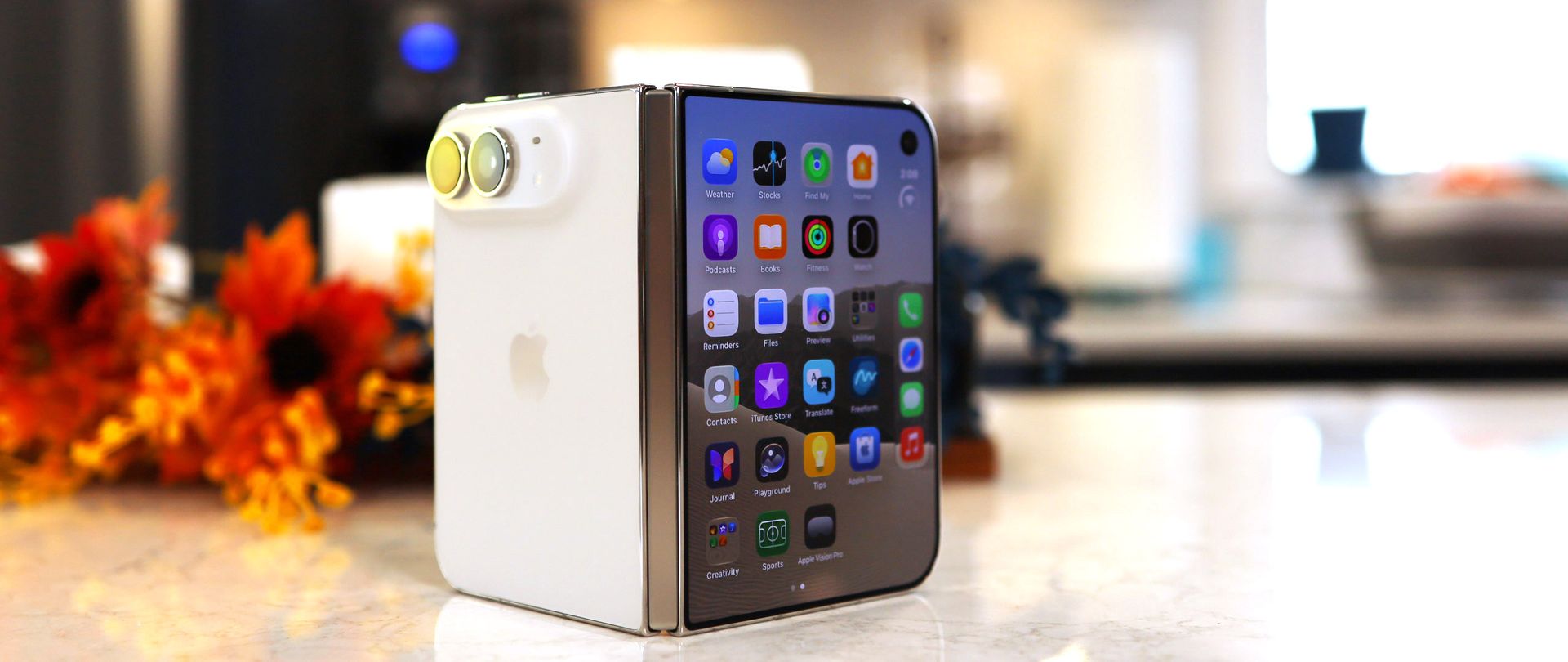
The iPhone Duo stands out in a way few iPhones have in recent years. Folded, it's closer to square than rectangular in shape, resembling a squat iPhone Pro Max. Plus, the asymmetry — flat and square on one side and curved on the other when folded — means the Duo cuts a unique profile among smartphones.
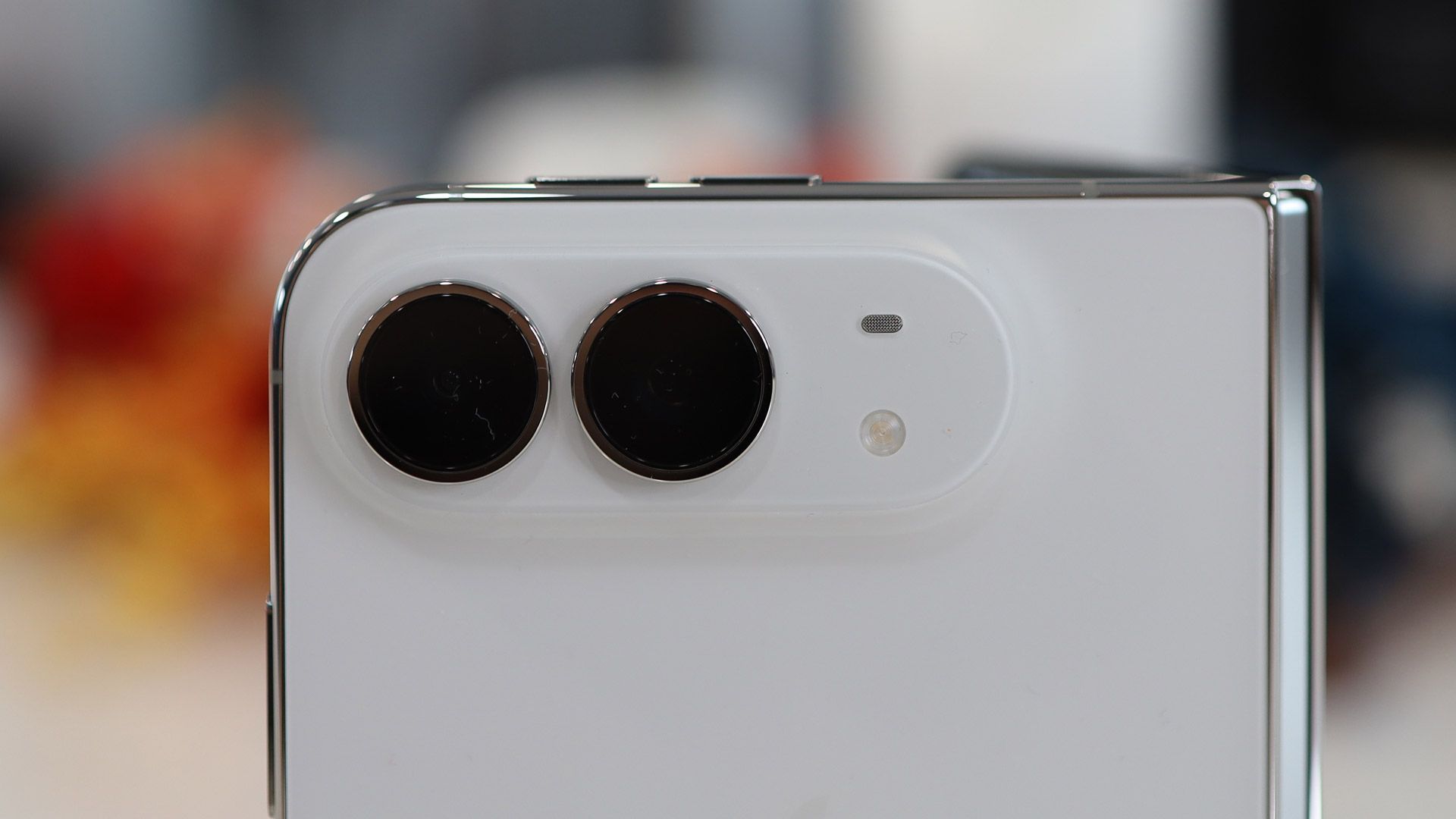
It does feel good in the hand, though the wider body might take some getting used to. I like the Ceramic Shield 2 front and back, especially the matte-finished back, which makes the Duo almost slip-from-your-hand-proof. The large dual-camera array bump is reminiscent of the iPhone Air, though the similarities end there.
(Image credit: Lance Ulanoff / Future)
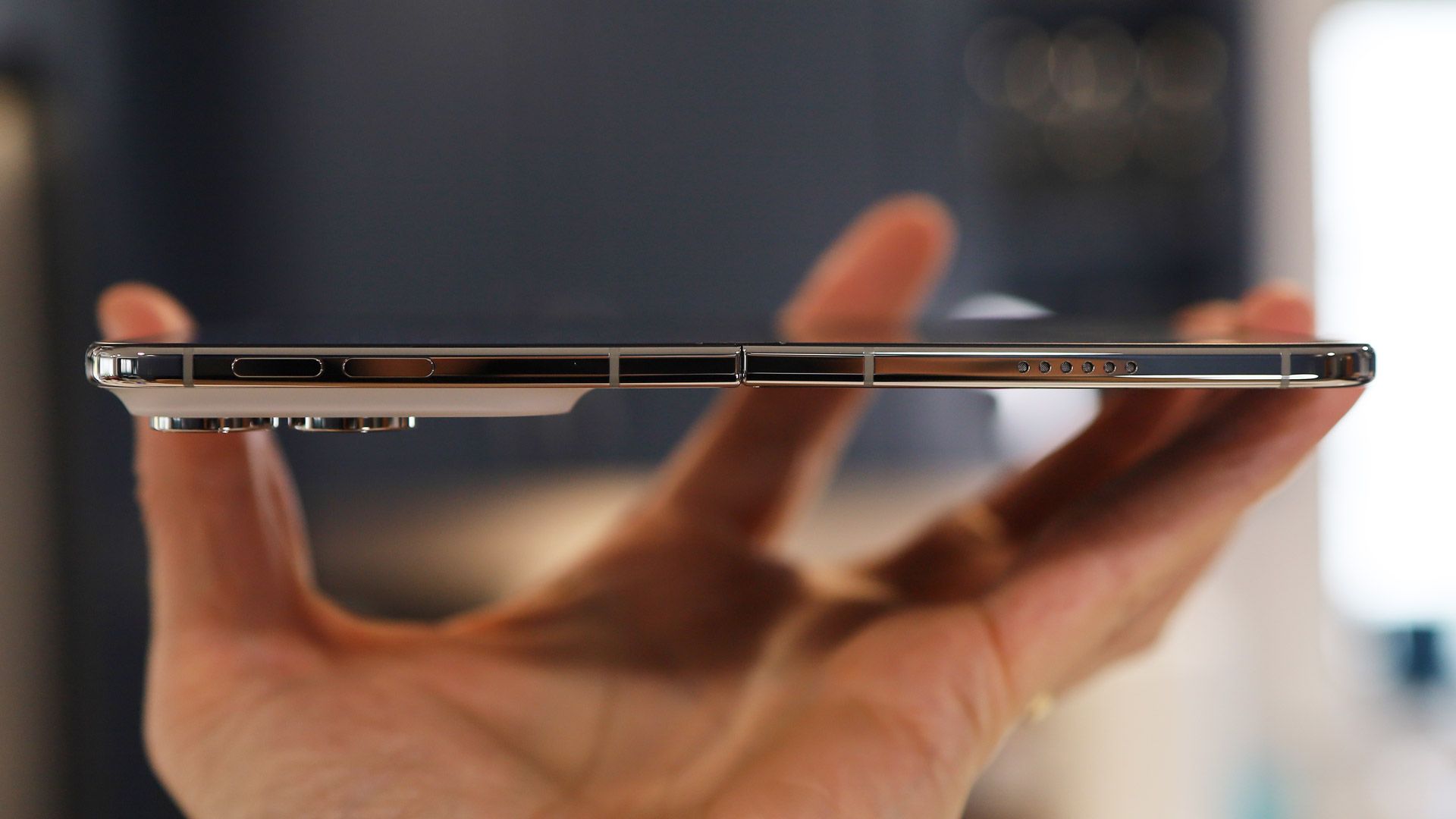
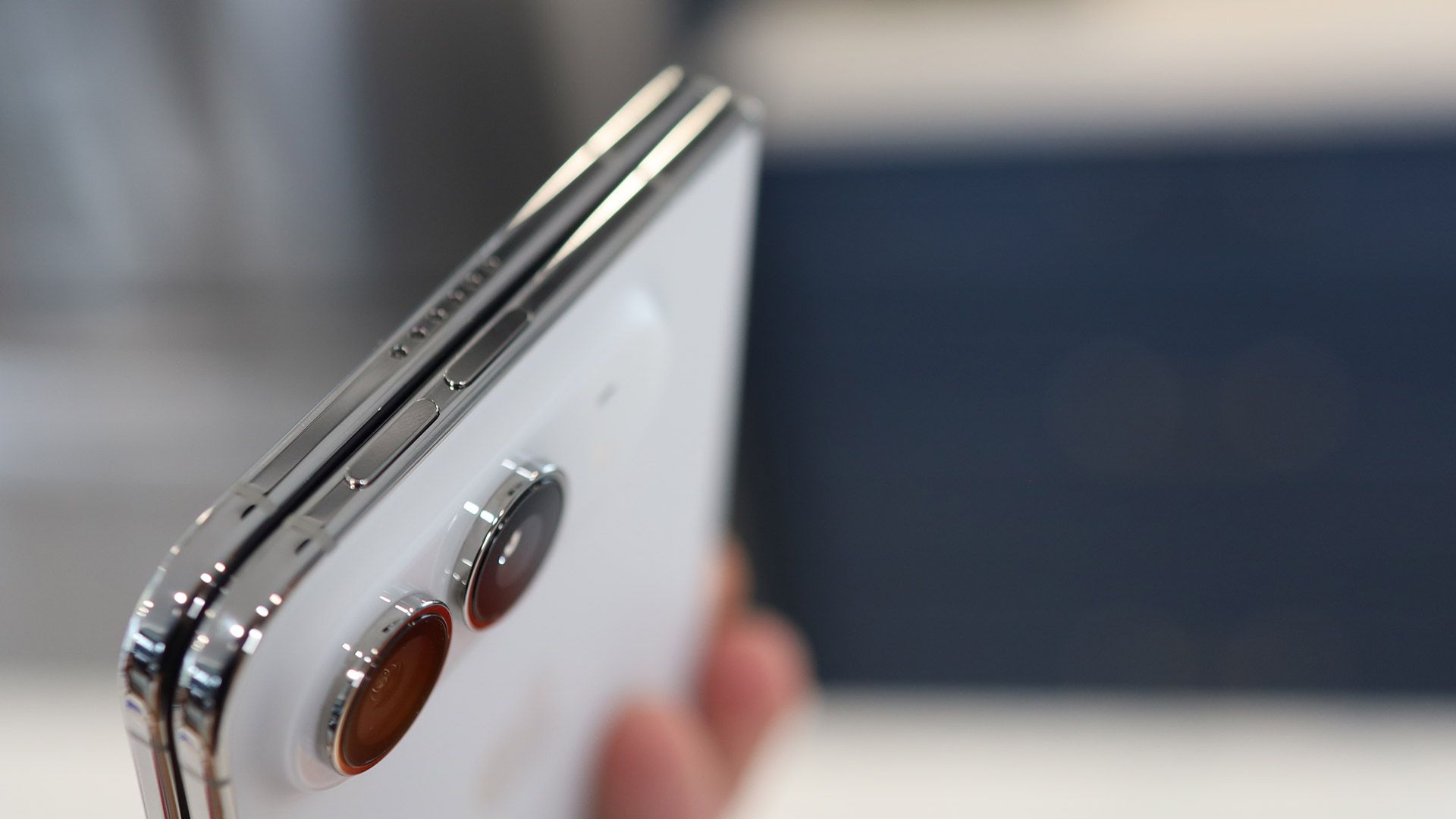
The volume buttons live on the top edge, another departure from the traditional iPhone, and indeed from smartphone design in general — I'm not sure I love that decision. On the right is the long Touch ID-enabled power/sleep/Siri AI button, and below that is the Action button. I often forget that last button exists on my iPhone 18 Pro Max, and I wonder if it was truly necessary here.
I appreciate the inclusion of Touch ID (I registered my index finger and thumb), but the lack of Face ID is frustrating — I had no idea how much I relied on it for quickly unlocking my phone until it wasn't there. Multiple times I've stared at the iPhone Duo's cover screen waiting for something to happen, forgetting that I have to intentionally touch the Touch ID button. A nearly $2,000 device lacking Apple's most powerful biometric security feature is close to unforgivable — I'll probably set up a workaround so that I can unlock the Duo via my Apple Watch.
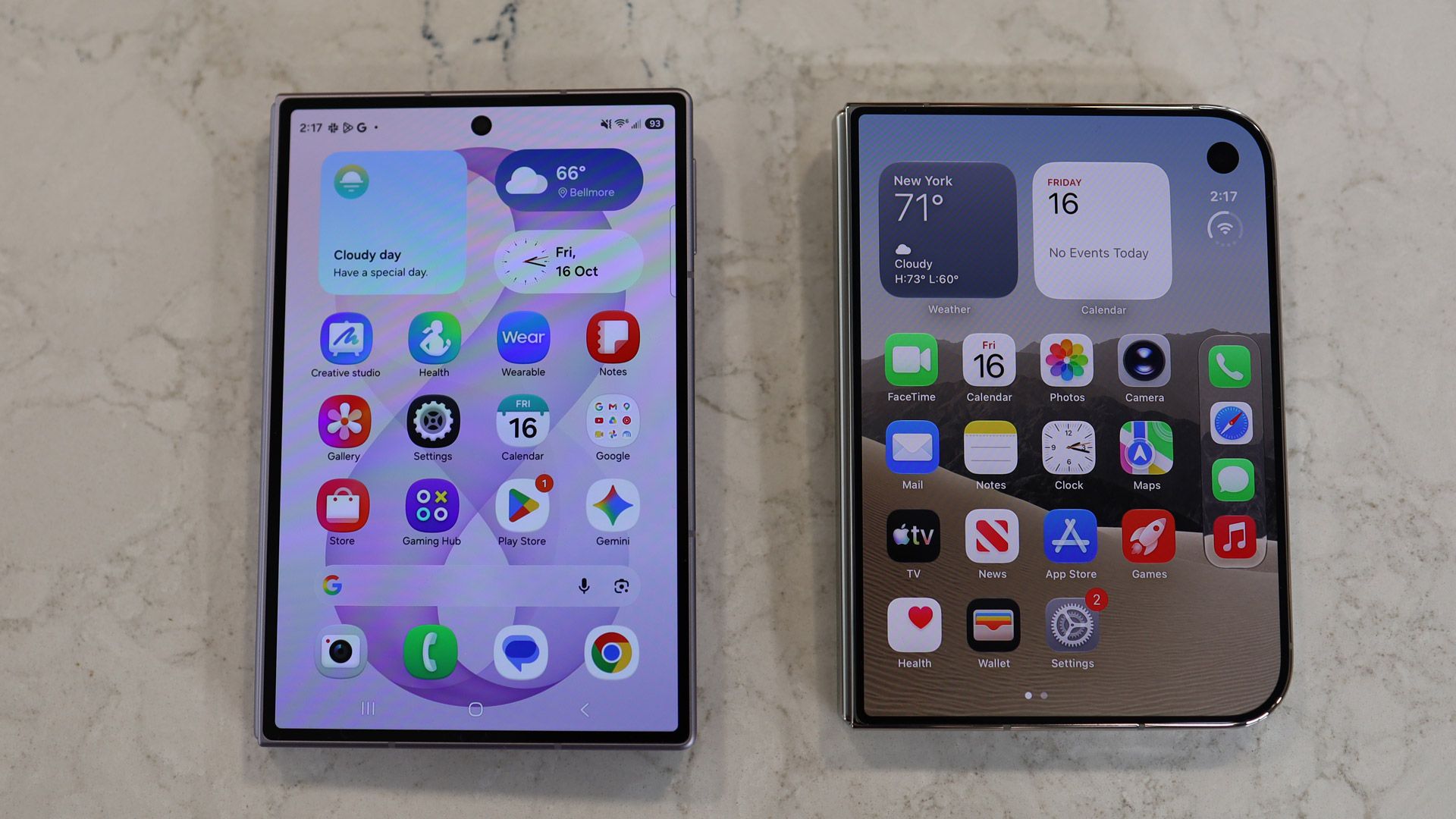
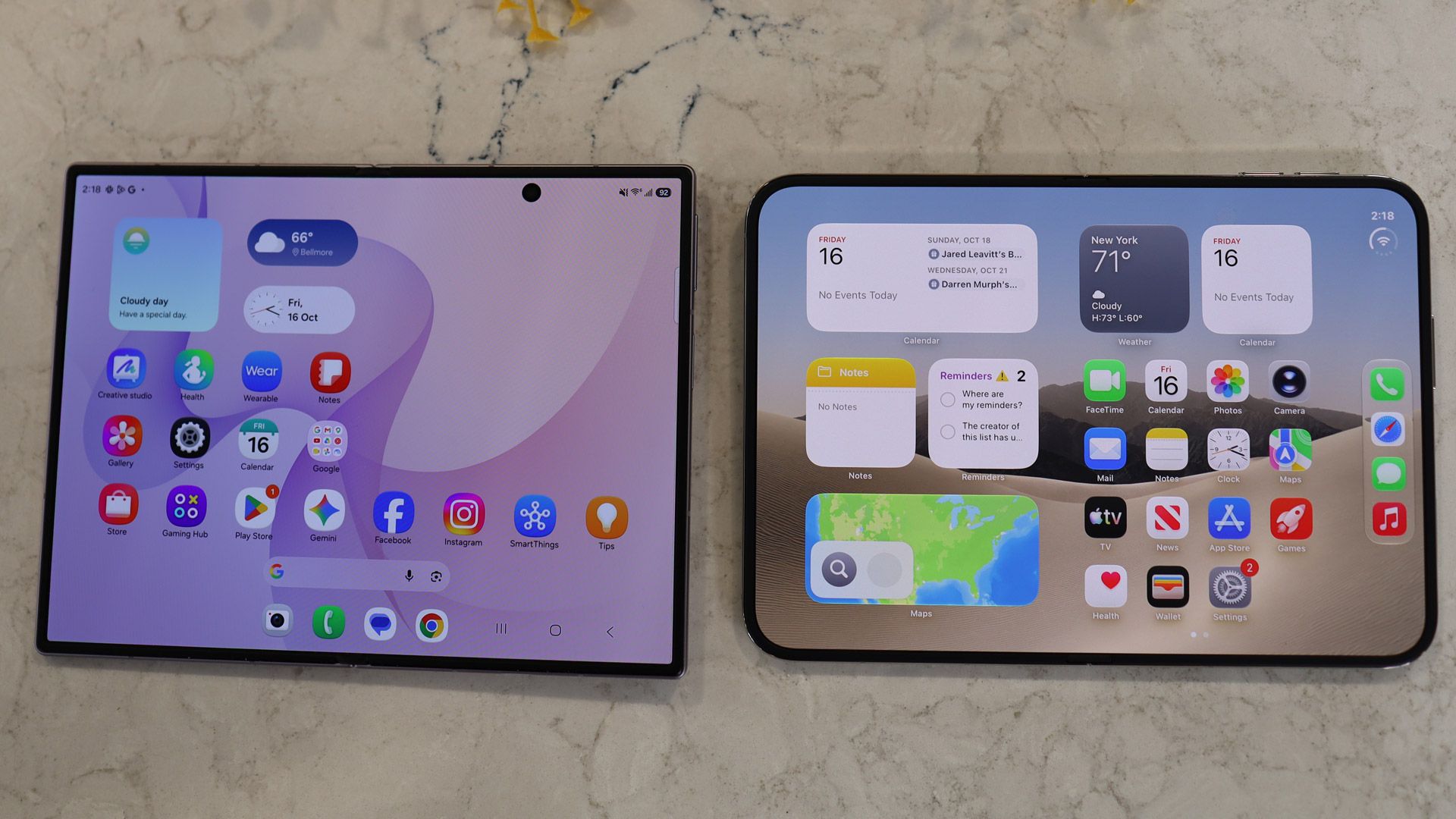
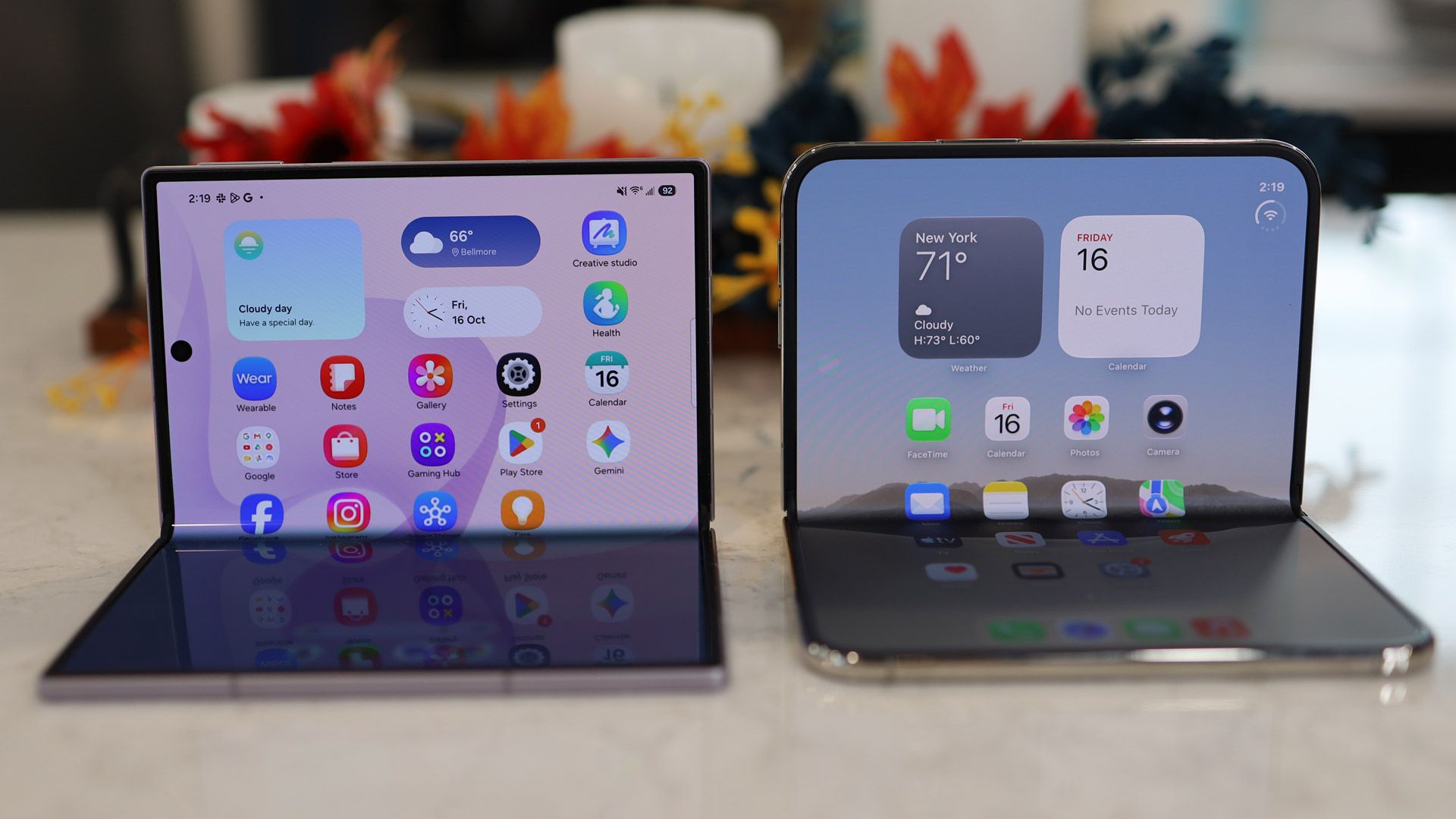
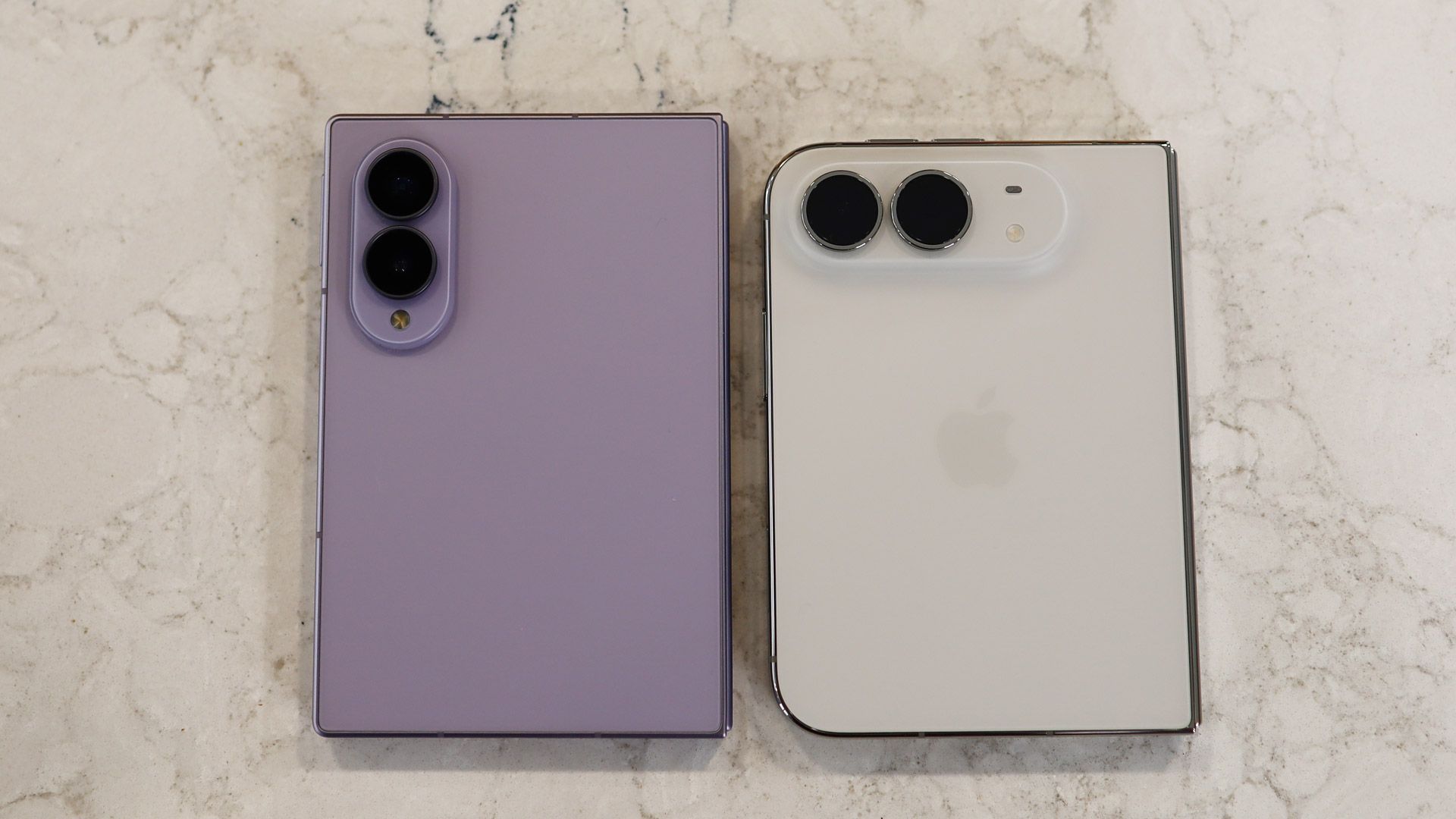
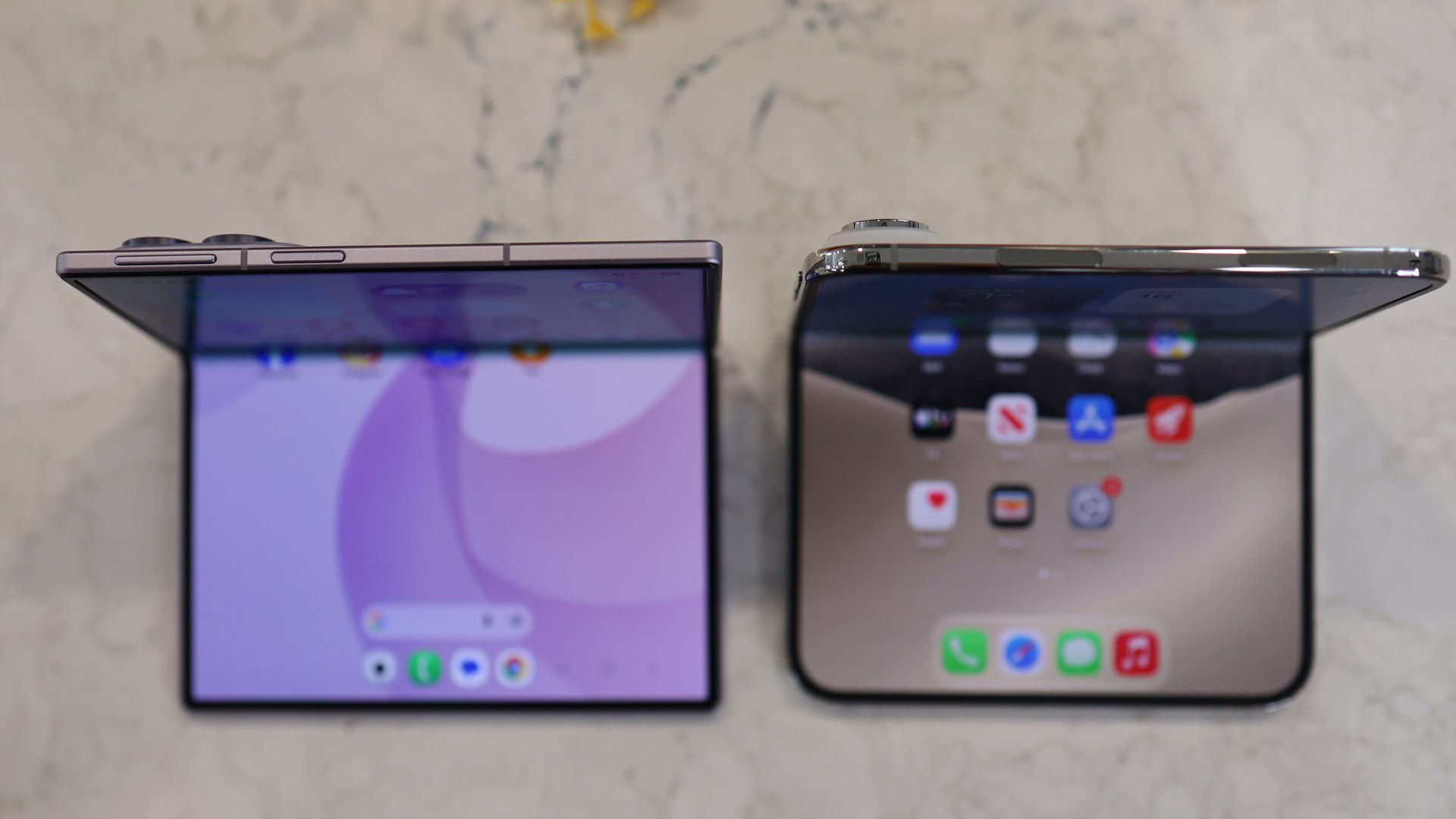
Samsung Galaxy Z Fold 8 on left, iPhone Duo on rightLance Ulanoff / FutureSamsung Galaxy Z Fold 8 on left, iPhone Duo on rightLance Ulanoff / FutureSamsung Galaxy Z Fold 8 on left, iPhone Duo on rightLance Ulanoff / FutureSamsung Galaxy Z Fold 8 on left, iPhone Duo on rightLance Ulanoff / FutureSamsung Galaxy Z Fold 8 on bottom, iPhone Duo on topLance Ulanoff / FutureSamsung Galaxy Z Fold 8 on left, iPhone Duo on rightLance Ulanoff / Future
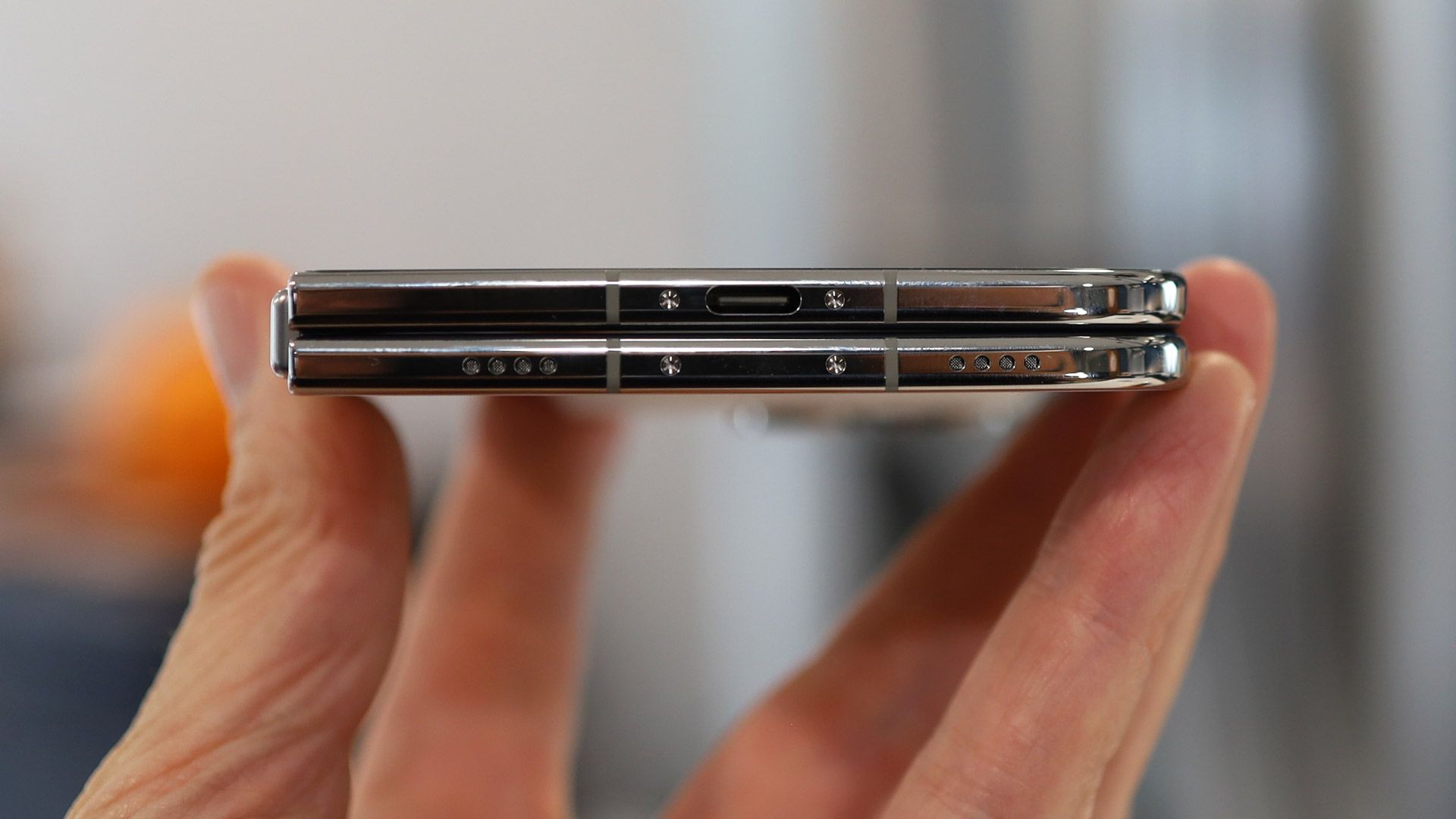
Along the bottom edge are the USB-C port (the phone ships with a charging cable but no power adapter), the speakers, and the mics.
Unfolded, the iPhone duo feels like a thin, compact tablet — I hesitate to say 'iPad' since the operating system is essentially iOS with some small adjustments for the new form factor.
Lance Ulanoff / Future
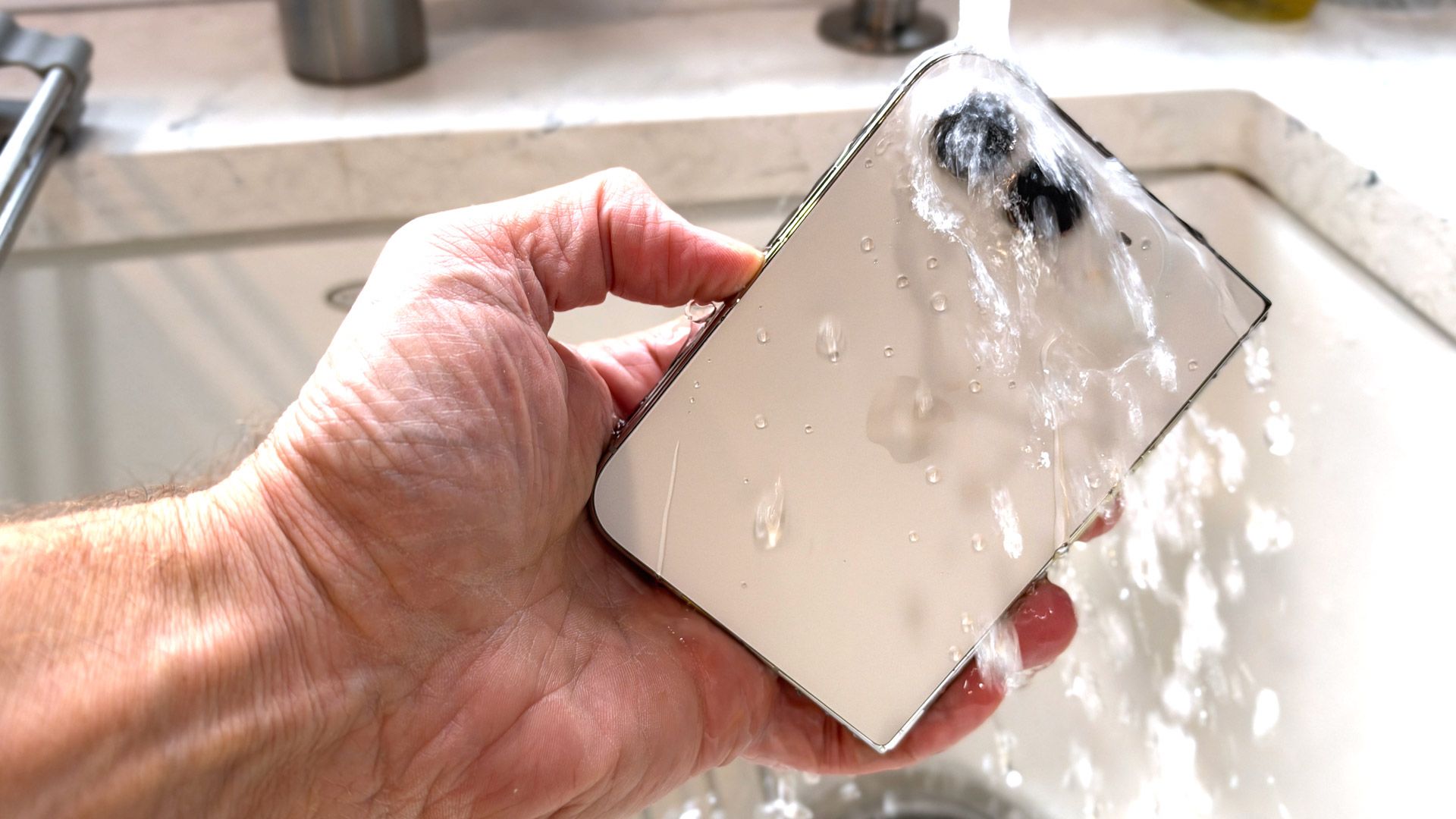
Remarkably, Apple comes out of the folding gate flourishing an IP68 rating, which means the iPhone Duo is protected against dust and even water. Naturally, I submerged the Duo under a running faucet, and it was none the worse for the experience.
Overall, I like the design and form factor, but it's different from a traditional iPhone, so it does take some getting used to. I struggled, for instance, to figure out the best way to hold the phone for photography. Do I need to turn it into landscape mode, or should I just hold it the way I hold a 'regular' iPhone? I do wonder how many will choose to unfold the phone, and shoot pictures in the same way they might with their iPad.
Design score: 4.5 / 5
Apple iPhone Duo review: Displays
(Image credit: Lance Ulanoff / Future)
Adorable and unusually shaped 5.4-inch cover display
Crease is canily hidden via a combination of expert engineering and a nano-etched display
Bright, sharp, fluid screens
Credit to Apple for not skimping on either of its iPhone Duo displays. Both the 5.4-inch outer and the 7.6-inch flexible inner screens are Super Retina XDR-class OLED panels, both with variable refresh rates up to 120Hz, always-on functionality, and up to 3,000 nits of brightness.
Both displays look impressively sharp, and actually offer slightly higher resolutions than the comparable displays on the Samsung Galaxy Z Fold 8.
The iPhone Duo's 5.4-inch cover display has a 2034 x 1398 resolution (compared to the Galaxy Z Fold 8 cover display's 1972 x 1248), and the 7.6-inch Inner display is 2670 x 1878 (compared to the Z Fold 8's 2448 x 1848 main display).
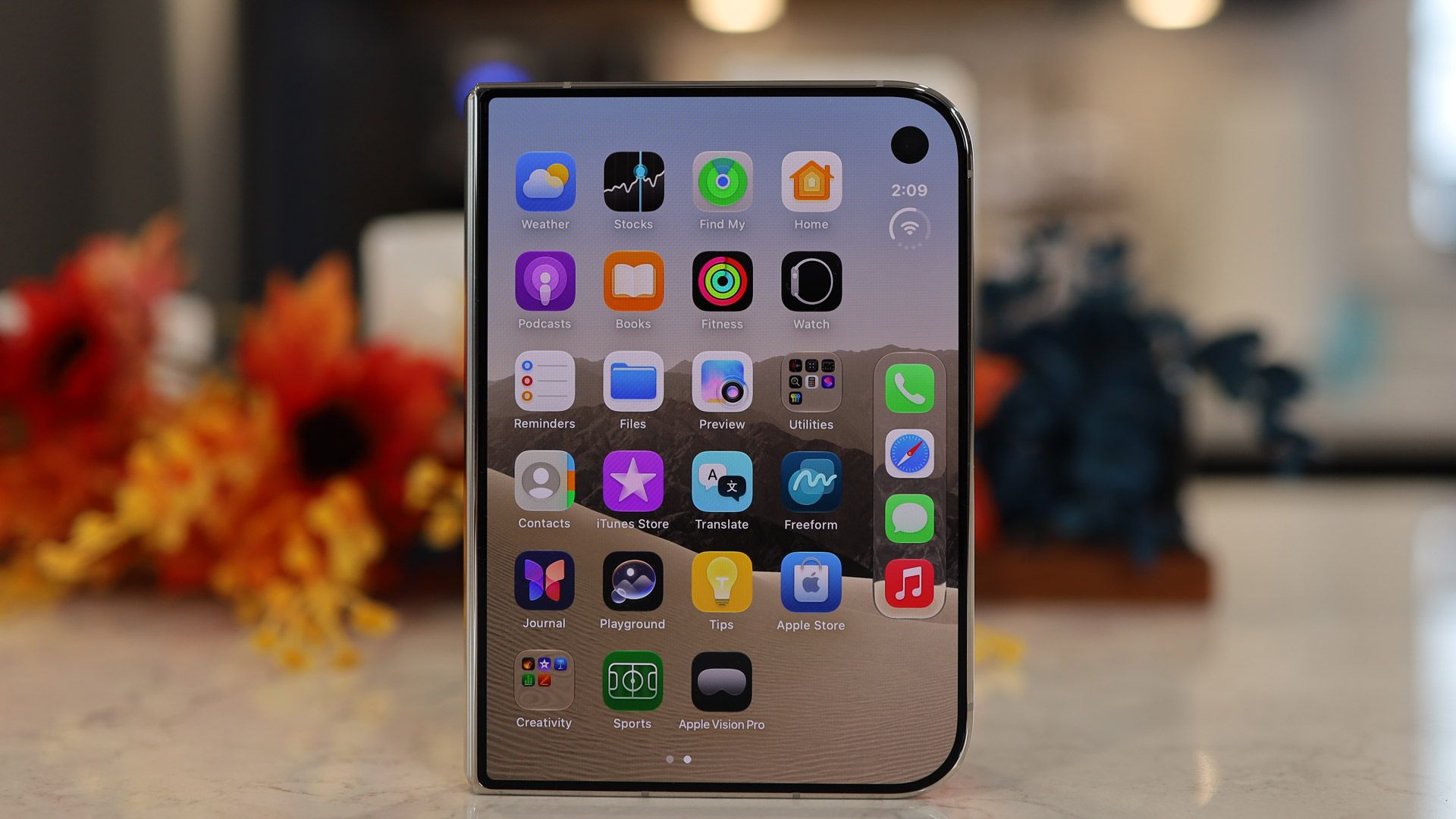
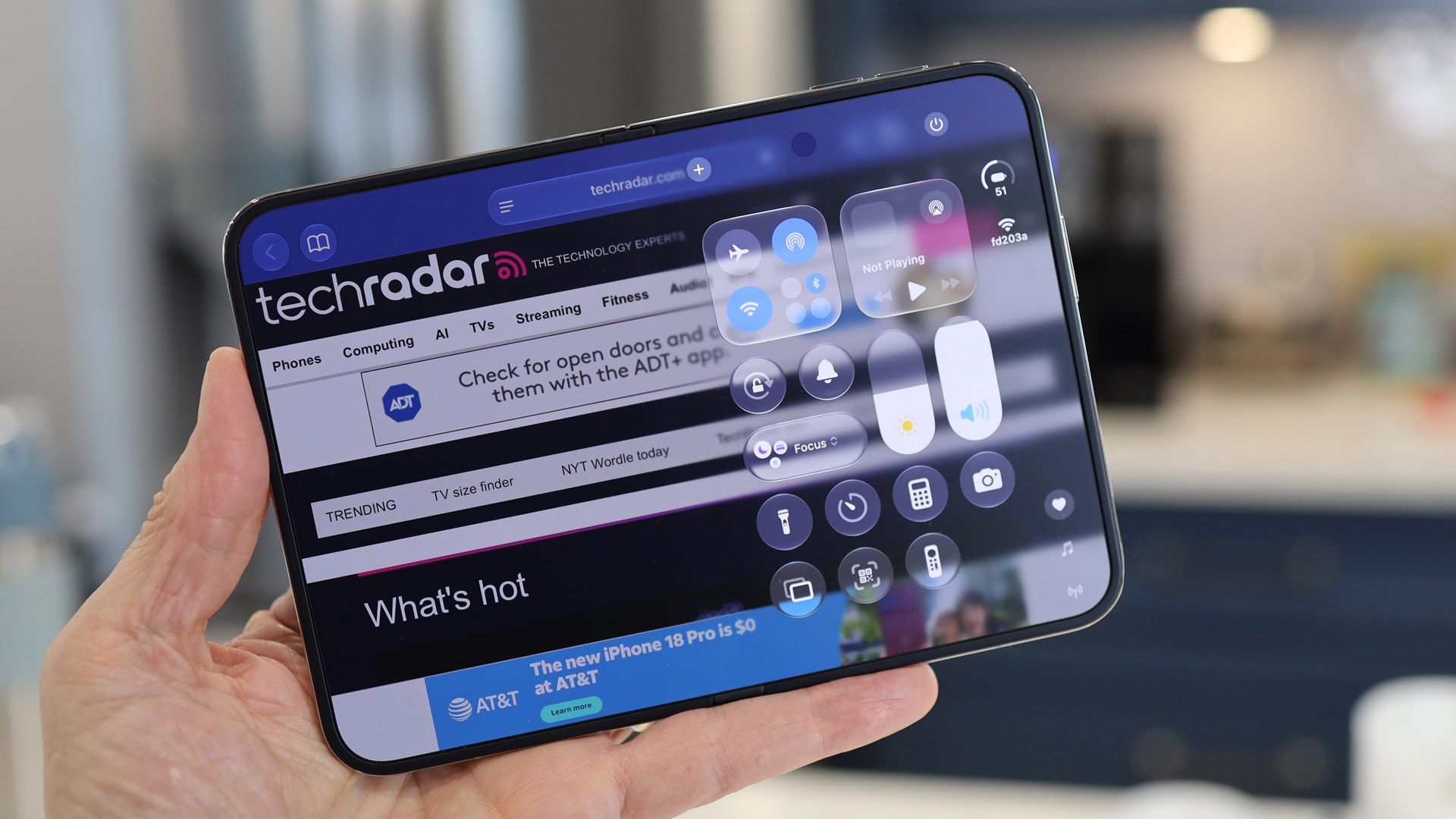
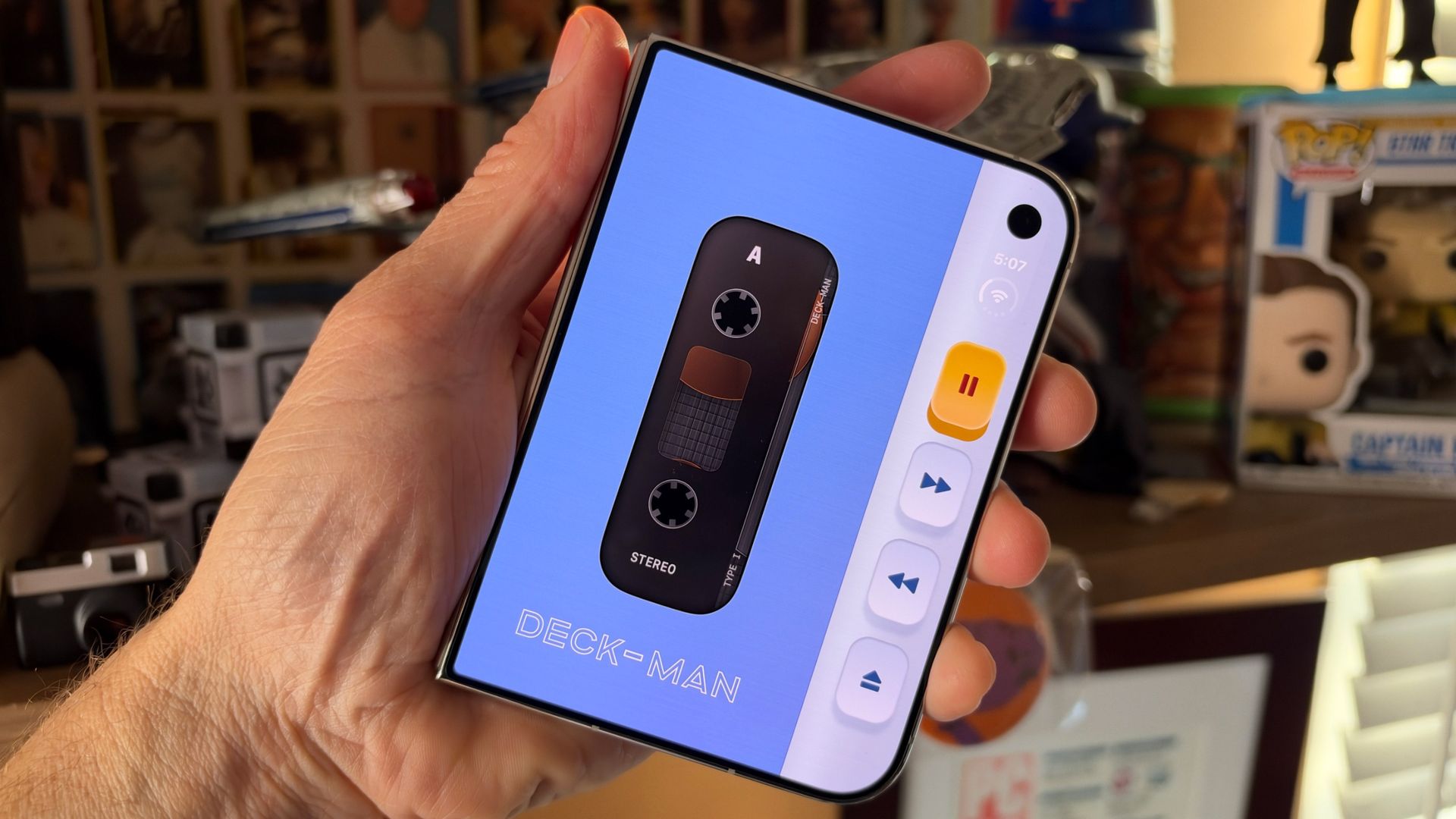
At first glance, the iPhone duo Cover screen is instantly recognizable as an iPhone, but close scrutiny reveals some interesting adjustments for the relatively short and wide display. First, the pill-shaped Dynamic Island sits in a vertical space along the right side, and when you look at the home screen, the dock is stacked vertically below the time and a status button (a single tap on it expands it to show connectivity and battery, and also drops down the full Control Center).
The Duo takes that right-hand space and rarely gives it up, which means that websites can look cramped in Safari, and some apps like TikTok, and even Apple's native ones, like Sports, can feel a bit squeezed. There are exceptions, like when you use the screen as a viewfinder in the Camera app, or look back at images in the Photo Gallery. In those cases, the imagery fills the entire screen.
(Image credit: Lance Ulanoff / Future)
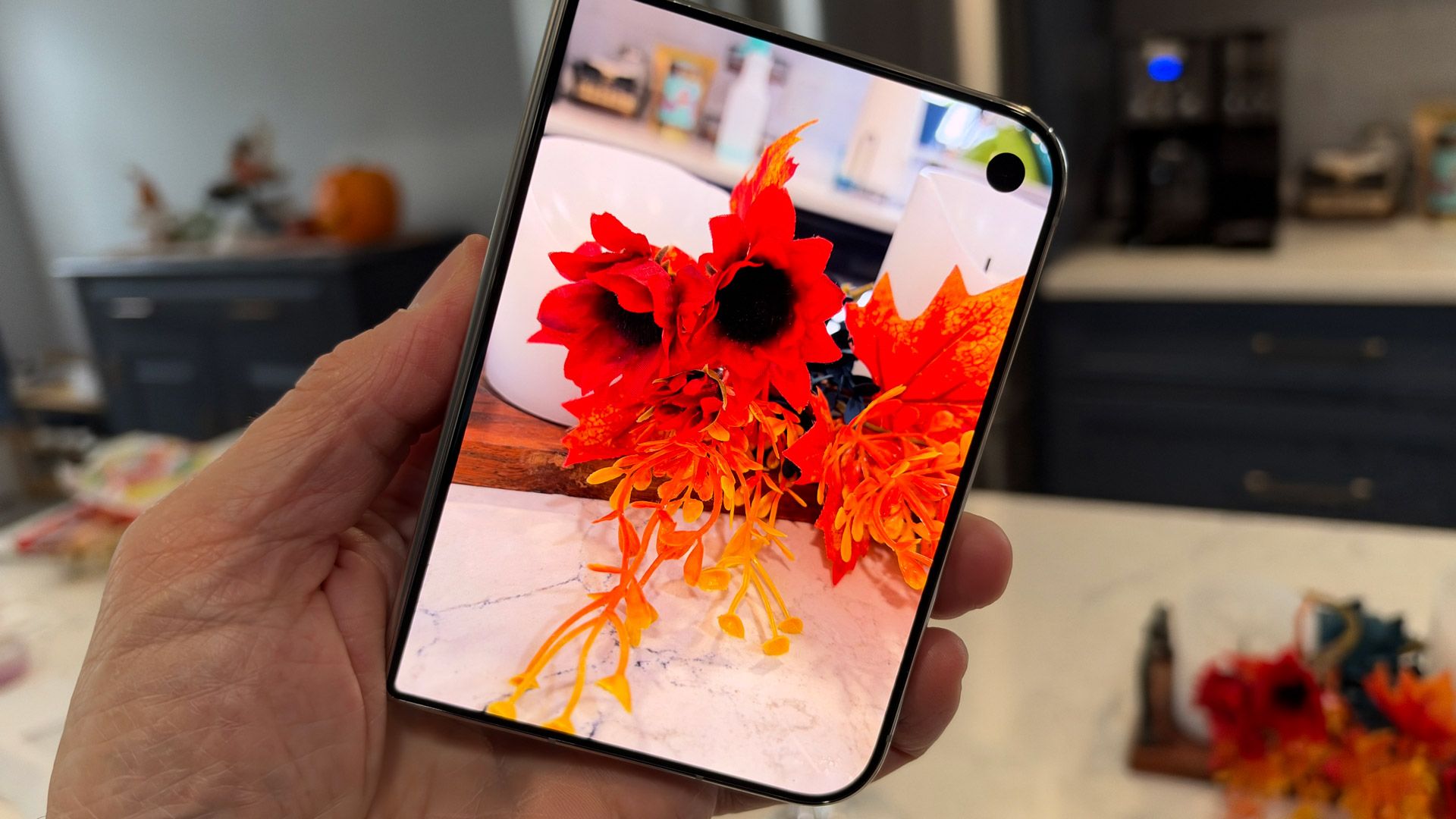
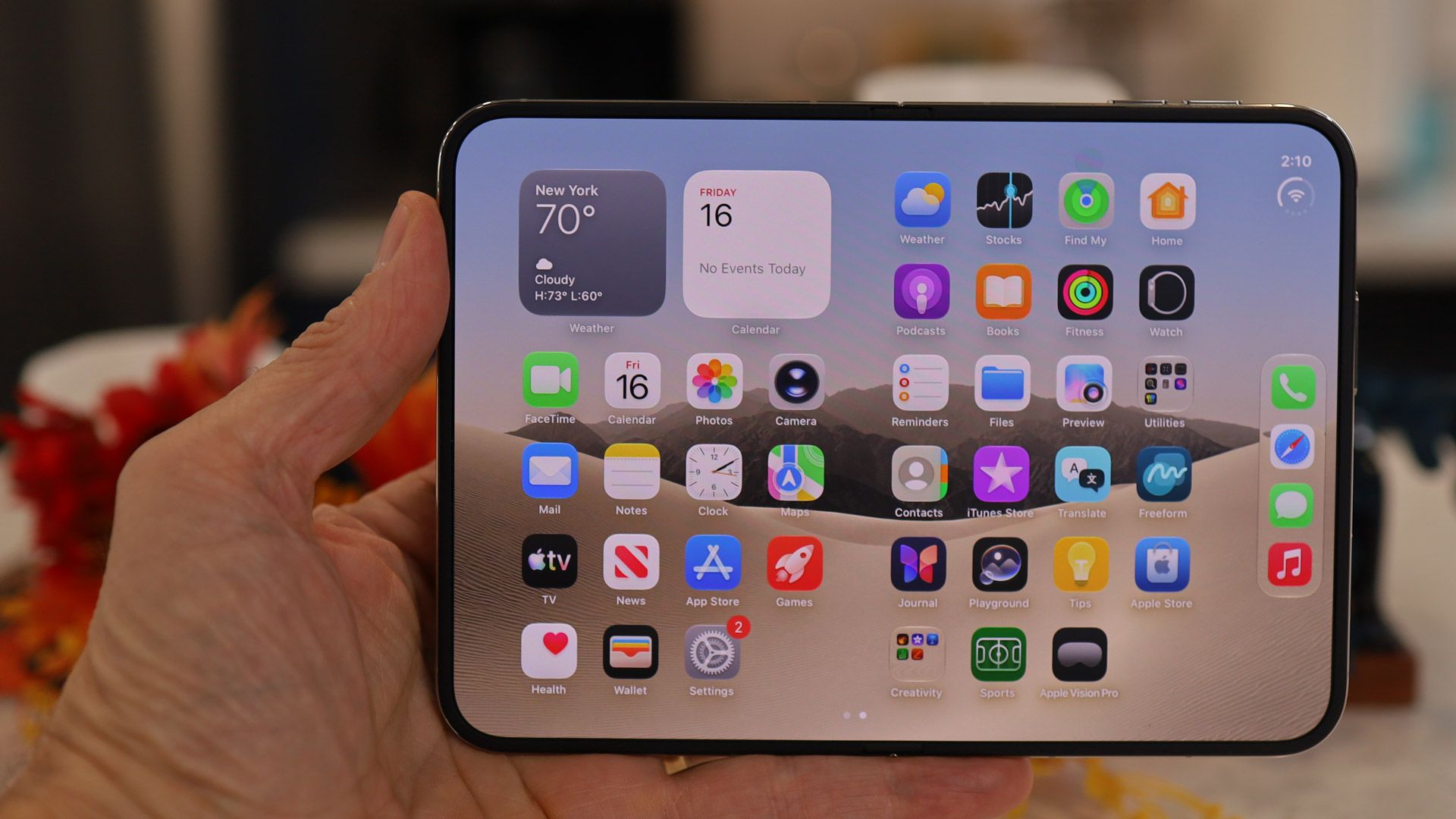
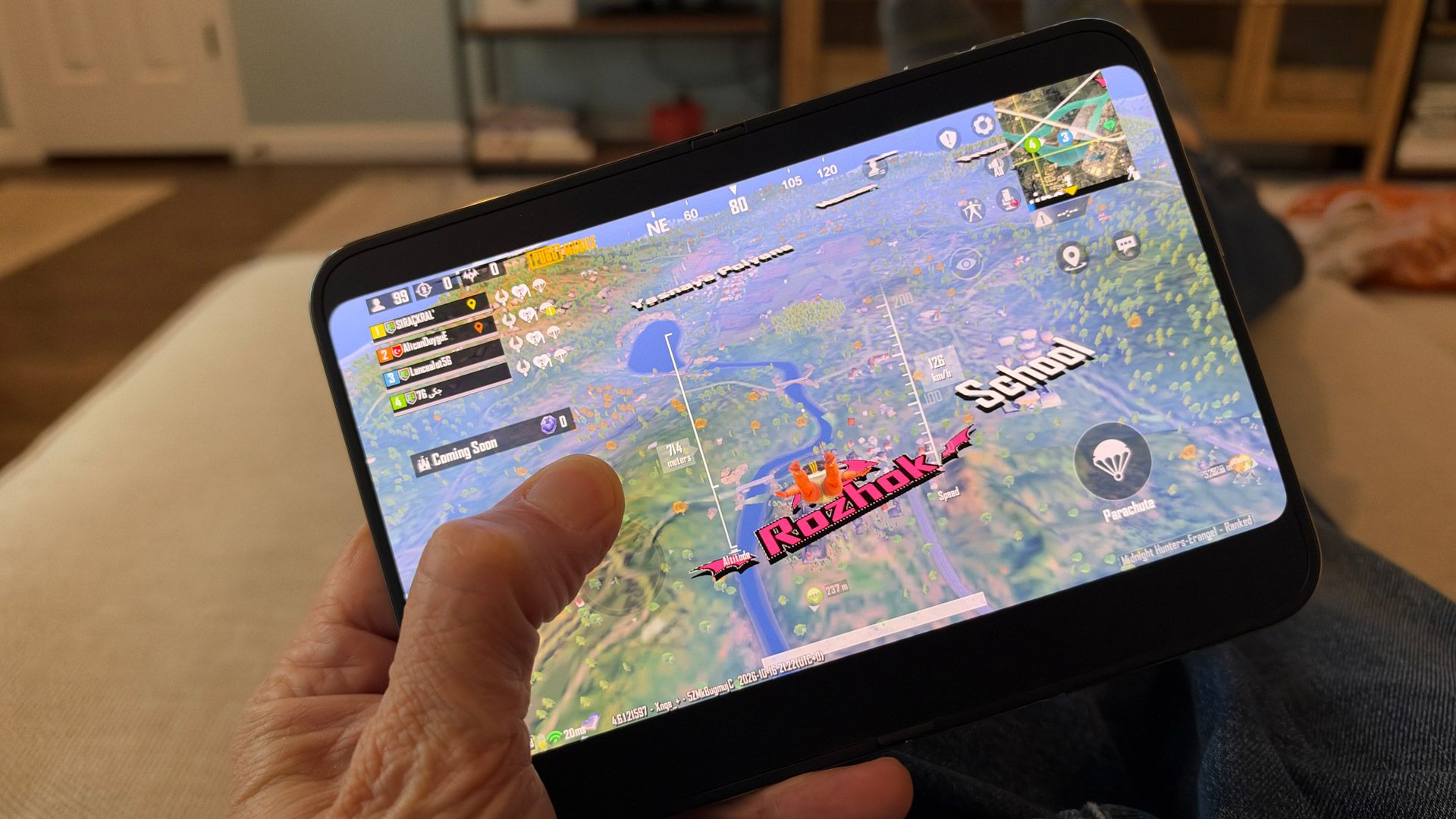
I'm less conflicted about the glorious main screen. It's big, it's responsive, and the matte, nano-texture covering almost completely hides the crease by dispersing any light bouncing off it, instead of directing it right back to your eyes. The display looks and feels perfectly flat, plus that matte covering kills all reflections, and makes every image look almost magazine-quality. It could be argued that a tiny bit of visual punch is lost in the texture, but I really enjoyed everything I viewed and did on the screen. It feels wonderful to the touch, and I had fun playing games like PUBG, browsing the web on a big screen, watching Netflix, reviewing and editing my photos, and multi-taking (more on that later).
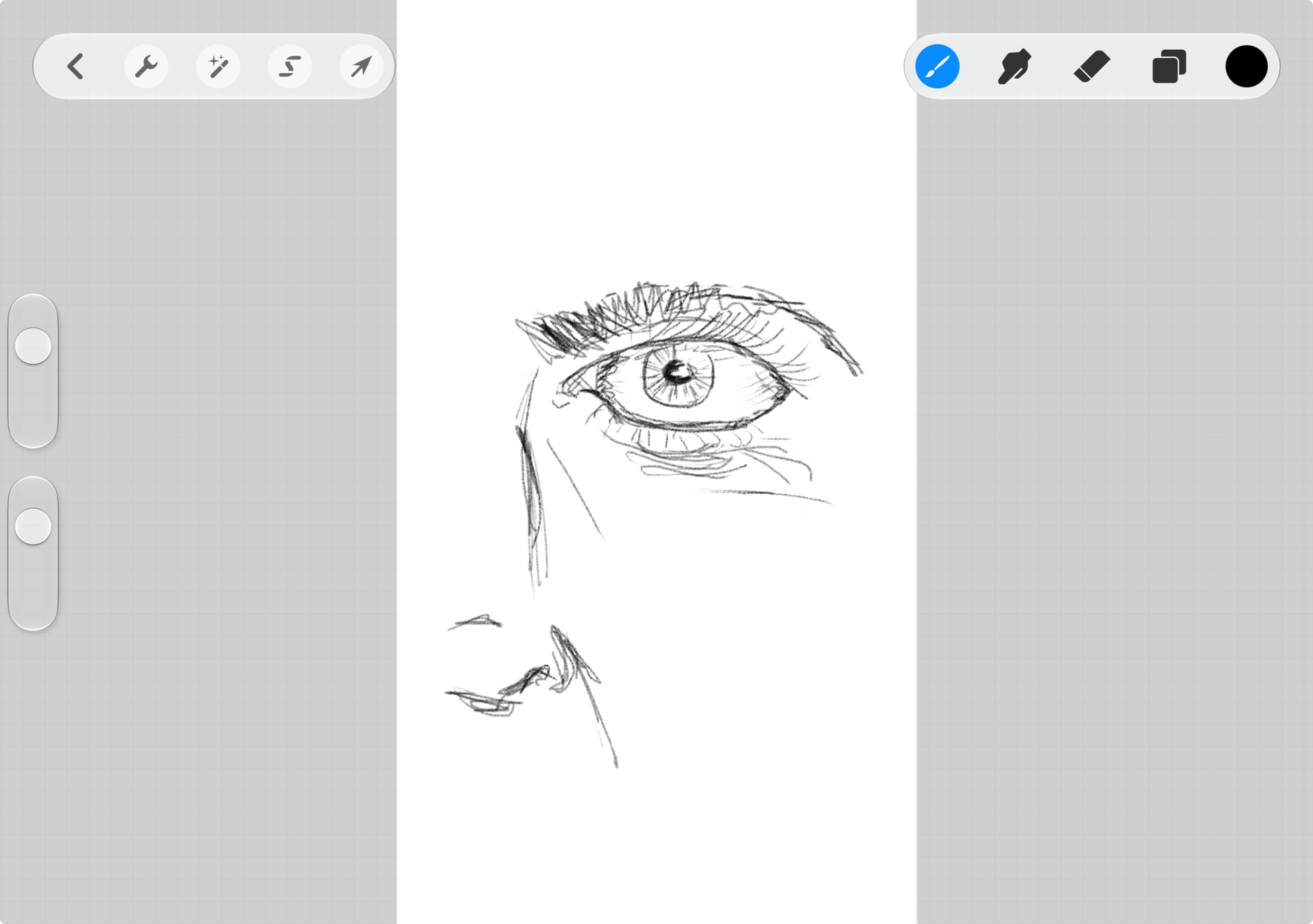
Unlike the Galaxy Z Fold 8 and 8 Ultra, the iPhone Duo's inner display supports a stylus, specifically the USB-C Apple Pencil. That support is not yet live, but I can't wait to start drawing on the Duo. I did attempt some Procreate Pocket sketches with my finger, and it didn't go well, which is mostly a me problem. However, I had slightly better luck with an analog stylus (see below).
(Image credit: Lance Ulanoff / Future)
Apple hides the 4MP inner FaceTime camera behind a handful of pixels, but they don't appear to have the exact same mix of matte and pixel density as the rest of the display, and as such are easy to spot. I wonder if Apple should have just gone with a standard, albeit smaller, cutout.
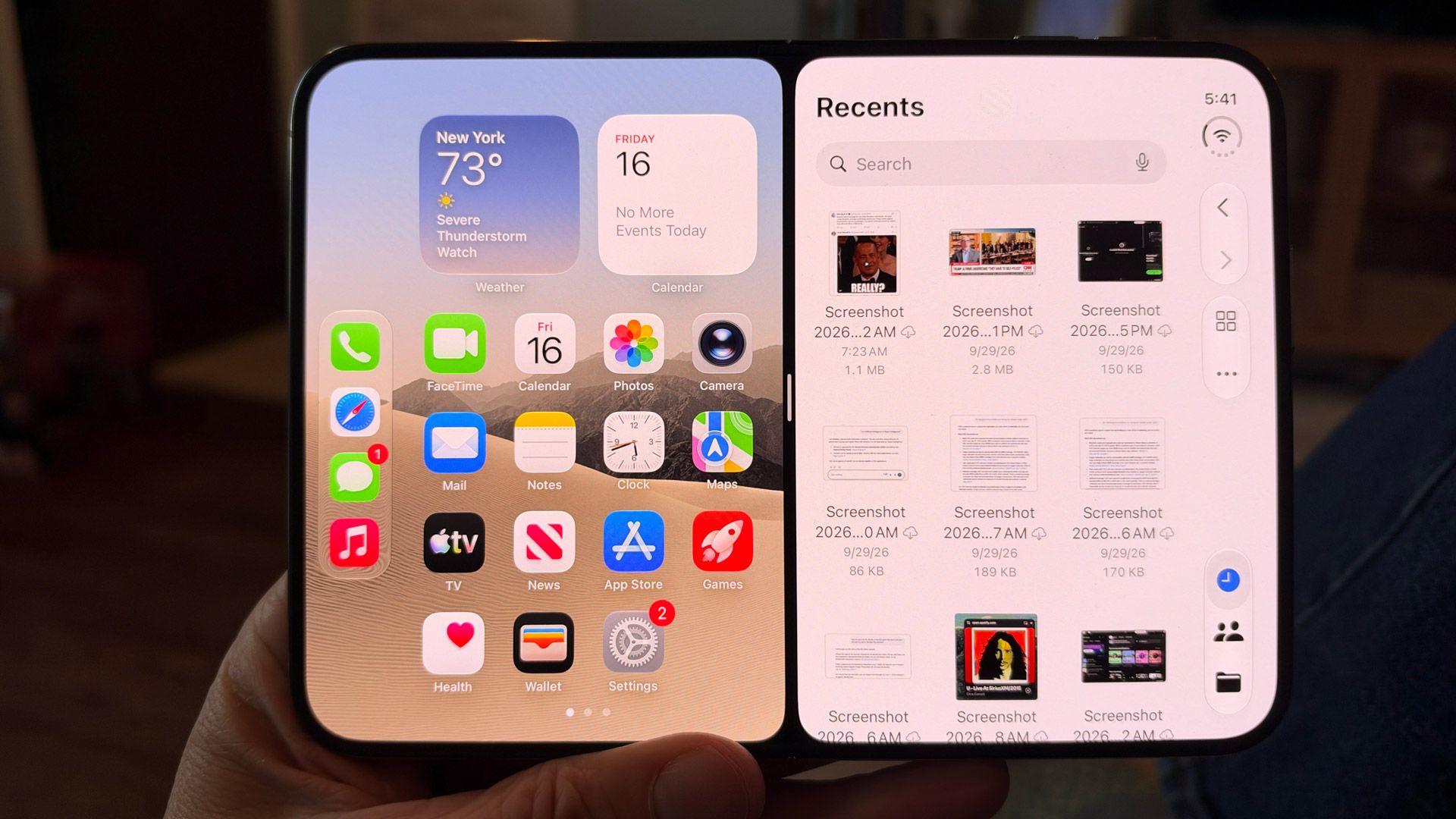
As on the cover display, Apple has positioned the status and dock vertically on the right side of the main display. I wonder why, in Tablet mode, Apple didn't simply copy the iPad and put this bar at the base of the screen. Still, I noticed that the dock disappears when you're in apps like Safari.
There's more to say about app compatibility with this platform, which I'll get into later in the Software section of this review.
(Image credit: Lance Ulanoff / Future)
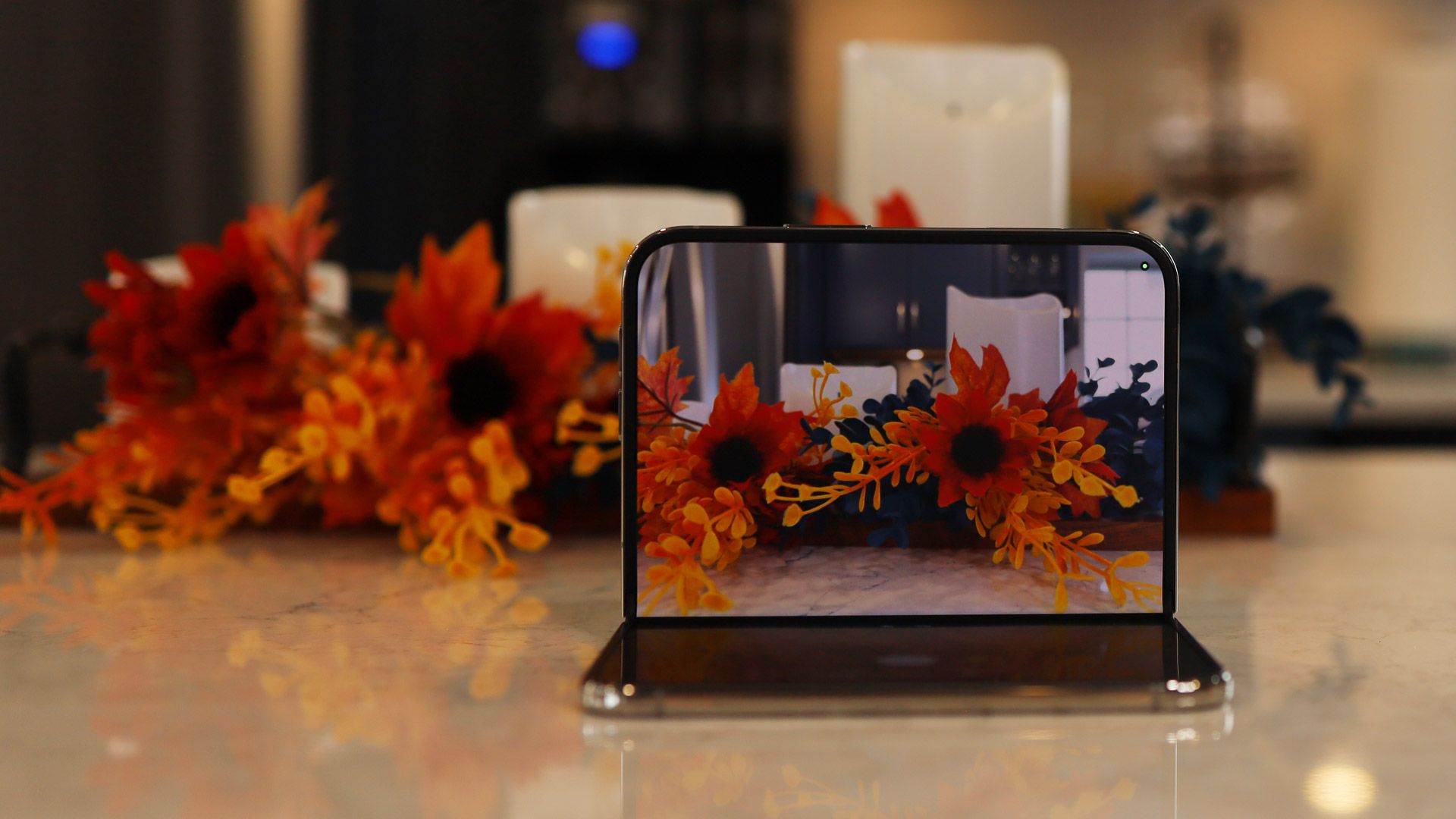
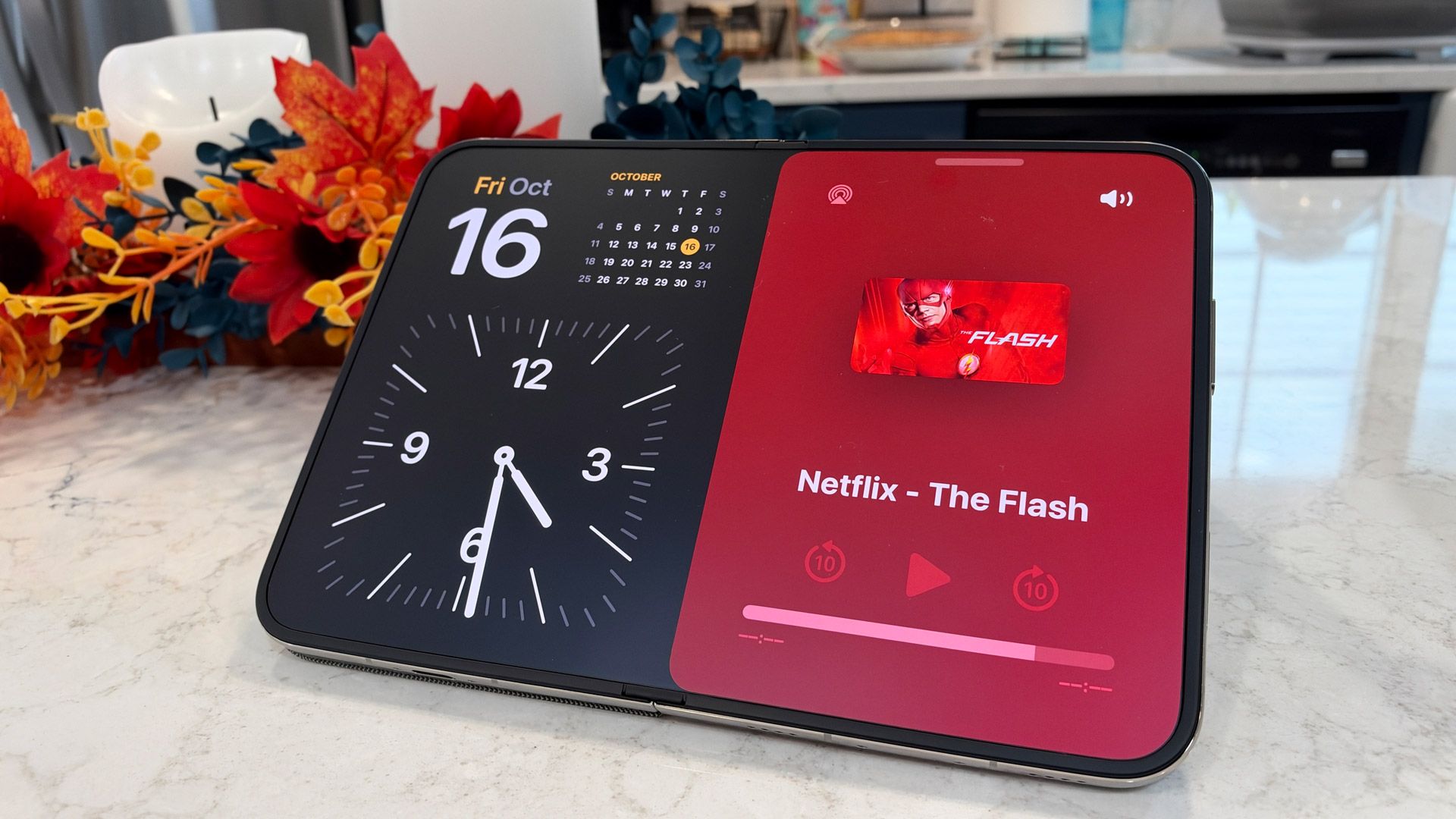
I especially like the redesigned Standby feature, which takes advantage of the Duo's multiple displays and foldable nature. You can prop up the phone like a tent and have the Standby display appear in landscape mode. If you flip the phone up so it's standing on your desk like an open book, the Duo knows to switch Standby to the inner display. At one point I popped the Duo onto my old Belkin MagSafe charger, and used it as a nightstand clock. It's so smart and useful.
What we have here are two excellent displays with a wide array of capabilities in one device. It's both a tiny iPhone and a mini tablet, with two screens that should please both the iPhone and iPad crowds. I have my reservations about the cover screen, but as an overall multi-display package, I'm impressed with the Duo.
Display score: 4.5 / 5
Apple iPhone Duo review: Cameras
Two strong 48MP cameras
Excellent 12MP Center Stage camera
Inner camera is lower-resolution but effective for FaceTime
No telephoto camera
It's been a long time since I've reviewed an iPhone on which camera considerations come second to design and mechanical engineering, but the excitement revolving around the iPhone Duo is about its folding capability, creaseless inner screen, and unique-among-iPhones form factor.
Even so, there's no indication that Apple has skimped on three of the four cameras. Yes, the inner camera is just a 4MP shooter that's primarily devoted to FaceTime calls, but the rest of the lenses — 48MP f/1.6 Main, 48MP f/2.2 ultra-wide, and 12MP f/2.2 Center Stage — are all excellent.
While I haven't had a lot of time with the iPhone Duo, I have managed to shoot in a variety of conditions and situations, pushing the cameras on speed, image quality, color, and low-light performance.
The two external cameras default to shooting at 24MP, which means each photo has effectively twice as much information per pixel (the process is called binning).
(Image credit: Lance Ulanoff / Future)
I was particularly impressed by the level of detail in the main-camera shots — just look at the specks of pollen on the marigold flower in the gallery below. That same image shows an exceptional balance of shadows and light; the sunlight bleed on the right does not overwhelm the exposure of the rest of the image.
In a challenging social-club environment, the main wide and ultra-wide cameras acquitted themselves nicely, making exposure adjustments to capture the moment without too much grain. Obviously, there was some motion blur, but I think it added to the emotional weight of the event.
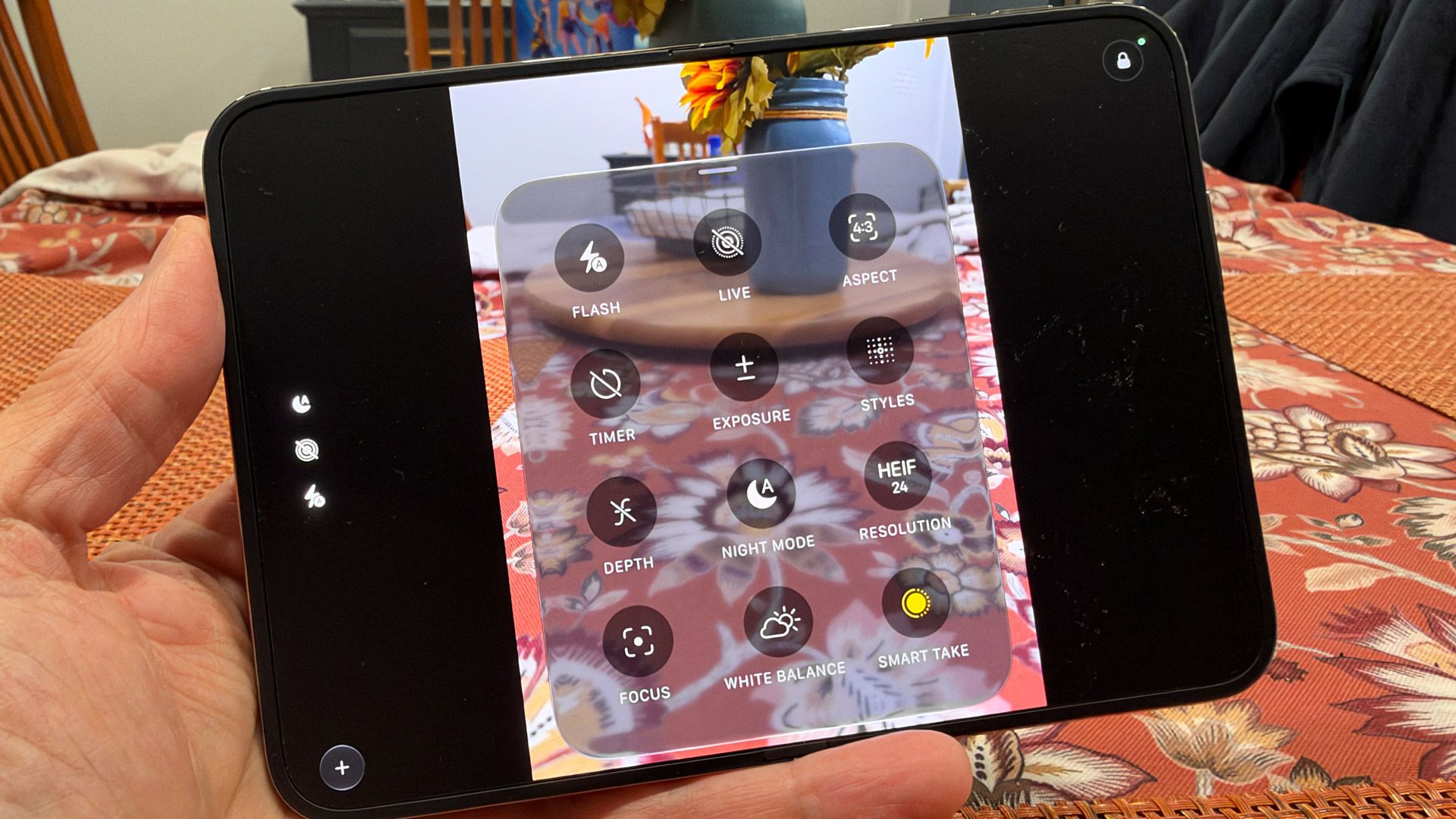
With the iPhone duo, Apple has introduced Smart Take, which I liken to your own personal fashion photographer. The setting lives under the grid menu (drawer) in the Camera app, and once it's on, you can set the phone folded at 90 degrees on a desktop, start posing in front of the camera, and Smart Take will capture the 'best shots.'
When I used it, I noted that while I was trusting the phone to take some decent photos of me, I couldn't see a display to keep track of what it was capturing (Smart Take is not supported on the 4MP inner camera). Still, I started striking poses, assuming that the camera would deem those best. It kind of worked, though I think Smart Take would work best if you're able to put the iPhone Duo up on a tripod or shelf to make sure the camera is closer to eye level.
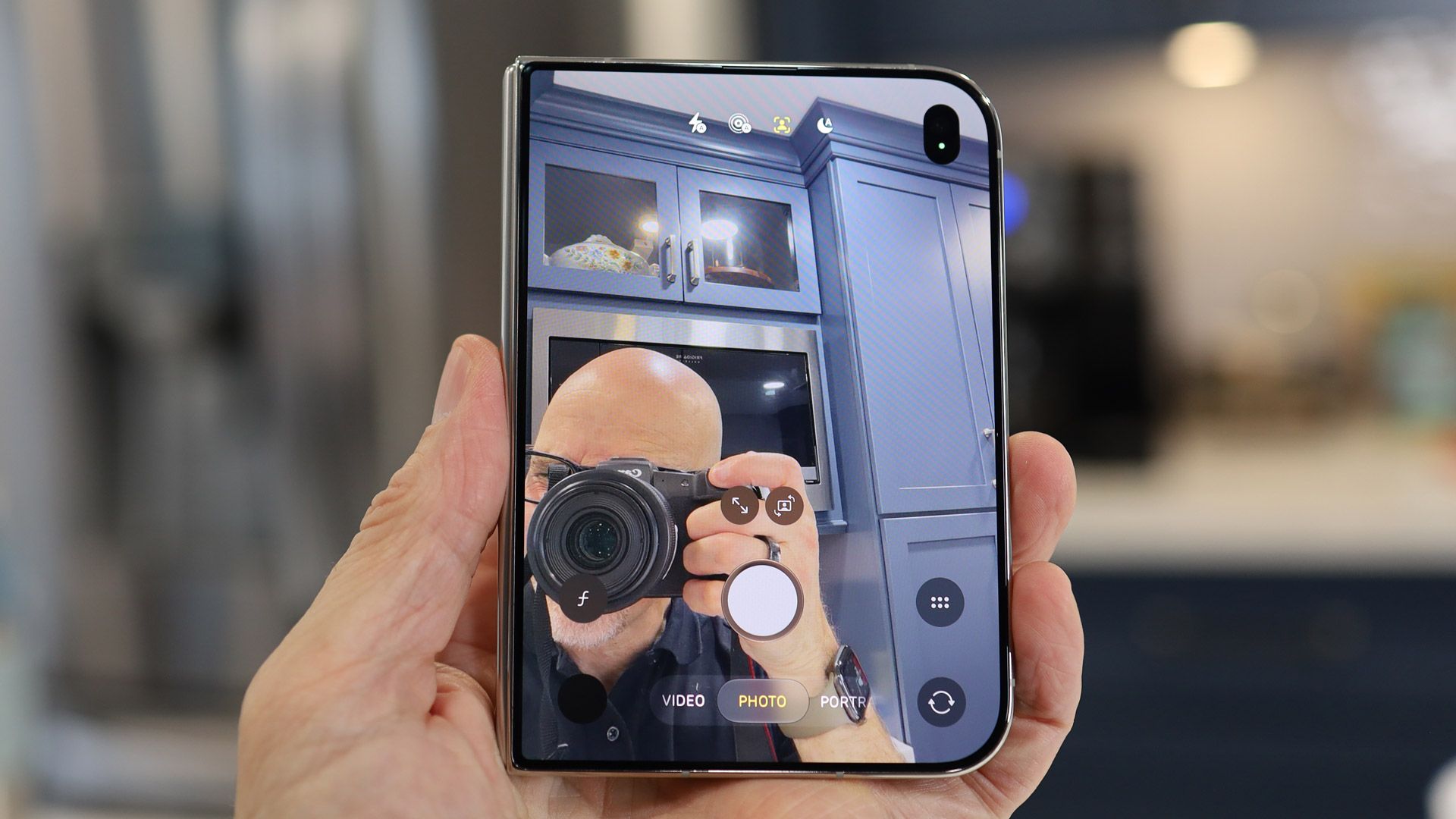
Similar to what we've seen on other foldable phones, Apple has included a camera mode, Duo Preview, that lets you use the best main or ultra-wide camera while still using the cover display as a viewfinder. It's a useful table-stakes feature that I'm glad Apple included, especially since the inner camera is so underpowered.
Apple says you get 2x effective optical zoom on the main camera, but that's a sensor crop. Yes, the pixels and image information will be real, but I prefer a proper zoom lens. To be fair, the iPhone Duo camera array is quite similar to the 50MP pair on the Galaxy Z Fold 8, which also lacks a telephoto lens.
(Image credit: Lance Ulanoff / Future)
I also used the cover screen Center Stage camera to shoot some portrait-mode selfies. They were, as you might expect, impressive (not the subject, just the brilliant bokeh).
The iPhone Duo's trio of high-quality cameras meets, in my estimation, the high watermark set by lenses on previous iPhones, including the iPhone 17 Pro (the 18 Pro models come with a variable aperture).
With the iPhone Duo, iOS officially means multiple things. Where it was once a smartphone platform, it's now a multi-hardware-configuration operating system that can, depending on where it's installed, fork appropriately.
Instead of the iPhone Duo unfolding and converting into an iPad, it remains steadfastly an iPhone with tablet-like capabilities. This has resulted in some odd decisions on Apple's part, like hiding some of the ever-present status-bar information, including battery life, and rotating and moving the dock. Even the iPad doesn't put the dock on the right-hand side.
On the cover screen, the status bar and dock placement cut into screen real-estate for some apps and browser experiences; this is less of an issue on the larger inner screen.
(Image credit: Lance Ulanoff / Future)
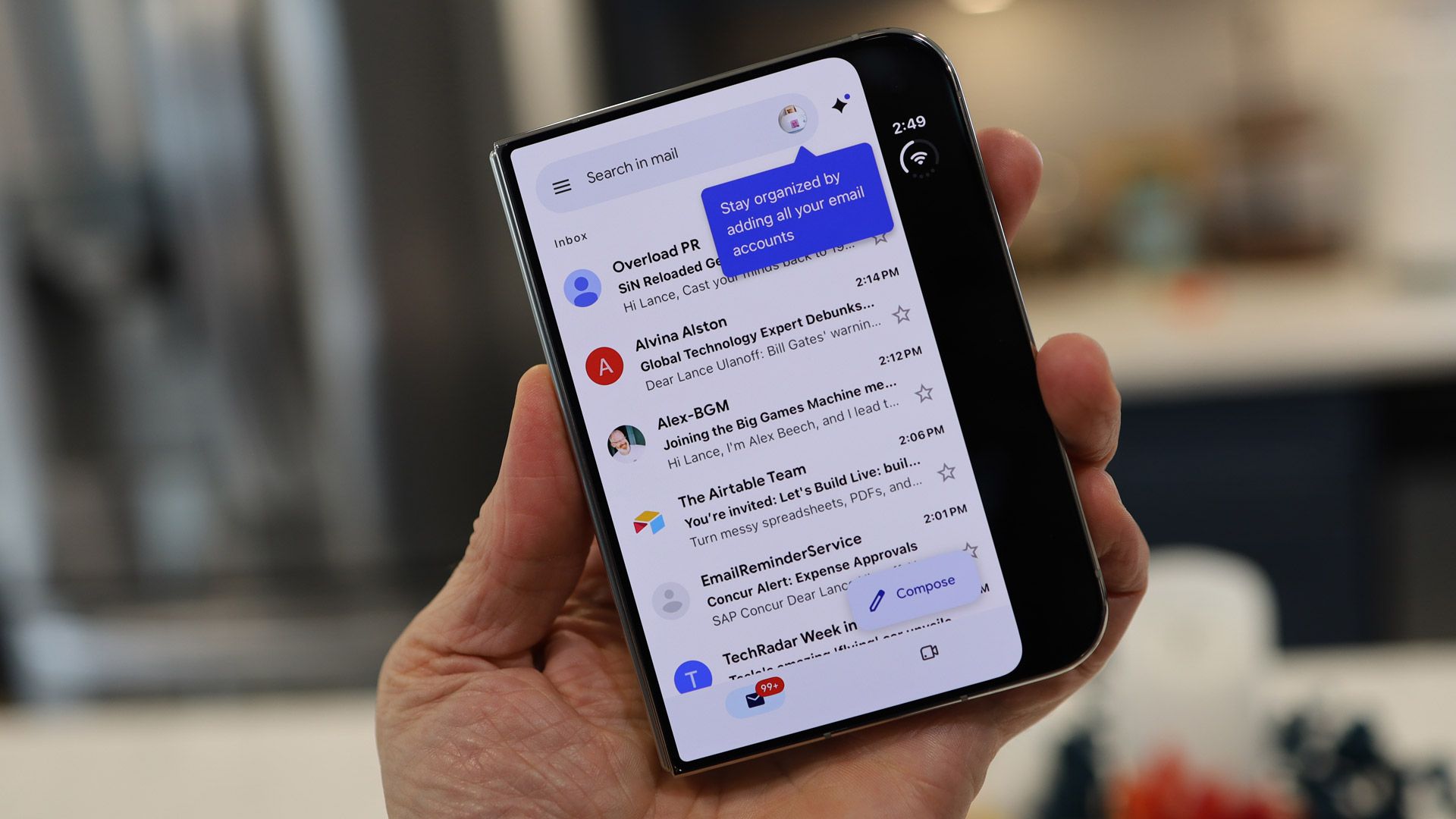
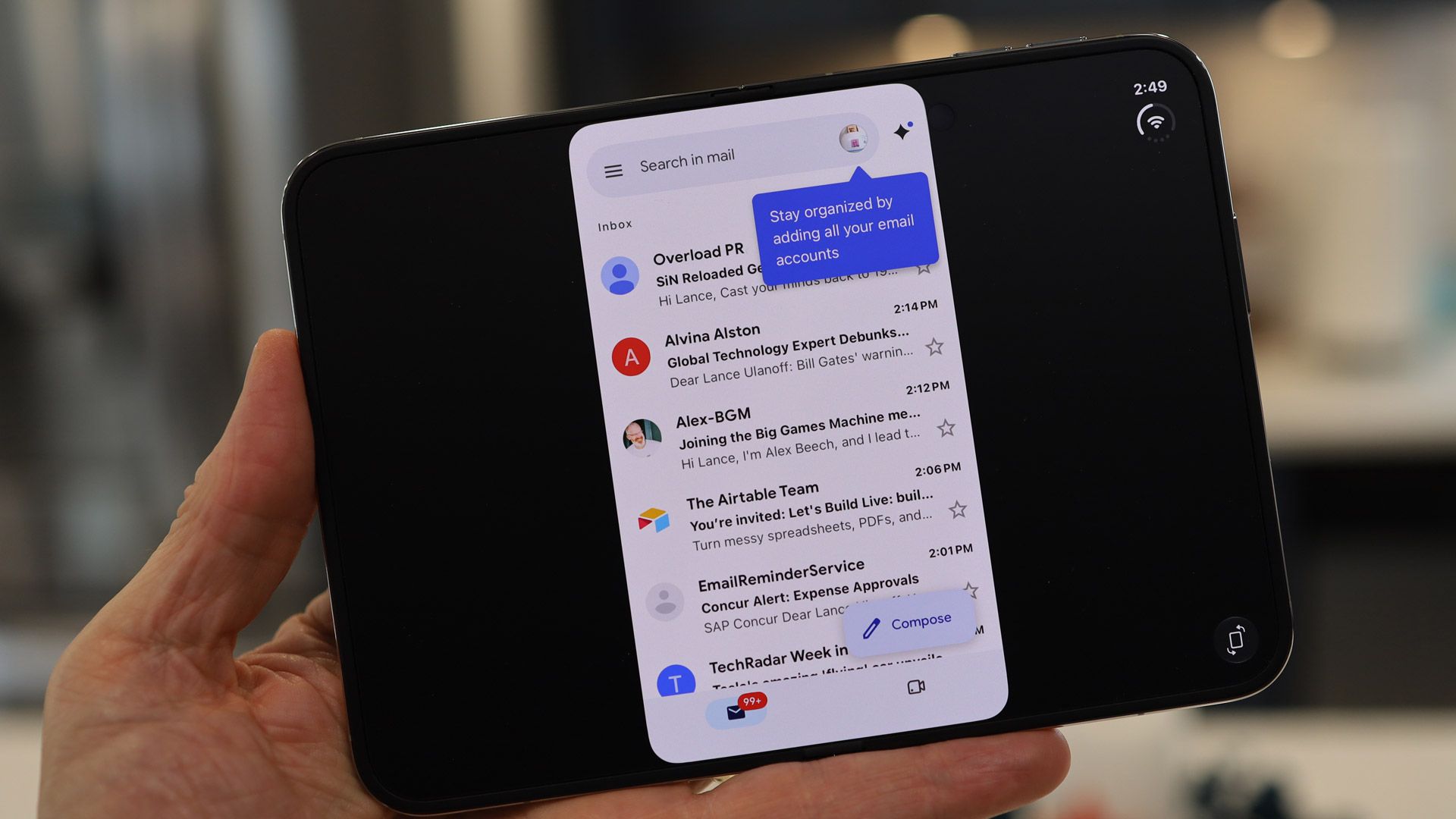
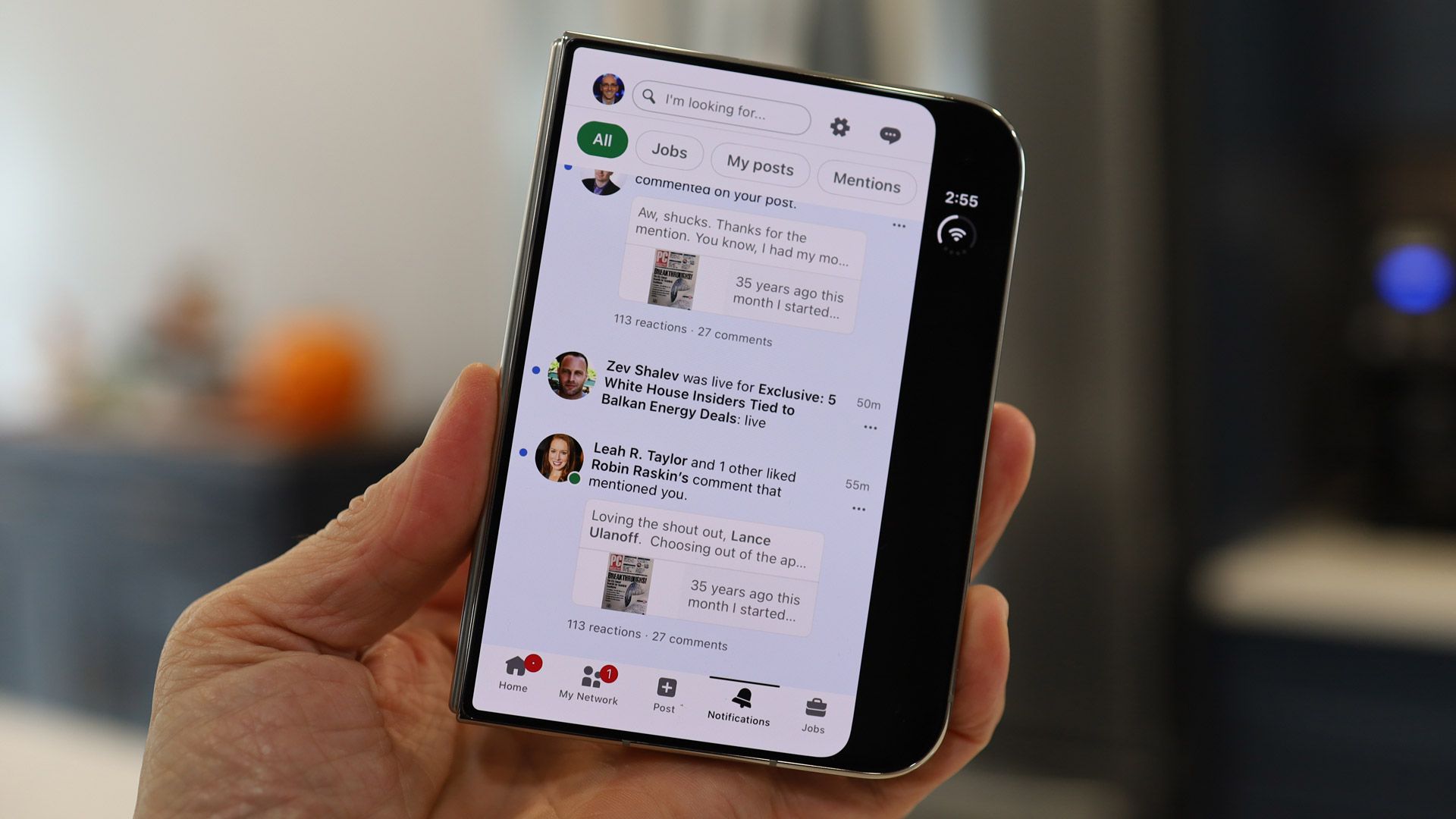
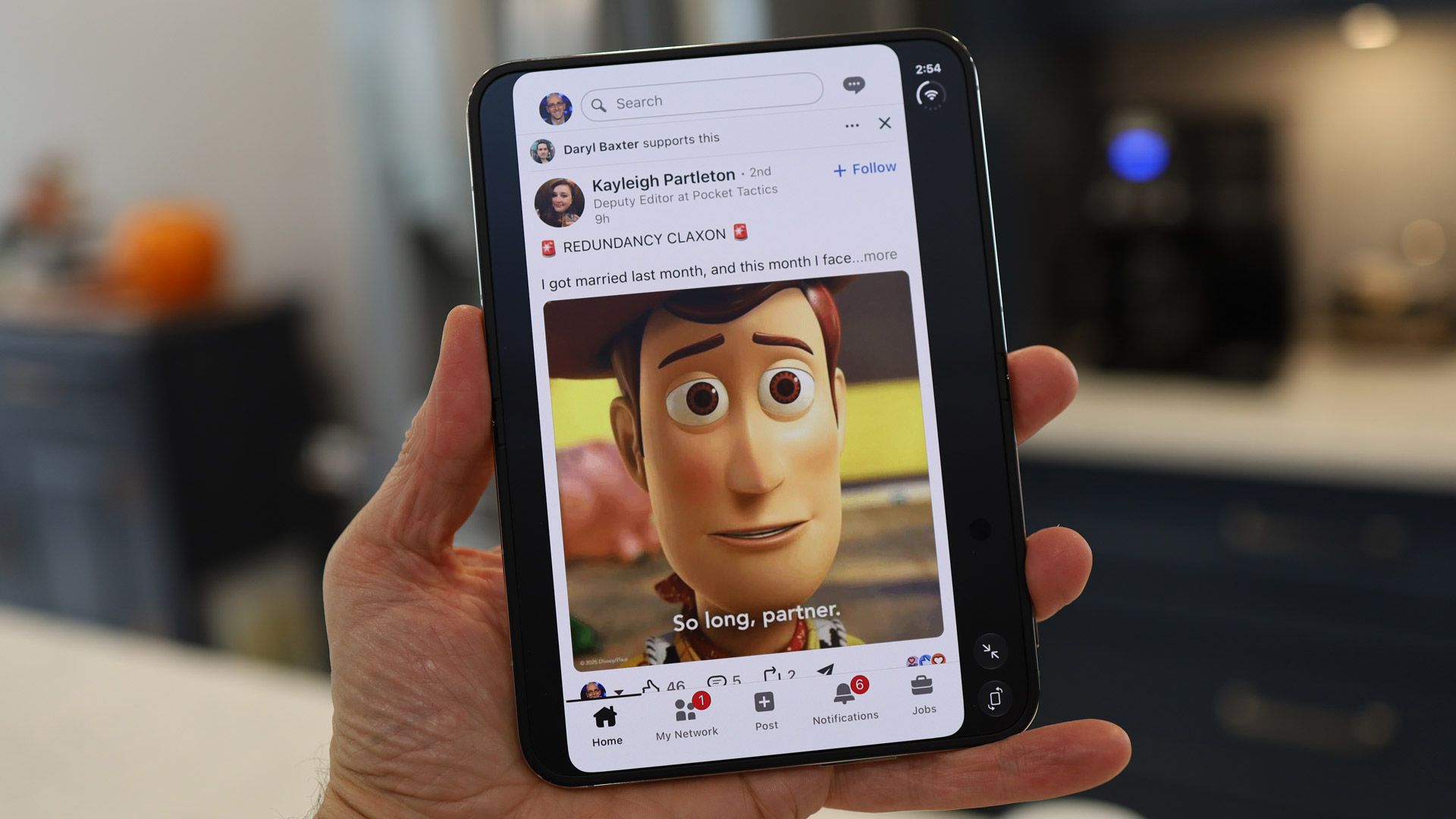
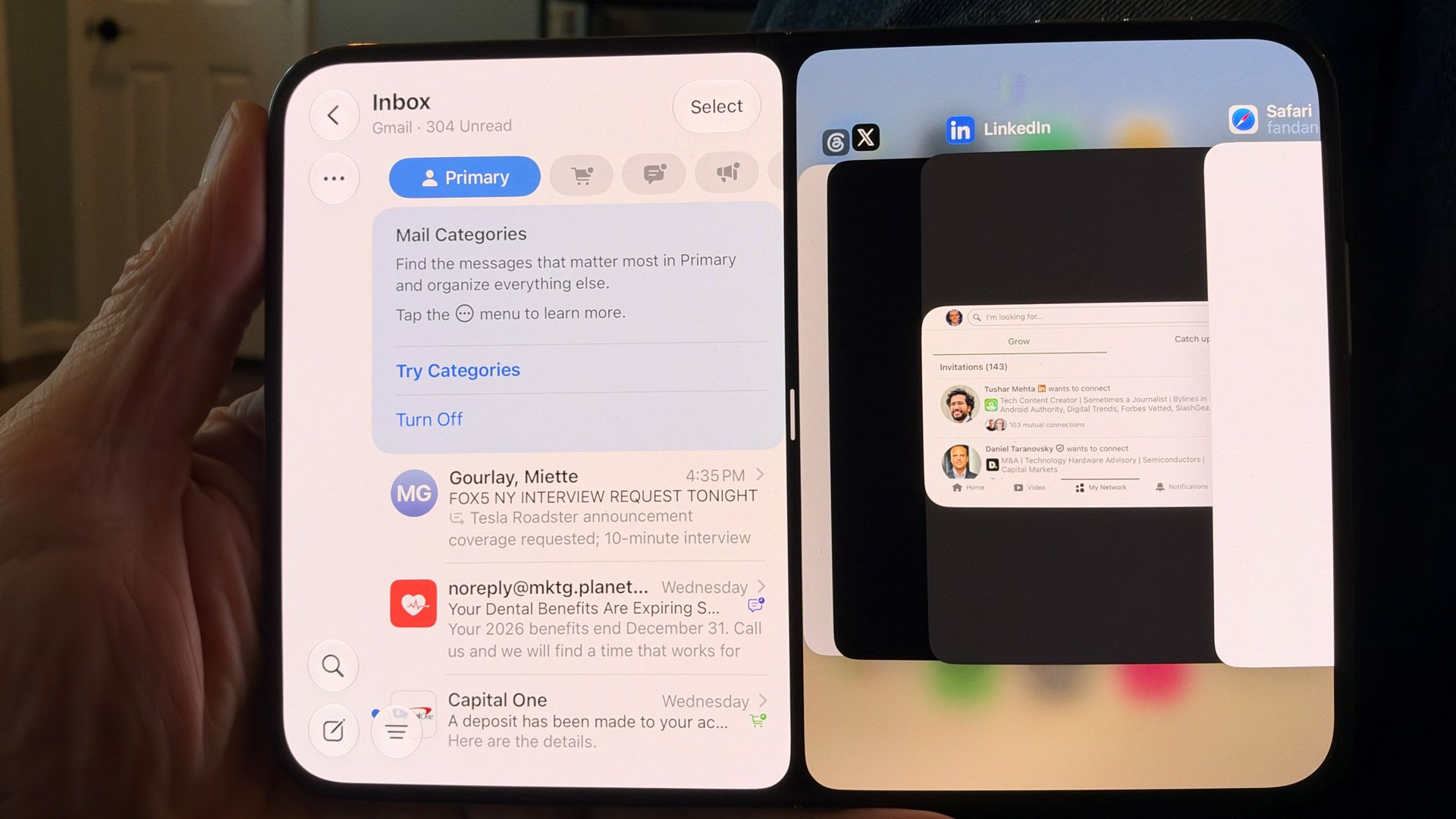
Since this is not pure-play classic iOS, there is some discontinuity in third-party app support. During my testing, Gmail and LinkedIn didn't look great. The former is stretched wide but doesn't fill the full depth of the display; LinkedIn floats in the middle.
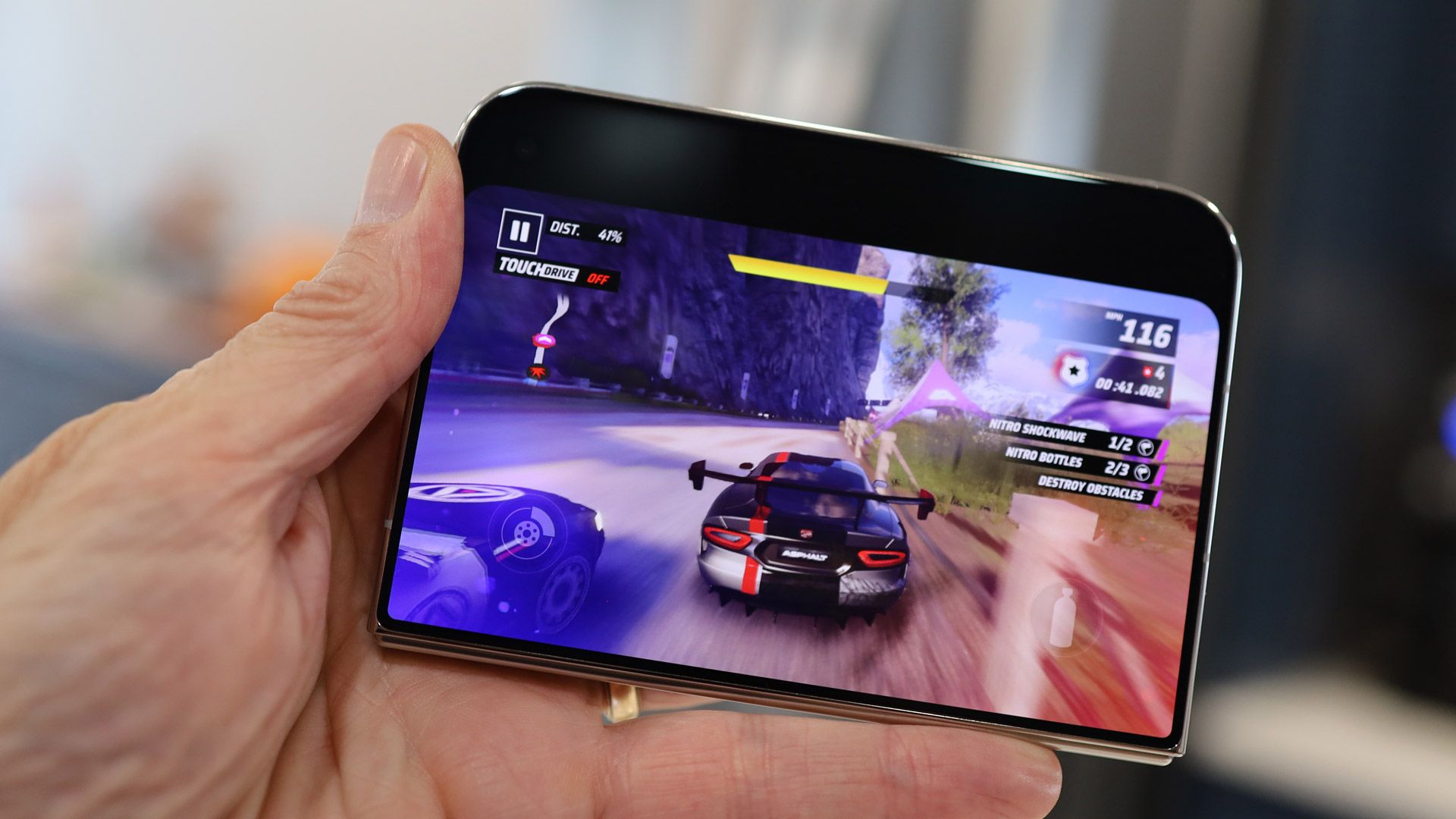
For unoptimized apps, I did have the option of using the very iPad-like 2x zoom icon, which stretched the app to fit more of the screen. In some instances, apps appeared to work, but some features were broken. When I played Asphalt Legends on the inner display, tilt-to-steer was broken, though it worked perfectly on the cover display.
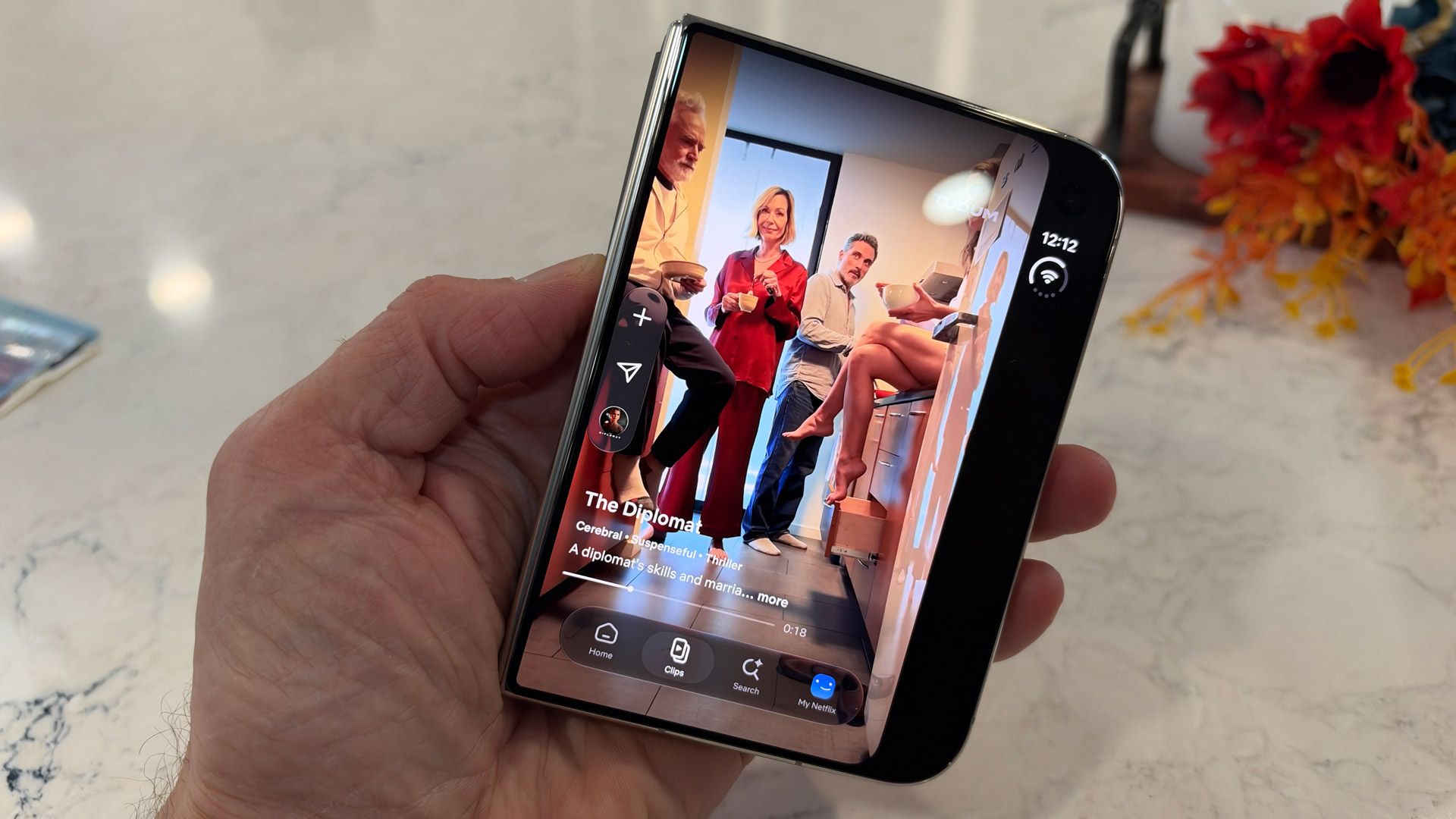
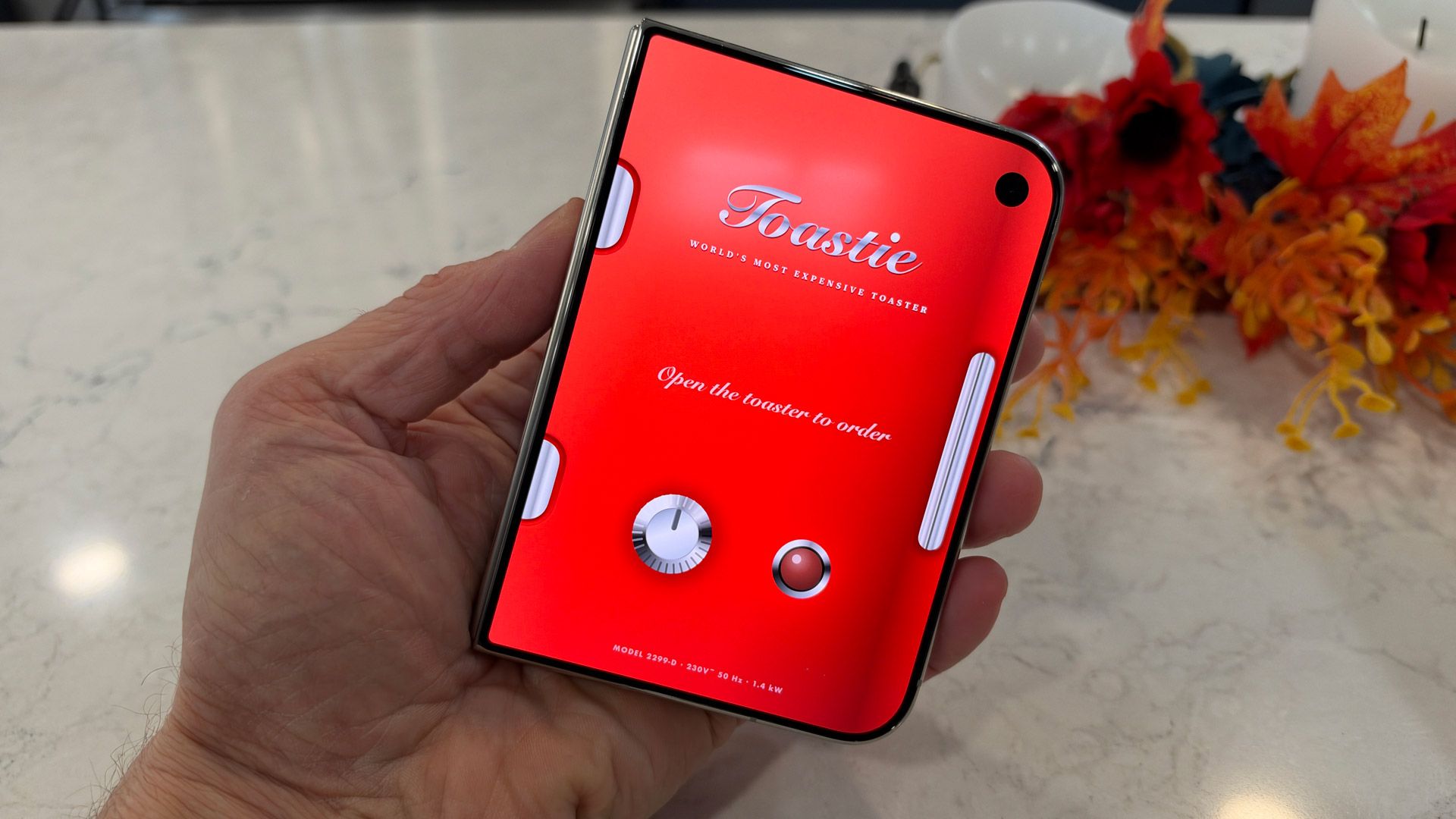
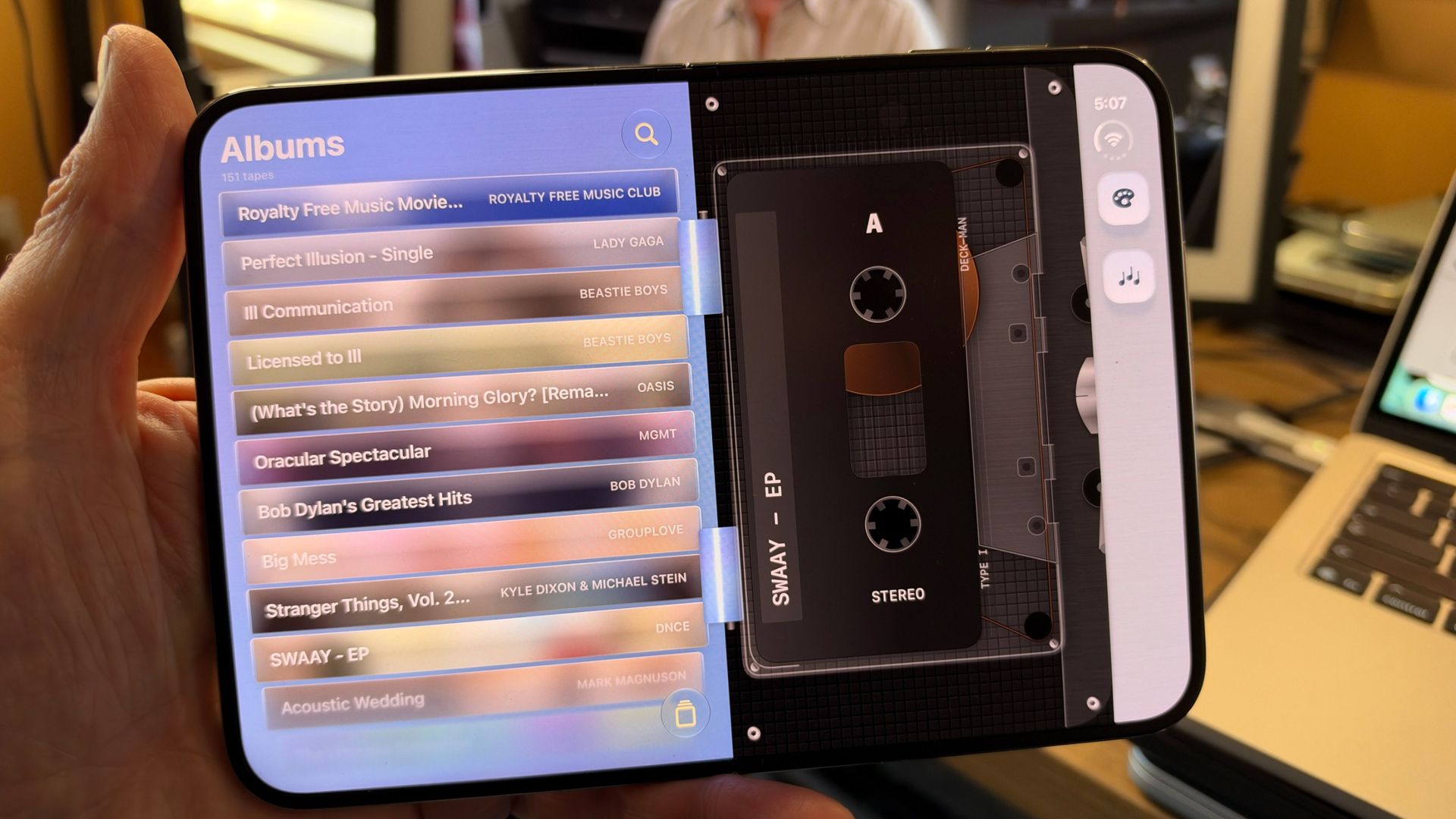
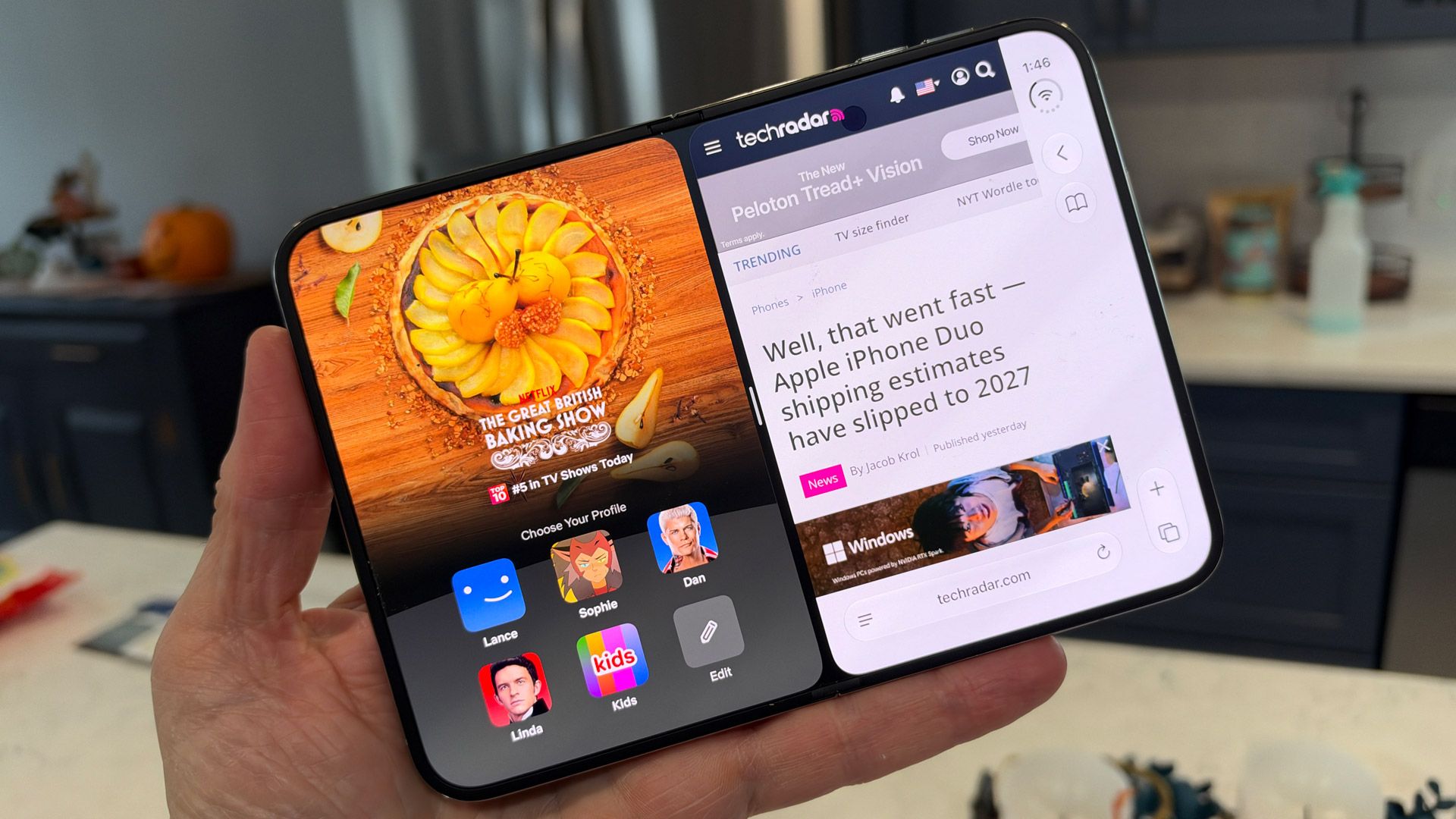
Some third-party apps, including Netflix (clips looked pretty good on the Cover display), and first-party apps like Safari and Messages, look great, and effectively use all the 7.6-inch display's real estate. There are even some apps that are already custom-designed to take advantage of the dual-display setup.
Lance Ulanoff / FutureLance Ulanoff / Future
One of my favorites is a game called Toastie. On the inner screen, you butter your bread, add cheese and other ingredients, then hit grill, at which point you fold the phone closed, and it gently pulses for each second of cooking. You have to decide when to stop. To see your grilled cheese sandwich, you open the phone — I did this a half dozen times before I had a virtually edible sandwich.
Lane Ulanoff / FutureLane Ulanoff / Future
Deck-Man is also a cute concept; this turns your iPhone duo into a classic cassette tape player, complete with the static you hear when the player is on but not playing a tape. When the iPhone is open, you choose a cassette and virtually put it in the player, then you close the phone to access the player controls. I especially liked how "rewinding" the tape reproduced the classic sounds of a physical tape rewinding in an old-school player.
I also played Battle Fleet, which is a Battleship knockoff, and works well when you set up the phone in 90-degree opened desktop mode.
These are all clever apps, though I wouldn't argue that any are the Duo's 'killer app.'
The 7.6-inch inner display is also a good canvas for multitasking. You split the screen by swiping up from the bottom of the display and slowly dragging an app left or right. Inside each pane, you can swipe up to choose a different app. I used this to have Messages and Safari side-by-side, and also for the drawing app Procreate on one side and a reference image from Safari on the left.
Unlike on the Galaxy Z Fold 8, you can't run three apps, though the iPhone Duo will let you add picture-in-picture video on top of two apps you have open.
The iPhone Duo is a good showcase for Apple's growing AI ambitions. Siri AI now knows more about me and my smartphone, so when I ask if there are any emails I should know about, it automatically accesses 'Priority Mail' in the Mail app, and quickly starts reading off the first crucial message. Siri AI is better at maintaining context, so I don't have to restate myself, but it's still not foolproof. I asked Siri where I had been yesterday, and it showed me a picture of myself and listed my age. Siri AI should, though, get better as it continues to index my system.
In general, iOS 27, which is more customizable that ever, has useful widgets and more powerful AI features, and is the perfect platform for Apple's biggest iPhone design leap. It may not have all the design elements right, and the app support is lagging a bit behind, but these are all minor, and I think easily adjustable or fixable, issues.
Software score: 4.5 / 5
Apple iPhone Duo review: Performance
Lance Ulanoff / FutureLance Ulanoff / Future
Powerful A20 Pro CPU
12GB RAM
Smooth performance across the board
Apple smartly put the same CPU, the 2-nanometer A20 Pro, in the iPhone Duo as it did in the iPhone 18 Pro and Pro Max. As a result, the performance on its first foldable device is equally impressive. In Future Labs benchmark tests, the A20 Pro on an iPhone Duo beat the Galaxy Z Fold 8's Qualcomm Snapdragon 8 Elite Gen 5 for Galaxy in Geekbench 7 single- and multi-core tests, and it also edged out the Qualcomm chip in most of our graphics tests. None of this was by a wide margin, and I'd challenge anyone to notice the difference in real-world scenarios. Still, it's nice to know that the Duo is cooking with gas, just like its Pro counterparts.
In my experience, the iPhone Duo is fast and fluid. Speaking of which, it's fun to start with some third-party apps on the cover screen, and then flip open the iPhone Duo to see the virtually seamless graphics handoff from the smaller display to the larger one. It's both a software and performance feat that nothing stutters or stalls in the handoff process.
(Image credit: Lance Ulanoff / Future)
The larger inner screen will probably encourage many to try even tougher tasks, like editing 40K 60fps video. I used CyberLink PowerDirector to do so, and while the system and app handled the task fine, the non-optimized app couldn't properly fill the 7.6-inch display.
The back of the phone, near the camera bump, can get a little warm during gaming and other CPU-intensive operations, like recording the aforementioned 4K video, but not uncomfortably so.
Apple's A20 and the 12GB of RAM on board seem well suited to local tasks like photo editing in Cleanup, and both realistic and fanciful image creation in Image Playground.
Apple's AI-powered image cleanup is getting really good. Look at how it removed this woman from a photo of my wife.Lance Ulanoff / FutureLance Ulanoff / FutureYou never know when you're going to need a dragon riding a car in the desert.Lance Ulanoff / Future
The iPhone Duo starts with 256GB of storage, which matches the Galaxy Z Fold 8. At this price, though, I think it should start with double that. You can expect strong connectivity across the board from the iPhone Duo. Inside is Apple's C2 modem for better 5G connectivity. Plus, there's support for WiFi 7, Bluetooth 6, and Messages via Satellite.
Apple iPhone Duo benchmark scores
Apple iPhone Duo
Geekbench 7.1 single-core
4007
Geekbench 7.1 multi-core
11363
3DMark Wild Life Extreme Unlimited
7171
3DMark Wild Life Extreme (fps)
45.3
3DMark Solar Bay Unlimited
16496
3DMark Solar Bay Unlimited (fps)
6.3
Performance score: 5 / 5
Apple iPhone Duo review: Battery
Solid all-day battery life
Fast wired charging
Apple reportedly squeezed a fairly large, almost 5,000mAh, battery into the iPhone duo, and is promising some pretty impressive battery-life numbers based on fairly specific types of usage. Video playback, which doesn't rely all that much on energy-draining resources, can, Apple claims, go for an eye-watering 44 hours, or 31 hours on the larger inner display.
In more varied use, Apple is claiming a full day of battery life on a charge. In my real-world tests I got around 14 hours, and in our more stringent Future Labs tests, we got 13 hours. That's commendable performance, but not as good as what the same Future Labs tests show for the Samsung Galaxy Z Fold 8, which managed 14.33 hours.
I still think the iPhone Duo's numbers are good, especially because my experience was easily cruising through a full day of phone activities, without any concern that I needed to plug in.
The phone supports fast charging and, with a 45W charger, I charged to 60% in 30 minutes. The MagSafe back also supports fast wireless charging.
Battery score: 4.5 / 5
Should you buy the Apple iPhone Duo?
Apple iPhone Duo scorecard
Attributes
Notes
Rating
Value
Most expensive iPhone ever but it's truly a two-in-one device and few will pay the full price upfront anyway, especially with the new leasing option.
4 / 5
Design
Beautifully designed and engineered foldable that makes the hinge and, virtually, hinge disappear. Wish it was thinner and lighter.
4.5 / 5
Displays
Sharp cover dsispl;ay and brilliant inner display that hides the crease and offered a beautiful matte finish. Everything looks good on it
4.5 / 5
Camera
Two strong 48MP lenses and an above average Center Stage selfie camera that all produce top-notch images. The inner camera is best for FaceTime only and we miss a true telephoto.
4.5 / 5
Software
Apple shows how iOS can also be a tablet platform without losing its iPhone essence. Siri AI is starting to live up to its promise. We need more app support and not a huge fan of Status and Dock placement.
4.5 / 5
Performance
An excellent A20 Pro CPU helps the iPhone Duo live up to its promises. There are zero lags, even when playing console-level games
5 / 5
Battery
All day battery life is virtually assured.
4.5 / 5
Buy it if...
You've been waiting for Apple to enter the folding race The iPhone Duo is pretty much everything you want or could dream of from a folding iPhone
You want two screens but also cuter and pocketable The iPhone Duo might be thicker and heavier than a Galaxy Z Fold 8, but it's right-sized for small hands and smaller pockets, and while the Galaxy Z Fold line is all flat edges and sharp corners, the iPhone Duo has curves.
You don't want to see a crease Apple now holds the crown for best crease concealer, hiding it under nano texture finish that makes it almost impossible to spot the crease unless you really look for it.
Don't buy it if...
You want an affordable smartphone The iPhone Duo is not just the most expensive iPhone; it's more expensive than the Galaxy Z Fold 8. Either way, think carefully before buying; not everyone needs two displays in one device.
You want a telephoto camera The iPhone Duo's main camera promises 2X optical equivalent zoom, but that's a sensor crop, which means there's no dedicated telephoto camera.
Apple iPhone Duo review: Also consider
Samsung Galaxy Z Fold 8
Samsung has adapted familiar elements to make a phone that's ready to fit your lifestyle with its practical size, excellent screens, and plenty of software and performance potential. It’s still costly, and the lack of some features seems extra disappointing given the price, but what’s here gels together in a wonderfully cohesive way.
This is currently our best flip-style foldable pick, and it might be the better device for you if you're looking for a foldable that can go the distance with its battery, and don’t mind only having a standard-sized phone screen when you open it up.
Considering the minimal price difference, you might be better off saving a little extra money and getting the full-fat fold experience with more screen space, a telephoto camera, and a longer-lasting battery. The Z Fold 8 Ultra isn't as well-suited to video, though.
11MP Center Stage camera (f/2.2) outer, 4MP (f/1.8) inner
10MP inner, 10MP outer
32MP
10MP inner, 10MP outer
Battery:
Approximately 4,800mAh
4,800mAh
4,500mAh
5,000mAh
Charging:
60W wired, 35W wireless
45W wired, 20W wireless
45W wired, 15W wireless
45W wired, 20W wireless
Colors:
Star White, Night sky
Lavender, Graphite, Cream, Mint (Samsung Store exclusive)
Pantone Mountain View
Violet Shadow, Graphite, Cream, Green Shadow (Samsung Store exclusive)
How I tested the Apple iPhone Duo
Why you can trust TechRadar
☑️ 100s of smartphones reviewed ☑️ 15 years of product testing ☑️ Over 16,000 products reviewed in total ☑️ Nearly 200,000 hours testing tech
I used the iPhone Duo for almost a week for everything from social media to Slack and email. I perused websites, watched videos, played games, followed maps and turn-by-turn directions, and took photos. In short, I tried ot use it as my primary device
For years, the iPhone’s built-in Camera app lacked a manual shooting mode, pushing many professional mobile photographers to Halide and other third-party apps. With the iPhone 18 Pro, Apple finally listened to power users and introduced more advanced camera controls. These include a variable aperture, the ability to tweak the shutter speed and white balance, and upgraded Photographic Styles that simulate film texture.
Halide Mark III provides a similar feature set for $9.99 per month, $19.99 per year, or $69.99 as a one-time purchase. Its implementation differs from Apple’s, giving users more granular control over certain elements while sacrificing other perks. To find out whether iPhone 18 Pro users can achieve Halide-like results using Apple’s Camera app, I thoroughly inspected what each app has to offer.
Aperture: The paradox of choice
Variable aperture is the iPhone 18 Pro’s most iconic feature, letting you physically control how much light reaches the camera sensor. A wide aperture allows more light in and creates a natural bokeh effect, with a shallow depth of field. Conversely, a narrow aperture expands the depth of field to keep background elements sharp, making it ideal for well-lit group shots and landscapes. Both Apple Camera and Halide support controlling the aperture on the iPhone 18 Pro, but their approaches vary.
The iPhone’s built-in Camera app lets you manually choose between four fixed values: f/1.48, f/1.8, f/2.8, and f/4.0. Or you can opt for the automatic mode, which dynamically selects any value between f/1.48 and f/4.0—depending on what the algorithm deems best for the particular scene.
A mechanical variable aperture on the Main camera is a defining feature of the iPhone 18 Pro.
Foundry
Halide, on the other hand, gives you full control over the aperture. So you can fine-tune it and manually pick any value in the same f/1.48-4.0 range, like f/3.33, or switch to auto. As such, Halide technically provides photographers with more options than Apple’s Camera app. But more importantly, does this sort of flexibility actually impact iPhone photography?
The short answer is no. The iPhone 18 Pro’s main camera sensor is too small for such minor aperture adjustments to matter. In fact, some critics questioned Apple’s decision to bring a mechanical aperture to the device in the first place. Many Apple Camera users will barely be able to tell the difference when jumping between adjacent preset f-stops, such as f/1.48 and f/1.8. Offering users a slider with over 250 precision micro-steps in Halide is arguably overkill.
That’s not to say that Halide’s execution is completely pointless. Pro photographers working in full manual mode may lock the shutter speed and ISO (both of which impact the final exposure) at fitting values to achieve a desired look. Having complete control over the aperture can allow the exact amount of light in and perfect the overall image. Nevertheless, considering the iPhone has a small sensor, it’s not as influential as having it on a professional camera, and most users will probably be overwhelmed by its numerous options.
ISO-lated testing
Beyond the variable aperture, the iPhone 18 Pro introduces native support for advanced camera controls, like shutter speed and white balance. A slow shutter speed can create motion blur, while a fast one can help capture ultra-fast subjects as they move. Meanwhile, white balance lets you control the temperature of the light, making it cooler or warmer as needed. Halide has long supported these adjustment types, but the number of options differs.
With Apple Camera, you can push the shutter speed as fast as 1/16,000th of a second, while Halide seemingly limits you to 1/2,000th of a second (according to my tests on an iPhone 18 Pro). Similarly, disregarding the automatic mode, Apple lets you pick between five white balance options, while Halide is limited to four. These minor technicalities won’t matter to most users, but we’re laying them out for the comparison’s sake.
Foundry
A more impactful Apple Camera exclusive is the new Focus Tracking feature, which locks onto a selected subject even if you move or it does. Otherwise, both camera apps support focus peaking, which helps you identify the sharpest areas in the frame.
Perhaps the biggest difference between the two apps in the Pro control department is manual ISO support. ISO dictates the sensor’s signal amplification, and, by default, you cannot manually adjust it on iOS. Apple’s implementation automatically adjusts its value in the background depending on the lighting conditions and other factors—acting as a manual mode with auto ISO (or shutter & aperture priority mode). With Halide, you get a dedicated ISO slider, which generally matters to enthusiast photographers seeking a true manual mode. It also offers more advanced framing guidance, like a golden ratio overlay and a finer grid.
It’s worth mentioning that, unlike Apple Camera, Halide does not allow layout customization. Personally, I find the built-in app more intuitive to use, especially since I’ve pinned the toggles I actually use to the top. Halide’s interface looks a bit dated and its user experience doesn’t feel as natural to me—but that’s subjective.
Filtering through the options
Next, we’ve got the advanced filters that each of the two camera apps provides. The iPhone 18 Pro offers Photographic Styles 3, which include 15 palettes (excluding the standard one). You can apply a soft skin, glow, or film texture to any of the palettes, plus an independent grain effect if you so wish. Notably, you can control the intensity of the palettes, tones, and colors using an advanced slider, and you can freely shuffle between looks after shooting, as they’re nondestructive.
Halide, on the other hand, offers 9 distinct looks that permanently alter your output—unless you’re shooting in RAW. So, everyday shots will be locked to the chosen look with no way to revert or apply a new look after shooting. You also miss out on the slider that controls the undertones and intensity of the filters, not to mention the omission of Live Photos—which Apple’s Photographic Styles support. However, Halide uniquely allows you to control the grain effect’s strength, assuming you’ve shot in RAW.
Foundry
Other Halide perks include the famous Process Zero look, which minimizes AI/computational processing and provides more natural-looking output. You also get to apply its various color filters on compatible RAW photos captured using other apps or devices, while Apple limits its Photographic Styles to iPhone Camera app output.
Given that RAW shots can consume 10x more storage than regular ones and do not support the Live Photos feature, most users will want to stick to Apple’s compressed HEIF format for daily captures. This will limit them to Photographic Styles 3, unless they’re willing to permanently bake Halide’s filters into their output.
Should you give Halide a shot?
For most iPhone 18 Pro users, the answer is a hard no. Apple’s built-in Pro camera tools and Photographic Styles 3 provide enough control over the shooting process to produce creative, dramatic, or precise output that is on par with Halide’s. While manual ISO support is nice to have, Apple’s automatic ISO adjustments and manual exposure tweaks work reliably in most setups, and it’s not worth Halide’s relatively high fee.
Apple Camera on the iPhone 18 Pro marks the very beginning of Halide Mark III’s end. Nonetheless, the third-party app will stay relevant for years to come. After all, Apple’s Photographic Styles 3 and Pro camera controls are restricted to the iPhone 18 Pro, unlike Halide, which offers its powerful features on older iPhone models. Arguably, Halide is still the best manual camera app for anyone with an unsupported iPhone, and that will likely remain the case for years to come. If you’re still unsure, you can claim a free one-week trial of Halide when signing up for the annual plan and proceed accordingly.
Owners of the newest Apple devices can now fix their own hardware at home. The tech brand has officially added the iPhone 18 Pro, the M6 Mac mini, and the latest Mac Studio to its Self Service Repair program. This allows handy users to order official parts and tools directly from the company to perform […]
Apple has announced that domestic companies are stepping up to supply vital materials and components for its latest hardware. Across more than a dozen states, American suppliers are now producing nearly 100 different parts for the brand new iPhone 18 Pro and the highly anticipated iPhone Duo. This major update highlights the tech brand’s ongoing […]

 Login
Login