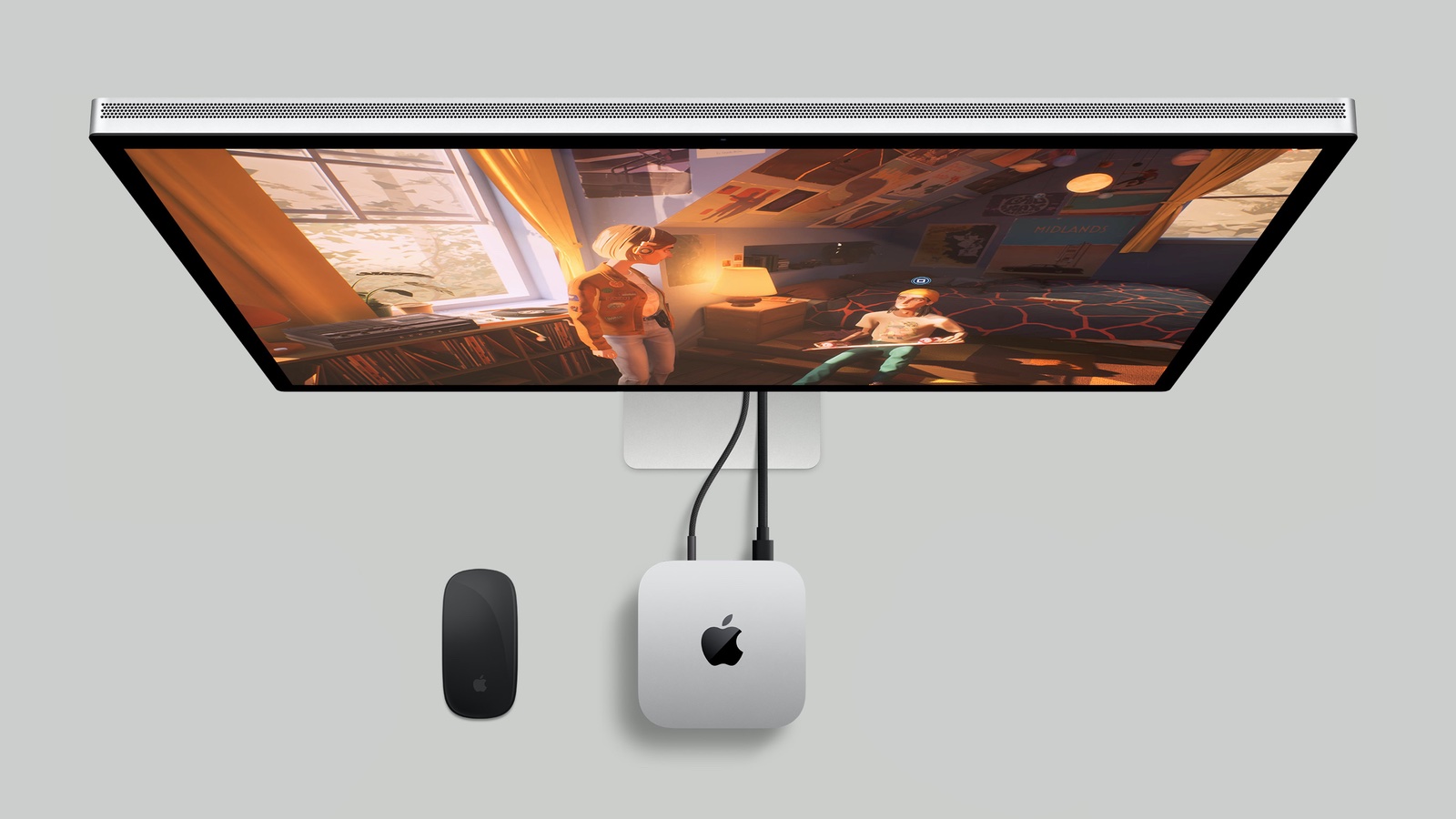
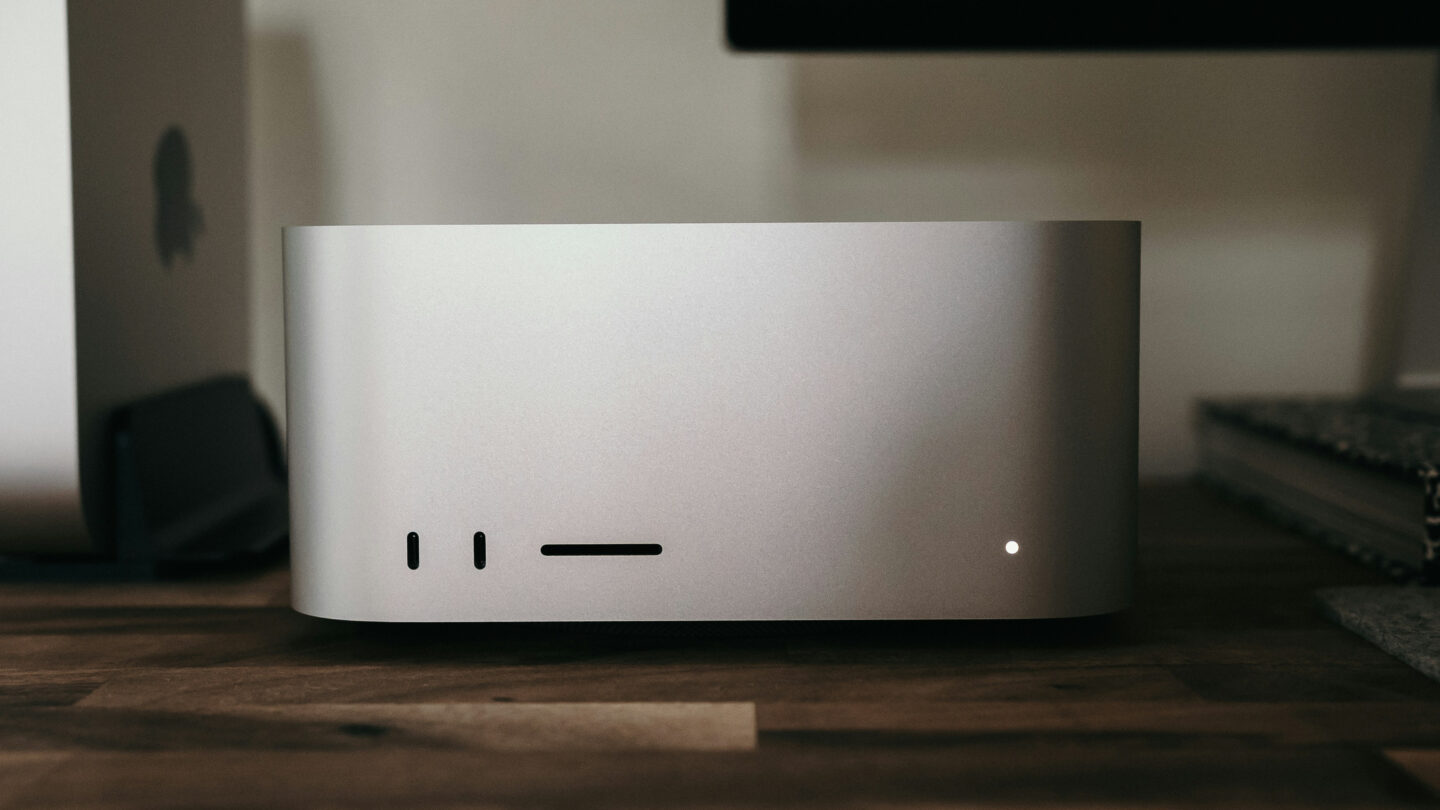
An unverified Geekbench 7 result attributed to Apple’s M6 chip has appeared ahead of the new Mac mini’s September 22 release, offering an early and incomplete look at potential CPU gains. Geekbench is a synthetic benchmark designed to compare processor performance through a defined workload. Its result can be useful as a point of comparison, […]
Previstos para serem lançados na semana que vem (pelo menos nos Estados Unidos e em Portugal), os novos Mac mini e Mac Studio são alimentados com os chips M6 e M5 Ultra, respectivamente — lembrando que o mini pode ser configurado também com o M5 Pro, enquanto que o Studio de entrada vem com o chip M5 Max.
Pois os primeiros resultados de benchmarks dos dois novos processadores apresentados recentemente pela Apple surgiramhoje no banco de dados do Geekbench 7, oferecendo uma visão dos ganhos de desempenho de cada um deles.
Em ambos os casos, os resultados vistos até agora tratam apenas dos testes de CPU 1Central processing unit, ou unidade central de processamento. — os de GPU 2Graphics processing unit, ou unidade de processamento gráfico. ainda não foram divulgados.
Confira abaixo a pontuação do chip M6 e as pontuações médias do chip M5 para efeito de comparação:
Benchmark de CPU
M6
M5
Single-core
4.071 pontos
3.641 pontos
Multi-core
22.783 pontos
17.948 pontos
Se o resultado acima for preciso, o chip M6 apresenta um desempenho single-core cerca de 12% mais rápido e uma performance multi-core cerca de 27% mais rápida em comparação com o chip M5. Vale notar que o chip M6 está no novo Mac mini, enquanto as pontuações do chip M5 baseiam-se no MacBook Pro de 14 polegadas — mas o desempenho deve ser semelhante.
Na tabela abaixo está a pontuação do chip M5 Ultra de ponta, com CPU de 36 núcleos, bem como as pontuações médias do chip M3 Ultra de ponta, com CPU de 32 núcleos (já que a Apple nunca lançou um chip “M4 Ultra”).
Benchmark de CPU
M5 Ultra
M3 Ultra
Single-core
3.774 pontos
2.920 pontos
Multi-core
52.516 pontos
39.059 pontos
Se os resultados acima procederem, o chip M5 Ultra oferece um desempenho de CPU single-core cerca de 30% mais rápido e um desempenho multi-core cerca de 35% mais rápido em comparação com o M3 Ultra.
Nada mau, hein!
Mac Studio
Chip: M4 Max ou M3 Ultra Memória: 36GB, 48GB, 64GB, 96GB, 128GB, 256GB ou 512GB Armazenamento: 512GB, 1TB, 2TB, 4TB, 8TB ou 16TB
NOTA DE TRANSPARÊNCIA: O MacMagazine recebe uma pequena comissão sobre vendas concluídas por meio de links deste post, mas você, como consumidor, não paga nada mais pelos produtos/serviços usando os nossos links de afiliado.
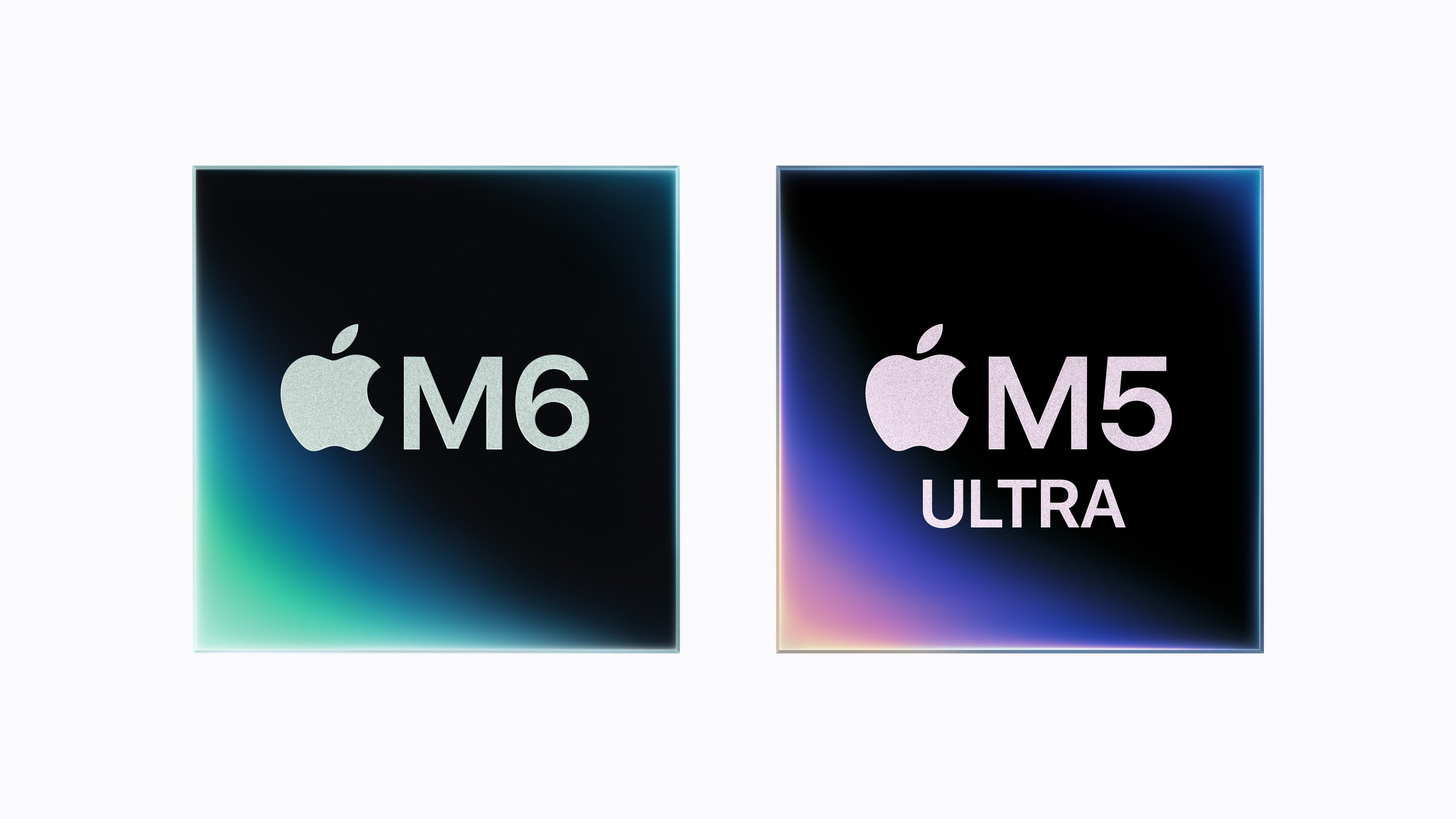
The first unverified benchmark result for Apple's new M6 chip surfaced in the Geekbench 7 database today, offering a look at the chip's performance gains. The new Mac mini will be Apple's first device to be equipped with the M6 chip, which is 2nm.
Here is how the M6 chip scored:
Single-core CPU score: 4,071
Multi-core CPU score: 22,783
Here are the average M5 chip scores for comparison:
Single-core CPU score: 3,641
Multi-core CPU score: 17,948
If this single Geekbench 7 result is accurate, the M6 chip has up to around 12% faster single-core CPU performance and up to around 27% faster multi-core CPU performance compared to the M5 chip. Note that the M6 chip is in the new Mac mini, while the M5 chip scores are based on the 14-inch MacBook Pro, but performance should be similar.
Apple said the M6 chip has the world's fastest single-threaded CPU performance, and its 4,071 single-core score indeed tops all other Macs and PCs in the Geekbench 7 database, including the M5 Max chip (3,731) and Qualcomm's Snapdragon X2 Elite Extreme (3,396). Up to 27% faster multi-core CPU performance is in line with Apple's claim of up to 1.2× faster multi-threaded performance, so all of Apple's advertised claims hold up.
Here is where the M6 chip slots in for maximum multi-core CPU performance:
Apple announced new Mac mini and Mac Studio models last month, with both available to pre-order now. It is the first time in years that Apple has revised its two desktop Macs simultaneously, so which should you choose?
There are now two desktop Macs to choose from following the discontinuation of the Mac Pro, but the prices have moved sharply. The Mac Studio starts at $2,499 and rises to $5,499 for the M5 Ultra model, while the Mac mini starts at $899 with the M6 chip and $1,699 with the M5 Pro.
Those prices come on top of the across-the-board Mac and iPad increases Apple made in June, which took the Mac mini from $599 to $799, the M4 Pro configuration from $1,399 to $1,599, and the Mac Studio from $1,999 to $2,499. The M5 Ultra adds a further $200 to the post-June M3 Ultra price, putting it $1,500 above what the M3 Ultra cost at launch.
Our guide helps to answer the question of how to decide which of these two desktop Macs is best for you. The two machines now share a large number of key features, including:
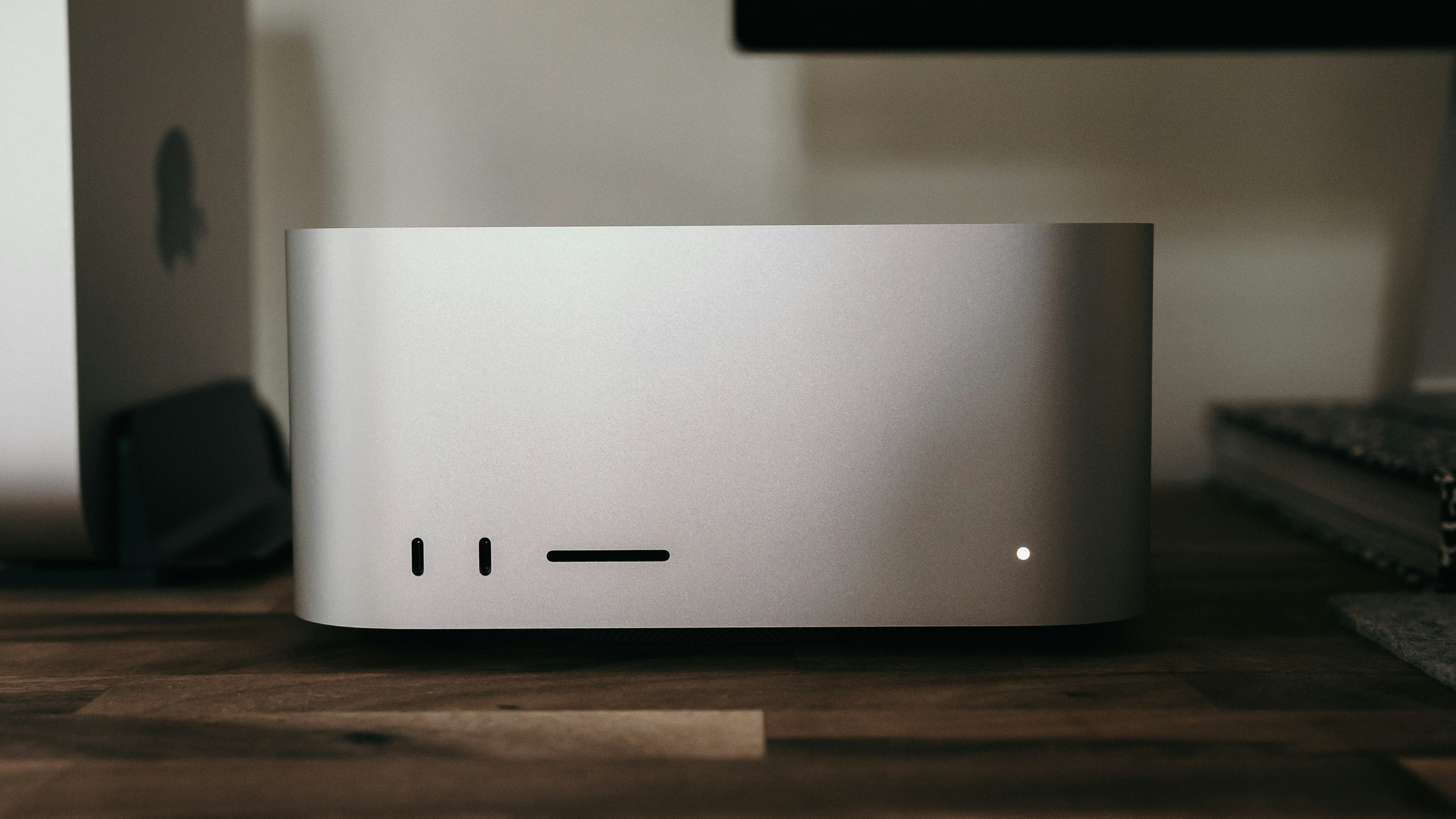
A boxy silver aluminum enclosure with no color options
Apple's N1 chip, bringing Wi-Fi 7 and Bluetooth 6 to both machines for the first time
Neural Accelerators built into every GPU core
Hardware-accelerated ray tracing
A Media Engine with hardware-accelerated H.264, HEVC, ProRes, and ProRes RAW, plus AV1 decode
A next-generation SSD architecture that Apple says is up to twice as fast as before
64-core GPU: 96GB or 256GB unified memory
80-core GPU: 96GB, 256GB, or 512GB unified memory
256GB, 512GB, 1TB, or 2TB storage
512GB, 1TB, 2TB, 4TB, or 8TB storage
512GB, 1TB, 2TB, 4TB, or 8TB storage
1TB, 2TB, 4TB, 8TB, or 16TB storage
Video decode engine
Video decode engine
Video decode engine
Two video decode engines
Video encode engine
Video encode engine
Two video encode engines
Four video encode engines
ProRes encode and decode engine
ProRes encode and decode engine
Two ProRes encode and decode engines
Four ProRes encode and decode engines
Support for up to three displays: two at 6K 60Hz or 4K 165Hz, plus a third at 5K 60Hz over Thunderbolt or 4K 60Hz over HDMI
Support for up to three displays, all at 6K 60Hz or 4K 165Hz
Support for up to five 4K displays, four 6K displays, or two 8K displays
Support for up to eight 4K displays, eight 6K displays, or four 8K displays
Two displays per Thunderbolt port
All three displays through a single Thunderbolt port
Three rear Thunderbolt 4 ports
Three rear Thunderbolt 5 ports
Four rear Thunderbolt 5 ports
Four rear Thunderbolt 5 ports
Two front USB-C ports
Two front USB-C ports
Two front USB-C ports
Two front Thunderbolt 5 ports
Two rear USB-A ports
Two rear USB-A ports
2.5Gb Ethernet or 10Gb Ethernet port
2.5Gb Ethernet or 10Gb Ethernet port
10Gb Ethernet port
10Gb Ethernet port
SDXC card slot (UHS-II)
SDXC card slot (UHS-II)
Bottom power button
Bottom power button
Rear power button
Rear power button
Starts at $899
Starts at $1,699
Starts at $2,499
Starts at $5,499
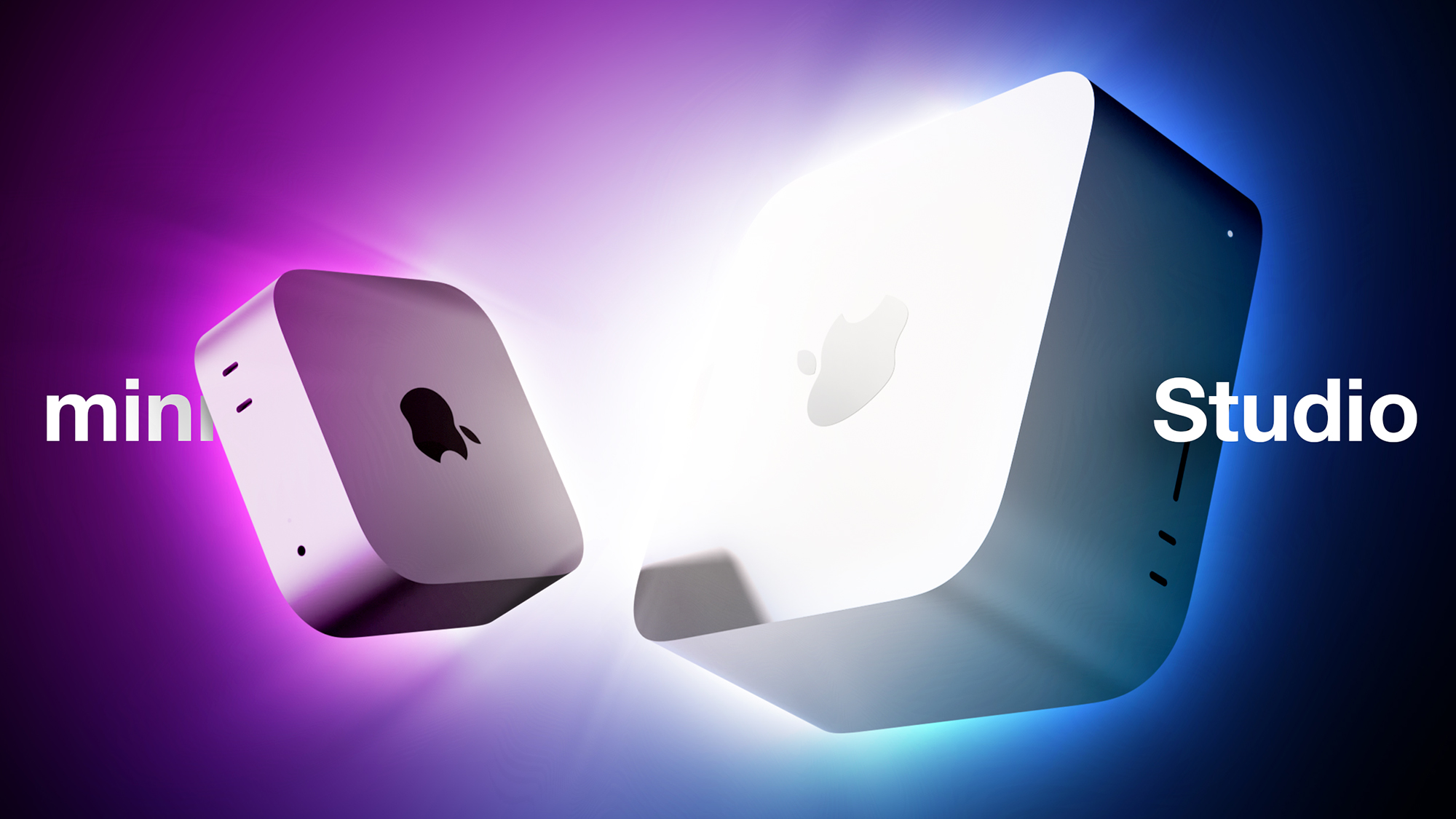
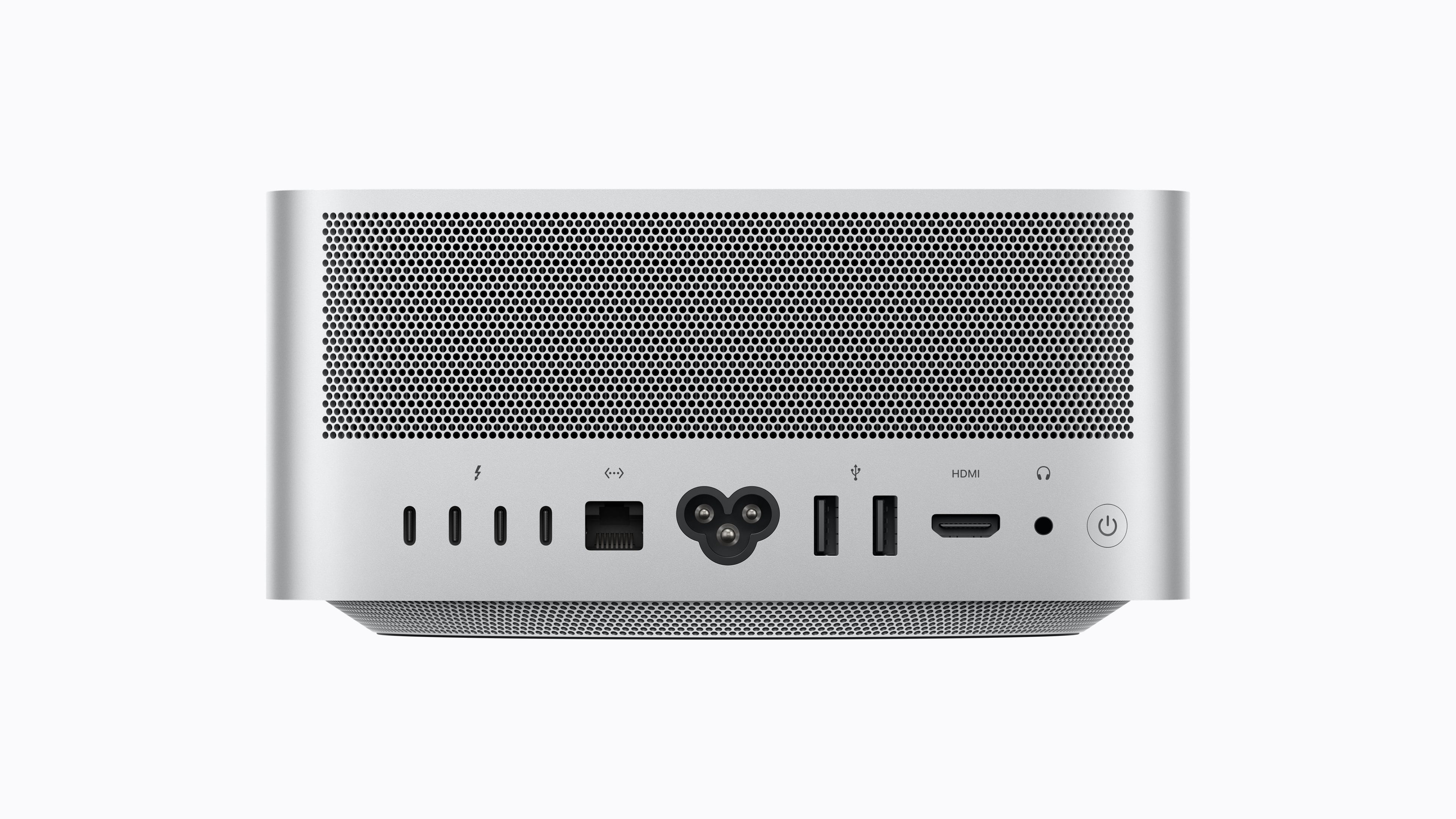
Both enclosures carry over unchanged, so the dimensions of the two devices remain radically different, with the Mac Studio dwarfing the Mac mini in every way.
Mac mini
Mac Studio
Height
2.0 inches (5.0 cm)
3.7 inches (9.5 cm)
Width
5.0 inches (12.7 cm)
7.7 inches (19.7 cm)
Depth
5.0 inches (12.7 cm)
7.7 inches (19.7 cm)
Weight
M6: 1.5 pounds (0.67 kg)
M5 Pro: 1.6 pounds (0.73 kg)
M5 Max: 6.0 pounds (2.7 kg)
M5 Ultra: 8.0 pounds (3.6 kg)
Most customers should choose the M5 Pro Mac mini over the M5 Max Mac Studio, saving $800 on the base models. The gap widens across custom configurations, since the Mac Studio's memory and storage tiers start higher and climb further.
There is an unusual situation at the bottom of the lineup this year. The $899 Mac mini is the only machine of the four with a latest-generation chip, and the M6 is Apple's first 2nm chip. Its Dual 16-core Neural Engine, which Apple says system frameworks can drive simultaneously, is also more Neural Engine hardware than either the M5 Pro or the M5 Max provides. If your workload leans on on-device machine learning rather than sustained CPU or GPU throughput, the cheapest Mac in this comparison is not obviously the weakest one for the task. The trade-offs are Thunderbolt 4 rather than Thunderbolt 5, a 32GB memory and 2TB storage ceiling, and a single video encode engine.
You should only consider the Mac Studio if you have a professional workflow that can genuinely leverage the M5 Max or the M5 Ultra, along with the additional ports, display outputs, and memory capacity. If you need the Mac Studio, you will likely already know that you are looking for a highly powerful machine capable of supporting a specific intense workload. The M5 Ultra is Apple's first quad-die M-series chip, and its four ProRes engines, four video encode engines, and 1.2TB/s of memory bandwidth are aimed squarely at multi-stream video work and large local AI models. The 512GB memory ceiling has no equivalent anywhere else in the Mac lineup, and it is what allows models with hundreds of billions of parameters to run entirely on device.
The Mac Studio still has a superior selection of ports, with four rear Thunderbolt 5 ports on the M5 Max and six in total on the M5 Ultra, plus an SDXC card slot, USB-A, and 10Gb Ethernet as standard. This makes a practical difference for anyone working off fast external storage or camera media. The Mac mini has closed part of the distance by moving to 2.5Gb Ethernet as standard, up from Gigabit.
Clustering over Thunderbolt 5 and RDMA is not a point of difference between the two machines, since it arrived in macOS 26.2 last December and works on any Mac with Thunderbolt 5, including the M5 Pro Mac mini and the previous-generation Mac Studio. The exception is the M6 Mac mini, which has Thunderbolt 4 and cannot take part.
Both Mac mini models still cap out at three external displays, but they now reach 165Hz at 4K, up from 144Hz on the M4 generation, and the M5 Pro model drives all three through a single Thunderbolt port. For a three-display desk setup at high refresh rates, the M5 Pro Mac mini is sufficient. It is only above three displays, or at 6K and 8K, that the Mac Studio becomes necessary.
A notable exception arises at the top of the Mac mini lineup. An M5 Pro Mac mini configured with additional memory and storage moves close enough to the $2,499 Mac Studio that the comparison changes somewhat. For an increment of a few hundred dollars, the Mac Studio substitutes a chip with roughly twice the memory bandwidth, a second video encode engine, far greater display support, and headroom to 128GB of unified memory. If you are already spending heavily on a Mac mini, price the Mac Studio before committing.
If you plan to keep the machine for many years, the Mac Studio's ceiling matters more than its starting price, because it is the only one of the two that can be configured beyond 64GB of unified memory. Buyers weighing the M6 Mac mini against the M5 Pro Mac mini should note that the newer chip generation and the newer process node both sit in the cheaper machine, and that the M5 Pro's advantages are concentrated in multi-core and graphics performance rather than in longevity.
To some extent, purchasing decisions should be driven by budget, but any savings on the computer itself can be put toward a good external display such as Apple's Studio Display, which starts from $1,599 and was one of the few products spared June's price rises. An M6 Mac mini paired with a Studio Display comes to $2,498, a dollar less than a bare M5 Max Mac Studio with nothing to plug into. An M5 Pro Mac mini and a Studio Display together come to $3,298, which is $799 more than the base Mac Studio and $2,201 less than the M5 Ultra Mac Studio with no display at all.
Both machines are available to pre-order now and arrive on Tuesday, September 22, with education pricing of $799 and $1,599 on the two Mac mini models and $2,299 and $5,099 on the two Mac Studio models. Mac Studio configurations with 512GB of unified memory are not due until late October.
These are the first advertised dollar-off pre-order deals on the new Mac mini at Amazon.
Apple ‘s new M6 Mac mini can deliver up to 40% faster CPU performance, up to 4× faster AI performance, up to 2× faster graphics, and up to 2× faster storage versus the prior-generation M4 model it used for comparison (a 10-core M4 with 32GB memory and 2TB storage). Those figures come from Apple and apply to specific workloads, not every task.
Pre-order pricing can change, and stock or delivery dates may vary by configuration. If you are shopping specifically for an Amazon Mac mini deal, those three SKUs are the ones currently listed below Apple’s starting prices.
Please help support MacDailyNews — and enjoy subscriber-only articles, comments, chat, and more — by subscribing to our Substack: macdailynews.substack.com. Thank you!
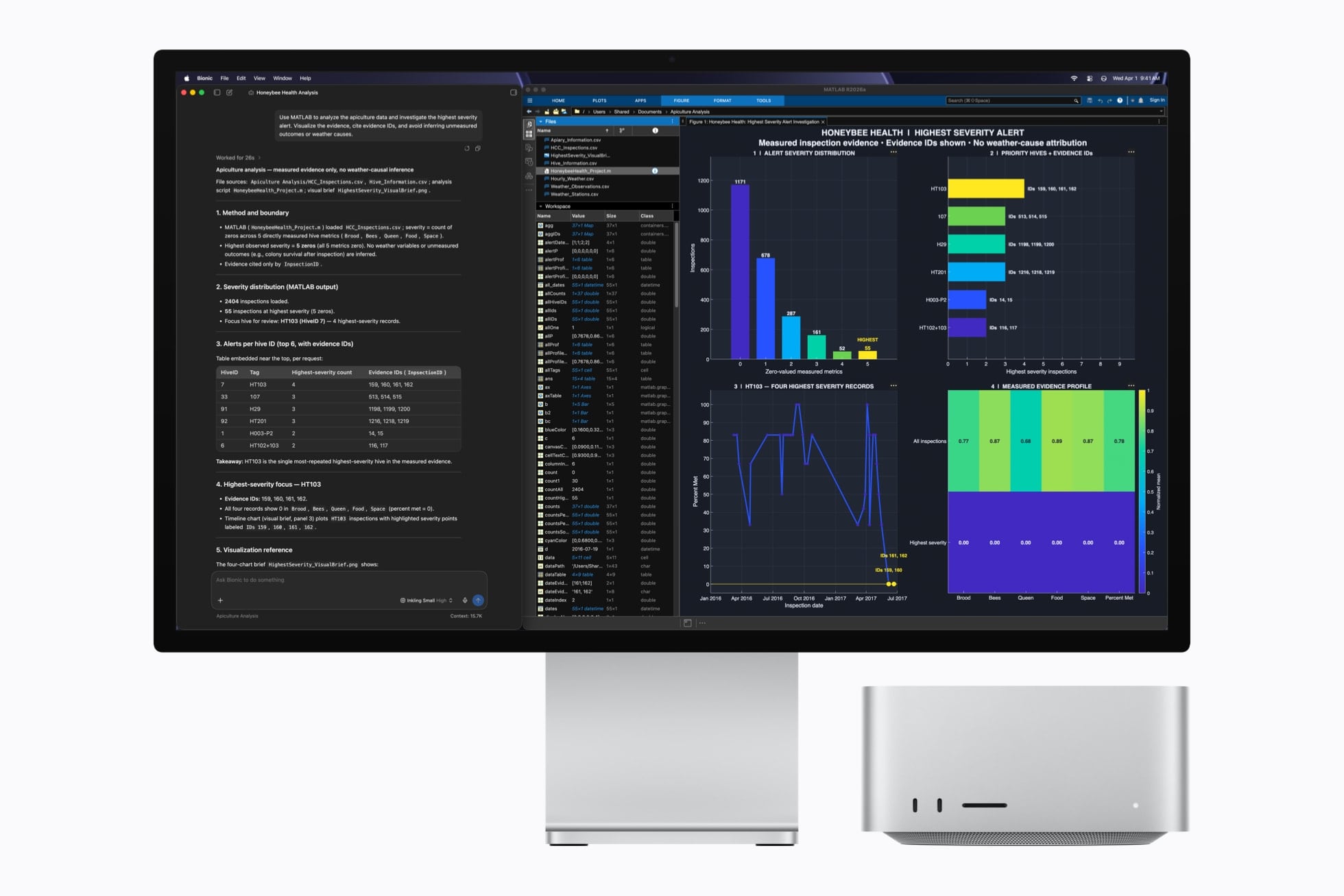
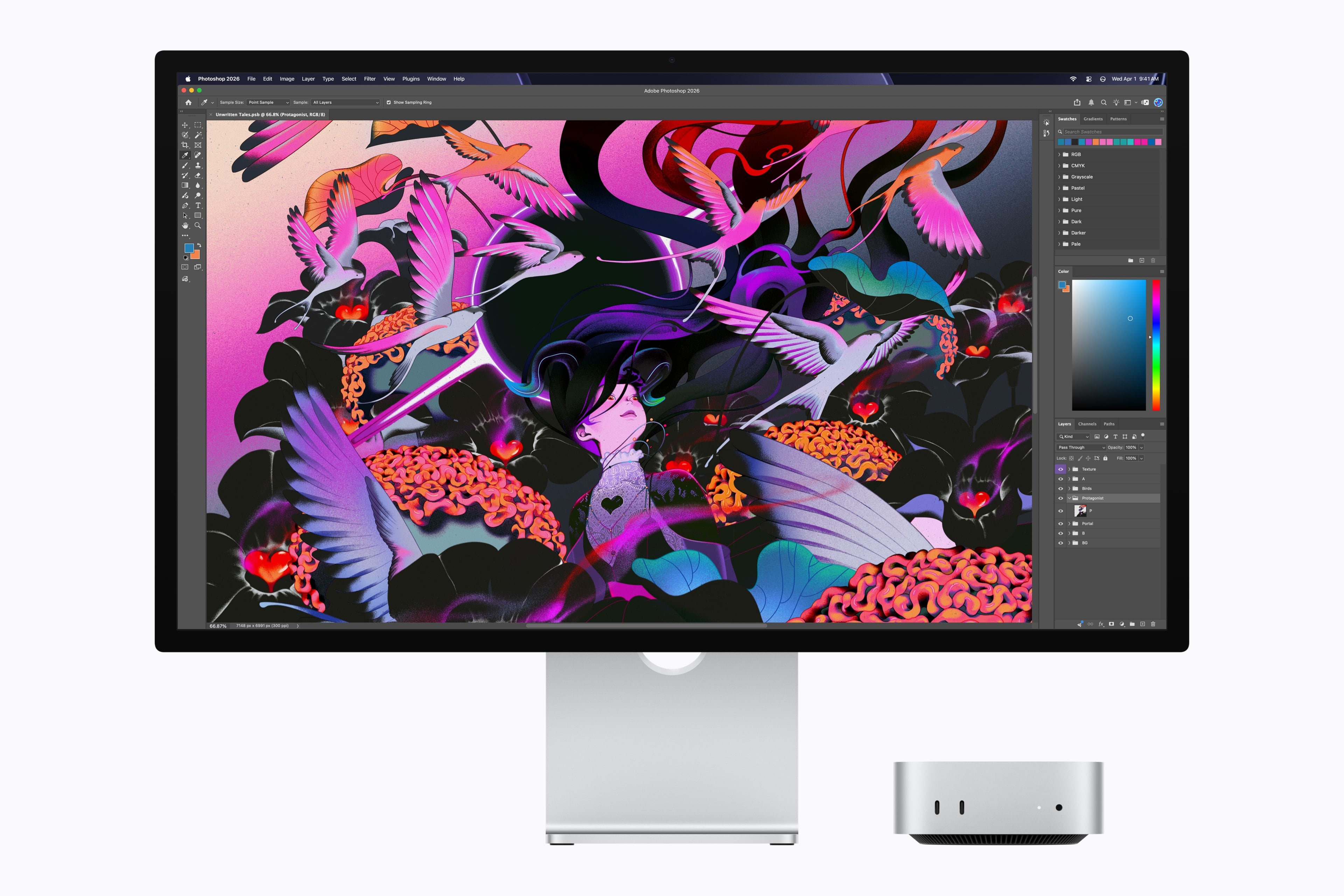
With M6, Mac mini now delivers up to 4x faster AI performance, 2x faster storage and graphics, and 40 percent faster CPU performance. Everything on Mac mini with M6 feels incredibly fast, from everyday productivity tasks to agentic AI workflows. Mac mini with M5 Pro delivers even more pro-level performance to breeze through demanding projects, from video production to game development. And this new level of performance takes on business workflows with ease whether Mac mini is being used as a primary desktop or for always-on, deskside agentic computing. Both Mac mini models include Wi-Fi 7 and Bluetooth 6, as well as upgraded 2.5Gb Ethernet, with a 10Gb option available.
[…]
Mac mini with M6 starts at $899 (U.S.) and $799 (U.S.) for education.
[…]
Mac mini with M5 Pro starts at $1,699 (U.S.) and $1,599 (U.S.) for education.
The M6 tops out at 170GB/s and 32GB of unified memory, whereas the M5 Pro offers 307GB/s and up to 64GB–nearly twice the bandwidth, as well as twice the memory ceiling. That is the number to watch for AI inference, not just CPU and GPU benchmark deltas.
Here’s my attempt to put all of the RAM/SSD configurations into condensed tables, so you can see which storage and memory options are available for each chip, and how much they cost.
[…]
If you configure an M6 Mac Mini with 2 TB of storage, the SSD upgrade ($1,000) costs more than the entire base model computer ($900). So too with the 4 TB SSD upgrade for the M5 Pro Mini ($1,800 upgrade for a $1,700 computer).
Why announce (and take pre-orders) today, but not ship for a month? Perhaps Apple is using pre-orders to gauge interest and adjust its product mix. With huge prices for memory and storage, Apple does not want to build high-cost configurations that end up sitting around. Or, perhaps the “Fall iPhone” event will be a “new products” event, and Apple is clearing the decks of interesting-but-hardly-important hardware it doesn’t want distracting us from more exciting Macs (like the expected MacBook Pro “Ultra”).
The Mac mini now starts at $899, $300 over the original starting price of the M4 Mac mini when it launched in October 2024.
[…]
The Mac mini and Mac Studio support genlock over USB-C, so there’s no need for a separate sync box. Genlock is used in multi-camera shoots and virtual production to lock timing to a shared reference signal.
Apple’s newly announced M6 and M5 Pro Mac mini models still support up to three external displays, but there’s now support for higher refresh rates, according to Apple’s published technical specifications.
Now after the price hikes, the Neo starts at £699 and the Mini at £899. So to answer the question, is the best feature of the M6 Mini the price?
I don’t think so, and that’s not because of the increased price to £899 but because of the Macbook Neo. The Mac Mini used to be the computer that everyone bought to get a taste of macOS. A lot of my friends have purchased Mac Minis just because it was the cheapest way to get into a Mac. But now I think the Neo fills that role.
The Mac Mini hasn’t become a bad deal. It’s become a different kind of deal. If you already have a monitor and a keyboard, if you want real desktop performance without paying for an Macbook Pro or a Mac Studio, the M6 Mac Mini is still probably the best price-per-performance computer Apple sells.
Apple surprised everyone with a late August announcement of the M6 and M5 Ultra chips, along with updated Mac mini and Mac Studio models. The new Macs deliver substantial performance gains—but at prices that have increased even since June.
Earlier today, Apple unveiled the new generation of Mac mini and Mac Studio, featuring the latest entries in the Apple silicon family of chips: the M6, available in the Mac mini, and the M5 Ultra, exclusive to the Mac Studio. You can read more details about the announcement and related specs in John’s overview.
As someone who’s been working with an M3 Ultra Mac Studio (on loan from Apple) with 512 GB of RAM for the past year (plus two separate M4 Mac minis) with a particular focus on local AI models and performance gains enabled by Apple’s MLX framework, I obviously am very interested in these new machines. To give you some context: my current workspace for my upcoming iOS and iPadOS 27 review, which lives in Notion, is entirely managed by a series of local agents running the latest DeepSeek-V4-Flash via MLX on the Mac Studio, which continuously scan the project for new notes, sources, and research material that is automatically categorized and linked in the chapters that I’m writing. So, yes, I’m sure I’ll have more thoughts on the new Mac minis and Mac Studios soon. In the meantime, I thought it’d be fun to break down the local AI-related details from Apple.
First, the M6. While it may not be the powerhouse that the M5 Ultra is, it’s an interesting new chip because of its new 2 nm process and dual Neural Engine system:
M6 is built using cutting-edge 2 nm process technology, packing greater transistor density into a smaller die for a major leap in performance and power efficiency. M6 also introduces a Dual 16-core Neural Engine, providing up to 2x the peak compute over previous generations to make on-device AI workflows run even faster. System frameworks can automatically utilize both engines simultaneously, enabling applications to see faster model execution.
But that’s not all: the new 12-core GPU (which has two more cores than the M4’s old GPU) now features Neural Accelerators in each core for the first time on the Mac mini. The result, according to Apple, is “4x faster AI performance and 2x faster graphics than Mac mini with M4”. If these numbers hold up and scale linearly, a local Mixture-of-Experts model such as Qwen 3.5-35B-A3B, which would run at ~17 tokens/sec on average on a base M4 Mac mini with 16 GB of RAM, could realistically generate output at over 60 tokens/second with the base model M6 Mac mini.
Based on what we’ve seen so far, the one downside of the M6 Mac mini is that it does not have Thunderbolt 5 ports; those are exclusive to the M5 Pro model, also announced today. As Apple also notes, Thunderbolt 5 allows multiple M5 Pro Mac minis to run local AI models as a single cluster (for example, using something like exo). Alas, that won’t be possible with the M6 Mac mini and its Thunderbolt 4 bandwidth bottleneck. Nonetheless, I’d be intrigued to compare the performance of the widely regarded Qwen3.8-27B and DeepSeek-V4-Flash models on the new M6 Mac mini.
Moving on to the flagship M5 Ultra Mac Studio, let’s start here:
With M5 Ultra, Mac Studio achieves up to 4.3x the peak AI compute performance of M3 Ultra and a staggering 9.8x more than M1 Ultra. Combined with up to 512GB of unified memory and 1.2TB/s of memory bandwidth, 50 percent higher than before, Mac Studio lets users run massive models entirely on device with complete privacy — without counting tokens or worrying about rising cloud costs.
As seen on the Mac Studio’s product page, the 512 GB RAM version of the M5 Ultra Mac Studio will only be available in “late October”. Unlike the M6, the M5 Ultra supports Thunderbolt 5, which will allow customers to run multiple Mac Studios in a cluster with shared memory to distribute inference across machines. And, according to Apple, a cluster of four Mac Studios yields three times the performance of a single Mac Studio.
Speaking from personal experience, I know that my M3 Ultra Mac Studio using oMLX can run DeepSeek-V4-Flash locally with generation averaging 35 tokens/second. Assuming a linear 4x increase, that would put the same model at over 120 tokens/second on an M5 Ultra Mac Studio. To put things in perspective, that kind of performance would be faster than any AI chatbot website, it’d be faster than many providers who offer a “fast” mode for their models, and it’d only be second to either dedicated NVIDIA PC clusters at home or specialized inference providers such as Cerebras or Groq…which are running in full-blown data centers. Sure, you would need a computer that is likely going to cost more than $20,000 to make it happen, but it’d still be possible on a single machine that is small, quiet, and that – in theory – any consumer can buy off the shelf.
It’s also interesting to consider the implications of M5 Ultra for running much larger models that would have typically required aggressive quantization to even stay in memory and produce any useful output. For example, Z.ai’s GLM-5.2 (a 744B MoE model) could run at up to 17 tokens/second on an M3 Ultra Mac Studio with 512 GB of RAM; the same person was even able to get the massive Kimi K3 model to run on a single machine…with decoding performance up to 3 tokens/second. You see where this is going: by continuing to push the envelope of what is possible with M-series chips, Apple is gradually making it possible to run frontier open-weight models on local hardware that takes up as much space as four Mac minis stacked together.
Obviously, for now, this is all theoretical: we’re going to need actual benchmarks to objectively measure the improvements and performance gains of the new chips. But if Apple’s claims hold up – and I have no reason to believe they won’t – I believe both the M6 and M5 Ultra will meaningfully shake up the landscape of local AI models on macOS, reinforcing, once again, that Apple continues making the best computers for AI in the industry.
Today, Apple announced a new M6 chip that will debut in the Mac mini and an M5 Ultra that is coming to the Mac Studio. The company also announced an M5 Pro Mac mini and an M5 Max Mac Studio. Let’s take a look at the headline specs.
The headline feature of the M6 chip is that it’s Apple’s first 2-nanometer chip. The chip also includes “a larger 12-core CPU complex with the world’s fastest CPU core, a larger 12-core GPU with Neural Accelerators, a Dual 16-core Neural Engine, and up to 170GB/s of unified memory bandwidth.”
Looking more closely at the M6, Apple says it consists of two super cores, four performance cores, and six efficiency cores and is 1.2x faster in multithreaded performance than an M5 and up to 2.4x faster than an M1. Apple says the GPU delivers nearly 30% more peak GPU compute for AI than the M5. The M6’s 10% faster memory bandwidth will help with AI tasks, too, but its 32GB memory ceiling will limit which models can run locally.
Source: Apple.
The M6 mini’s GPU sounds impressive, too, with two more cores, Neural Accelerators for each core, which is a first for the mini. According to Apple, that leads to an up to four-fold increase in AI performance and a 2x graphics bump compared to the M4 mini. The Neural Engine has also been improved.
Apple also introduced an M5 Pro mini. It’s understandable if you find it confusing that the base model Mac mini has a more recent generation chipset than the more expensive model. What matters more than the chip generation is the “Pro” in M5 Pro, which makes it more capable than the M6, which has been designed for entry-level models. The same sort of asymmetry occurred with the 2025 Mac Studio, which included an M4 Max model alongside the M3 Ultra. A big part of that difference is the M5 Pro mini’s support for 64GB of memory (double the M6 version’s top memory spec) and its 307GB/s of memory bandwidth compared to the M6 model’s 170GB/s memory bandwidth.
Source: Apple.
As for the M5 Ultra, which debuts in the Mac Studio, it sounds like a beast. According to Apple, the chip uses a next-generation version of its UltraFusion technology, resulting in a quad-die architecture for the first time in an Apple silicon chip. In addition, the M5 Ultra features an “up-to-36-core CPU and up-to-80-core GPU with a massive 1.2TB/s of unified memory bandwidth, 50 percent more than M3 Ultra.”
Today, we’re debuting the next giant leap in performance and AI compute for Apple silicon with the incredibly advanced M6 and the most powerful M-series chip yet, M5 Ultra. Built using the cutting-edge 2 nm process, M6 combines a new CPU complex, two additional CPU and GPU cores, a Dual 16-core Neural Engine, and more unified memory bandwidth to power through workloads with amazing energy efficiency. And for the ultimate desktop performance and the ability to run massive AI models, M5 Ultra features a massive GPU, now with Neural Accelerators, and more unified memory bandwidth, pushing the boundaries of what a desktop can do.
Apple is fusing two dual-die M5 Max chips to create a single quad-die architecture. Apple says the M5 Ultra is “up to 1.25x higher single-threaded performance and up to 1.3x higher multithreaded performance than M3 Ultra”, the fastest Mac previously for sale. The M5 Ultra also supports up to an 80-core GPU with up to 4.5x the peak GPU compute for AI tasks compared to the M3 Ultra and features an upgraded Media Engine, according to Apple.
Source: Apple.
For those who don’t need the bleeding-edge performance of the M5 Ultra, Apple also introduced what sounds like a very capable M5 Max Mac Studio. The M5 Max version of the computer “features an 18-core CPU, an up-to-40-core GPU with Neural Accelerators built into each core, and up to 128GB of unified memory, accelerating complex pro and AI workloads.”
Macs featuring the new chips won’t be available immediately. You can preorder both online today for delivery on September 22 with the caveat that the M5 Ultra Mac Studio with 512GB of memory won’t be available until later in October.
Prices have risen too. The Mac mini models are both $100 more than the models they replace, while the M5 Ultra Mac Studio’s base configuration has risen $200. However, the M5 Max Mac Studio’s starting price hasn’t changed.
The Mac mini has been a lot of things to a lot of people over the years. From a compact, minimalist desktop system to a headless server, the mini is Apple’s jack-of-all-trades. More recently, demand for the tiny computer has surged as people put them to work for a variety of AI tasks, including running LLMs locally and serving as standalone Hermes and OpenClaw machines.
With memory and storage constraints, it’s no surprise that the base prices of the mini have risen. Despite those challenges, I hope Apple is able to produce enough to meet demand. I’ve loved having an M4 Pro model working away day and night in the background. It’s fast, relatively cool, energy efficient, and easy to run remotely. If the claims of Apple’s press release hold up under real-world use, I expect the new models will be the same, but faster and more capable, which is especially important for tasks like running models locally.
I’m also looking forward to seeing how the new Mac Studios perform in real world tests. I’ve used an M1 Max Mac Studio for a few years now and it’s been every bit the workhorse computer I need for my day-to-day work. However, it’s beginning to show its age when it comes to AI tasks, coding, and other tasks. It may finally be time for me to upgrade.
Apple has increased its estimated trade-in values for most current iPhone, iPad, Mac, and Apple Watch models in the United States. The adjustments give customers slightly more credit toward a new device, although some older Apple hardware and several Android phones have moved in the opposite direction.
The updated values are maximum estimates rather than guaranteed payments. Apple calculates the final credit after confirming the model and inspecting its condition. A damaged display, enclosure problems, missing functionality, or an inaccurate description can reduce the amount offered.
Most of the increases are modest, but they arrive across several of Apple’s largest product categories at the same time. Recent iPhones receive between $10 and $25 more, every iPad category listed in Apple’s summary gains value, and several popular Macs receive larger increases.
The revisions also reinforce the role of trade-ins within Apple’s retail operation. Credit can reduce the cost of a regular purchase, be delivered through an Apple Gift Card, or lower payments at the beginning of an eligible Apple Upgrade lease.
Image Credit: Apple Inc.
Trade-In Values Rise Across iPhone and iPad
Every iPhone 16 model included in the update receives a higher maximum estimate. The iPhone 16 Pro Max moves from $685 to $695, retaining the highest listed value among the affected iPhones.
The iPhone 16 Pro increases from $550 to $560, while the iPhone 16 Plus moves from $455 to $465. The standard iPhone 16 receives the largest increase within the family, rising by $25 from $435 to $460.
These changes narrow the difference between the standard iPhone 16 and the larger Plus model. The Pro models retain substantially higher estimates, reflecting their higher original prices and stronger position in the used-device market.
An additional $10 or $25 will not transform the cost of an upgrade, but it can offset part of a case, charger, AppleCare plan, or storage upgrade. The difference also becomes more relevant for customers comparing Apple’s direct program with a third-party reseller offering a similar amount.
Apple’s iPad adjustments are more consistent. The maximum estimate for an iPad Pro rises from $670 to $690, an increase of $20. The iPad Air moves from $445 to $460, while the standard iPad rises from $220 to $235.
The iPad mini also gains $15, moving from a maximum of $250 to $265. That means every current iPad category displayed in Apple’s trade-in summary receives a higher estimate.
Apple’s direct trade-in values are generally lower than the prices an owner might obtain through a private sale. The program instead emphasizes convenience: the device can be returned at an Apple Store or sent using Apple’s online process, with the credit connected directly to a new purchase.
A private sale can produce a better return, especially for a recent device in excellent condition. It also requires the owner to set a price, find a buyer, manage payment, and handle the transfer independently. Apple’s program trades some resale value for a simpler exchange.
Mac and Apple Watch Changes Are Less Consistent
Mac trade-in values receive some of the largest increases, but the category also includes notable reductions.
The MacBook Air rises from a maximum of $485 to $520, adding $35. The Mac mini receives the same increase, moving from $340 to $375. The MacBook Pro changes only slightly, increasing from $685 to $690.
Apple leaves the current iMac estimate unchanged at $355. The Mac Studio receives a larger increase from $975 to $1,045, reflecting the higher value retained by recent desktop configurations.
Older professional desktops move in the other direction. The iMac Pro falls from $325 to $315, while the top Mac Pro estimate declines from $2,090 to $2,045.
That $45 reduction at the top of the Mac range means Apple’s maximum Mac trade-in offer decreases even though several mainstream models receive more credit. The changes appear more closely connected to the resale position of individual product families than to a uniform increase across every computer.
Mac estimates can vary considerably because one model name can cover different years, processors, memory configurations, storage capacities, and physical designs. Apple asks for a serial number before producing a more specific estimate for a Mac.
The Apple Watch adjustments are similarly mixed. Apple Watch Ultra 2 rises from $295 to $305, while Apple Watch Series 9 increases from $120 to $130.
Apple Watch Series 10 remains unchanged at a maximum of $150. The original Apple Watch Ultra falls from $215 to $205, losing $10.
Wearable trade-in values can decline quickly because watches receive frequent updates and are exposed to greater physical wear than many computers or tablets. Battery condition, display damage, case wear, and working buttons can influence whether the device receives the estimated credit.
Apple also accepts devices that no longer qualify for monetary value. Those products can be returned for recycling, including older hardware and accessories that would otherwise remain unused.
Image Credit: Apple Inc.
Android Offers Face Several Reductions
Apple accepts selected smartphones from Samsung, Google, and other manufacturers when customers move to an iPhone. The latest revisions are less favorable to several Android devices.
The maximum Android estimate across Apple’s displayed range decreases from $370 to $360. Individual changes vary by model.
The Samsung Galaxy S23 Ultra drops from $230 to $200, a $30 reduction. Google’s Pixel 8 Pro declines from $170 to $165.
Other devices remain unchanged. The standard Galaxy S23 continues to carry an estimated value of up to $125, while the OnePlus 12 remains at up to $200.
Apple’s Android offers are primarily designed to remove friction for people moving to the iPhone. They do not necessarily match the amount available from the manufacturer, a carrier promotion, or a private buyer.
Carrier promotions can advertise considerably higher trade-in credits than Apple, particularly around a new iPhone launch. Those offers commonly require an eligible unlimited plan, a new line, monthly bill credits, or a commitment lasting two or three years.
Apple’s direct credit is easier to understand because it is tied to the assessed value of the device rather than a long carrier agreement. The best choice depends on whether the customer values flexibility, immediate credit, or the largest possible promotional discount.
A Higher Estimate Is Not the Final Offer
Apple’s published figures represent the maximum available for qualifying devices in suitable condition. The online estimate is based on the answers supplied before the product is inspected.
After receiving the device, Apple or its trade-in partner verifies its identity and checks whether it powers on, functions properly, and matches the reported condition. A difference can produce a revised offer.
Customers can accept or reject a lower revised value. Rejecting it cancels the trade-in and returns the device, although the payment arrangement for the accompanying purchase may also be adjusted. If the inspected value is higher than the original estimate, Apple says it automatically increases the credit.
The way the credit is delivered depends on the purchase. When a customer pays in full for a new iPhone, iPad, Mac, or Apple Watch, the confirmed value can be returned to the original payment method up to the price of the new product. Any remaining amount can be issued through an Apple Gift Card.
With an eligible monthly payment arrangement, the estimated credit can be applied directly to the new device’s purchase price. Under Apple Upgrade, a qualifying trade-in owned by the customer can reduce payments across the initial lease term. Another device cannot be traded in each time the customer exercises the lease’s upgrade option.
Values also differ between countries and can change without a product announcement. The revised dollar amounts apply to Apple’s United States program, while local market prices, available models, currencies, and trade-in partners determine estimates elsewhere.
Anyone considering an exchange should obtain a fresh estimate shortly before purchasing. Apple requires the trade-in device to arrive within the specified return period and says an online estimate is generally protected for 14 days after the customer receives the new product.
In an exclusive conversation with The Deep View ahead of WWDC 2026 in June, Doug Brooks, senior product manager of Apple silicon, discussed how Apple’s long-term investments in neural processing, unified memory, power-efficient computing, and hardware-software integration have positioned its devices for the AI era.
He also explained why Macs have become a favorite platform among AI developers, why Mac minis and Mac Studios are emerging as the preferred AI agent machines, and how Apple sees the future of on-device AI across iPhone, iPad, and Mac.
[…]
“We build a chip knowing exactly what systems it’s going to go into. The chip can influence the system design, and the system design can influence the chip requirements. They’re married together very tightly. I’d actually go a step further and include software in that equation. As we enable new capabilities in the chip, we want to make sure those capabilities are exposed all the way through the software stack so developers can benefit and customers can benefit. Because if those transistors go unused, what’s the point? It’s not about adding something and hoping somebody finds a use for it. We want those capabilities available to solve real problems. I think that’s what allows us to build better systems and ultimately better products.”
It seems like a lot of it is just that developers like macOS.
Apple plans to raise the prices of its products as the cost of the memory chips it uses has surged, the technology giant’s boss has said.
Tim Cook, Apple’s outgoing chief executive, told the Wall Street Journal (WSJ) that price increases were “unavoidable” as the situation around memory chips had become “unsustainable”.
During its holiday quarter, Apple’s profit margin on hardware was 40.7%; in its most recent quarter, that dropped to 38.7% — a remarkable figure for physical products. It is these high margins that led to analysts like Ming-Chi Kuo to claim Apple would keep prices more-or-less stable and offset the additional costs through its even higher-margin — 76.7% — services business.
Winkler suggests in his summary that Apple has absorbed the cost increases so far because it has always treated memory and storage upgrades as profit centers. That’s no surprise to the Apple community, which has long chafed at Apple’s premium prices for memory and storage. But now, for instance, the price of standalone internal flash storage is closer to and sometimes even higher than Apple’s upgrade prices.
[…]
Obviously, Apple could absorb such costs and more if it were to accept dramatically lower gross margins. But as high-minded and customer-focused as Apple is, the company is still in business to maximize profit.
I was recently looking to add another SSD and a few hard drives to my setup. Normally, prices go down over time, but currently it SSDs are about double the price I paid last year, and large hard drives are almost triple.
Apple, to my recollection, has never before issued a warning about price increases. Keep in mind that Apple deals with prices in a very different way from its competitors. For Apple, prices are part of a product’s brand, so they don’t fluctuate with component costs.
Apple has raised prices across the board for many of its products today. MacBook Neo now starts at $699 (up from $599), while MacBook Air now starts at $1299 (up from $1099). Other impacted products include MacBook Pro, iPad, iPad Air, and many more.
iPhone, Apple Watch, and AirPods pricing is unchanged.
Earlier this week, I outlined three reasons for agreeing with Mark Gurman that the Apple price increases could be imminent, and that indeed proved to be the case.
iPhones have escaped the increases, but they are otherwise both broad-reaching and pretty dramatic. But perhaps the most surprising thing is that the MacBook Neo has been included …
Apple today increased the starting price of the Mac mini with M4 Pro chip by $200, taking the higher-tier model up to $1,599 on its online store.
[…]
Apple had already raised the Mac mini’s effective starting price in May by discontinuing the $599 configuration with 16GB of RAM and a 256GB SSD, leaving the $799 model with a 512GB SSD as the new entry-level option. Interestingly, the 16GB RAM / 256GB storage option has now been reinstated, but the $799 starting price remains.
Pre-announce it with a small delay, thus giving you a temporary sales boost as people scramble to get their orders in at current prices, and to soften the blow when the increases hit.
I also can’t help but see that “we need to begin raising prices on a number of products, including today’s increases for iPad and Mac,” statement as implying more increases are coming. The iPhone price increase seems inevitable, and my money is on it starting with the new models in September.
Micron CEO, president and chairman Sanjay Mehrotra explained the SCAs in prepared remarks delivered during the company’s Q3 earnings call. He explained that Micron has signed 16 SCAs, most of them covering 2026 to 2030, and that they involve a commitment to buy a certain quantity of product and pay for it in a pricing band that has a floor and a ceiling price. The floor price covers the historically high gross margins mentioned above, and the ceiling price means those who commit to an SCA are insulated if memory prices go even higher.
Micron’s chief business officer has hinted, without calling it out by name, that Apple’s tough supplier negotiations contributed to the conditions behind the global memory shortage.
For years, Apple has been able to dominate and dictate to their suppliers thanks to their scale. But the Asian operations which Tim Cook so famously set up, have been upended, like most everything else, by AI. From TSMC on down, Apple is no longer the customer dictating terms for the entire industry, it’s now the company which has taken over the mantle as the most valuable one in the world: NVIDIA.
Here’s a table with most of the base models whose prices increased[…]
[…]
iPad prices mostly went up 20–25%, but the hardest hit was the no-adjective base model, which rose almost 30%, from $350 to $450. That’s a big increase for a product meant to appeal to buyers for whom price is obviously their biggest concern.
Anyone who purchased a MacBook Neo for $600 (or $500 with education discount) between March and this morning purchased the lowest-price MacBook Apple has ever sold — and perhaps the lowest-price MacBook they ever will sell.
The consumer electronics industry is facing an unprecedented challenge. The rapid expansion of AI data centers has created an extraordinary surge in demand for memory and storage. We have never seen a component price increase this much, this quickly. We have shielded our customers from these increases so far, but we have now reached a point where we need to begin raising prices on a number of products, including today’s increases for iPad and Mac. We know this is not welcome news, and we are working tirelessly to find solutions.
[…]
Apple indicating that it needs to “begin” raising prices suggests that additional price increases might occur later.
“and we are working tirelessly to find solutions.”
I find this to be the most confusing part. Do we believe this to be a genuine effort? Even if so, how would a “solution” actually work? Would they actually lower prices if a solution were to be found?
They also just said they “will continue working” on bringing Siri AI to the EU right before saying in a different venue that they’d stopped working on it.
But even setting aside the prices of competing devices, it just feels wrong to hike prices this much for four-year-old hardware running five-year-old pre-AI silicon. The higher-end model’s price went up 67 percent!
The only way this makes sense is if these prices are really meant for the upcoming new hardware, and those new models are more ambitious home hubs that warrant $200–250 prices.
The Financial Times reports that Apple is seeking clearance from the Trump administration to purchase memory chips from a blacklisted Chinese company. The move would help it meet demand for product manufacturing during the ongoing global memory supply shortage.
Perhaps this is the “working tirelessly” that Apple was referring to.
Apple previously sought permission from the Biden administration to do the same thing back in 2022, and that did not go well – despite promising to use the chips only for iPhones sold in China …
Something happens — outside the company’s control — that causes those essential components to rise in price significantly.
[…]
What you cannot do is hold a philosophically consistent logically coherent view where your answer to how a company should respond in such a scenario is contingent on what the “something happens” is that caused component prices to rise.
Maybe—but that’s only relevant if you accept the premise that it was out of Apple’s control. I don’t know the details of the deals, but there’s an argument that the rising costs to Apple are to some extent Apple’s “fault.” If Tim Cook gets credit for helping suppliers expand capacity and locking in contracts for memory at low prices over the past two decades, doesn’t the same logic apply in reverse? The AI-driven shortages were foreseeable—and publicly discussed years ago. If you believe Micron that Apple chose to prioritize its own past numbers rather than securing its future supply, doesn’t that make today’s situation different from, say, a tsunami that unexpectedly wiped out a bunch of factories? I don’t know exactly how the increased costs should be apportioned, but I think the reasons for the costs are relevant, and I don’t think they’re fully exogenous.
But while tech giants like Apple
and Microsoft, which both announced price hikes this week, have a hefty cash cushion, supply chain leverage and customers numbering in the millions or billions, a much wider swath of businesses face potentially dire straits. Most consumer electronics companies have little margin to spare and can’t confidently raise prices in an economy already grappling with inflationary pressures.
GoPro, the struggling maker of action cameras, warned this month that it might go out of business after memory costs shot up between 80% and 115% at the end of the first quarter. And shares of speaker maker Sonos
are down 23% this year as memory prices pressure margins.
Reset PRAM on Mac is one of those troubleshooting steps that has survived decades of Apple hardware, old support forums and emergency calls to the family member who “knows computers.” The name sounds far more technical than the procedure, which involves restarting an Intel-based Mac while holding four keys.
The reset can help when a Mac remembers the wrong basic settings. It may select an unexpected startup disk, return to an incorrect display resolution, use an unusual sound level or keep other hardware-related preferences that refuse to behave normally.
It is not a speed boost, a deep system repair or a magical cure for every Mac problem. Resetting PRAM will not clear storage, repair a damaged app or make an aging MacBook suddenly feel new. It is a focused fix for a small collection of settings stored outside the usual macOS preferences.
There is also one major limitation: the familiar keyboard shortcut applies only to Intel-based Macs. Apple silicon models handle this memory differently and do not require the same manual reset.
What PRAM Actually Is
PRAM stands for Parameter Random-Access Memory. It was the small amount of memory older Macs used to preserve certain settings while the computer was turned off.
Apple later moved to NVRAM, or nonvolatile random-access memory, but the two names remain closely connected in Mac troubleshooting. Users still search for PRAM reset, while Apple’s current documentation usually calls the procedure an NVRAM or PRAM reset.
The stored information can include the selected startup disk, speaker volume, screen resolution and other low-level settings. When that information becomes incorrect or behaves unpredictably, resetting it allows the Mac to rebuild the relevant preferences.
Nothing dramatic happens to personal data. Documents, photos, apps, emails and user accounts remain untouched. Some settings may return to their defaults, which is the point of the reset.
Reset PRAM on Mac Only When the Symptoms Fit
Reset PRAM on Mac when the problem appears connected to startup or hardware preferences rather than normal app use.
A Mac that repeatedly chooses the wrong startup disk is a good candidate. So is an Intel Mac that starts with an unexpected sound level or returns to a strange display resolution after every restart.
The procedure may also help when the date, time zone or other basic startup settings act strangely, although modern macOS versions usually manage those automatically.
It is less useful when Safari is slow, an app keeps crashing or the Mac is nearly out of storage. Those problems have different causes. Closing apps, installing updates or freeing storage will usually do more than resetting a small bank of startup memory.
The distinction keeps the old troubleshooting step useful without turning it into Mac folklore prescribed for every symptom.
Check Which Mac You Own
Before using the shortcut, confirm whether the Mac has an Intel processor or Apple silicon.
To check:
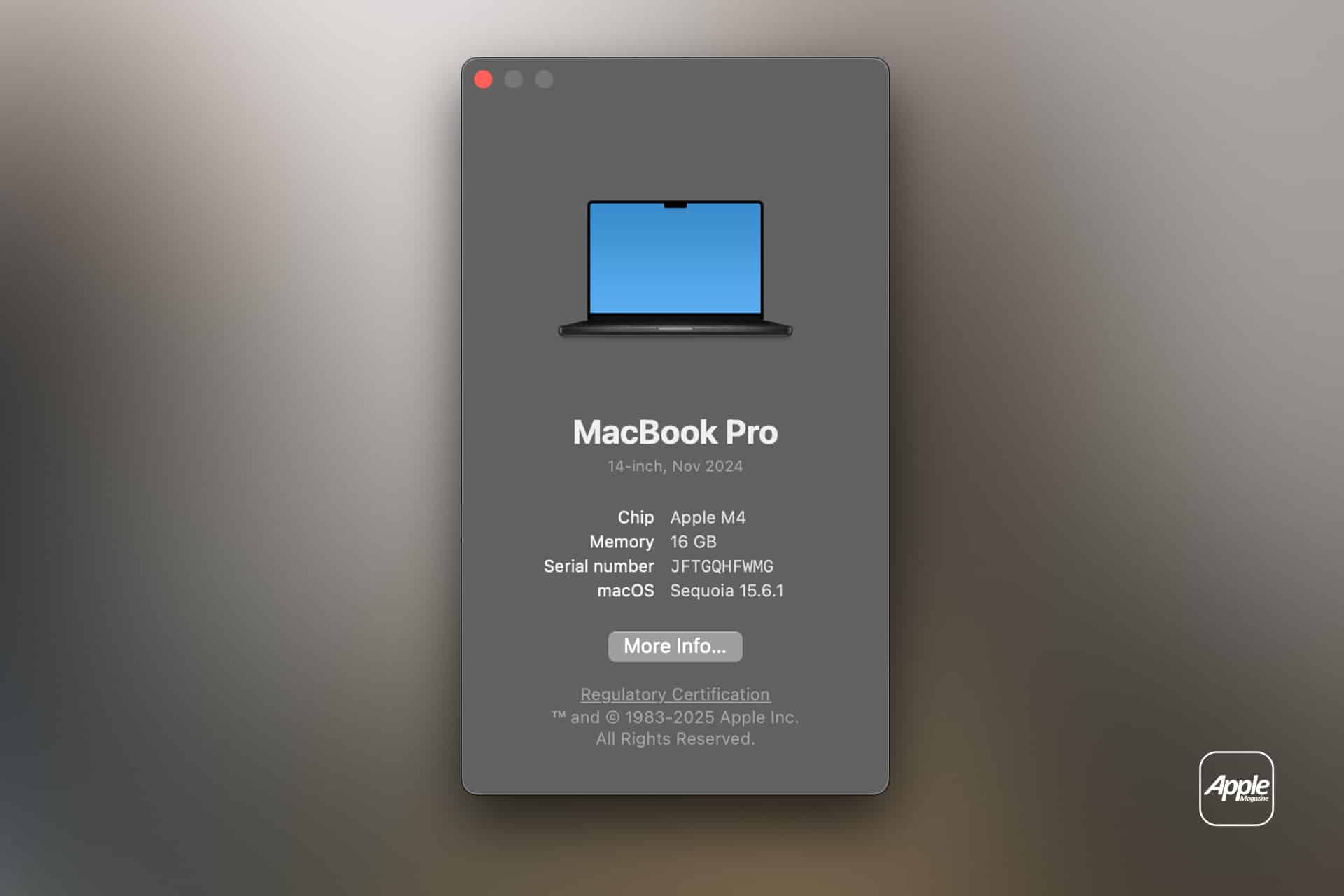
Apple menu > About This Mac
Look for a line labeled Chip or Processor. An M-series chip identifies Apple silicon. A processor name containing Intel means the traditional reset applies.
This check prevents a common misunderstanding. Holding Option, Command, P and R during startup on an Apple silicon Mac does not perform the old PRAM reset. The shortcut belongs to Intel startup behavior. Apple’s current startup-key guide lists it specifically among key combinations for Intel-based Macs.
Apple silicon Macs check and manage stored startup information through their newer boot system. A normal shutdown and restart is usually the first step when one develops unusual basic behavior.
Image Credit: AppleMagazine
How to Reset PRAM on an Intel Mac
The useful guidance is brief:
Shut down the Mac completely.
Press the power button, then immediately hold:
Option + Command + P + R
Keep the four keys pressed for approximately 20 seconds, then release them and allow the Mac to start normally.
Older Macs may play the startup sound more than once. On some newer Intel models, the Apple logo may appear and disappear during the process.
The timing is the only slightly awkward part. The keys need to be pressed immediately after the Mac begins starting. Waiting until the login window appears is too late.
After the Mac starts, check the setting that caused the problem. The startup disk, volume or display configuration may need to be selected again because the reset cleared the previous preference.
What Changes After the Reset
Most users will notice nothing beyond the original problem hopefully disappearing. The Mac does not present a dramatic confirmation screen or announce that PRAM has been purified.
Instead, a few stored settings may return to their defaults. The speaker volume may change. The preferred startup disk may need to be chosen again. A display may return to its standard resolution. Time-zone information may need a moment to update.
That understated behavior is normal. A successful reset is less like reinstalling macOS and more like asking the Mac to forget a handful of stubborn instructions.
Apple also uses an NVRAM reset as one of the preparation steps for certain Intel Macs before they are sold or transferred, since the procedure clears stored user settings from memory.
Image Credit: Apple Inc.
Why Apple Silicon Macs Do Not Need the Shortcut
Apple silicon changed the Mac startup process along with performance, power efficiency and system security. The older Intel keyboard combination no longer controls the same reset behavior.
For an M-series Mac showing unusual startup settings, begin with a full shutdown rather than repeatedly trying the old shortcut.
Use:
Apple menu > Shut Down
Wait briefly after the screen turns completely black, then turn the Mac back on.
If the problem involves selecting a startup disk or reaching recovery tools, hold the power button while the Mac starts until startup options appear. Apple documents this power-button process as the route into startup options on Apple silicon models. (Apple Support)
That is usually enough guidance for a light troubleshooting article. Recovery, diagnostics and deeper repair steps belong to more serious startup problems, not every incorrect volume level or display setting.
When the Reset Does Nothing
A PRAM reset can fail to change anything because the problem was never stored in PRAM or NVRAM.
A slow Mac may be running too many apps. A browser may have dozens of heavy tabs. A startup disk may be almost full. A damaged cable may cause display problems. A weak battery may cause shutdowns. A broken speaker will not repair itself because four keys were held during startup.
If the symptom continues, return to the problem itself rather than repeating the reset indefinitely.
Check the related setting in System Settings. Install macOS updates. Restart the affected app. Disconnect unnecessary accessories. Confirm that enough storage is available. Persistent hardware behavior may require Apple Diagnostics or professional support.
The reset should be treated as one useful step, not an annual Mac ritual.
Image Credit: AppleMagazine
An Old Mac Fix With a Narrow Purpose
Reset PRAM on Mac remains relevant because Intel models are still in use across homes, schools and businesses. Many continue to work well, and their owners may eventually encounter the sort of odd startup preference that this procedure was designed to clear.
The method is simple, safe for personal files and quick enough to try when the symptoms fit. Its usefulness comes from being specific.
An Intel Mac remembering the wrong startup disk or display setting may benefit. A Mac with an unrelated software or hardware problem will need another answer.
The four-key shortcut has survived because it occasionally solves a strange problem in about 20 seconds. That is a good troubleshooting tool. It just should not be asked to perform miracles.

 Login
Login