❌

Reading view

iPhone Duo's Hidden FaceTime Camera Takes 'Trash' Photos

The iPhone Duo's inner screen has an under-display front camera that's largely hidden from view. It's the first time we've seen an under-display camera on an iPhone, and it turns out there's a reason Apple hasn't used the technology before.


Apple said the camera offers 1080p video recording, but didn't mention photo quality. Gizmodo said it's a 4-megapixel camera and described the photos as "low-res, washed out, and just not sharp at all." It's not good for selfies, and even video calls "look muddy."

Marques Brownlee said the camera is "very first gen" and that the photo quality is "trash." Samsung previously used under-display cameras but dropped them because of poor image quality. Brownlee speculates whether Apple will make the same decision in the future.

Reviewers say the camera is better at video than photos, and it does disappear into the background when you're using the phone, which is a plus.

The ‌iPhone Duo‌ has an alternative 12-megapixel front-facing camera on the outer display, which is much better for selfies, plus with the dual displays, you can use the rear cameras to take selfies. PetaPixel says that if you unfold the Duo and point it at yourself, there's an option to move the camera controls to the outer screen. With that setup, you can use the outer display as a viewfinder for the rear camera to take a selfie.

More ‌iPhone Duo‌ reviews can be found in our review roundup.
Related Roundup: iPhone Duo
Buyer's Guide: iPhone Duo (Buy Now)
Related Forum: iPhone

This article, "iPhone Duo's Hidden FaceTime Camera Takes 'Trash' Photos" first appeared on MacRumors.com

Discuss this article in our forums

  •  

O que é e como ativar a Busca Visual Aprimorada no app Fotos

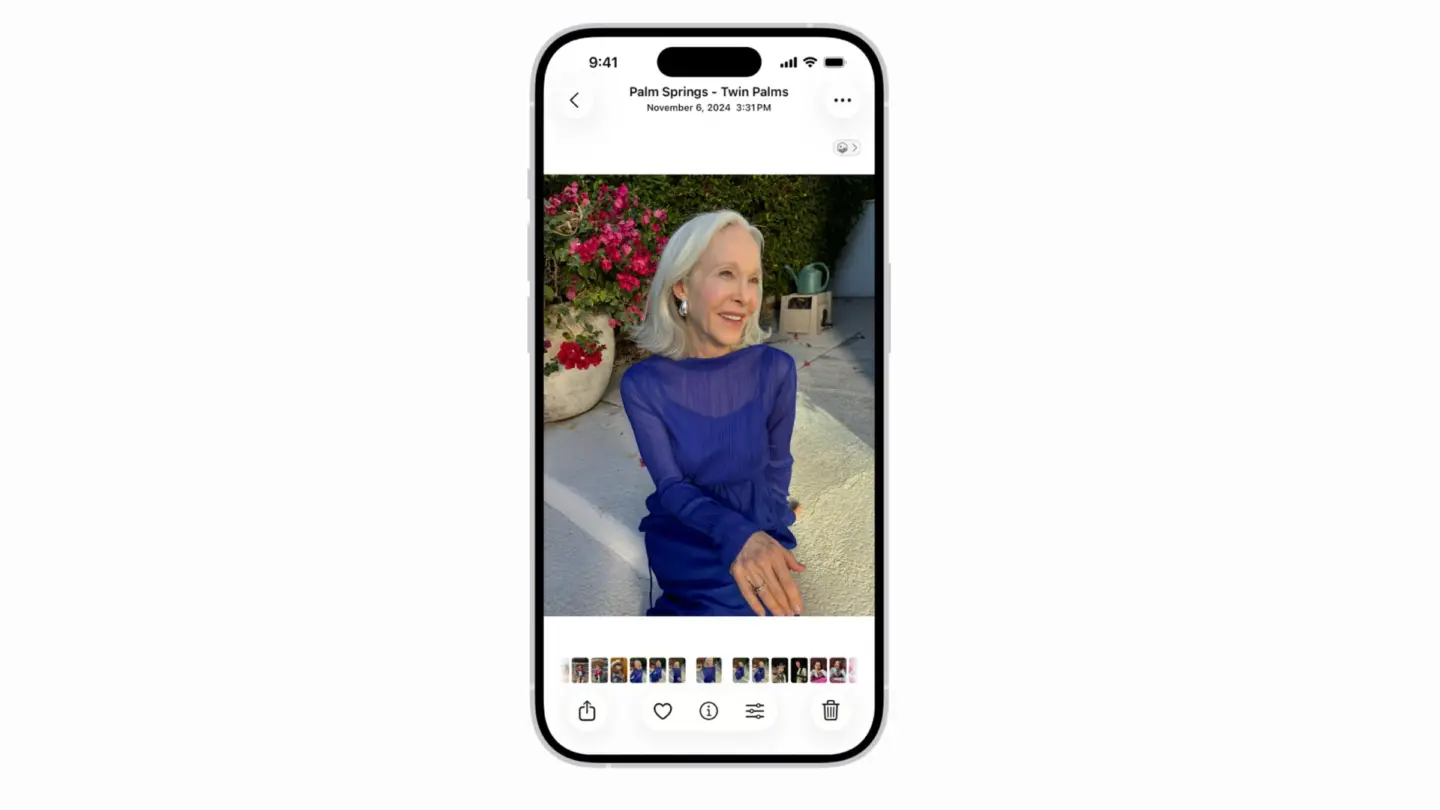
A Apple oferece, desde o iOS 18, o iPadOS 18 e o macOS Sequoia 15, a chamada Busca Visual Aprimorada (Enhanced Visual Search).

Na prática, ela permite que os usuários do aplicativo Fotos (Photos) pesquisem marcos ou pontos de interesse em imagens e vídeos da sua fototeca, o que facilita encontrar aquilo que se procura — mesmo naqueles casos em que não há informações de geolocalização salvas.

A Maçã garante que a função foi projetada para proteger a privacidade dos usuários e combina o processamento no dispositivo com outras técnicas de proteção de dados — sem que seja necessário enviar as mídias para os servidores da Apple.

Veja como ativá-la no iPhone, no iPad e no Mac! 📸

Como ativar a Busca Visual Aprimorada no iPhone/iPad

  1. Abra os Ajustes (Settings).
  2. Toque em “Apps” e em “Fotos”.
  1. Vá até “Buscar”.
  2. Habilite “Busca Visual Aprimorada”.

Como ativar a Busca Visual Aprimorada no Mac

  1. Com o app Fotos aberto, vá até Fotos » Ajustes…, na barra de menus. Ou, se preferir, use o atalho ⌘ command ,.
  1. Com a aba “Geral” selecionada, marque “Busca Visual Aprimorada” na parte inferior da janela.

  •  

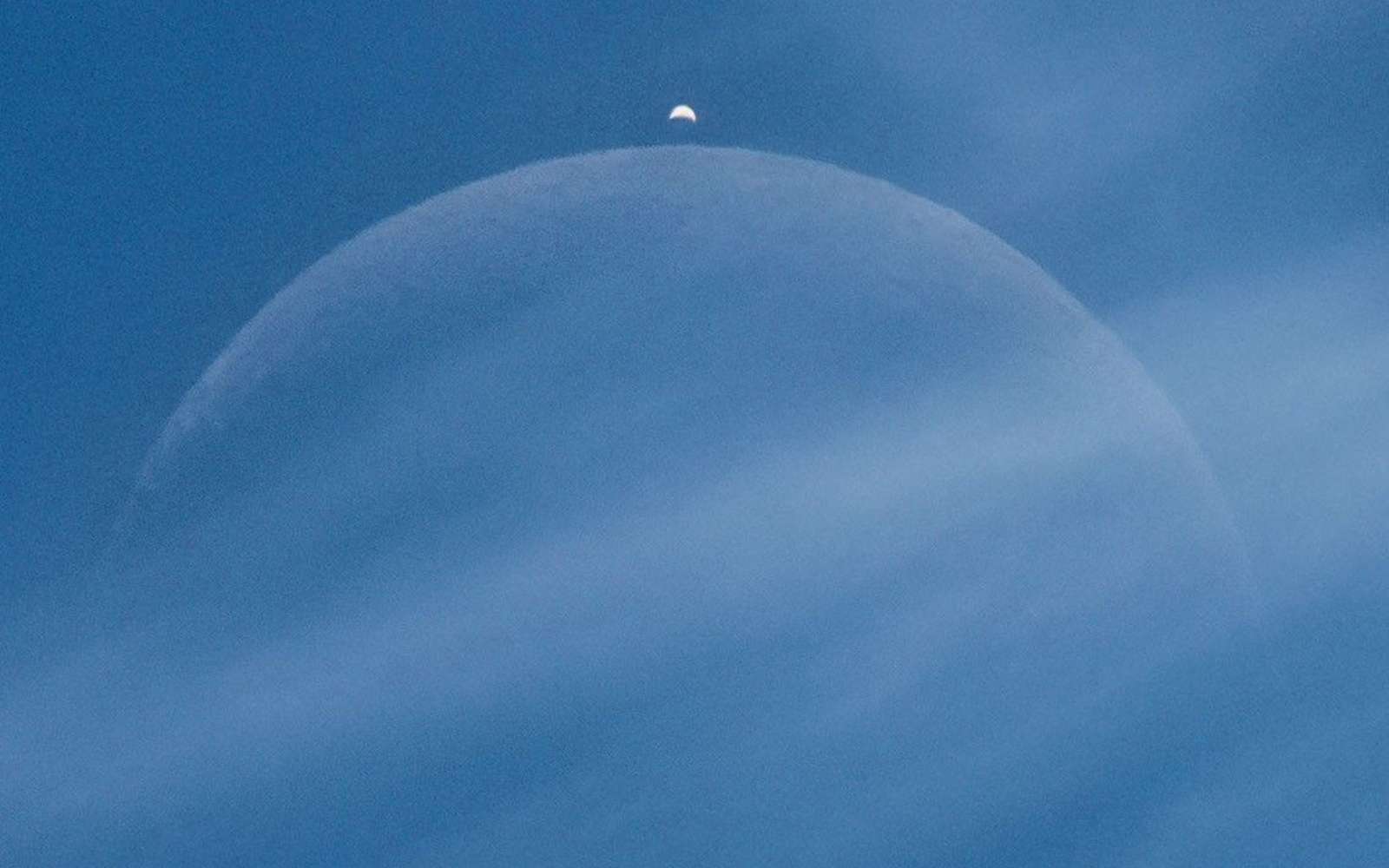
Une photo prise hier dans l’Ain devient l’image du jour de la Nasa : voici ce qui la rend si particulière

Dans sa sélection quotidienne de l'Apod, la Nasa a sélectionné un cliché pris depuis la France. On y découvre un bout de Lune avec un visiteur surprise juste au-dessus.

  •  

« Ce ne sont pas des photographies ordinaires » : ces images de particules menacées d’oubli pourraient encore surprendre

Alors que la France célèbre le bicentenaire de la photographie, des millions de négatifs, conservés dans les laboratoires de recherche fondamentale, demeurent dans l’ombre, menacés de disparition. Témoins de plusieurs décennies de recherches en physique des particules, ces archives constituent...

  •  

MacVoices #26233: Live! – Facial Recognition, Biometric Privacy, and Bending Spoons’ Buying Spree

The MacVoices Live! panel examines a class action lawsuit over Apple Photos facial recognition, debating whether on-device processing, user consent, and biometric privacy laws justify the legal action. The conversation moves to TV tracking alternatives after TV Time’s shutdown, then shifts to Bending Spoons’ acquisition of Airtable, exploring the company’s growing portfolio, its business strategy, and the future of database tools in an era of AI-assisted coding development.

💾

  •  

MacVoices #26144: NAB – Blackmagic Design’s Creator Empowerment Philosophy

From NAB in Las Vegas, Dan May, President of Blackmagic Design, talks about DaVinci Resolve 21, local AI tools, the new photo page, Blackmagic Cloud collaboration, Fairlight Live, and the free Blackmagic Camera app. The conversation highlights Blackmagic Design's focus on accessible professional tools and creator growth paths. 

💾

  •  

Apple Intelligence for Home’s iCloud+ Requirements

macOS 27 Golden Gate Beta 3 Release Notes:

Apple Intelligence for Home requires an iCloud+ subscription starting at 2TB.

Via Rajesh Pandey:

As part of the upgrade, the Home app uses AI to generate summaries of motion alerts from compatible HomeKit Secure Video cameras.

[…]

Apple likely requires the 2TB iCloud+ tier because HomeKit Secure Video already relies on iCloud+ storage tiers. The 2TB plan supports a larger number of cameras, and AI-generated video descriptions would add to Apple’s cloud processing costs.

That makes sense, but it seems odd because the iCloud tiers are named based on storage amounts, yet the feature isn’t tied to how much space you’re actually using. A lower iCloud plan with tons of free space doesn’t get the features, yet a nearly full 2 TB plan does. There are already restrictions where supporting more cameras requires higher plans, but that is at least quasi related to storage.

I reluctantly upgraded to a 2 TB family plan within the last year or so. We don’t store many files in iCloud, messages are set to auto-delete after a year, and I manually offload photos older than a year (except for hearted favorites). It’s hard to believe given how I remember the original 5 GB free tier once being sufficient, but staying under 200 GB became untenable without a lot of extra work. It doesn’t help that Live Photos sometimes gets inadvertently turned on, so that we’re storing all these little videos without realizing it.

Previously:

  •  
❌