❌

Reading view

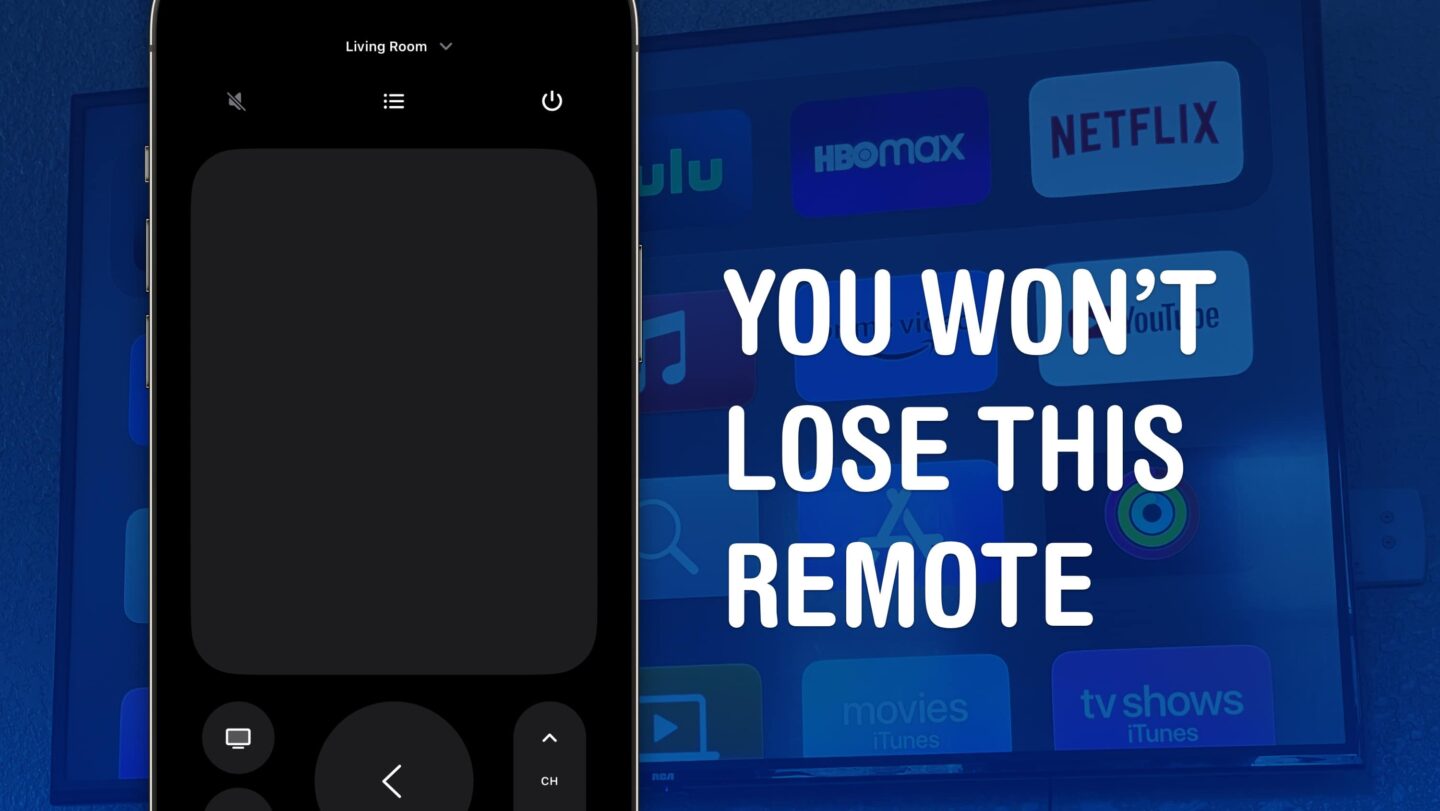
Control your Apple TV from your iPhone, iPad or Apple Watch

Image of an iPhone with the Apple TV Remote app on its screen, and the words, "You won’t lose this remote"

You can use your iPhone, iPad or Apple Watch as an Apple TV remote, which comes in handy when you’ve lost the physical remote.

(via Cult of Mac - Your source for the latest Apple news, rumors, analysis, reviews, how-tos and deals.)

  •  

Change these 3 hidden Apple TV settings and thank us later

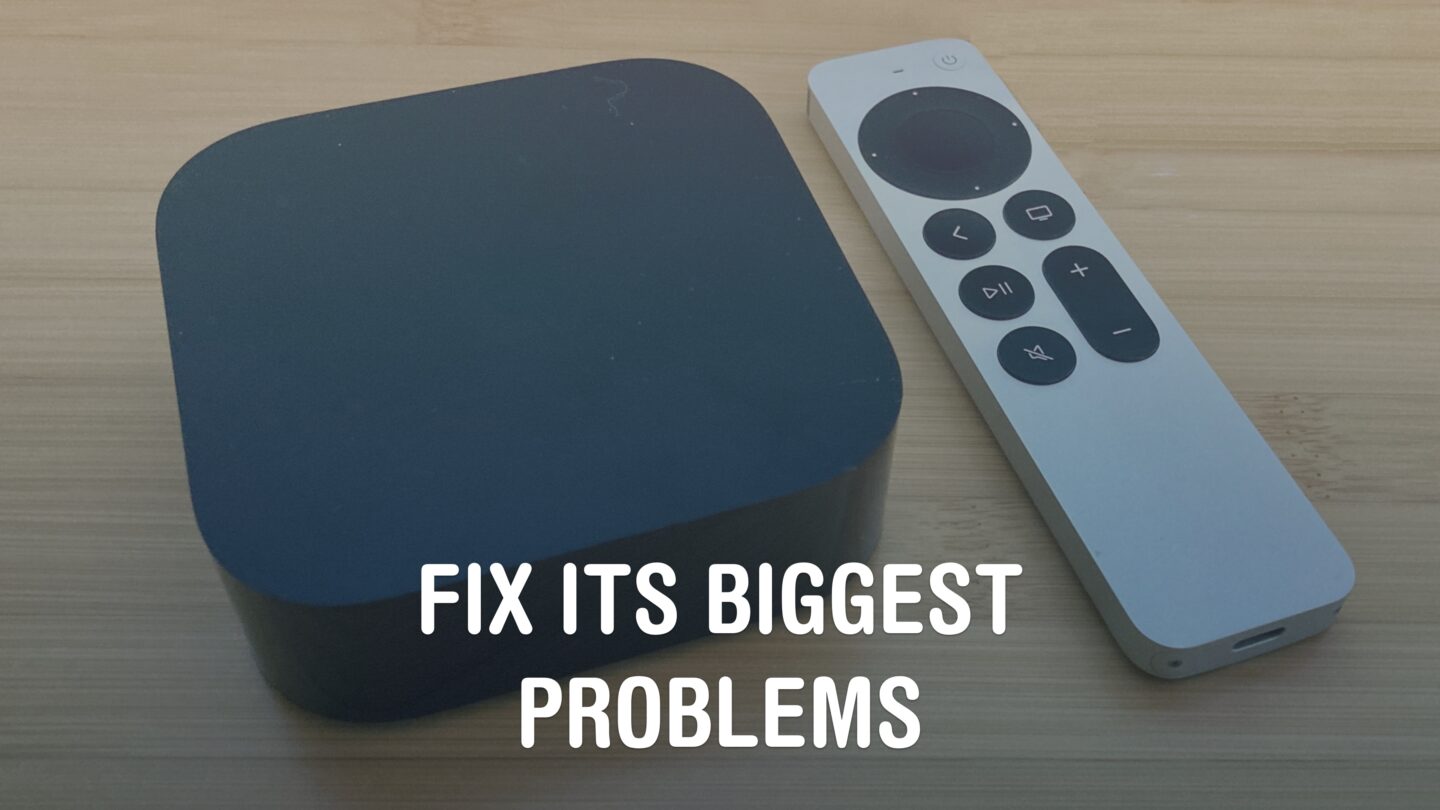
Apple TV settings: Fix Its Biggest Problems

Apple’s set top box offers an excellent premium experience, but you’ll definitely want to change these three Apple TV settings first.

(via Cult of Mac - Your source for the latest Apple news, rumors, analysis, reviews, how-tos and deals.)
  •  
❌